iOS – Inspire Pro – Paint, Draw & Sketch – Huge Price Drop
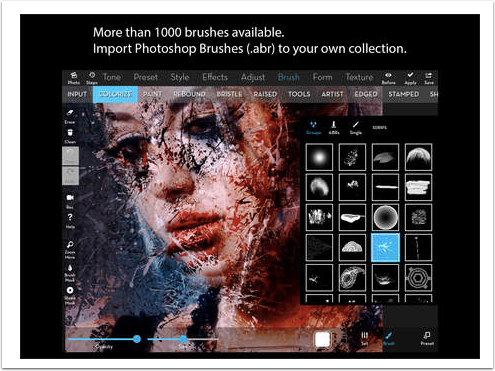
Try Inspire Pro and you will quickly see that it is a painting app like no other! The key feature is the simulation of wet oil paint on canvas, allowing amazing blending effects with five real kinds of brushes. You will be stunned by what you can do with a dry brush!
Inspire Pro is not a Photoshop clone. It does NOT have layers or a large number of brushes. It does, however, have the BEST color blending capability on the App Store. Whether you’re a beginner, expert, or somewhere in between, you will enjoy the simplicity and power of Inspire Pro.
This app is having a huge sale, normally it retails for $7.99 but today you can pick it up for $0.99/download here.
Brushes
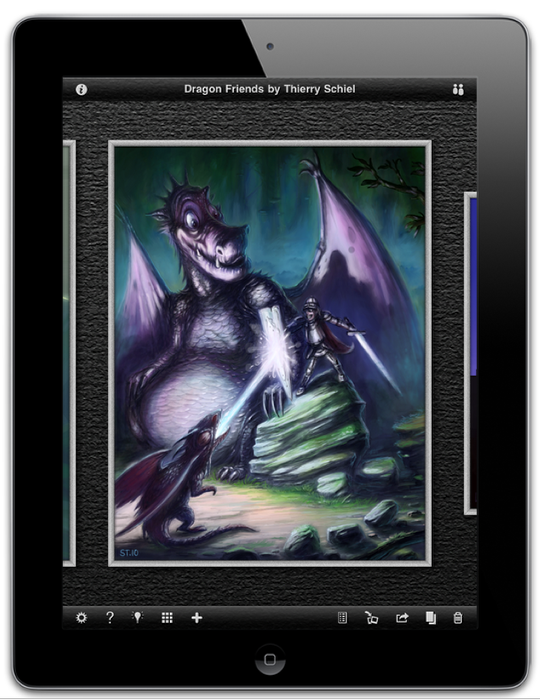
– Five realistic paint brushes to choose from: a flat brush, round brush, fan brush, palette knife and clumped brush.
– Each brush comes in many different sizes and can be rotated a full 360 degrees.
– Brushes can be loaded with different amounts of paint, including no paint at all for a dry brush.
– Varying amounts of pressure can be used with a dry brush to achieve many different kinds of paint blending effects.
– Paint actually "breaks" as it depletes off the palette knife, allowing techniques such as layering and the creation of textures.
– All brushes can be used as an eraser, controlled by the pressure.
– The bristles of each brush act independently of each other and are completely randomized in every way, producing natural brush strokes that never look exactly the same.
Painting
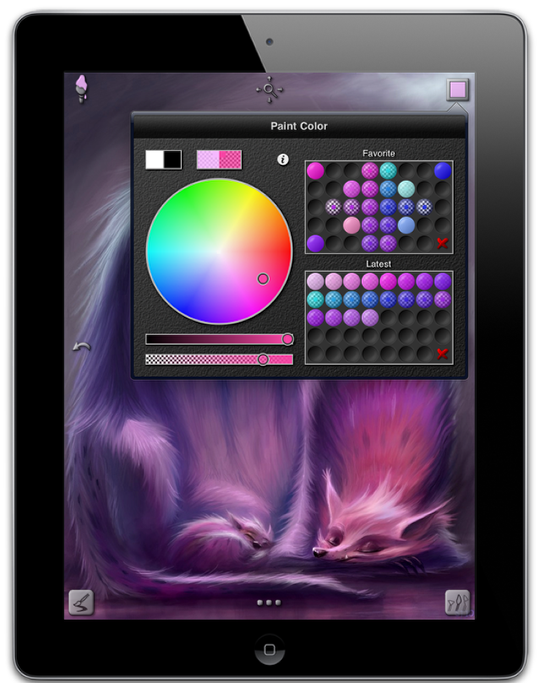
– Two different canvas sizes to choose from: (768 x 1024) and (1024 x 1024).
– All device orientations are supported, all the time. Switch from portrait to landscape painting with ease.
– 1000 levels of undo and redo are available.
– A non-realistic paint mode adds versatility to the brushes, allowing you to draw and sketch as well as paint.
– Choose any paint color you can dream of right away with the natural color picker.
– You can save your favorite colors while painting with drag and drop.
– The eye dropper tool can be used to select paint colors that are already on the canvas and can be invoked using a tap and hold gesture.
– The canvas can be moved around and zoomed in and out up to 3200%.

Joanne Carter
Joanne Carter BA (Hons), ARPS is a British photographer, photography journalist, editor and curator, and the founder and editorial director of TheAppWhisperer.com, an independent international photography publication established in 2009.She holds a First Class Honours degree in Photography and is an Associate of the Royal Photographic Society (ARPS).Her journalism, criticism and editorial work have appeared in The Times, The Sunday Times, The Guardian, Financial Times, BBC, Vogue Italia, LensCulture, Popular Photography and NikonPro, among other international publications.Through TheAppWhisperer, she brings together academic knowledge, professional photographic expertise and more than 17 years of specialist editorial experience to examine contemporary photography, mobile imaging, computational photography, photographic applications and emerging imaging technologies.