-
AppArt School – How to Get Creative with the iColorama Painting App
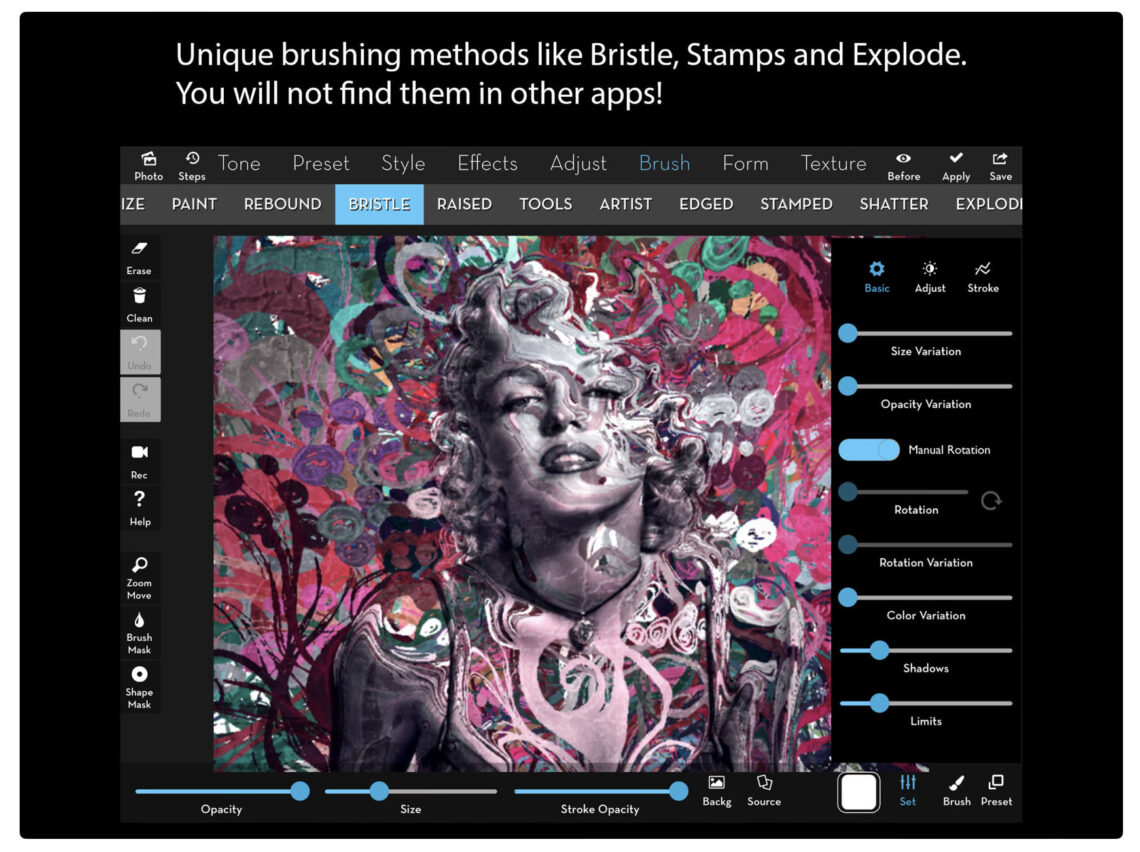
AppArt School – AppArt School – How to Get Creative with the iColorama Painting App To get creative with the iColorama painting app, you can explore various features and techniques offered by the app. Here are some tips to help you unleash your creativity: Familiarise Yourself with the Tools: Take some time to explore the different painting tools available in iColorama. Experiment with brushes, pens, and other artistic tools to understand their effects and variations. Play with Brush Settings: Adjust the size, opacity, and hardness of the brushes to create different strokes and textures. Experiment with different brush settings to achieve the desired artistic effect. Layering and Blending: Take advantage…
-
iPhoneography Apps: iColorama Masking 2022
We are so delighted to publish this tutorial by none other than our brilliant tutorial editor, Jerry Jobe! The Brush Mask Toolbar in iColorama has been changed to eliminate the text labels. Also, some additional AI masking has been added to help build masks. This video should help you identify the available tools and see how you can use them in your own artwork. Some knowledge of iColorama is necessary to get the most out of this video.
-
iColorama Developer in Ukraine – Latest!
Monday, 28 February 2022, – 15.17 pm GMT I am limited in what I can write but this video, shows “the start of the travel, a long queue of cars that ends in a long queue of people, mainly women with children. 10 hours of waiting“, explained Teresita. One thing she wanted me to mention in particular is how good the Red Cross have been, the support and food has been extraordinary as well as the volunteers in Poland. Monday, 28 February 2022, 07.33 am GMT – Teresita expressed “I’m in Poland now 100% safe, thanks for the help”. I will share more when I have been assured it is…
-
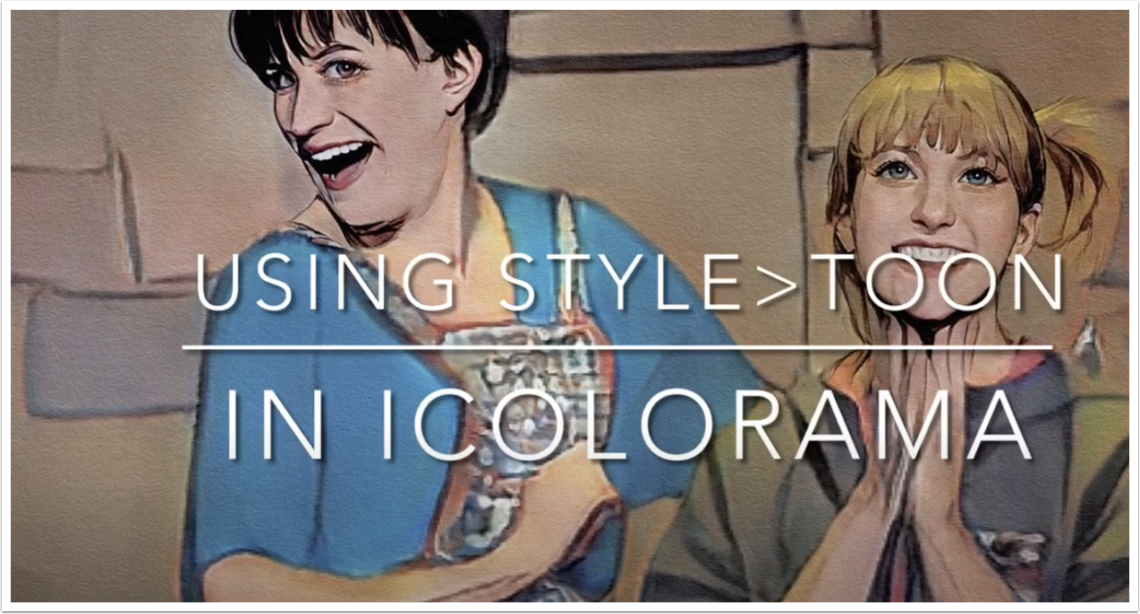
Mobile Photography Tutorial – iPhoneography Apps – Using Style>Toon in iColorama
We are delighted to publish this new tutorial by award winning mobile artist and our resident tutorial editor, Jerry Jobe. This time Jobe takes a deep dive into using the style Toon in hugely popular art app, iColorama. Take a look at this video tutorial below (foreword by Joanne Carter). The new Toon feature (January 2022) in iColorama is an AI that sketches your image. It is configured for faces, and has no real user controls. But it can be manipulated to achieve nice results.
-
Mocking an “Acrylic Pour” in iColorama and MetaBrush
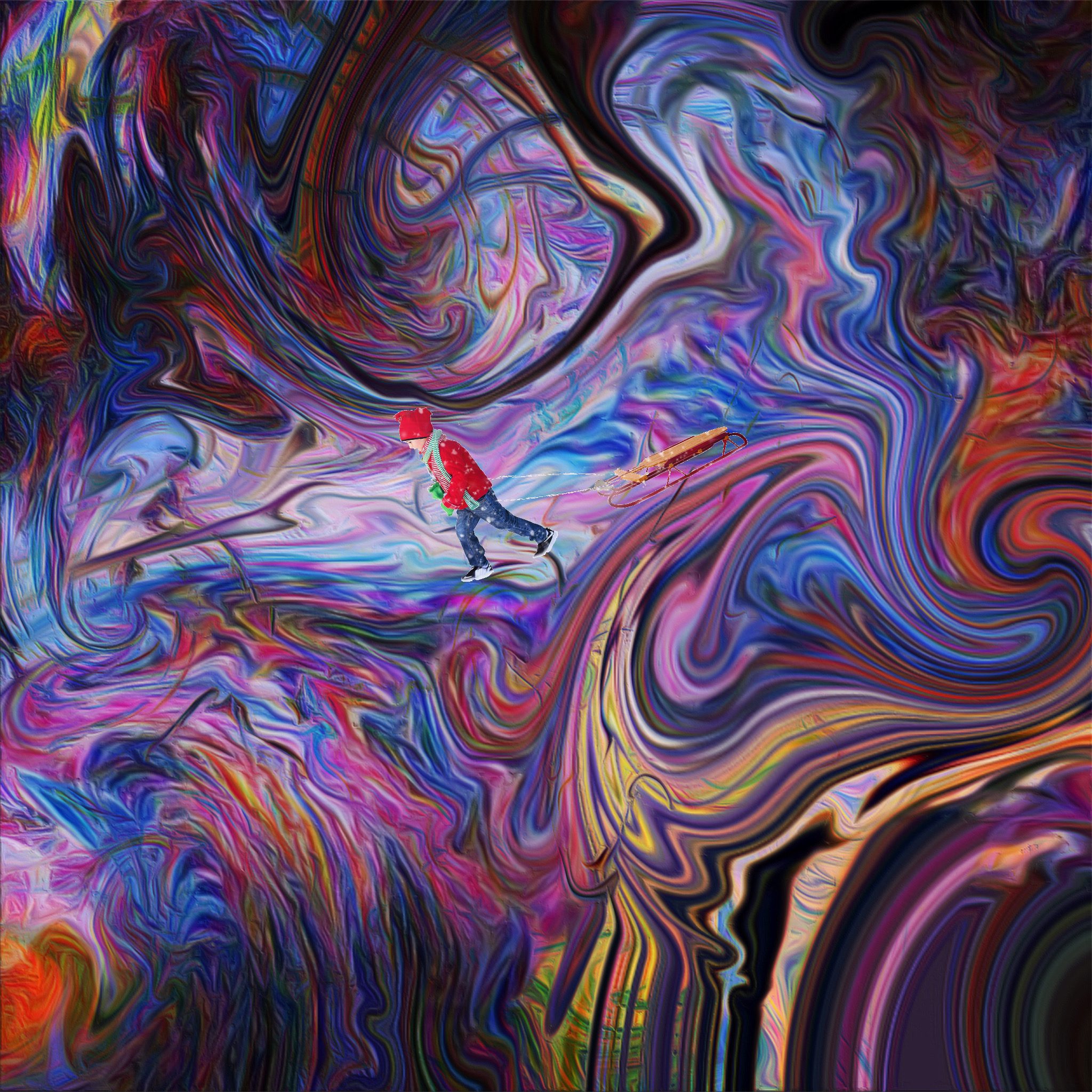
We are so delighted to publish this iPad art tutorial by none other than our brilliant tutorial editor, Jerry Jobe!… “I threw together a piece about a week ago that reminded me of one of those “acrylic pour” paintings, where the artist takes what remains of their different colors of acrylic paints and pours them onto a canvas. Swirls can be made by using a small rod or even a comb-like set of rods. The resulting swirls are left to dry. I called my piece “Tip: Do Not Pour Directly on iPad” – a good bit of advice about any liquid, especially paint. I explained that I used both MetaBrush…
-
Mobile Photography Tutorial – Frame Popping with iColorama – Part 1 with Jerry Jobe
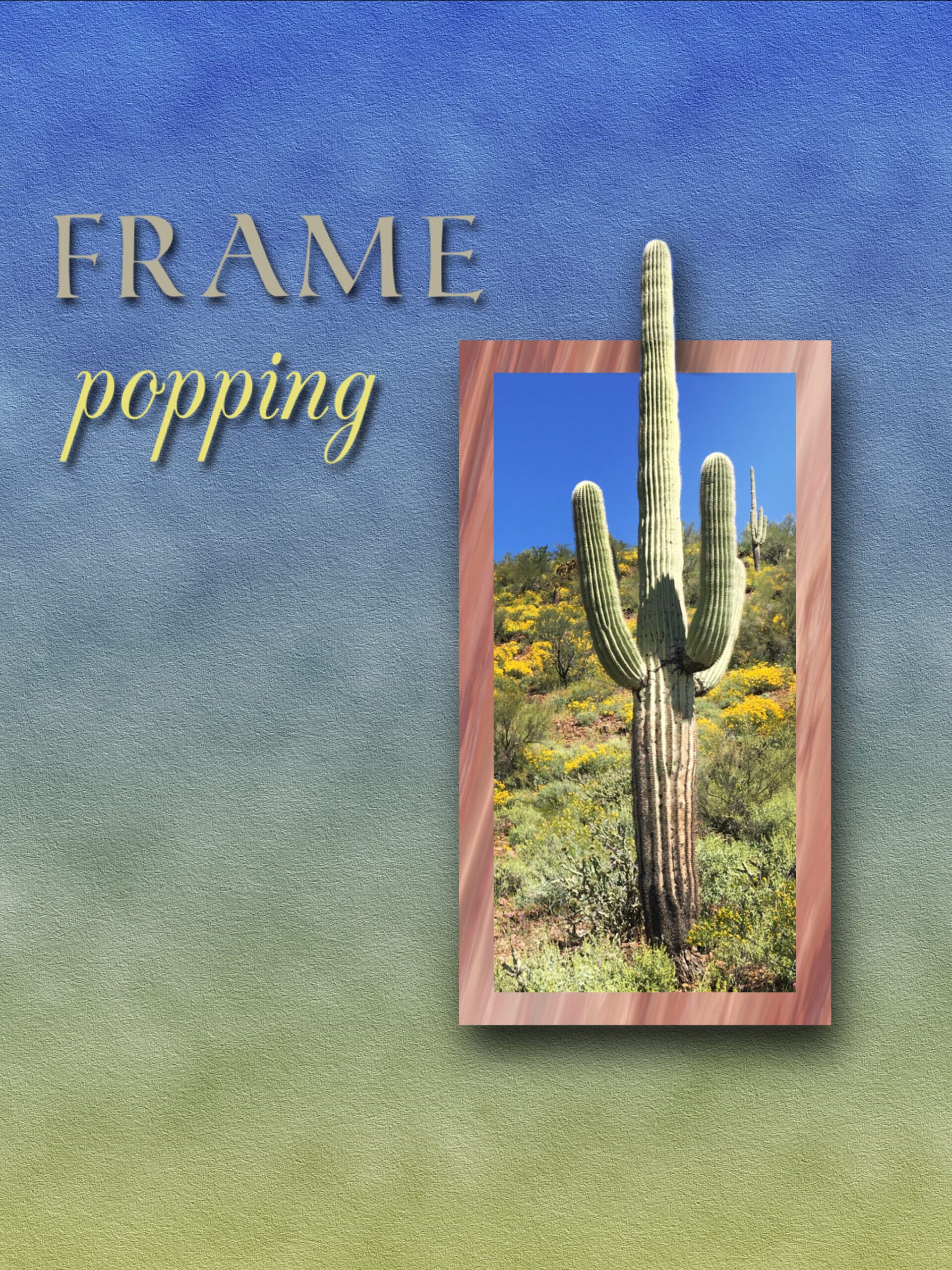
We are delighted to publish part 1 of this creative tutorial using the app, iColorama to create an image representing a frame popping by none other than our resident tutorial editor, Jerry Jobe, take a look at this video tutuorial below.
-
Mobile Photography / Art Tutorial – Manipulating Sort in iColorama with Jerry Jobe
We are so delighted to publish Jerry Jobe’s latest mobile photography/art tutorial for our reading and viewing pleasure. Read Jobe’s thoughts about manipulating Sort in the hugely popular iOS app, iColorama. Take it away Jerry….. (foreword by Joanne Carter) “It’s been a while since I’ve covered any new features in iColorama, the premier mobile art app. The feature I will cover today, Form>Sort, was added a few years ago, and has been used repeatedly in brilliant works by many mobile artists. There aren’t a lot of modifications to the effect that can be accomplished in the Sort command itself, but I’ve discovered that you can make subtler, beautiful effects by…
-
Mobile Art – Creative Tutorial – iColorama Procedural: Spinning Vinyl
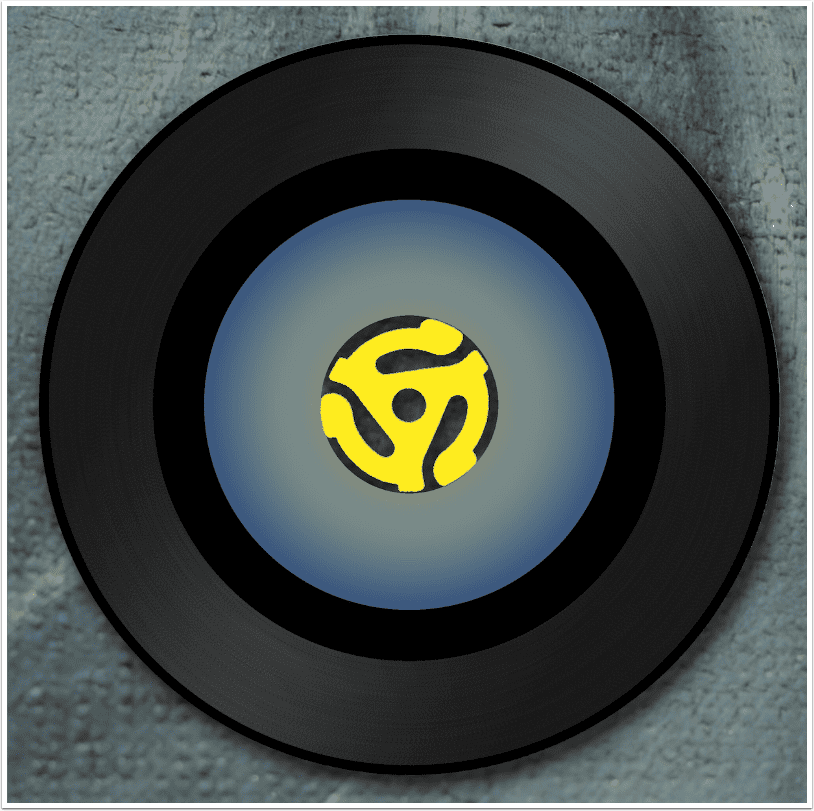
We are delighted to publish this creative tutorial using the app, iColorama to create a spinning vinyl record cover by Jerry Jobe, take a look… “iColorama can do amazing things, with a little patience. I posted the image below in several iColorama Facebook groups, and it got a lot of response, so I’ll show you how to create a 45 RPM single, from scratch, in this great app. This image used the app Over for text and Leonardo for placement onto a background and adding a shadow. Those tasks can be done in iColorama, but they are easier in other, specialised apps. While I don’t add text in the…
-
Mobile Photography / Art Tutorial – A Return With Tips on iColorama’s Text on a Curve
We are delighted to publish Jerry Jobe’s latest mobile photography/art tutorial for our viewing pleasure. This time Jobe features some tips using the uber popular mobile art app iColorama to help you get to know it a little better. Take it away Jerry…(foreword by Joanne Carter). “Life does go on, and people still have questions on mobile photo/art apps, so here we are with some tips on the latest feature for iColorama, Txtcurve. In July 2015 I wrote about an app called Path On that places text on a curve, which worked adequately. I am pleased to say that iColorama now gives you the ability to perform the same function…
-
Mobile Photography / Art – iColorama – Photo Editor and Brush Painter – Updated
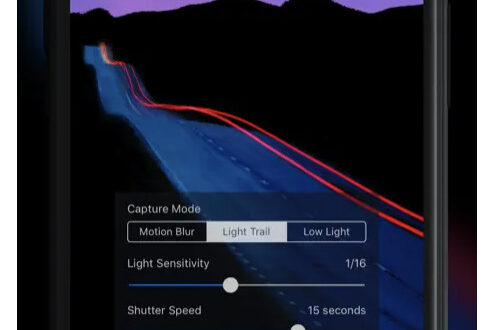
One of the most popular mobile art editing apps, iColorama has just been updated with new Water presets. This is a free update, if you have already purchased this app. If not, please download it here.