AppArt School – How to Shoot Professional Monochrome Images with an iPhone
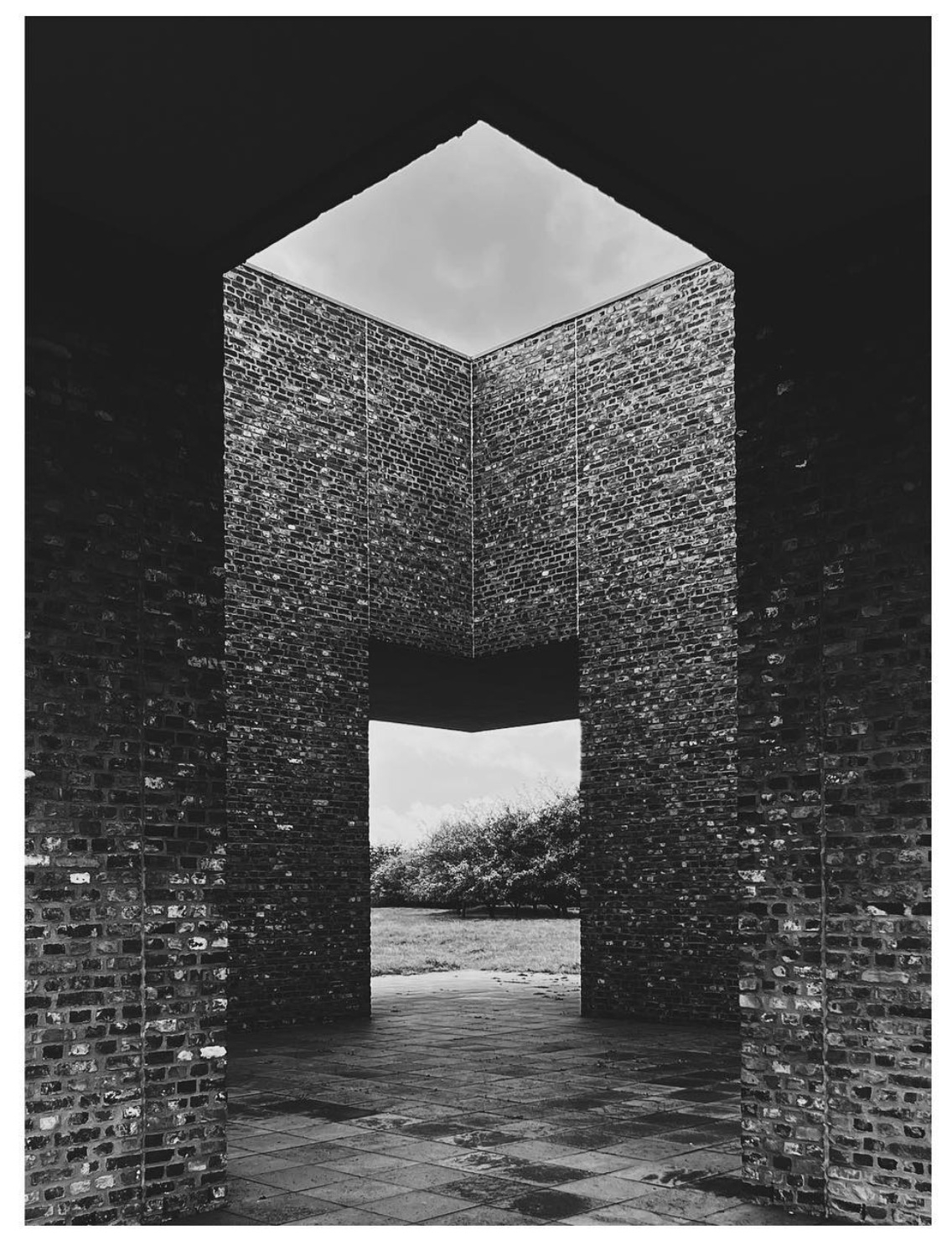
AppArt School -How to Shoot Professional Monochrome Images with an iPhone Shooting professional monochrome (black and white) images with an iPhone can be a creative and rewarding process. Here are some tips to help you capture compelling monochrome photographs: Shoot in black and white mode: The iPhone camera app offers a built-in black-and-white mode. To access it, open the camera app, swipe left to the “Mono” mode, and start shooting. This mode allows you to see your subject in black and white as you compose the shot, helping you visualize the final result. Focus on contrast and texture: Monochrome images rely heavily on contrast and texture to create visual impact.…
You May Also Like
AppArt School – Ten iOS Painting Apps that offer Tutorials, Community Features, or Resources to Help Improve your Painting Skills

App Art School – Transforming dreams into digital art using Affinity Photo for iPad with Manuel Camino
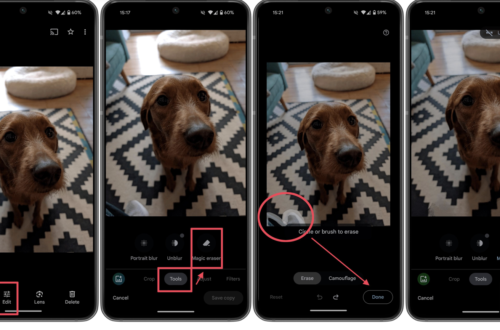
Best Free Android Photography Apps (No Subscription)in 2026
AppArt School – How to Record a video with QuickTake
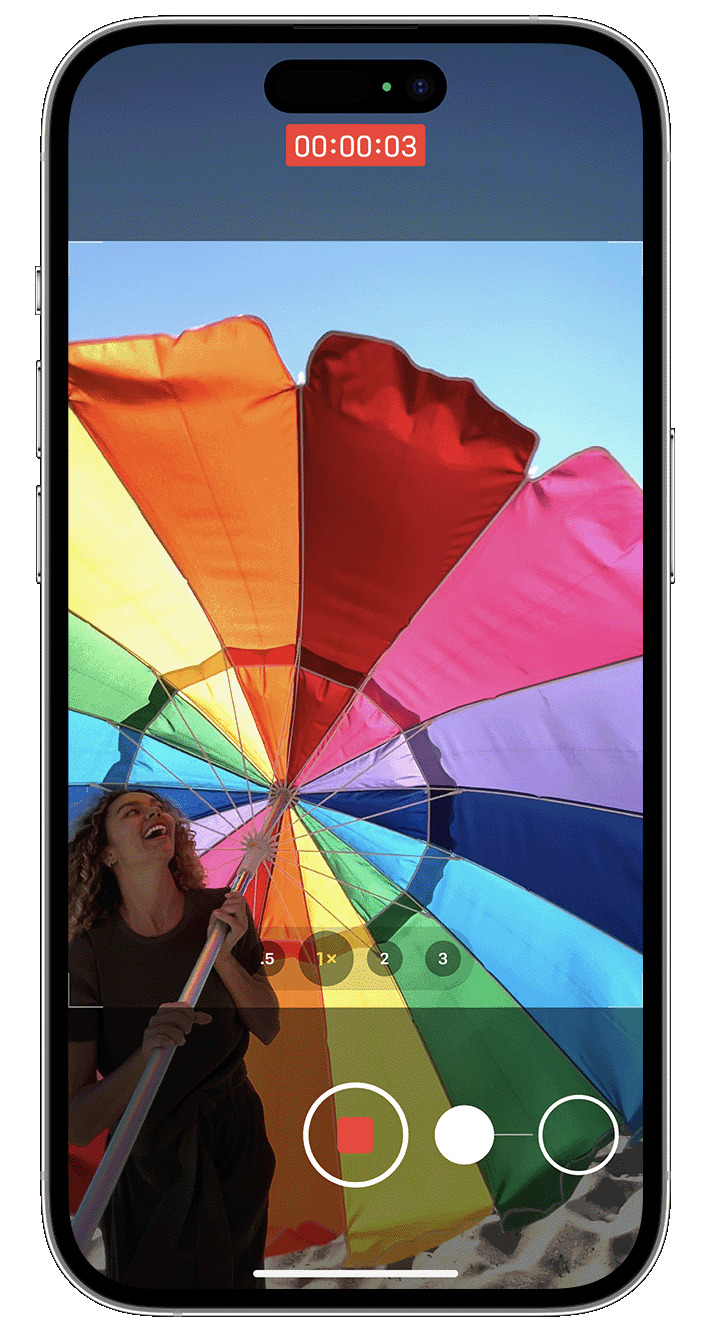
AppArt School -How to Record a video with QuickTake You can use QuickTake to record videos without having to switch out of photo mode. QuickTake is available on iPhone XS, iPhone XR and later. Hold the shutter to take a video When you open the Camera app, you will see the default photo mode. Tap the Shutter button to take a photo. Then tap the arrow to adjust options, such as flash, Live Photos, timer and more. If you want to capture a QuickTake video, just press and hold the Shutter button .* Release the button to stop recording. With iOS 14 and later, you can hold one of the…