Best Android Photography Apps – 2026 Edition
The Best Camera & Editing Apps for Android – Tested and Updated – 2026 Edition
Tested on multiple Android devices in 2026
Android photography continues to evolve at an extraordinary pace. With increasingly powerful sensors and computational imaging, the real difference now comes down to the apps you use — not just the hardware in your pocket.
In this guide, we’ve selected the best Android photography apps for 2026, covering everything from manual camera control to advanced editing and creative tools. Whether you’re shooting professionally or refining everyday images, these apps will elevate your workflow.
Adobe Lightroom Mobile
Download Adobe Lightroom Mobile here: https://play.google.com/store/apps/details?id=com.adobe.lrmobile
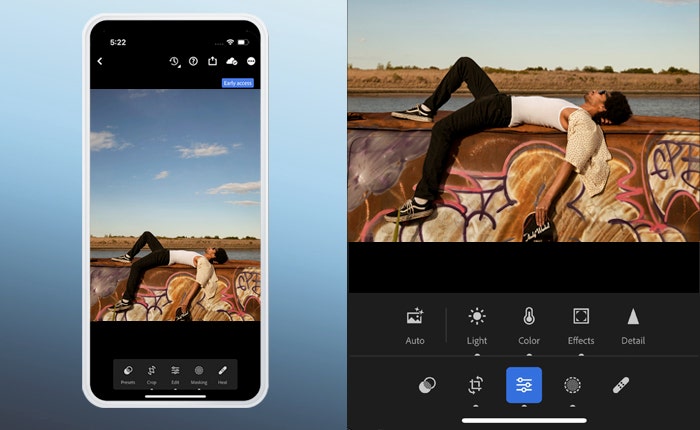


Download Adobe Lightroom Mobile for Android
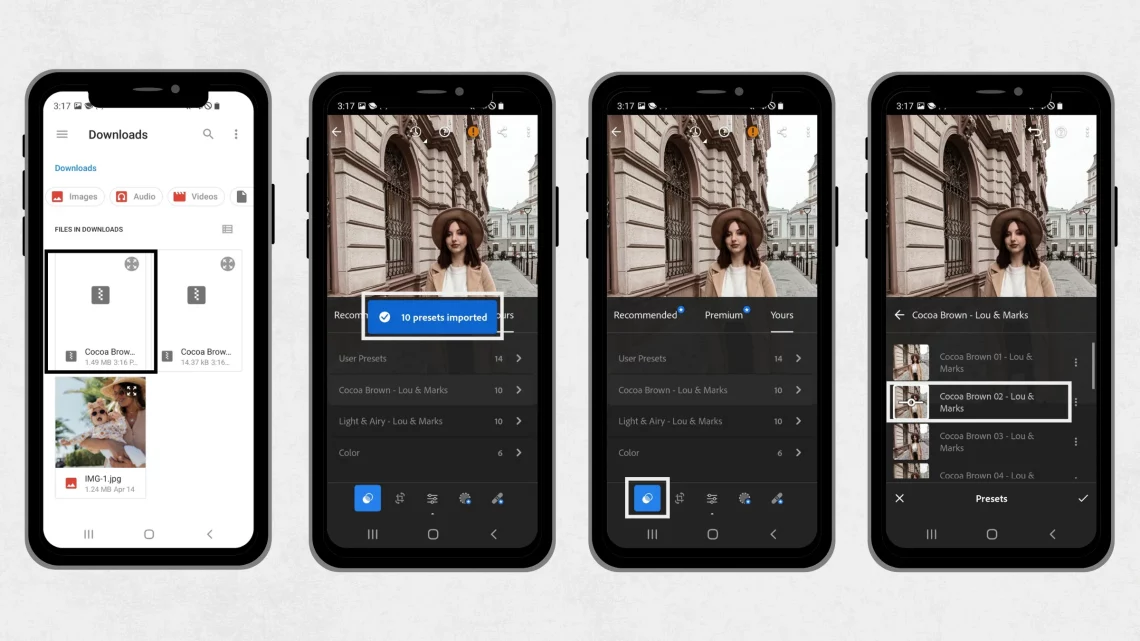
Adobe Lightroom Mobile remains one of the most complete photography tools available on Android. It offers powerful RAW editing, selective adjustments, masking tools and professional-grade colour grading.
The ability to sync seamlessly with desktop workflows makes it especially valuable for photographers working across multiple devices.
Best for: Professional editing and consistent workflows
Snapseed
Download Snapseed here: https://play.google.com/store/apps/details?id=com.niksoftware.snapseed

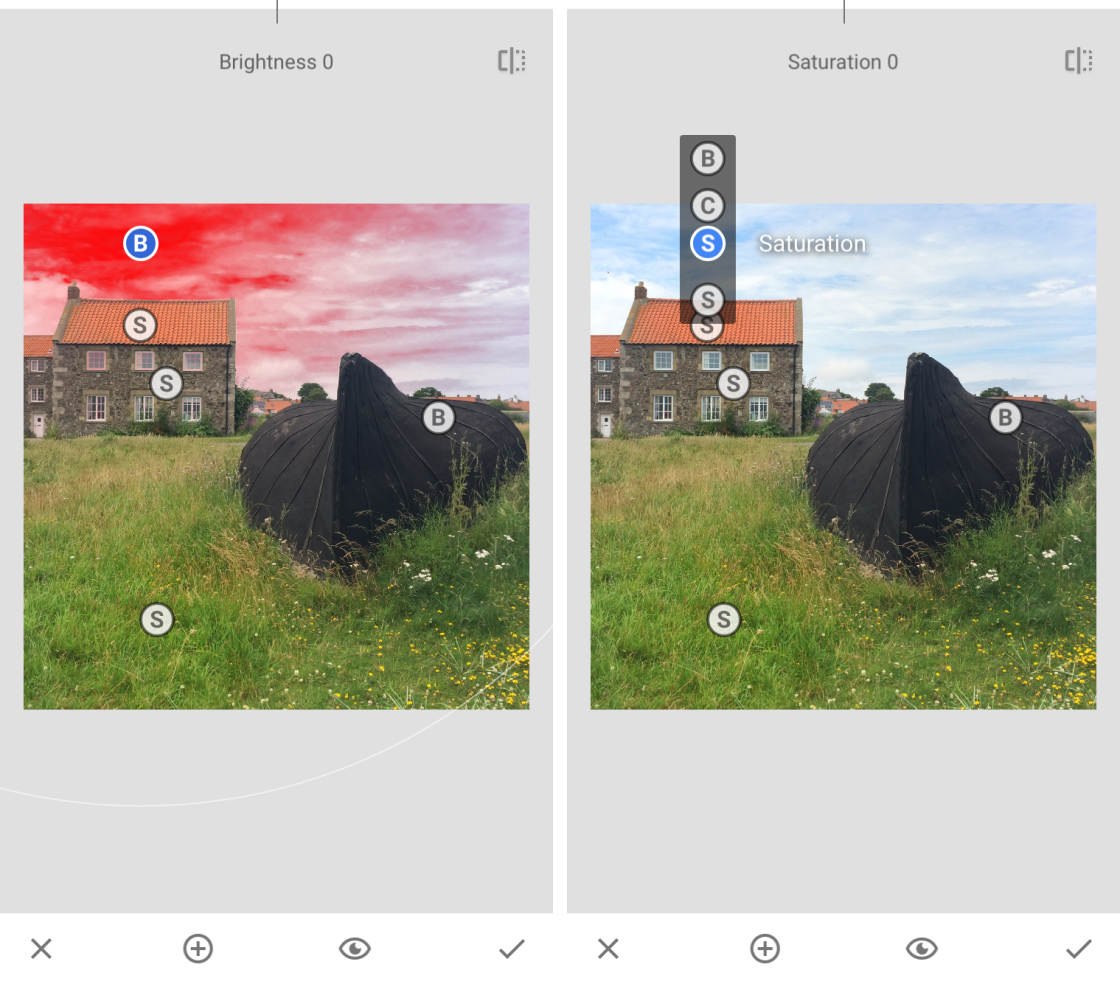

Developed by Google, Snapseed continues to be one of the best free editing apps available. Its strength lies in precision — with tools like selective adjustments, healing, curves and perspective correction.
It’s clean, powerful and doesn’t overwhelm — making it ideal for both beginners and experienced photographers.
Best for: High-quality free editing
VSCO
Download VSCO here: https://play.google.com/store/apps/details?id=com.vsco.cam


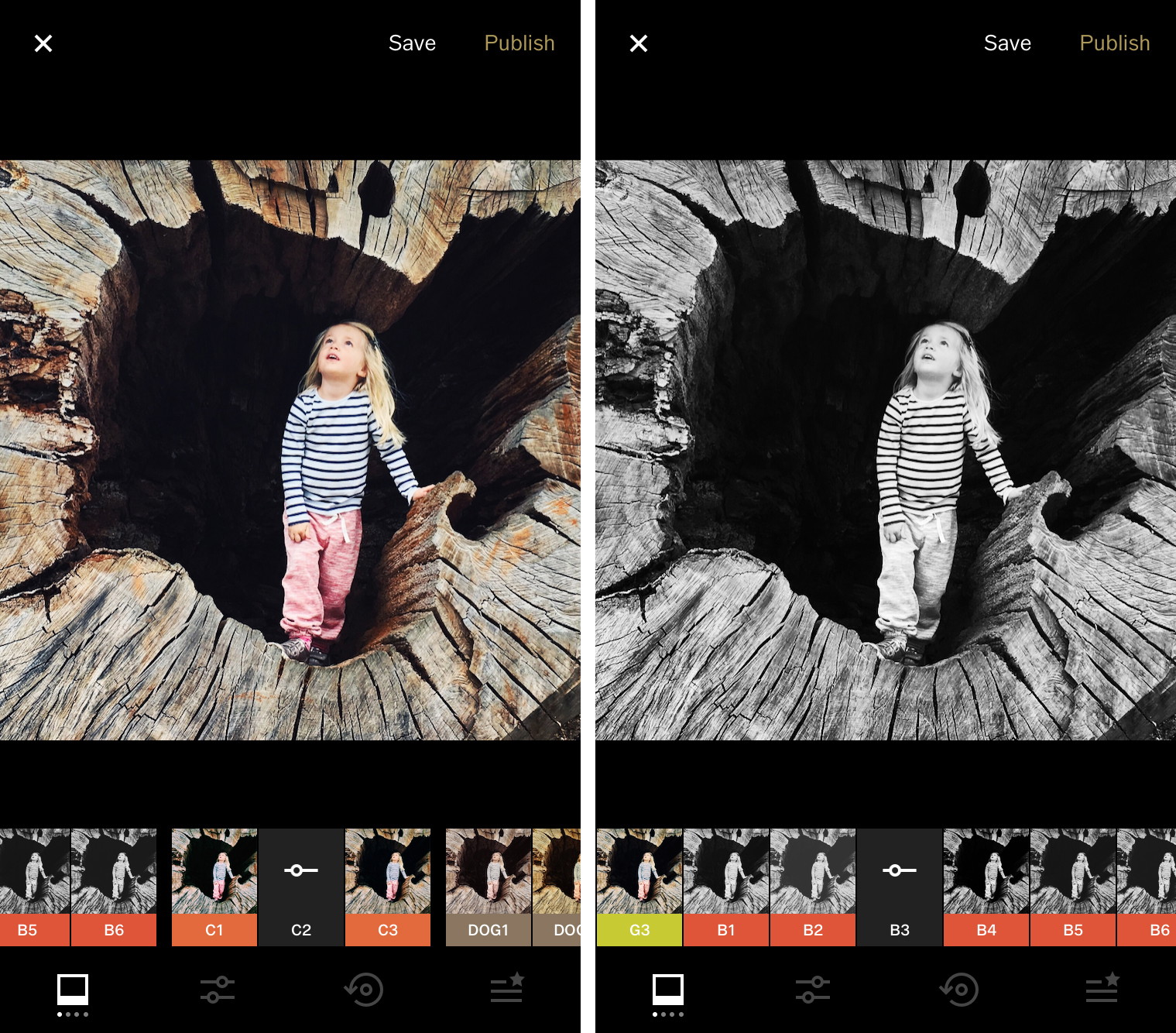
VSCO has long been known for its subtle, film-inspired presets. Unlike many apps, it avoids heavy processing and instead focuses on tone, colour and restraint.
It’s particularly strong for photographers who want a consistent, recognisable aesthetic.
Best for: Film-style editing
ProShot
ProShot was also listed in our Best Manual Camera Apps for Android (2026) – DSLR Control on Your Phone
Download ProShot here: https://play.google.com/store/apps/details?id=com.riseupgames.proshot2

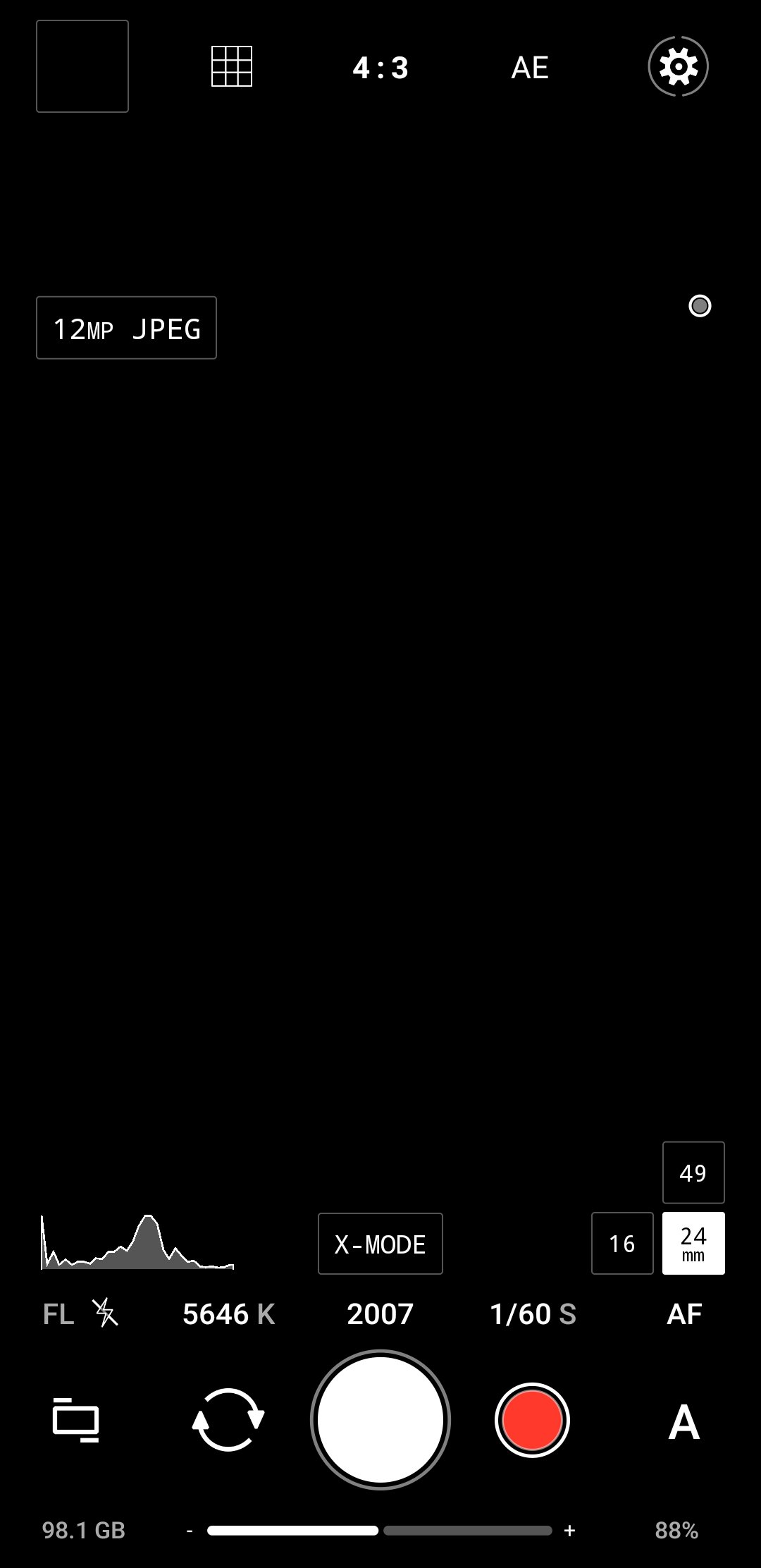

ProShot brings DSLR-style manual control to Android, including shutter speed, ISO, white balance and focus. It’s one of the closest experiences to using a traditional camera.
Ideal for photographers who want full control over their shooting.
Best for: Manual camera control
Open Camera
Download Open Camera here: https://play.google.com/store/apps/details?id=net.sourceforge.opencamera
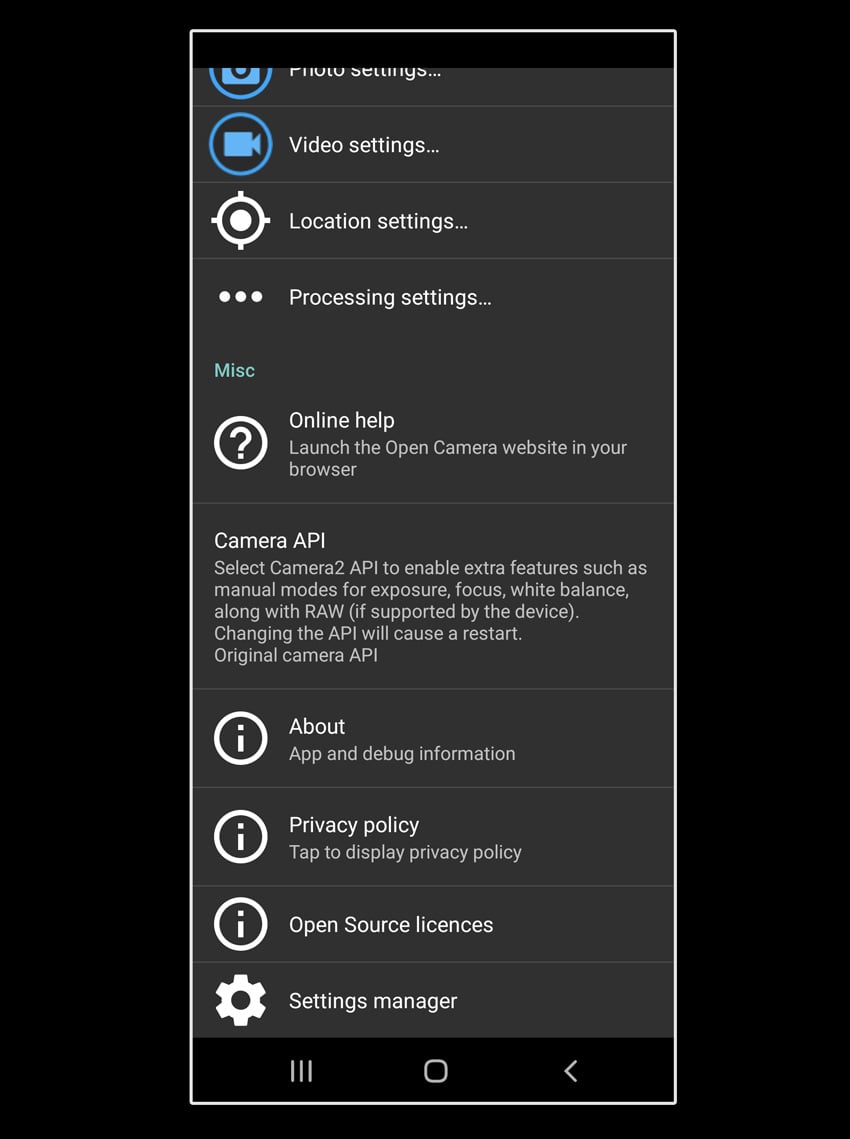
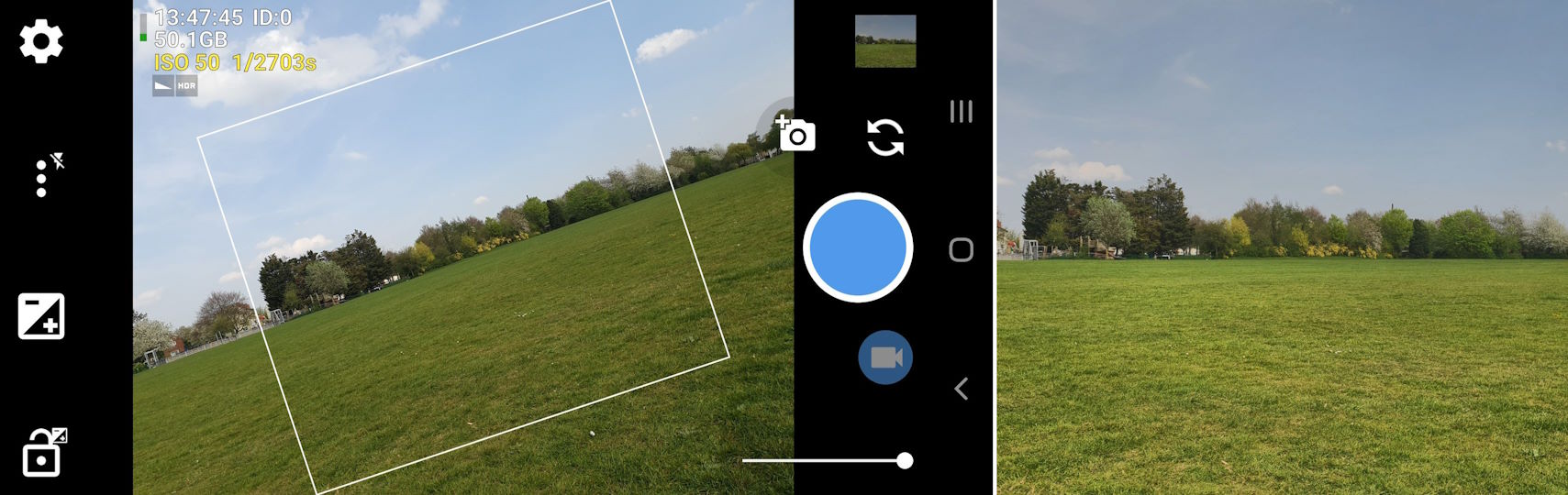
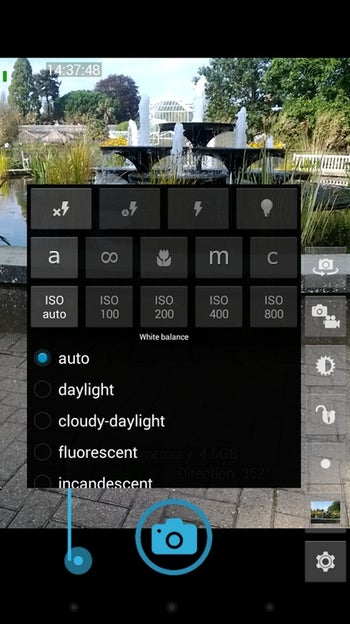
Open Camera is a powerful open-source app offering manual controls, HDR modes and extensive customisation — completely free.
While the interface is less polished, the functionality is exceptional.
Best for: Free advanced camera features
Darkroom
Download Darkroom here: https://play.google.com/store/apps/details?id=com.darkroom
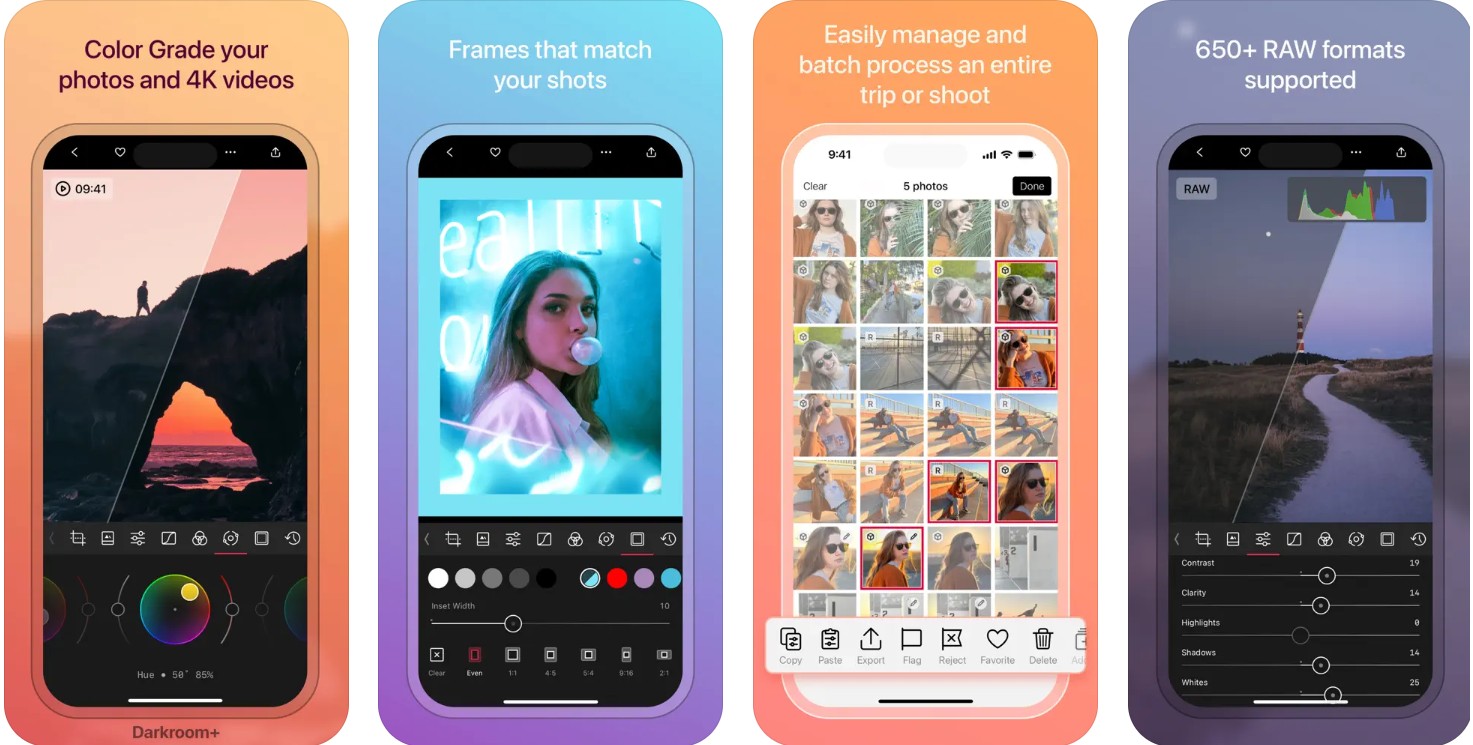
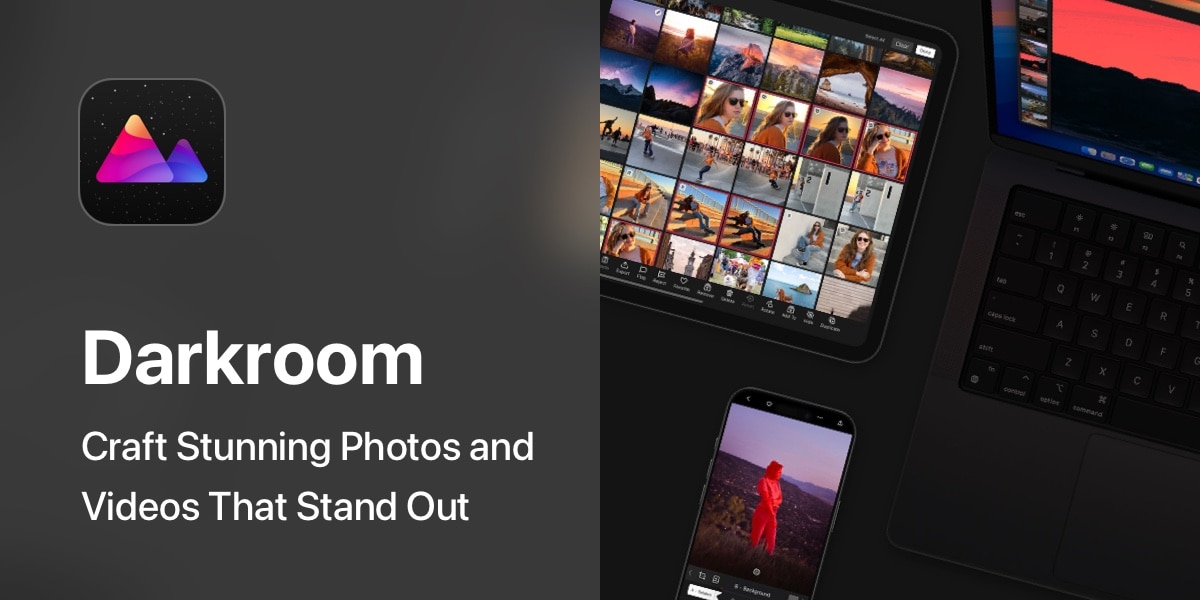
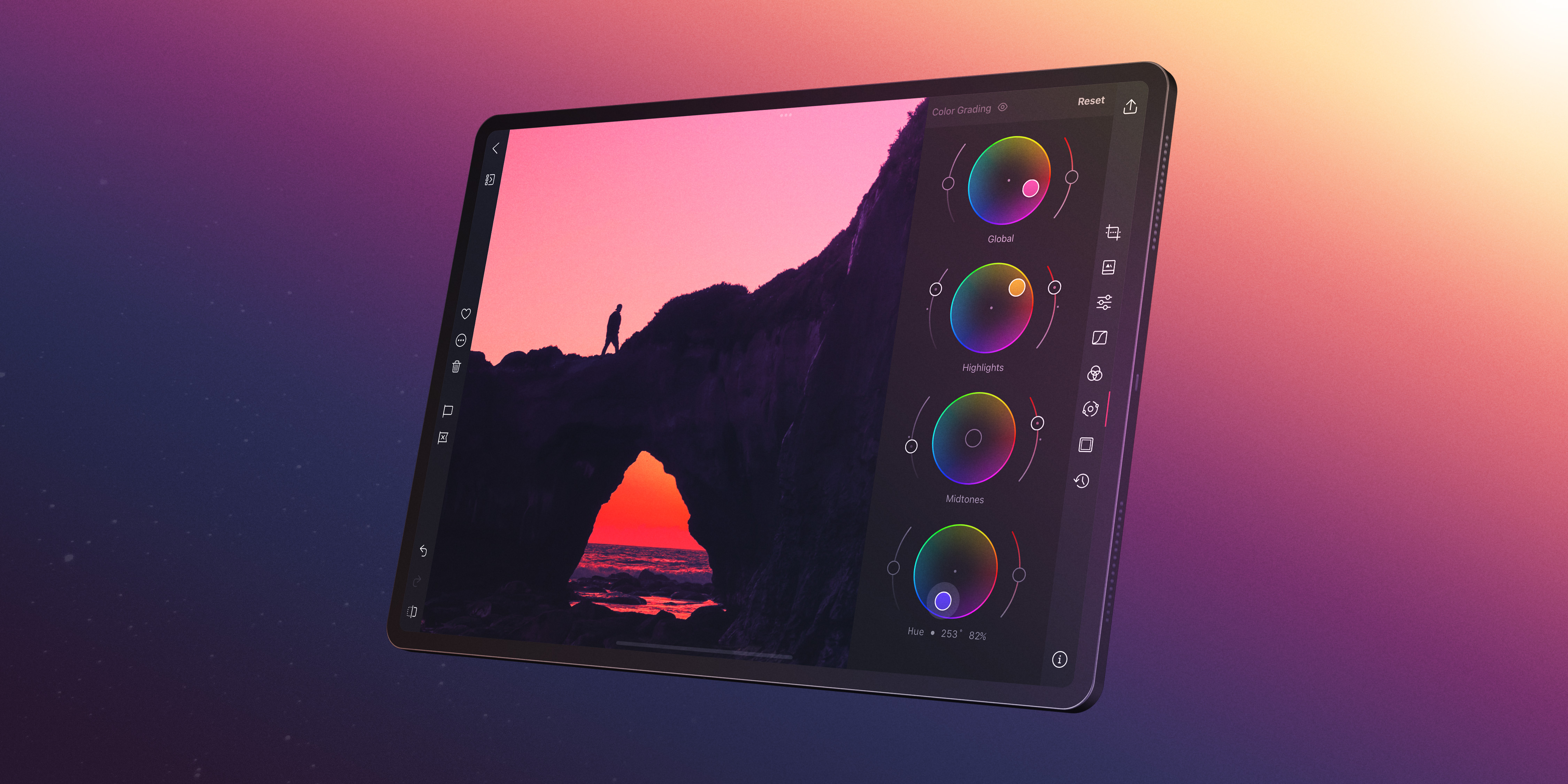
Darkroom brings a fast, modern editing workflow with batch processing, curves and colour grading tools. It’s particularly useful for photographers managing multiple images efficiently.
Best for: Batch editing workflows
Pixlr
Download Pixlr here: https://play.google.com/store/apps/details?id=com.pixlr.express
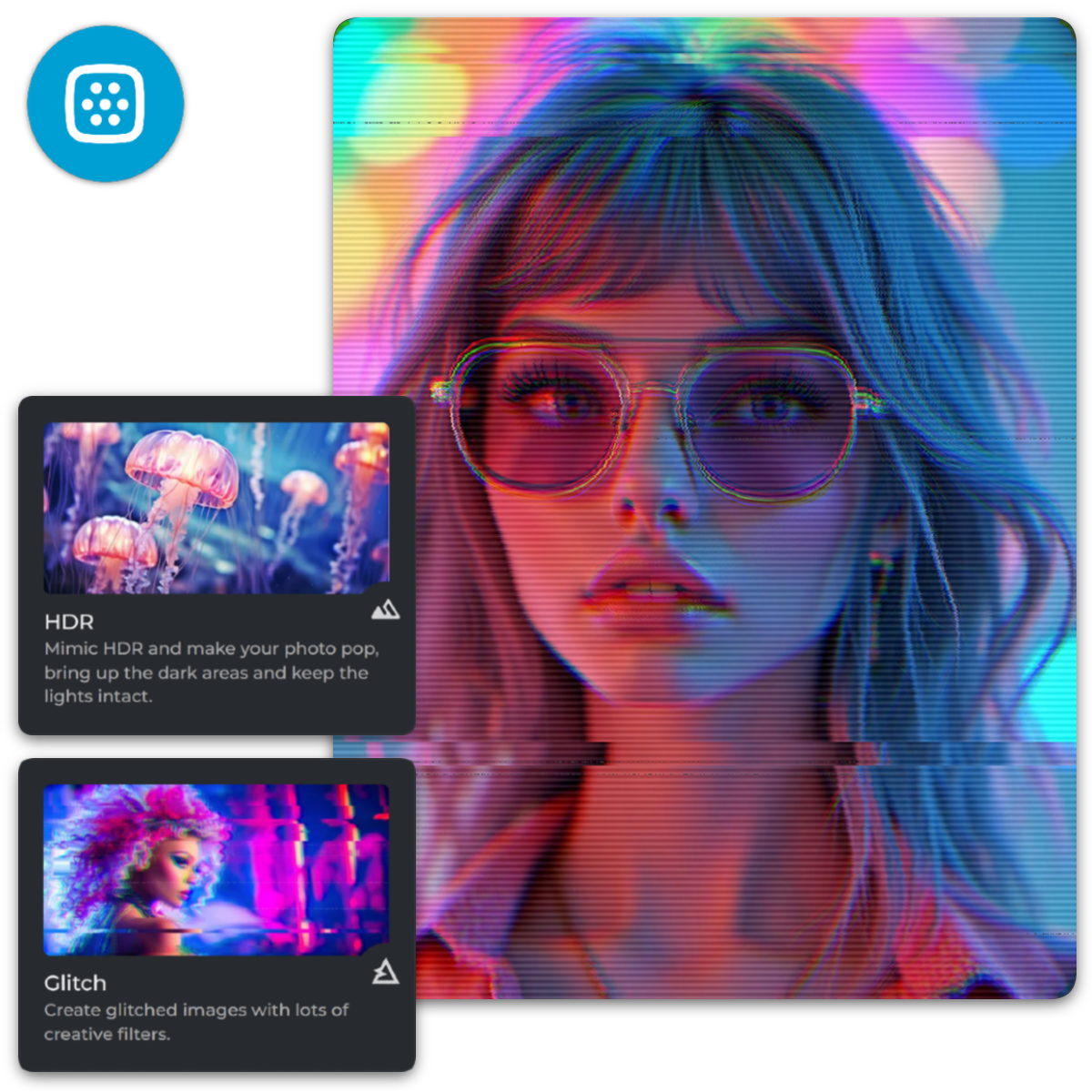
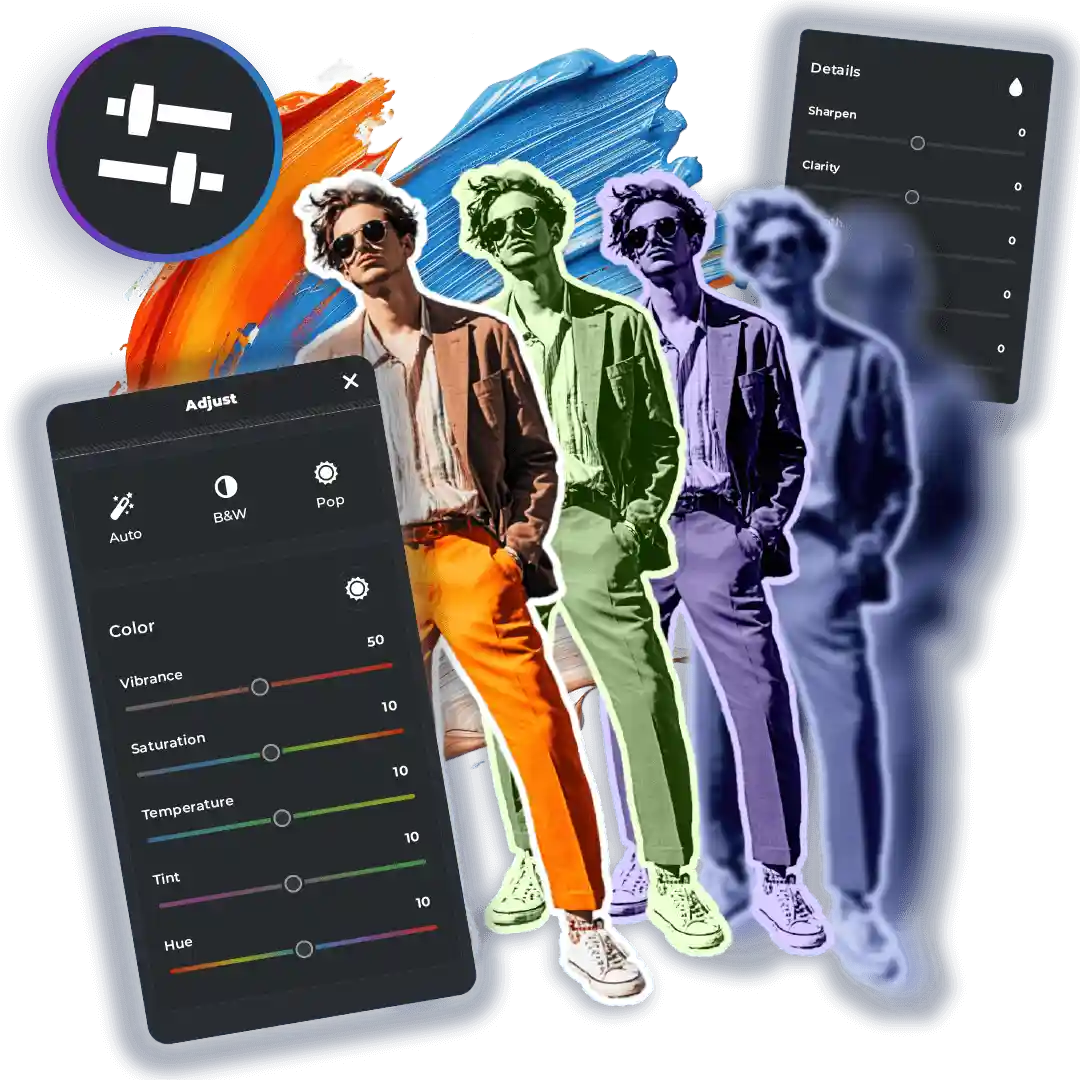
Pixlr is a versatile editing app with overlays, effects and quick tools. It’s ideal for fast edits and creative experimentation without complexity.
Best for: Quick creative edits
Afterlight
Download Afterlight here: https://play.google.com/store/apps/details?id=com.afterlight


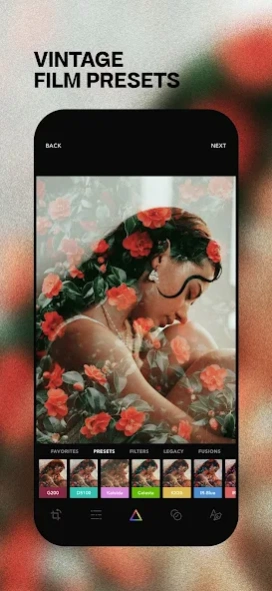
Afterlight blends usability with creative tools, offering textures, light leaks and filters alongside standard editing controls.
It’s perfect for developing a distinctive visual style.
Best for: Creative photography styles
Hypocam
Download Hypocam here: https://play.google.com/store/apps/details?id=com.xnview.hypocam

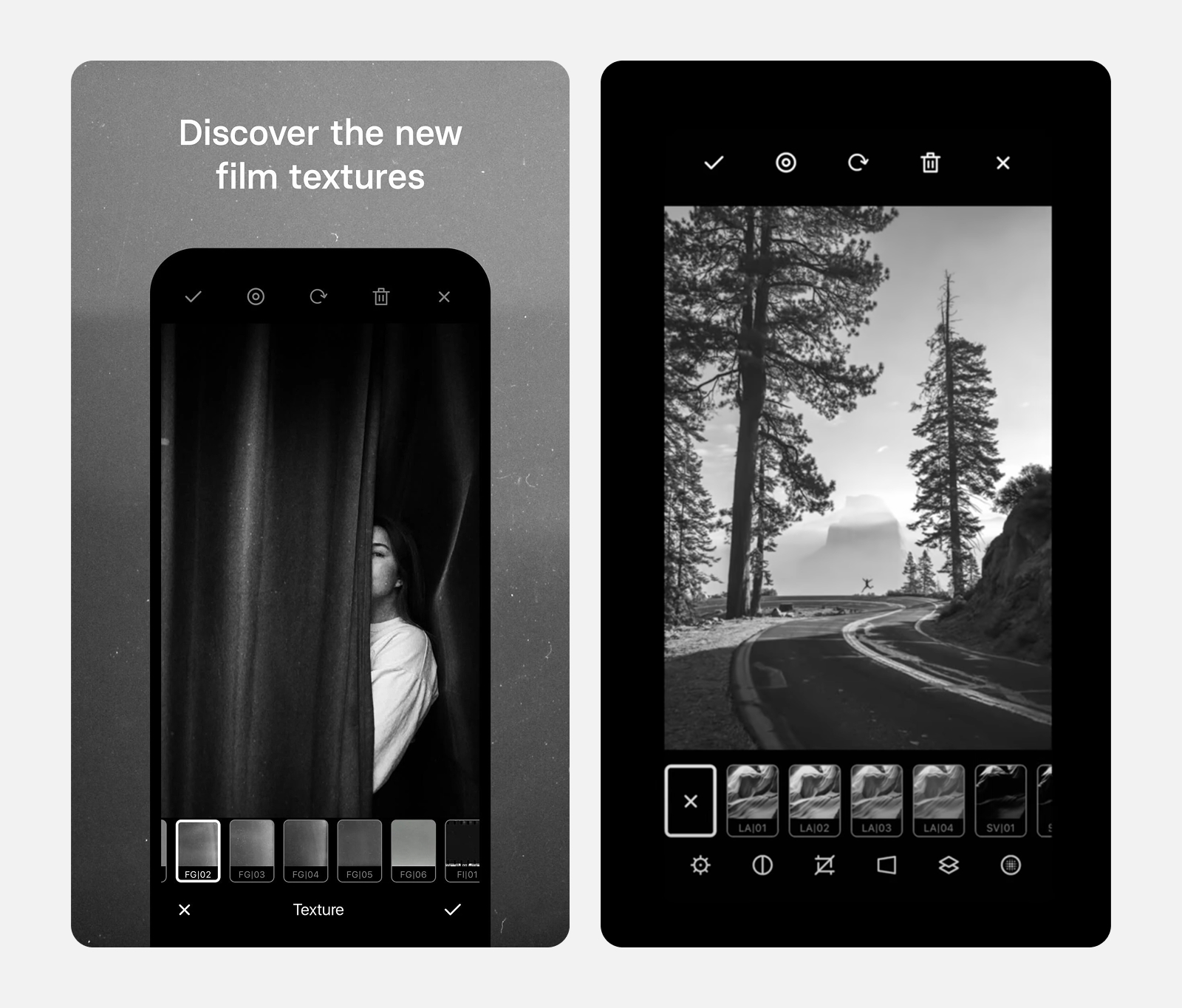

Hypocam is dedicated entirely to black and white photography. Its presets and tonal controls are carefully tuned for monochrome work.
Best for: Black & white photography
📸 10. Mextures
Download Mextures Here: https://play.google.com/store/apps/details?id=com.mextures
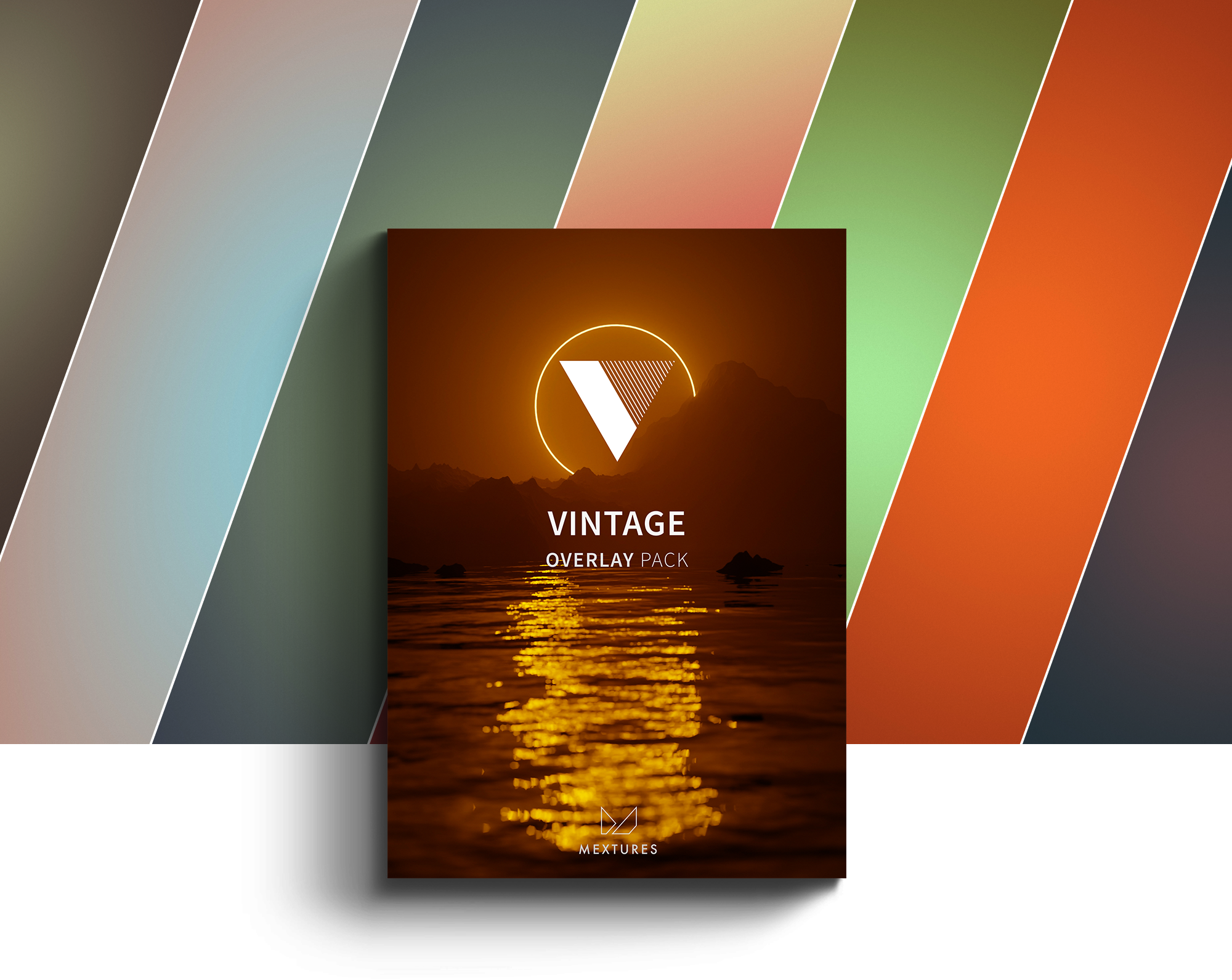
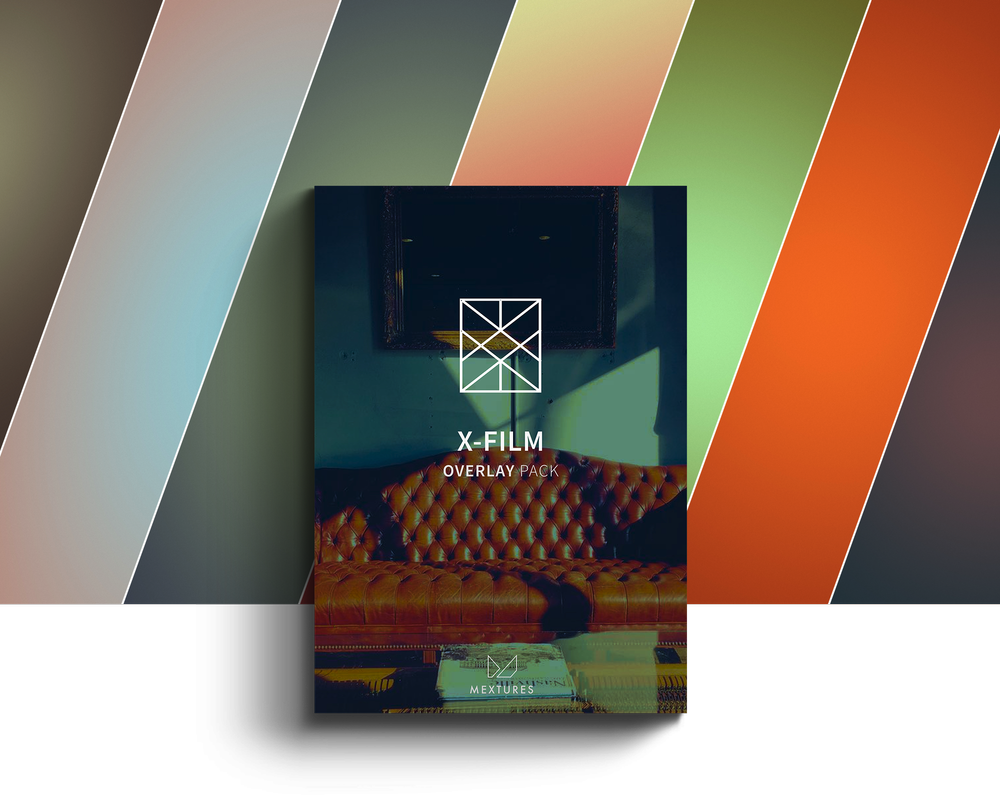
Mextures focuses on layering textures and effects, allowing photographers to create more experimental and atmospheric images.
Best for: Artistic editing
Quick Comparison Table
| App | Best For | Price | Key Feature |
|---|---|---|---|
| Adobe Lightroom | Pro editing | Free + subscription | RAW + masking |
| Snapseed | Free editing | Free | Selective edits |
| VSCO | Film look | Free + subscription | Presets |
| ProShot | Manual camera | Paid | DSLR controls |
| Open Camera | Free camera | Free | Full manual |
| Darkroom | Workflow | Free + subscription | Batch editing |
| Pixlr | Quick edits | Free | Overlays |
| Afterlight | Creative | Paid | Textures |
| Hypocam | B&W | Free | Monochrome |
| Mextures | Artistic | Paid | Layering |
FAQ’s
What is the best Android photography app?
Adobe Lightroom Mobile is widely considered the best all-round Android photography app due to its professional editing tools and RAW support.
What is the best free Android photo app?
Snapseed is the best free option, offering powerful editing tools without a subscription.
Are Android camera apps better than the default camera?
Yes — apps like ProShot and Open Camera offer manual controls not available in most default camera apps.
Which app is best for black and white photography?
Hypocam is one of the best dedicated black and white photography apps available on Android.
You may also be interested in our other best guides to mobile photography
Best Android Photography Apps – 2026 Edition
• Best Camera Apps to Reduce iPhone Processing (2026 Edition)
• Best Mobile Photography Apps (2026 Edition)
• Best Camera Apps to Reduce iPhone Processing (2026 Edition)
• Best Mobile Filmmaking Apps (2026 Edition)
• Best Black and White Photography Apps for iPhone (2026 Edition)
• Best Portfolio Apps and Websites for Photographers (2026 Edition)
• Blackmagic Camera Settings Guide
• Best way to use Blackmagic’s camera remote control (2026)
• Snapseed vs Lightroom Mobile
• Best iPhone Camera Apps for Photographers
• 10 Apps Secretly Draining Your Phone’s Battery – 2026 Edition
• Best Way To Create More Dynamic Travel Photos with Lightroom on Mobile
___________________________________________
Please support us
TheAppWhisperer has always had a dual mission: to promote the most talented mobile artists of the day and to support ambitious, interested viewers worldwide. Over the years, TheAppWhisperer has gained readers worldwide and created new spaces for that exchange.
All this work thrives with the support of our community. Your support helps protect our independence, and we can keep delivering open, global promotion of mobile artists. Every contribution, however big or small, is valuable for our future.

Joanne Carter
Joanne Carter is a British photographer, photography journalist, editor and curator and the founder and editorial director of TheAppWhisperer.com, an independent international photography publication established in 2009.Her journalism, criticism and commentary have appeared in The Times, The Sunday Times, The Guardian, Financial Times, BBC, Vogue Italia, LensCulture, Popular Photography, Android Magazine, NikonPro, DPReview, Which Digital Camera and Which Camera. She has lectured internationally on photography and mobile art, served as a juror for international photography awards, and exhibited her own photographic work across the UK, Europe, South Korea and the United States.Alongside her editorial work, Joanne's photographic and postgraduate research explores death, grief, memory, representation and social inequality through contemporary photography, participatory practice and visual research methods, with the longer-term aim of developing this work through doctoral research.Through TheAppWhisperer, she continues to publish independent photography journalism spanning contemporary photographic practice, mobile imaging, photographic apps, computational photography and emerging imaging technologies.Joanne is available for editorial commissions, photography projects, judging, curatorial work, speaking engagements, consultancy and selected collaborations.