Best Manual Camera Apps for Android (2026) – DSLR Control on Your Phone
Best Android Camera Apps (2026)
Take full control of ISO, shutter speed and focus with these powerful Android camera apps. Top Manual, Pro & DSLR-Style Camera Apps for Android.
Android smartphones now rival dedicated cameras in many situations — but the default camera app rarely gives you full control. That’s where third-party camera apps come in.
In this guide, we’ve tested the best Android camera apps for 2026, focusing on apps that give you manual control, RAW shooting and professional-level features.
| App | Best For | Price | Key Feature |
|---|---|---|---|
| ProShot | Manual control | Paid | DSLR-style interface |
| Open Camera | Free control | Free | Full manual settings |
| Camera FV-5 | Advanced shooting | Paid | Long exposure |
| Footej Camera | Simplicity | Free/Paid | Clean UI |
| HedgeCam 2 | Customisation | Free | Advanced settings |
| Manual Camera | Beginners | Paid | Easy manual controls |
| MotionCam | RAW video | Free/Paid | True RAW capture |
| Bacon Camera | Compatibility | Free | Works on older devices |
ProShot
Download: https://play.google.com/store/apps/details?id=com.riseupgames.proshot2


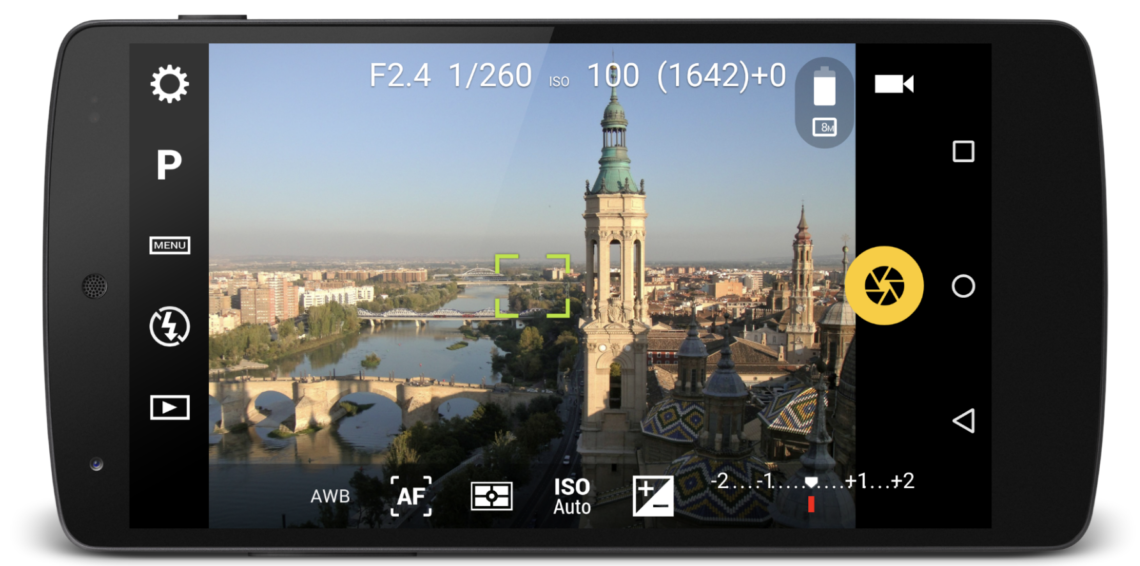
ProShot is one of the most advanced manual camera apps available on Android. It offers full control over ISO, shutter speed, focus and white balance.
👉 Download ProShot here:
https://play.google.com/store/apps/details?id=com.riseupgames.proshot2
Best for: DSLR-style control
Open Camera
Download: https://play.google.com/store/apps/details?id=net.sourceforge.opencamera
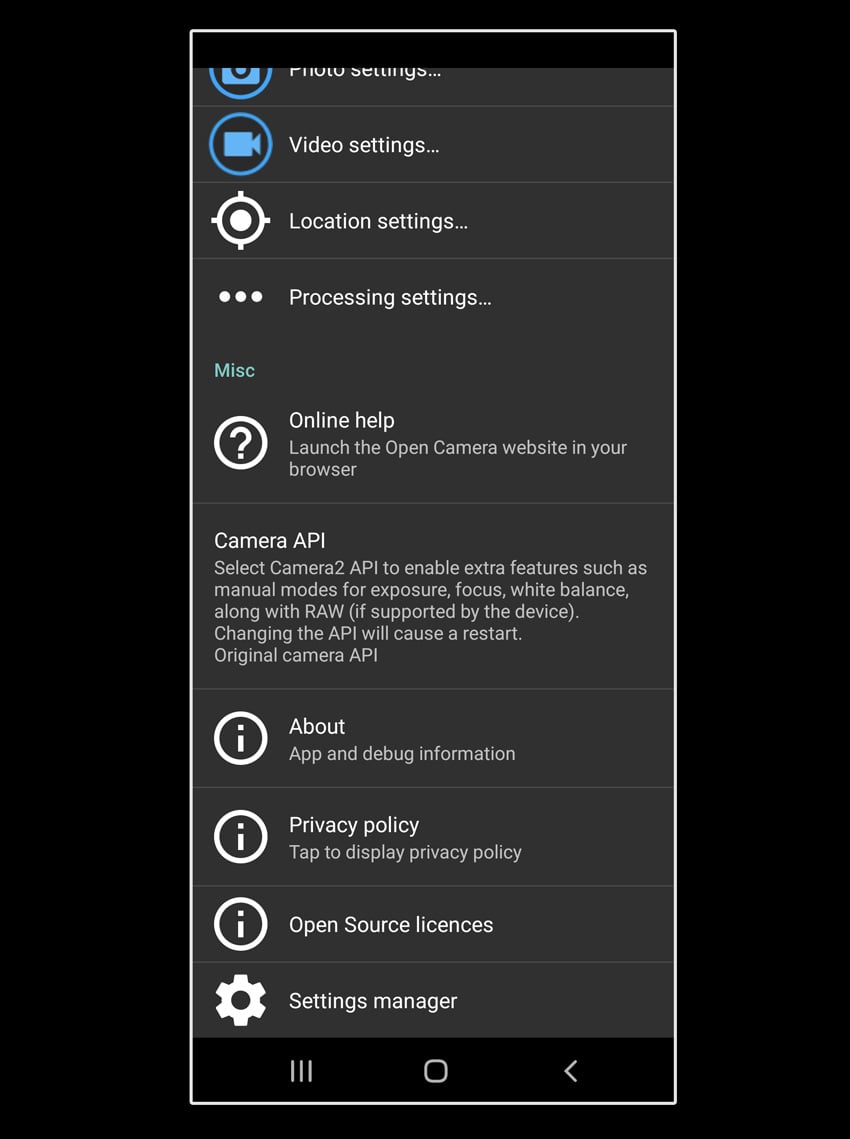
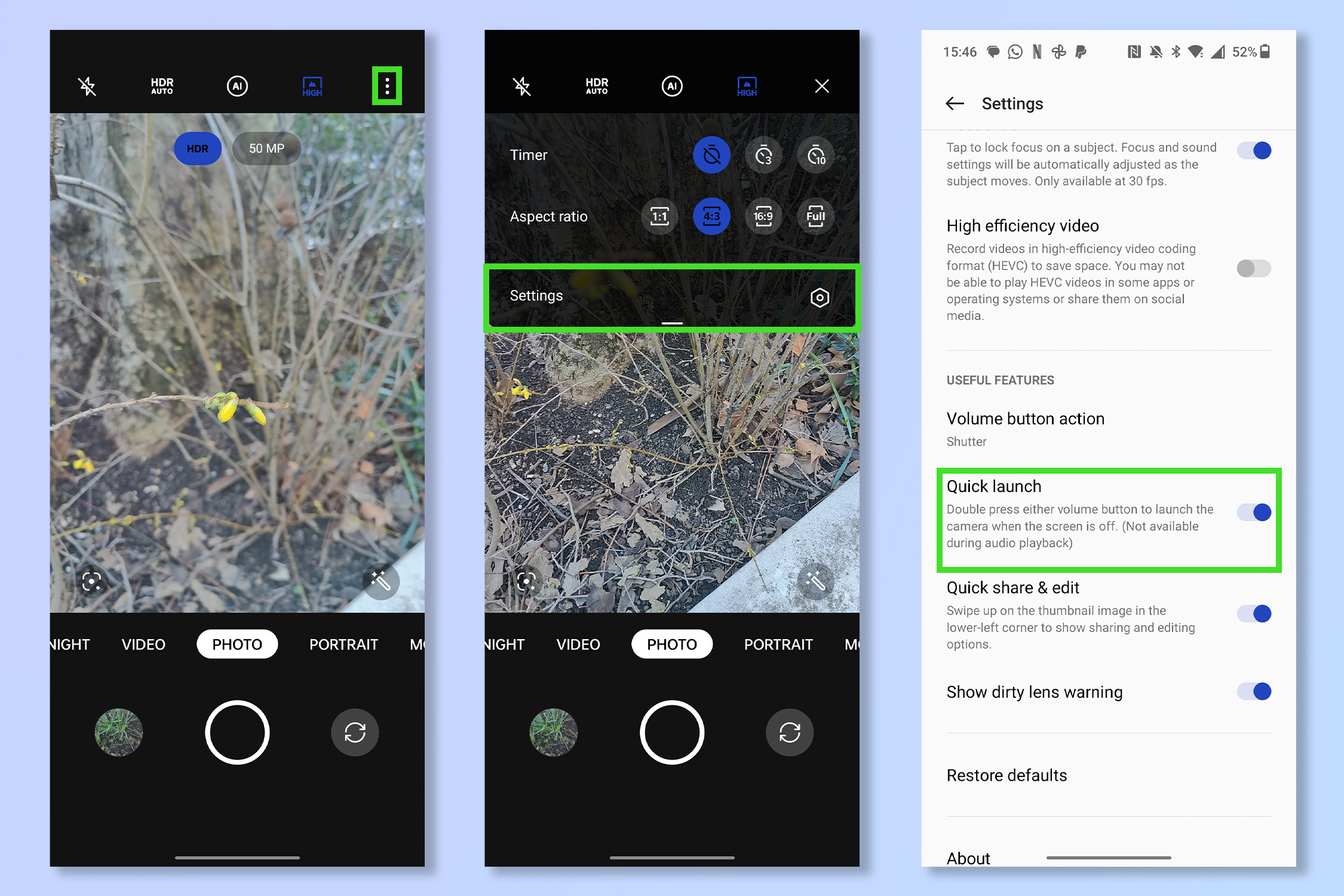
Open Camera is a powerful open-source app offering manual controls, HDR modes and extensive customisation — completely free.
👉 Download Open Camera here:
https://play.google.com/store/apps/details?id=net.sourceforge.opencamera
Best for: Free advanced controls
Camera FV-5
Download: https://play.google.com/store/apps/details?id=com.flavionet.android.camera.pro
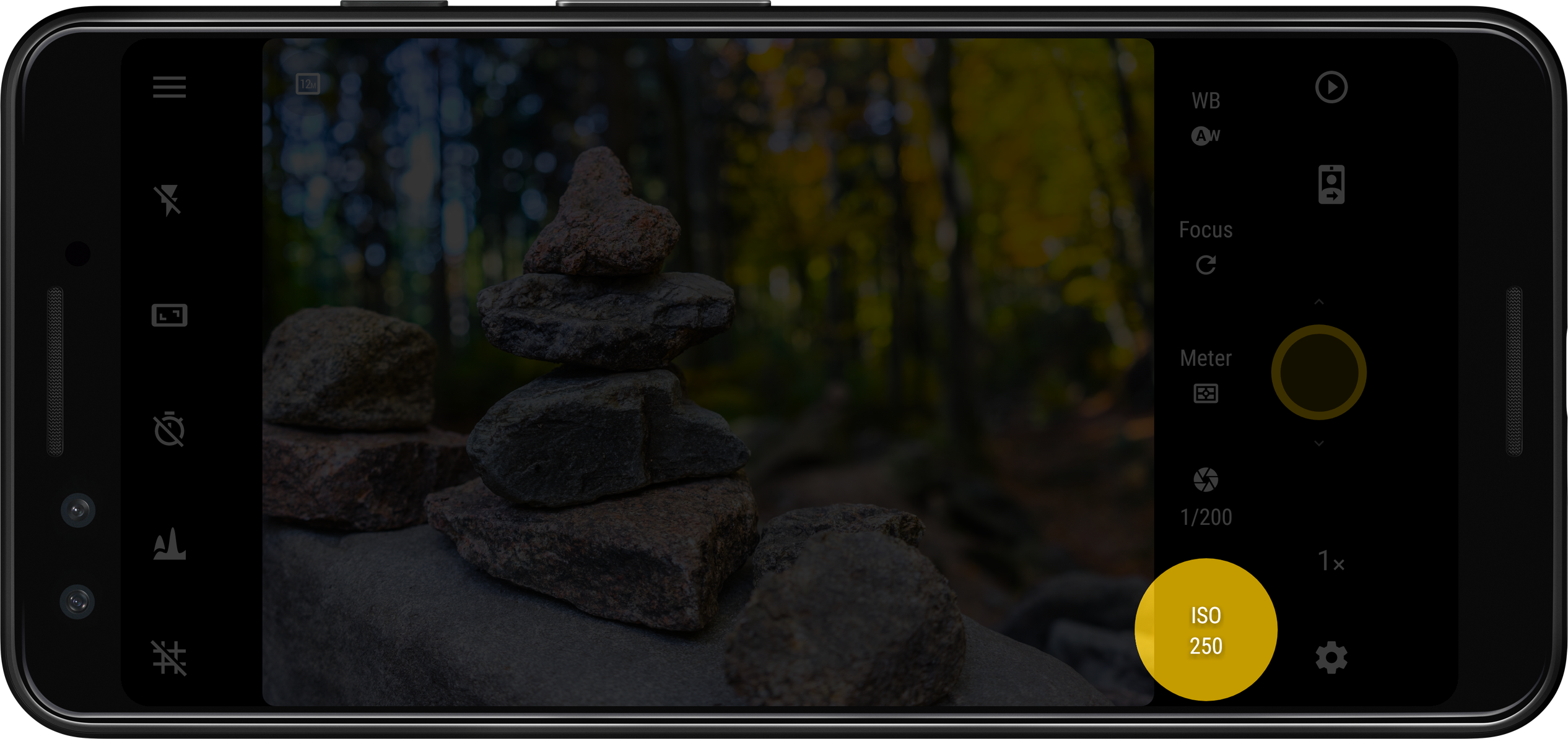
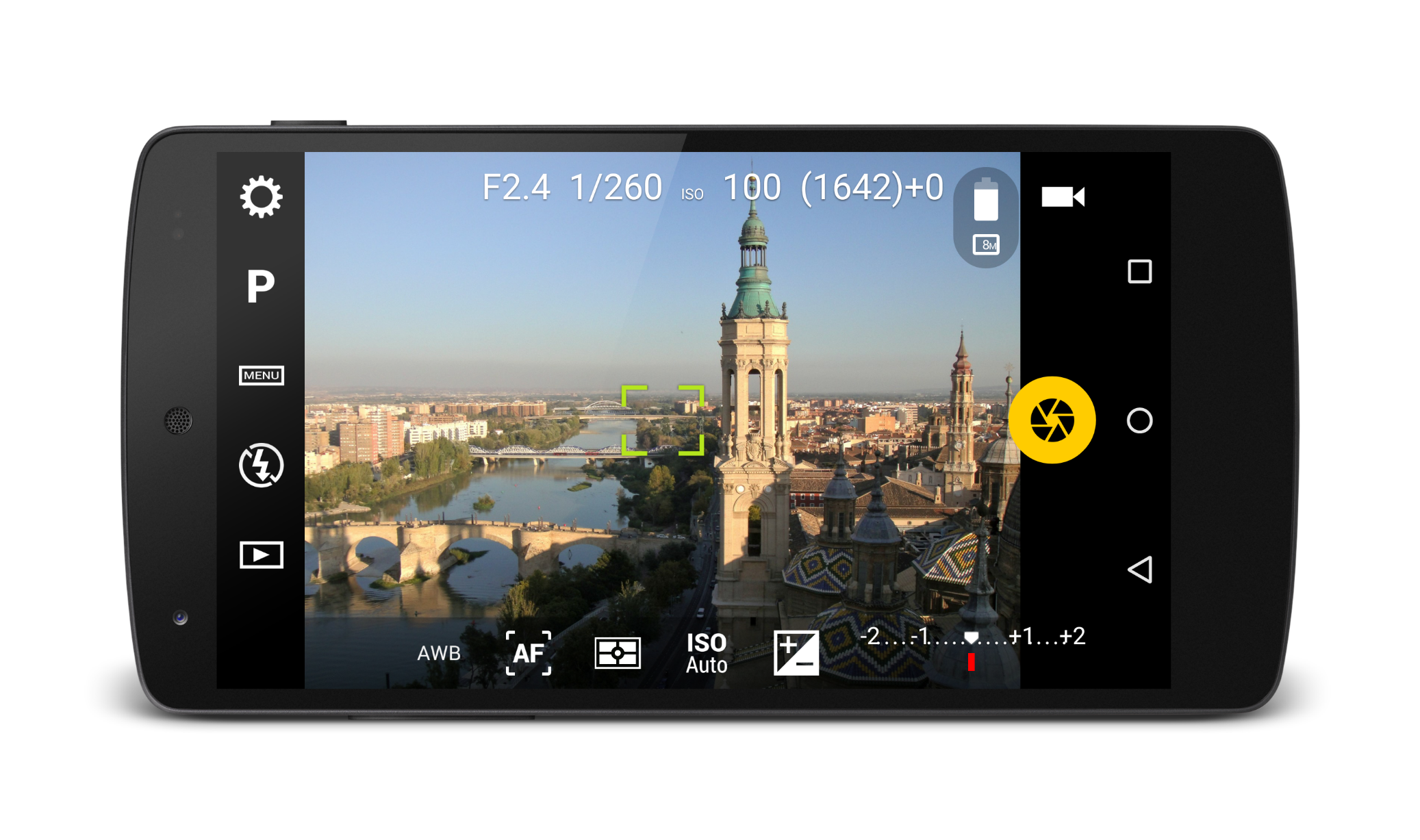
Camera FV-5 is designed for enthusiasts who want precise control. It supports long exposure photography and DSLR-like settings.
👉 Download Camera FV-5 here:
https://play.google.com/store/apps/details?id=com.flavionet.android.camera.pro
Best for: Long exposure
Footej Camera
Download: https://play.google.com/store/apps/details?id=com.footej.camera
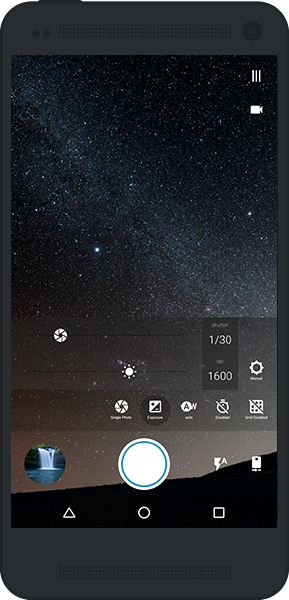
Footej Camera offers a clean interface with manual controls, making it a great balance between simplicity and power.
👉 Download Footej Camera here:
https://play.google.com/store/apps/details?id=com.footej.camera
Best for: Simplicity + control
HedgeCam 2
Download: https://play.google.com/store/apps/details?id=com.caddish_hedgehog.hedgecam2
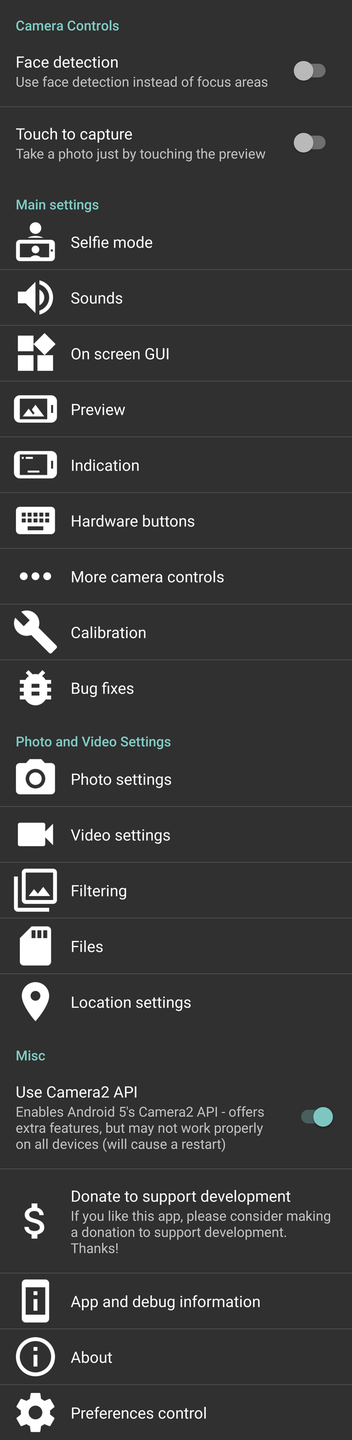

HedgeCam 2 is a more advanced version of Open Camera, offering deeper customisation and extended features.
👉 Download HedgeCam 2 here:
https://play.google.com/store/apps/details?id=com.caddish_hedgehog.hedgecam2
Best for: Advanced users
Manual Camera
Download: https://play.google.com/store/apps/details?id=com.lensesdev.manual.camera.pro
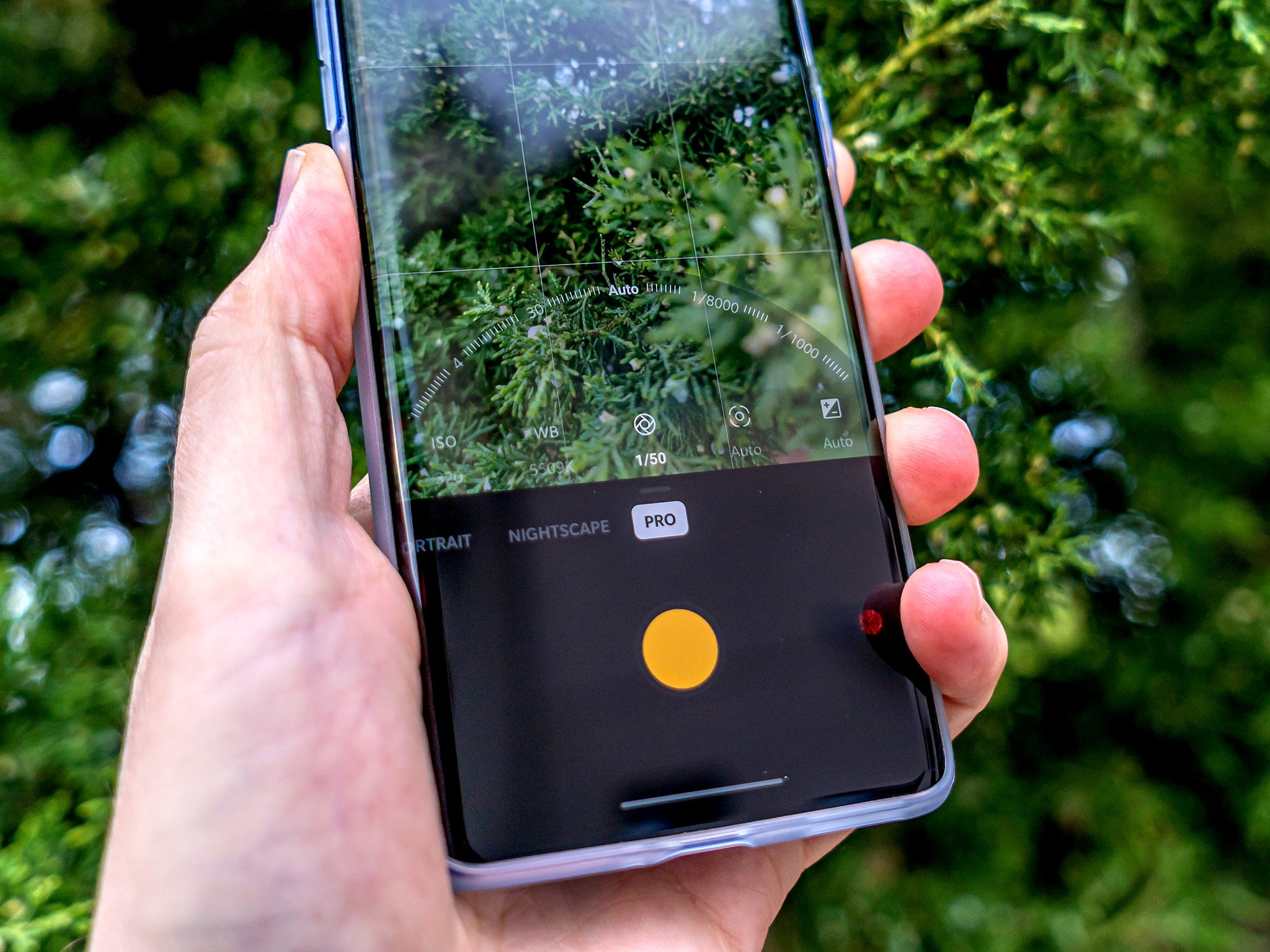

Manual Camera is designed for beginners who want to learn manual photography without being overwhelmed.
👉 Download Manual Camera here:
https://play.google.com/store/apps/details?id=com.lensesdev.manual.camera.pro
Best for: Learning manual photography
MotionCam
Download: https://play.google.com/store/apps/details?id=com.motioncam
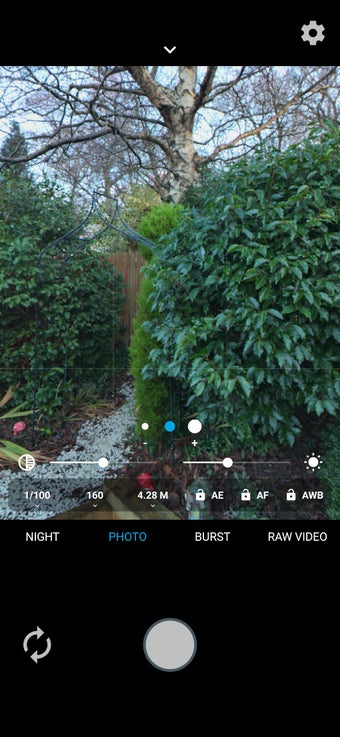

MotionCam is unique — it captures true RAW data and even supports RAW video, making it one of the most powerful apps available.
👉 Download MotionCam here:
https://play.google.com/store/apps/details?id=com.motioncam
Best for: RAW capture
Bacon Camera
Download: https://play.google.com/store/apps/details?id=com.fgnm.baconcamera


Bacon Camera works on devices that don’t normally support Camera2 API, making manual controls accessible on older phones.
👉 Download Bacon Camera here:
https://play.google.com/store/apps/details?id=com.fgnm.baconcamera
Best for: Older Android devices
❓ FAQs
What is the best Android camera app?
ProShot is widely considered the best due to its DSLR-style controls and professional features.
Are camera apps better than stock Android camera apps?
Yes — third-party apps often offer manual controls and RAW shooting not available in default apps.
Which Android camera app supports RAW?
ProShot, Open Camera and MotionCam all support RAW capture.
You may also be interested in our other best guides to mobile photography
• Best Camera Apps to Reduce iPhone Processing (2026 Edition)
The Best Camera & Editing Apps for Android – Tested and Updated – 2026 Edition
• Best Mobile Photography Apps (2026 Edition)
• Best Camera Apps to Reduce iPhone Processing (2026 Edition)
• Best Mobile Filmmaking Apps (2026 Edition)
• Best Black and White Photography Apps for iPhone (2026 Edition)
• Best Portfolio Apps and Websites for Photographers (2026 Edition)
• Blackmagic Camera Settings Guide
• Best way to use Blackmagic’s camera remote control (2026)
• Snapseed vs Lightroom Mobile
• Best iPhone Camera Apps for Photographers
• 10 Apps Secretly Draining Your Phone’s Battery – 2026 Edition
• Best Way To Create More Dynamic Travel Photos with Lightroom on Mobile
___________________________________________
Please support us
TheAppWhisperer has always had a dual mission: to promote the most talented mobile artists of the day and to support ambitious, interested viewers worldwide. Over the years, TheAppWhisperer has gained readers worldwide and created new spaces for that exchange.
All this work thrives with the support of our community. Your support helps protect our independence, and we can keep delivering open, global promotion of mobile artists. Every contribution, however big or small, is valuable for our future.

Joanne Carter
Joanne Carter is a British photography journalist, editor, curator, and the founder of *TheAppWhisperer.com*, one of the world’s leading platforms dedicated to mobile photography and art. Since its launch in 2009, TheAppWhisperer has become an international hub for artists of all levels to discover, learn, exhibit, and engage with contemporary photographic practice.Built on principles of inclusivity, accessibility, and artistic excellence, Joanne has spent almost two decades championing mobile photography as a serious artistic medium. Through interviews, critical essays, exhibitions, competitions, and education, she has helped shape and document the evolution of mobile art on a global scale.Her work has taken her internationally, lecturing on photography and mobile art at institutions and events including the Museum of Art in Seoul, South Korea, alongside appearances in the UK and Europe. She has served as a juror for international photography and mobile art awards across Portugal, Canada, the United States, South Korea, Italy, and the UK.Joanne is also the founder of *TheAppWhispererPrintSales.com*, one of the first online galleries dedicated exclusively to collectible mobile art, connecting artists with collectors across Europe, the United States, and Asia.Before founding TheAppWhisperer, Joanne worked extensively in print journalism and photographic publishing, including roles at a paparazzi photo agency and as deputy editor of a leading photography magazine. Her freelance journalism, criticism, and commentary have been published widely in both the UK and the US, with bylines in *The Times*, *The Sunday Times*, *The Guardian*, *Popular Photography*, *NikonPro*, *DPReview*, *Which?*, *Vogue Italia*, *LensCulture*, the *BBC*, and more recently, the *Financial Times*, where her published letters on photography continue to contribute to wider conversations around the medium.Alongside her editorial and curatorial work, Joanne’s own photographic practice has been exhibited internationally across the UK, Europe, South Korea, and the United States. Her work increasingly explores themes of grief, loss, death, memory, and the body.Her current research interests centre on grief, death, and poverty, with forthcoming postgraduate study leading towards doctoral research in these areas.Joanne is currently developing new long-form writing and photographic projects and is available for commissions, editorial projects, speaking engagements, and collaborations.Contact: joannetheappwhisperer@gmail.com)