Adobe’s PaintCan: A Nifty Addition to Beginner Paint Apps
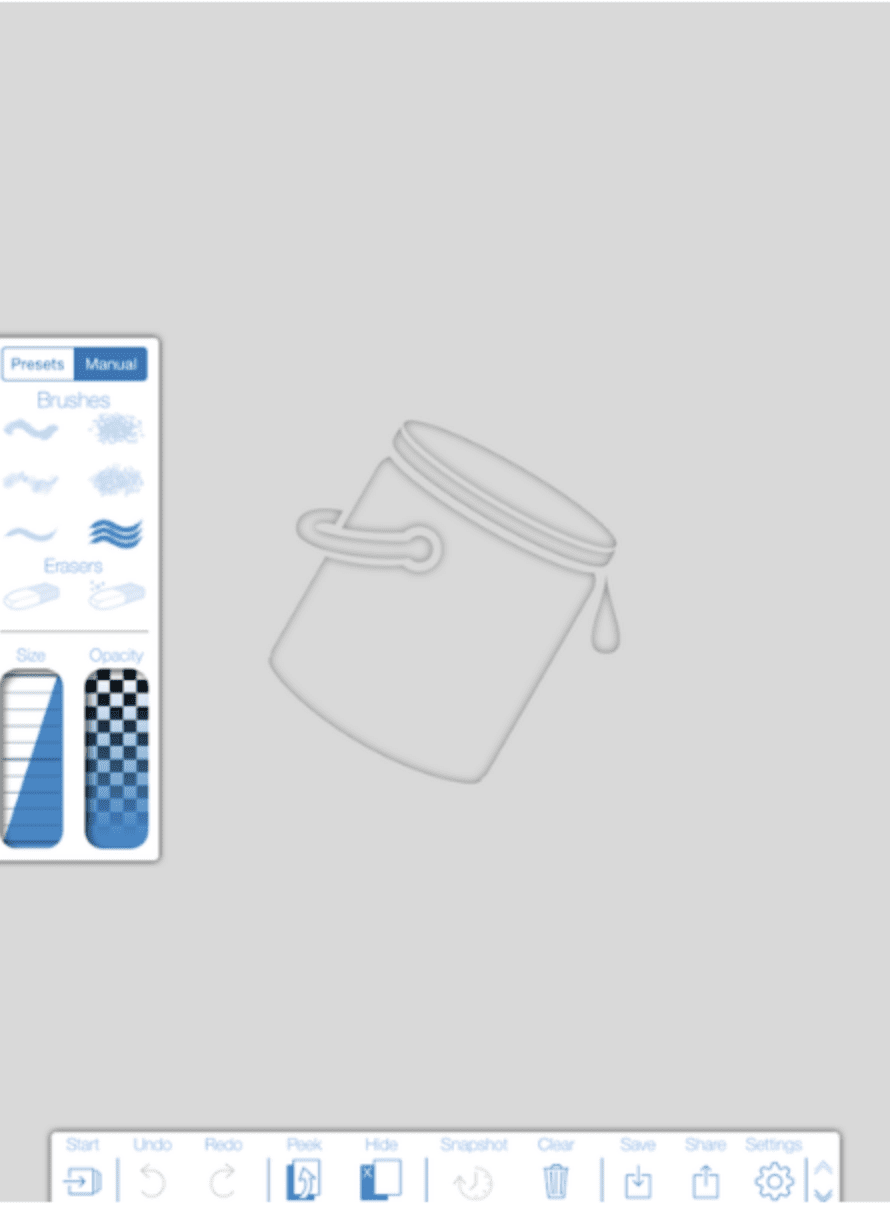
We are delighted to publish Jerry Jobe’s latest mobile photography/art tutorial for our reading and viewing pleasure. This time Jobe takes a look at the app Adobe’s PaintCan app. Read his thoughts as he puts it through its paces (foreword by Joanne Carter). Take it away Jerry… PaintCan is free and you can download it here “Painting apps can take several different forms. There are the auto-painting apps, that apply the brush to the canvas in a specific, software-driven way. Glaze, Brushstroke and the AutoPainter series are among the auto-painting apps I’ve covered. There are those that allow you to “trace” photos, but the user completely controls the brush strokes…
Mobile Monet/HD – Temporarily Free
Mobile Monet generates a black and white sketch version of any picture you select. There are settings to adjust the sketch line thickness, intensity and even color, as well as the shading. MobileMonet then lets you paint onto the sketch using a soft flow brush tool that applies a painterly version of the original photo. The more you brush, the more paint is applied. It’s deceptively simple, but very creative. Brush in just the areas you want to highlight. You can adjust the paint settings to get just look you want. The adjustments include vibrance and brightness, as well as number of color shades and edge softness. James Clarke, whom…