APPart
AppArt School – 10 Good iOS Photo Editing Apps for Beginners
AppArt School – 10 Good iOS Photo Editing Apps for Beginners There are many photo editing apps available for beginners, each with its own unique features and user interface. Here are some popular options: Snapseed: This is a free photo editing app developed by Google that offers a wide range of editing tools and filters. VSCO: VSCO is a popular photo editing app that offers a wide range of filters and editing tools. It also has a built-in camera app, making it easy to take and edit photos all in one place. Adobe Lightroom: Adobe Lightroom is a powerful photo editing app that is designed for both beginners and professionals.…
AppArt School – What are the best photo storage apps for backing up my photos?
AppArt School – What are the best photo storage apps for backing up my photos? There are several photo storage apps available for backing up your photos, each with its own features and benefits. Here are some of the best options: Google Photos: This is a popular photo storage app that allows you to back up unlimited photos and videos for free, as long as you agree to have them compressed to a certain size. It also has a search function that can identify objects, people, and places in your photos.Google Photos was also listed in our Best Free Android Photography Apps (No Subscription) in 2026 iCloud Photos: If you’re…
AppArt School – How to Remove Unwanted Objects in your iPhone Photos with TouchRetouch
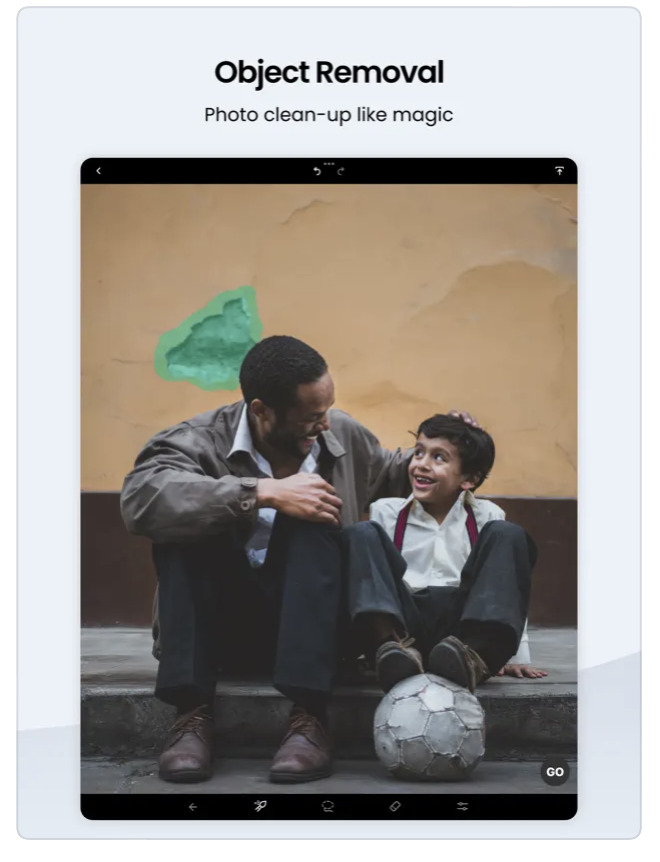
AppArt School – How to Remove Unwanted Objects in your iPhone Photos with TouchRetouch App TouchRetouch is a powerful photo editing app that allows you to remove unwanted objects and blemishes from your photos. Here’s how to use it: Touch Retouch was also mentioned in our Best Apps to Remove Objects from Photos in 2026 – Clean Up Your Images Effortlessly Open the TouchRetouch app and select the photo you want to edit. Use the “Object Removal” tool to remove unwanted objects from the photo. Tap the tool, then use your finger to draw around the object you want to remove. Once you’ve finished outlining the object, the app will…
AppArt School – How to Get Started with the Snapseed App
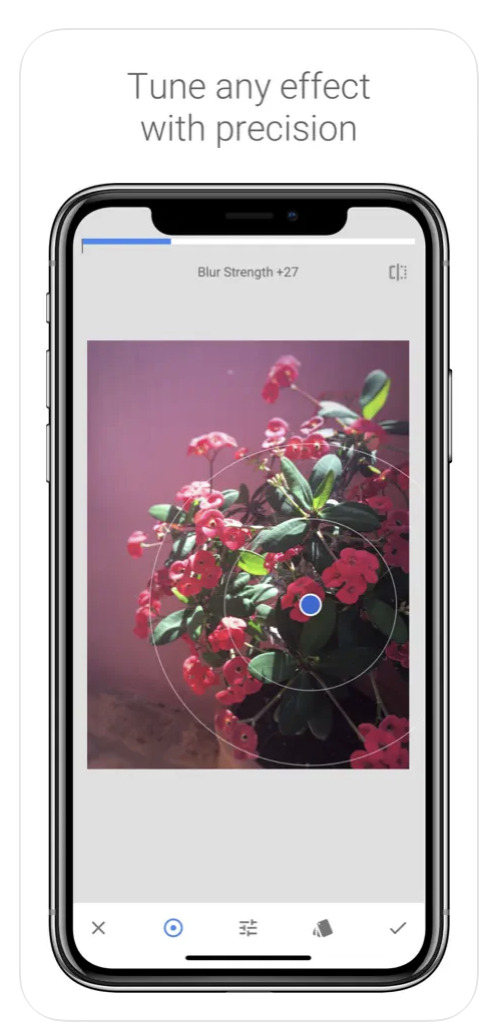
AppArt School – How to Get Started with the Snapseed App Snapseed was also listed in our Best Apps to Remove Objects from Photos in 2026 – Clean Up Your Images Effortlessly Snapseed is a free photo-editing application developed by Google, which is available for both iOS and Android devices. Here are some steps to use the Snapseed app: Install the app: Download the Snapseed app from the App Store or Google Play Store, depending on your device. Once the app is downloaded and installed, open it. Choose a photo: Select the photo you want to edit from your camera roll or take a new photo. Basic adjustments: Snapseed has…
AppArt School – How to Get Started with the Lumafusion App
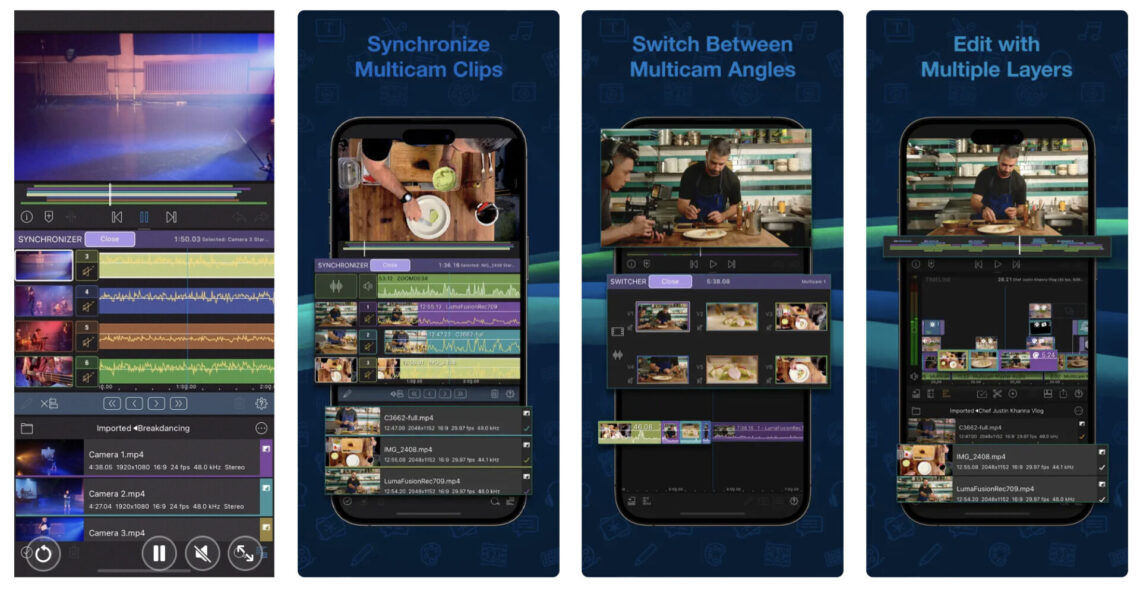
AppArt School – How to Get Started with the Lumafusion App LumaFusion is a professional video editing app for iOS devices, and getting started with it is relatively straightforward. Here are the steps you can follow: Install the app: The first step is to download and install the LumaFusion app from the App Store on your iOS device. Open the app: Once you have installed the app, open it from your device’s home screen. Create a new project: To create a new project, tap on the ‘Create New Project’ button on the main screen. Choose a resolution and frame rate: You will be prompted to select the project’s resolution and…
Opinion – Mobile Art – The Sign of Now
We are delighted to publish this article by accomplished mobile artist Fatma Korkut today. Korkut gives an interesting history into what makes mobile art, the sign of now. Enjoy!
Our APPart Winners of the Mobile Photography Awards!
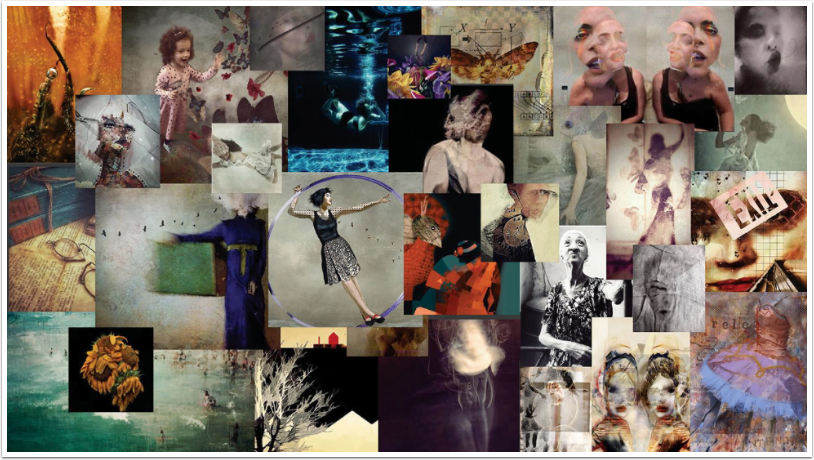
Our brilliant editor, Bobbi McMurry for our APPart Column has put together this stunning collage of all the images from this group that were awarded in the Mobile Photography Awards. What an incredibly talented group of artists we have! This is what Bobbi had to say about it: “So pleased to present a few of the outstanding images that were recognised in the 7th Annual Mobile Photo Awards – special thanks to Daniel Berman for creating and continuing to provide this venue for mobile artists and photographers to be seen. Also thanks to the judges who work tirelessly to cull the vast entries to make the selections you’ve no doubt…
AppArt – The Difference Between AppArt and Apped Photos – Explained
Very recently our uber AppArt Editor, Bobbi McMurry, posted an explanation (with illustrations) between AppArt and Apped Photos to our dedicated Facebook Column. We have taken the liberty of reposting it here to, ensuring that it reaches as many of you as possible. We would love you to join us! Enjoy this. (foreword by Joanne Carter). Not AppArt One of the most unique aspects of AppArt is that the composition exists in the imagination of the artist. It can come to be through (1) digital painting (using apps), (2) Collage approach compiling more than one photo to create a unique image. This is an image I shot with a…
New Cover Art at our APPart Facebook Group by Jenny Pieters
Many thanks to our incredible APPart editor Bobbi McMurry for selecting our new APPart Facebook cover art, this time by Jenny Pieters. We are further graced as Pieters has also detailed her process and we have included it here, thank you both so much. To join our APPart Facebook group, please go here
Mobile Art – Brand Spanking New Major Procreate Update Coming Soon and we have Promotional codes to Share
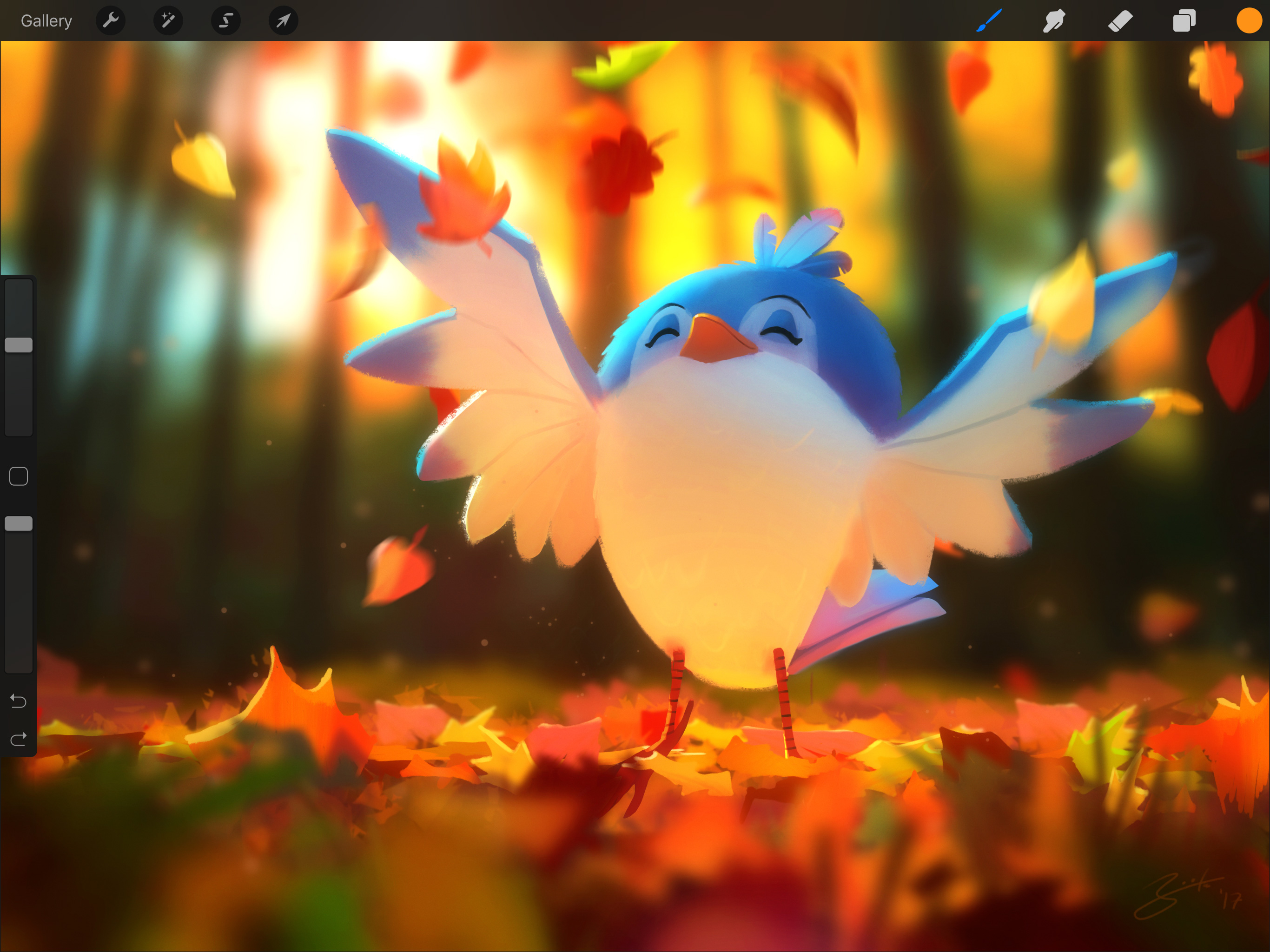
We are delighted to work so closely with the Procreate team based in Tasmania, having been privy to their inside beta, we know that they have been working at full pelt to build their biggest release ever. Procreate 4 has been built for iOS 11 and is powered by an entirely new Metal painting engine. The teams goal for this release was to truly improve the Procreate experience – not just cram more stuff in and put a higher number on the box. There’s a trend in the industry to throw in endless features, and forget why customers loved the software to begin with. Procreate 4 is about celebrating its core…