Mobile Photography / Art Tutorial – Up Against the Wall: Graffiti Me and Fotoffiti
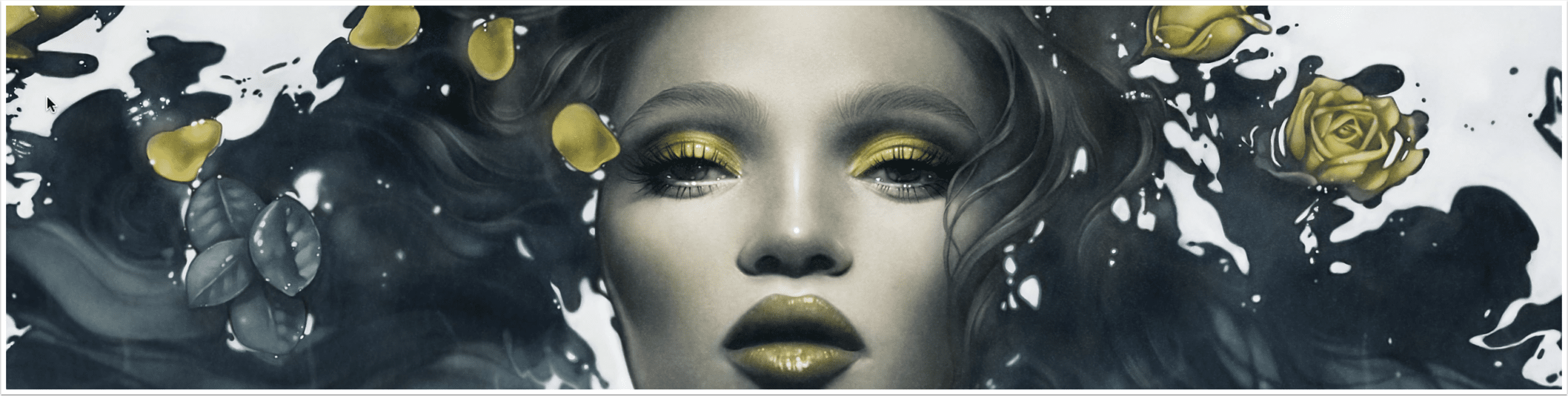
We are delighted to publish Jerry Jobe’s latest mobile photography/art tutorial for our viewing pleasure. This time Jobe takes a look two apps, Graffiti Me and Fotofiffi. Take it away Jerry…(foreword by Joanne Carter). “There are thousands of photography/art apps on the App Store, and some of them are extreme specialised. That’s the case with the two apps I’ll be covering this time: Graffiti Me by Bluebear Technologies Ltd and Fotoffiti by amioli. Each take your image, run a Threshold filter on it, and apply it to a wall as if you’ve stenciled it there. Each allow you to add extra paint and text. Each also run on both the…
Graffiti Me! – iOS Photography App – Temporarily Free
This app is from the same stable as ‘Sketch Me!’ is free this weekend only. Usually this app retails for $0.99/£0.69, you can download it here. Features – Supports Facebook, Twitter and e-mail so you can easily share your graffiti with your friends, as well as save them to your iPhone. – Features an easy-to-use interface. You can use your finger to move an image around on the screen to find its best position. You can also zoom in and out through the pinch gesture. - Auto Paint mode (as shown in screenshots), this is where the user can add adjustable paint filters to the photo. – Adjustable threshold…
iPhoneography – Graffiti Me! – Updated
From the developers of Sketch Me!, Graffiti Me! is proving to be hugely popular and the effects can be applied to any image, although best results are obtained by using an image with good contrast. This app has just been updated with important memory fixes and additional fixes for iPod 4g users. If you haven’t downloaded this app you can do so here. It retails for $0.99/£0.69/download
iPhoneography – Graffiti Me! – New
Check out this app from the makers of ‘Sketch Me!’, it looks excellent. The Graffiti Me! effect can be applied to any image. Best results are obtained by using a picture with good contrast. This app retails for $0.99/£0.69 and you can download it here. Features – Supports Facebook, Twitter and e-mail so you can easily share your graffiti with your friends, as well as save them to your iPhone. – Features an easy-to-use interface. You can use your finger to move an image around on the screen to find its best position. You can also zoom in and out through the pinch gesture. – Auto Paint mode (as…