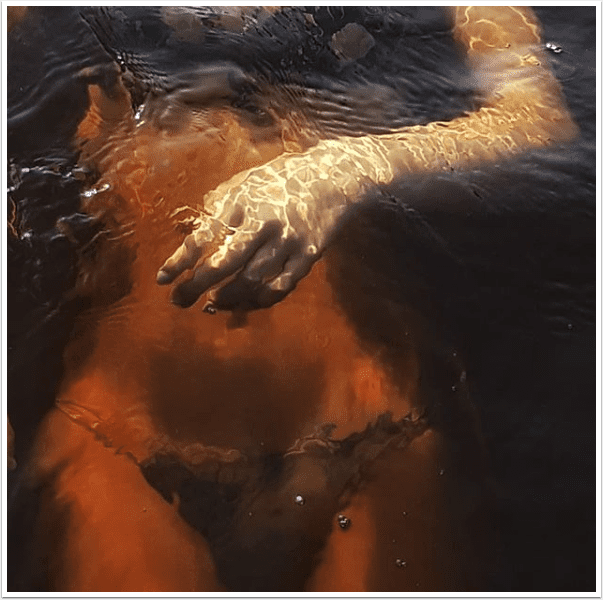
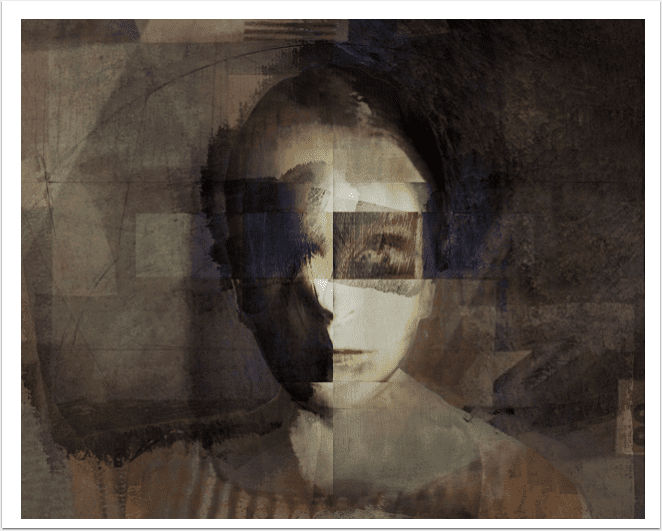
Mobile Photography/Art – Pic of the Day (471) – via Instagram – TheAppWhisperer
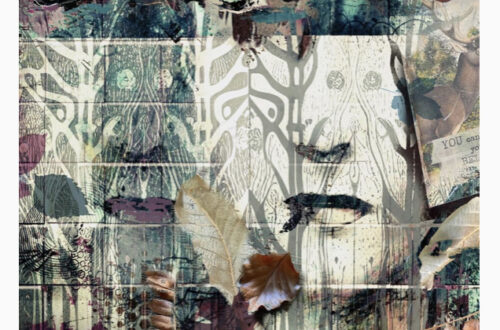
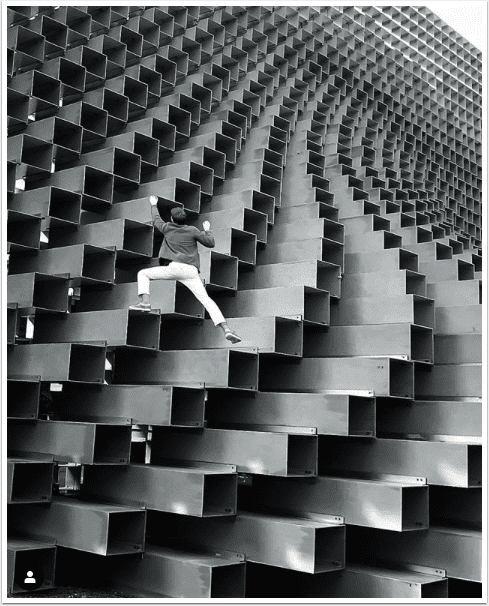
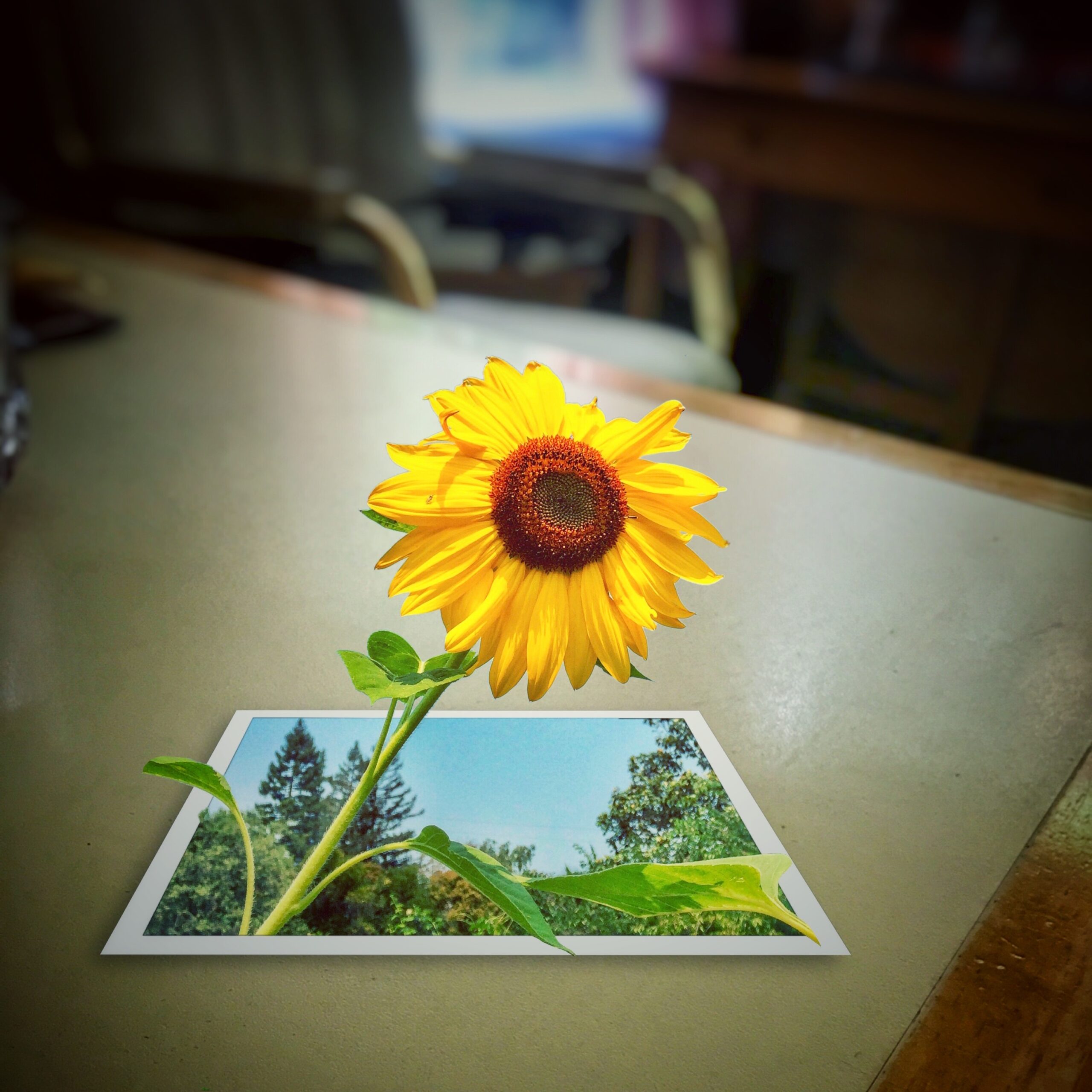
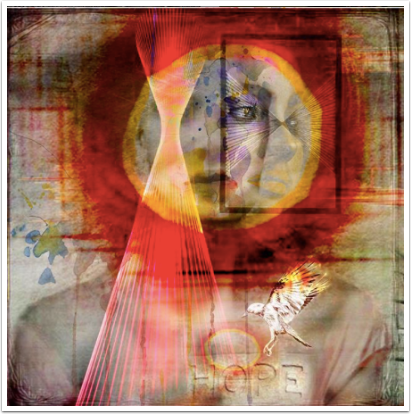
Here’s day four hundred and seventy one of our mobile photography/art Pic of the Day section via Instagram. Each day we will be selecting one image a day for our Pic of the Day section on Instagram with this hashtag – #theappwhisperer. Furthermore, each month we will also offer an overall prize to the image that receives the most love. To ensure your image receives our attention, please upload it to Instagram with this hashtag – #theappwhisperer Today, we congratulate @ali.shms from Iran with this image. Please view more of his stunning images here. [Please visit our Artist Directory and find out how we can add you too!]
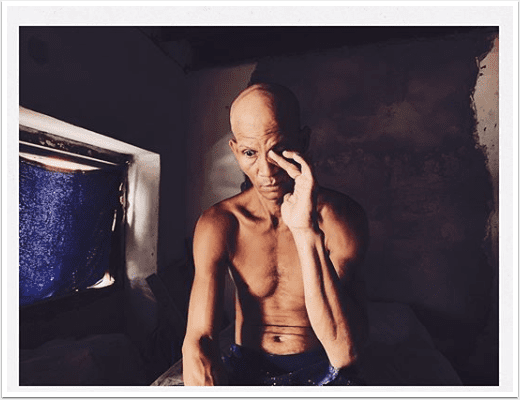
Mobile Photography/Art – Pic of the Day (470) – via Instagram – TheAppWhisperer
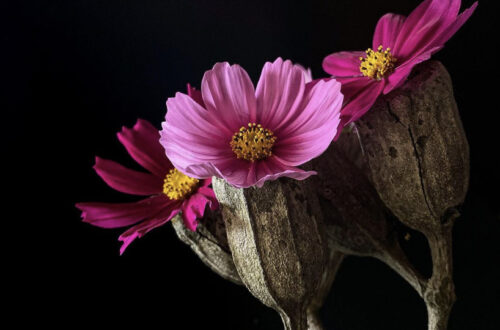
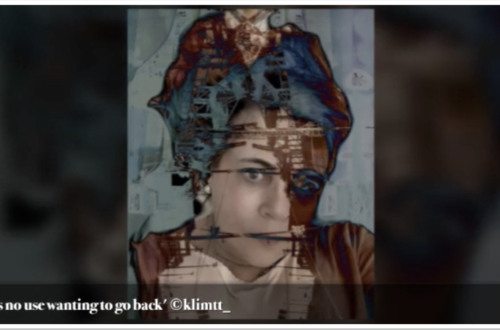
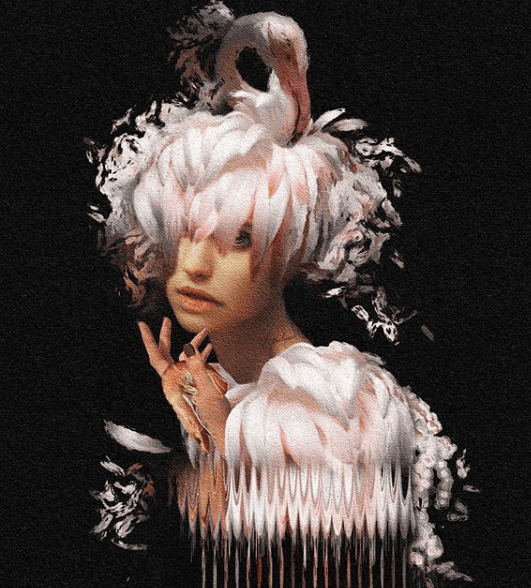
Here’s day four hundred and seventy of our mobile photography/art Pic of the Day section via Instagram. Each day we will be selecting one image a day for our Pic of the Day section on Instagram with this hashtag – #theappwhisperer. Furthermore, each month we will also offer an overall prize to the image that receives the most love. To ensure your image receives our attention, please upload it to Instagram with this hashtag – #theappwhisperer Today, we congratulate @tatteredphotographs – Kim with this image. Please view more of her stunning images here. [Please visit our Artist Directory and find out how we can add you too!]
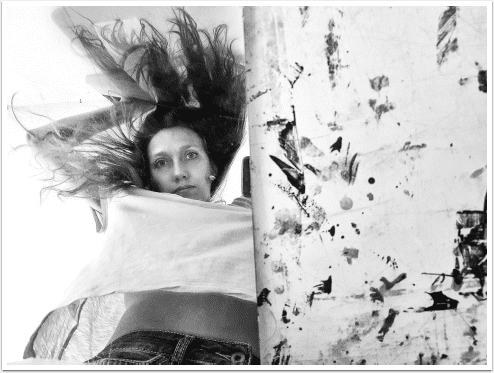
Mobile Photography & Art Flickr Group Showcase – 30 October 2016
The images in this weeks mobile photography and art showcase are deliciously decadent and based on each artists vivacious imagination. Mobile photography and art is booming and a lot of that is down to the talent you will see here. This art gives me such a lust for life, it is extravagent with such ebullience that ecstasy is right around the corner! Enjoy. If you would like your work to be considered for entry into our weekly Mobile Photography and Art flickr group, please submit it to our dedicated group, here. If you would like to view our previous Flickr Group Showcases (please go here). Many congratulations to the following…
Apple Launches Dedicated Accessibilty Website and we are Excited!
Apple premiered their Keynote yesterday with a video highlighting their brand new Accessibility website. I was immensely touched by this, not only because I have a disability myself but I have dear friends and family, as many of us do, with disabilities and anything that technology can do to help us all feel and be more involved within this world, is a truly wonderful thing. This morning, I have spent some time with my audiologist, I have moderate to profound hearing loss and wear hearing aids full time. These are a life line but they do present problems for me, in certain situations. When using the telephone, I receive a…
Apple Unveils Groundbreaking New MacBook Pro
Apple today introduced the thinnest and lightest MacBook Pro ever, along with a breakthrough interface that replaces the traditional row of function keys with a brilliant, Retina-quality Multi-Touch display called the Touch Bar. The new MacBook Pro features Apple’s brightest and most colourful Retina display yet, the security and convenience of Touch ID, a more responsive keyboard, a larger Force Touch trackpad and an audio system with double the dynamic range. It’s also the most powerful MacBook Pro ever, featuring sixth-generation quad-core and dual-core processors, up to 2.3 times the graphics performance over the previous generation, super-fast SSDs and up to four Thunderbolt 3 ports. The Touch Bar places controls right at the user’s…
Now You Can Create A Blurb Book From Your iPhone or iPad
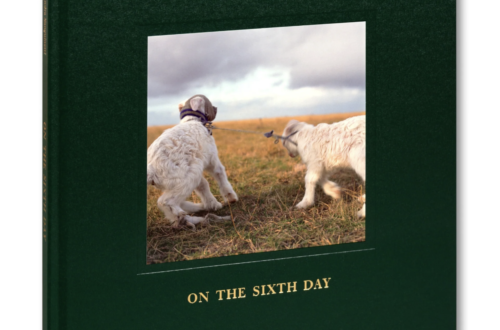
The launch of a new free universal iOS app from Blurb enables you to create a photo book directly from your mobile device. Some of the feature highlights include the facility to pull images directly from your iOS albums into your book where ‘autoflow’ places them into pages. There are three different page layouts to allow you to customise your book, two sizes and two cover types. Captioning is another useful option to add to your images. If you want to find out more, go here to download the free app.
Infographic – Selecting Your Image Size
Alamy have produced a simple infographic displaying image size information to help you decide if the file you wish to use is suitable for your project. The information includes resolution, dimensions and file size.
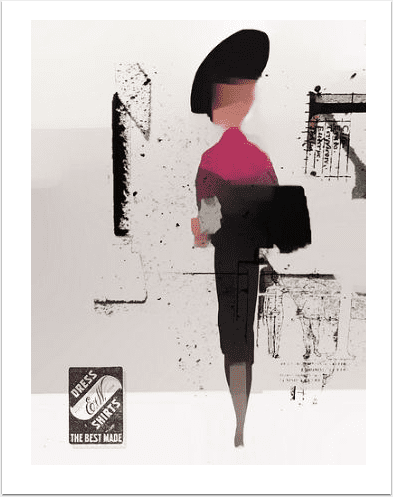
Mobile Photography/Art – Pic of the Day (468) – via Instagram – TheAppWhisperer
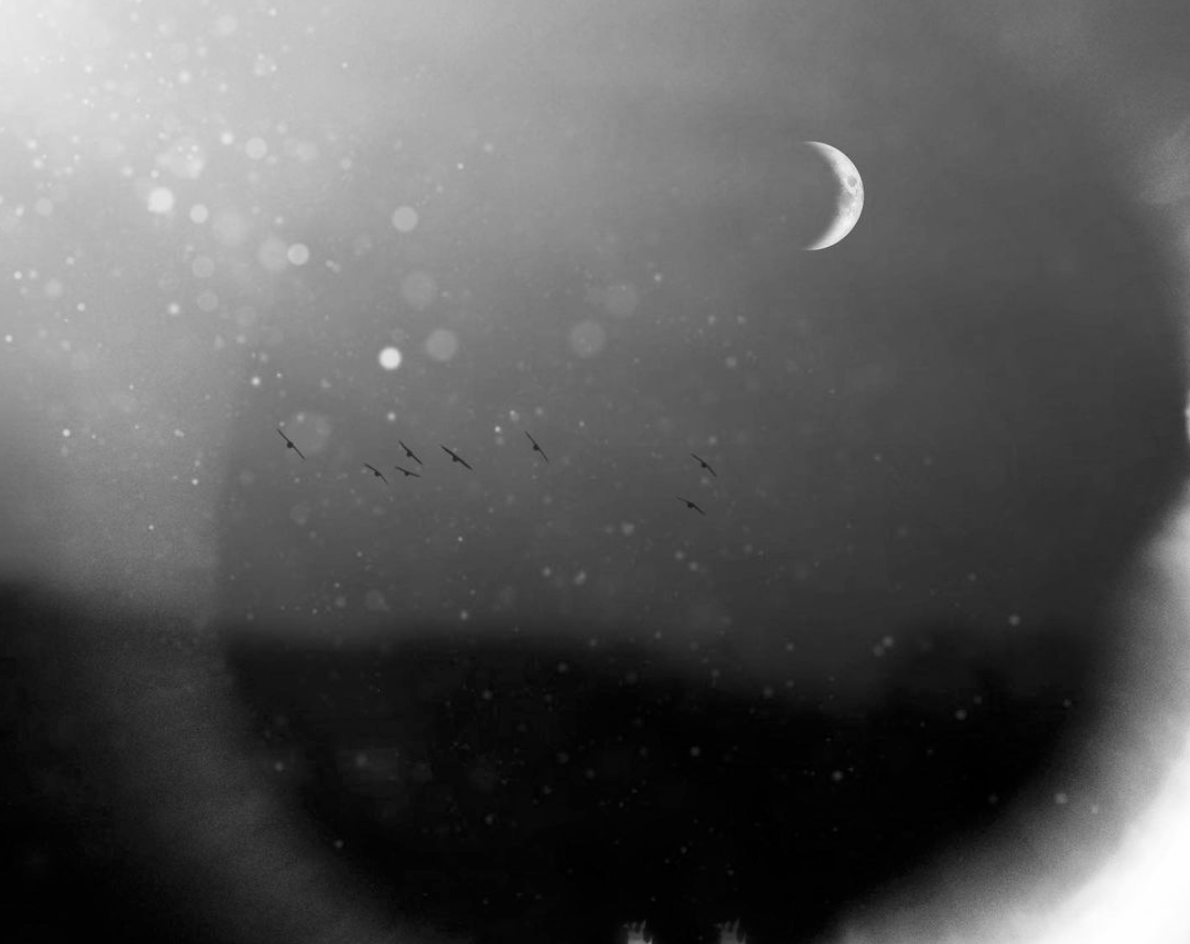
Here’s day four hundred and sixty eigh of our mobile photography/art Pic of the Day section via Instagram. Each day we will be selecting one image a day for our Pic of the Day section on Instagram with this hashtag – #theappwhisperer. Furthermore, each month we will also offer an overall prize to the image that receives the most love. To ensure your image receives our attention, please upload it to Instagram with this hashtag – #theappwhisperer Today, we congratulate @valepepevale – Valentina Pibiri with this image. Please view more of her stunning images here. [Please visit our Artist Directory and find out how we can add you too!]
Mobile Photography / Art Tutorial – Good Hydrations: How Much Water Do You Need?
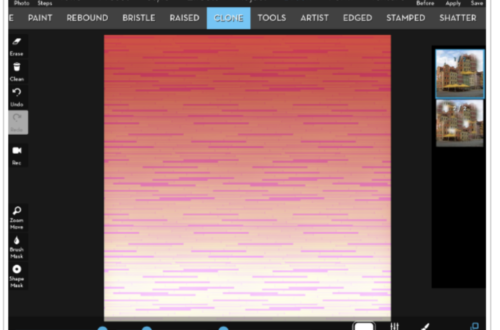
We are delighted to publish Jerry Jobe’s latest mobile photography/art tutorial for our viewing pleasure. This time Jobe takes a look a new watercolour app – Paint Logue and compares it to some of the other current popular watercolour apps. Take it away Jerry…(foreword by Joanne Carter). “How many hammers do you need? Given my ability to bend any nail, I definitely need a claw hammer. I’ve got a pipe wrench with a hammer head on the back, for those frustrating moments when the pipe fitting WON’T BUDGE. But since I’m not pounding dents into or out of metal, I have no real need for a ball-peen hammer. (Besides the…
Google Pixel 4K Cinematic Video Footage
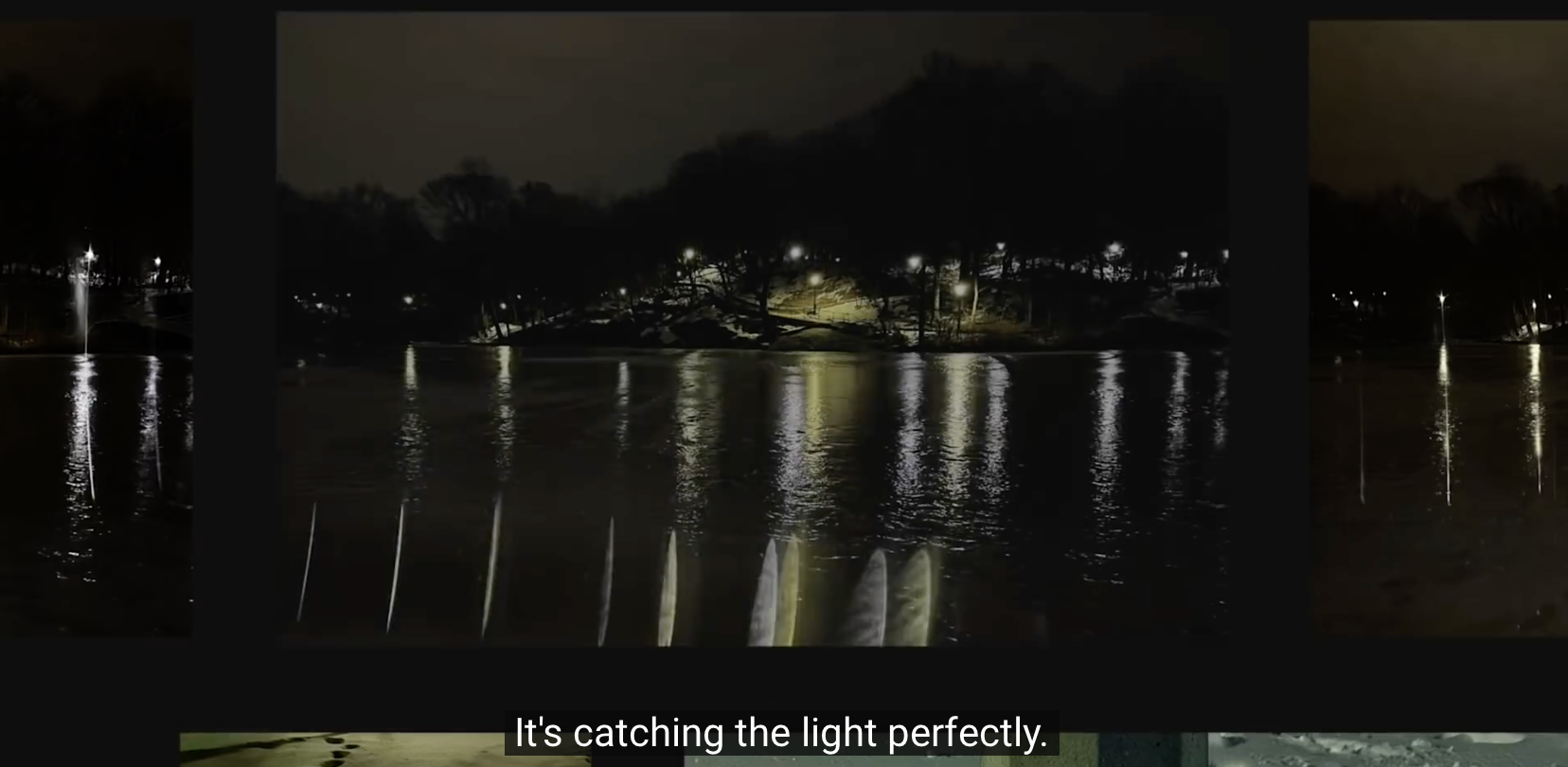
Filmmaker Matteo Bertoli recently purchased a Google Pixel smartphone and spent the weekend testing the camera in Park Cit and Salt Lake City downtown. For this video Matteo used a Rhino slider and the Shoulderpod S1 for handheld footage. He did not use any lenses or gimbal. He edited in FCPX and graded in DaVinci Resolve. He also used Filmic Pro and the native camera app to record the entire video. Check out the video here, it is incrediby impressive!