dpreview Feature Our ‘Creating Magical Collage Ephemera Cards With Layout & Halftone Tutorial By Nettie Edwards
With many thanks to our linked site dpreview for featuring our recently published tutorial by Nettie Edwards ‘Creating Magical Collage Ephemera Cards With Layout and Halftone’ apps. This is an outstanding tutorial and we’re so delighted they picked it up. You can read more here.
You May Also Like
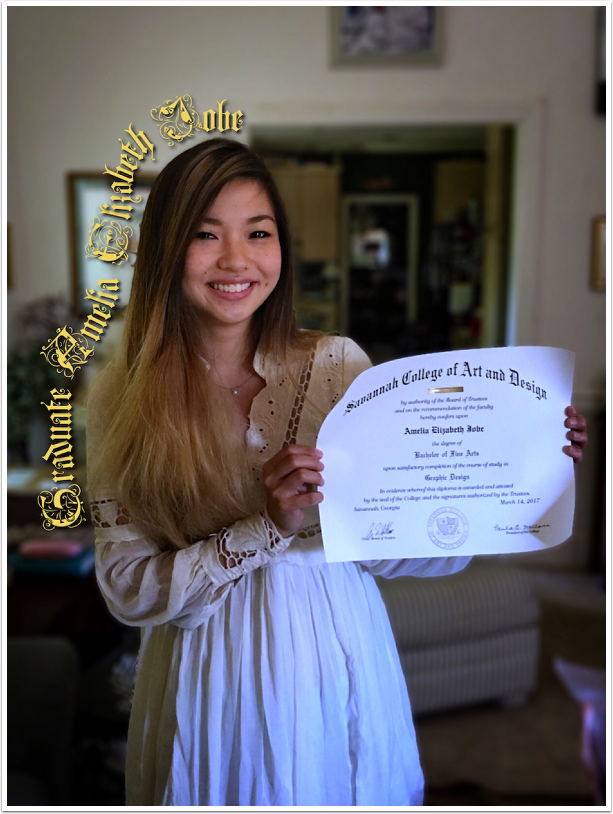
Mobile Photography / Art Tutorial – A Return With Tips on iColorama’s Text on a Curve
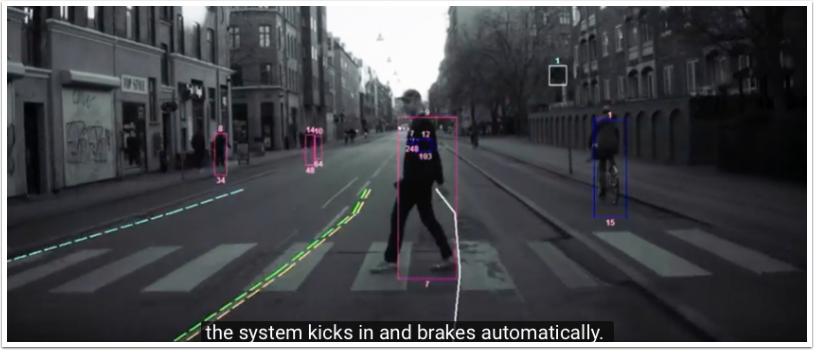
Something Different and Very Interesting – ‘Mobile’ Photography with Volvo and Photojournalist Barbara Davidson
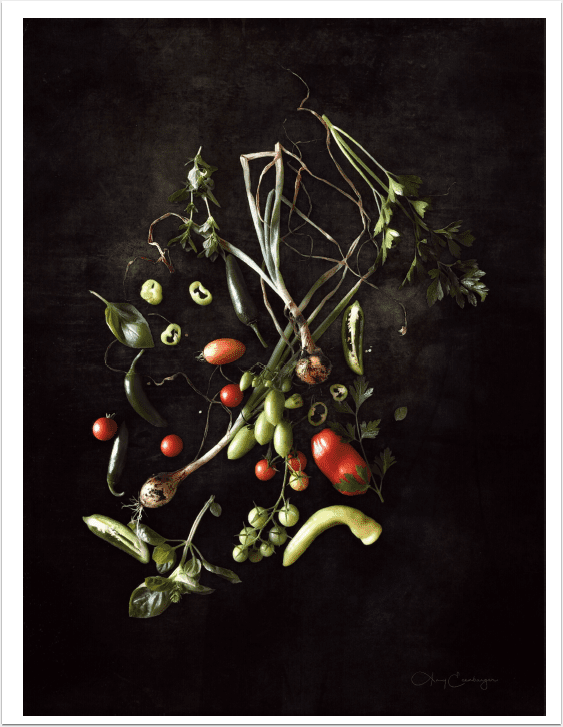
Mobile & Photography & Art – Beet Around The Bush – Our Second Interview with Amy Ecenbarger from Indiana, United States
Creating Magical Collage Ephemera Cards With Layout and HalfTone
My partner’s father and grandfather were magicians and a couple of years ago, we inherited their magic books. They are a treasure trove of vintage imagery and typography and I’ve been thinking of all the ways I might integrate them into artworks. One idea is a set of surreal postcards. In this tutorial, I’m going to take you through my process of creating a design for the first of the set, using LAYOUT and HALFTONE by app developers Juicy Bits. Before we begin, here’s a peek at the finished design. I used LAYOUT to create a composite, then exported the artwork into HALFTONE where I re-colored and…
Layout – Temporary Price Drop
Layout is a great iPhone photography app from the same developers as the very popular Halftone app. Usually Layout retails for $1.99/£1.49 but this weekend you can pick it up for only $0.99/£0.69. Click here to download. Features Swipe your finger to quickly split a frame into sections, and use the radial menu to add photos directly from Facebook, Instagram, or Flickr. Enhance images with built-in filters and effects, adjust saturation and contrast, add some stickers, and a whole lot more. Then, add a caption to each photo, apply a background color or pattern, and share your layout with friends and family via e-mail, Facebook, Twitter, and Flickr.…
Layout – Our Daily App Giveaway
Welcome once again to our Daily App Giveaway section of theappwhisperer. We value our readers so much and that’s why we want to share our love of apps with you. Each day we give away free apps, better make us your home page 😉 Today, we’re giving Layout apps today, each worth $1.99/£1,49. Layout makes it easy to arrange your photos, tell stories, and share with friends. Swipe your finger to quickly split a frame into sections, and use the radial menu to add photos directly from Facebook, Instagram, or Flickr. Enhance images with built-in filters and effects, adjust saturation and contrast, add some stickers, and a whole lot more. Then,…