AppArt School – How to Shoot in RAW with an iPhone
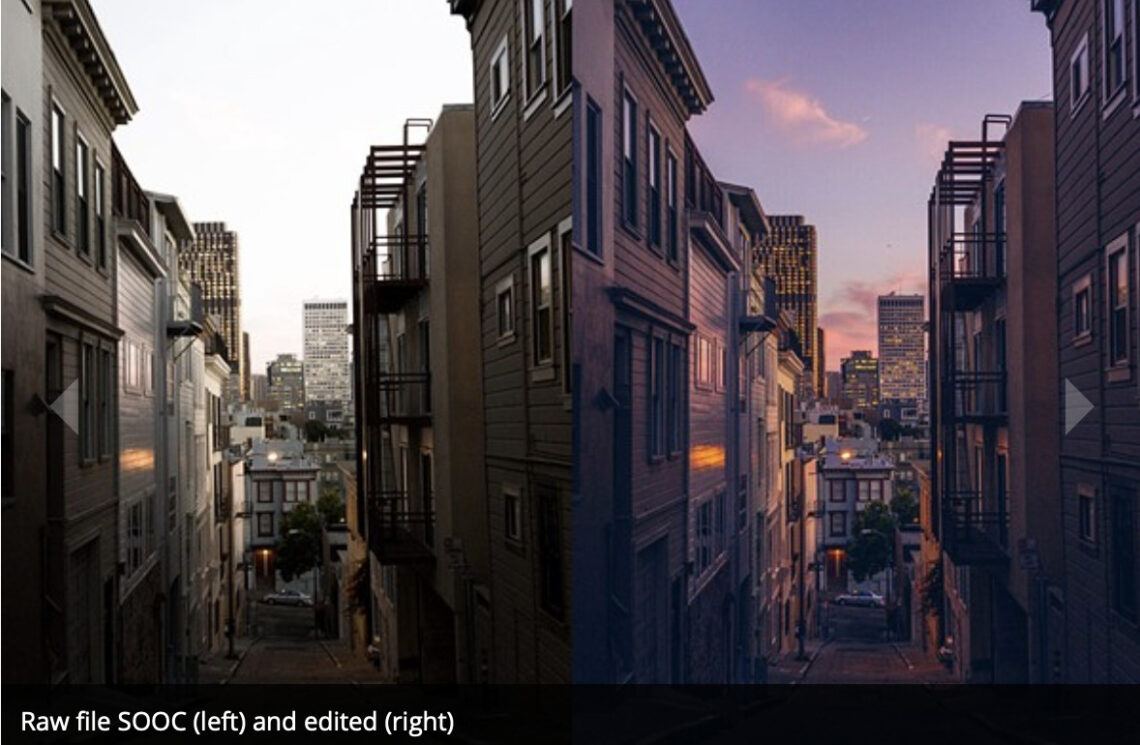
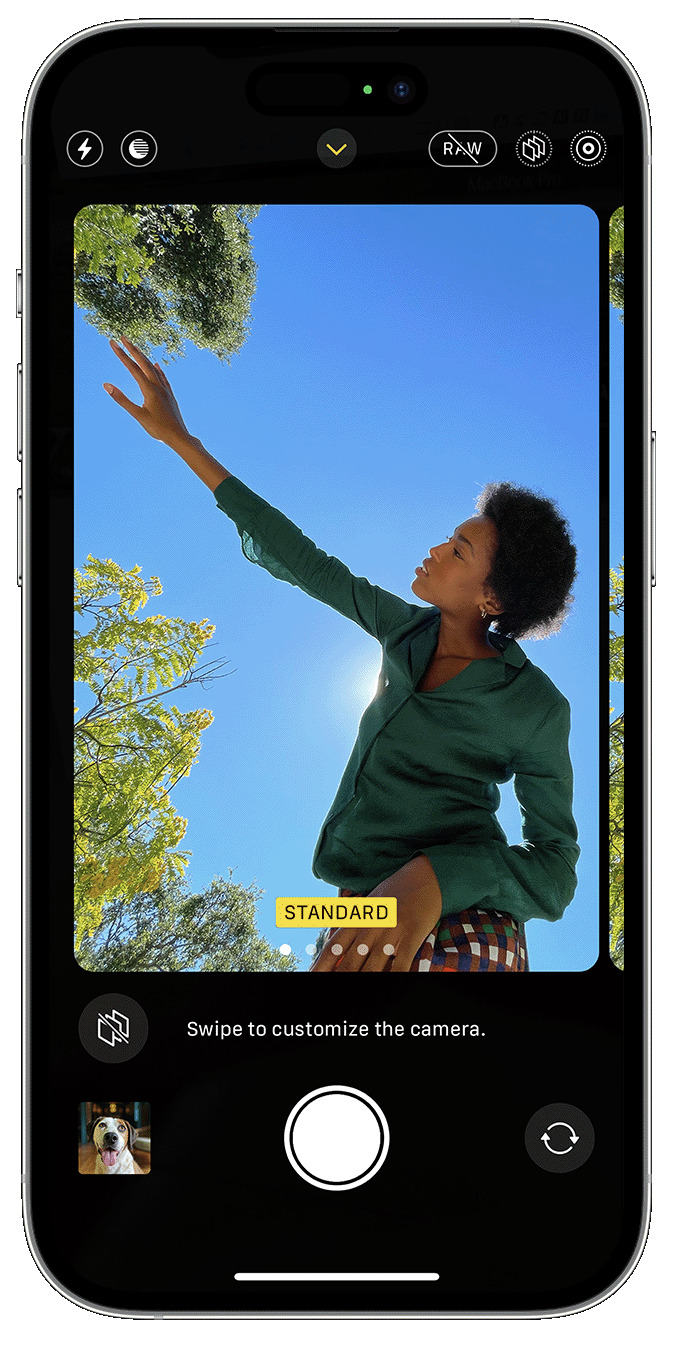
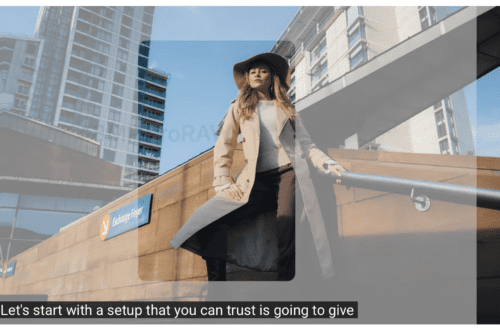
AppArt School -AppArt School – How to Shoot in RAW with an iPhone Shooting in RAW format on an iPhone allows you to capture more image data and provides greater flexibility in post-processing. However, please note that not all iPhone models support RAW capture. Here’s how you can shoot in RAW if your iPhone model supports it: Open the iPhone camera app: Launch the default camera app on your iPhone. Access the camera settings: Look for the “Settings” icon within the camera app. It is usually represented by a gear or slider icon. Tap on it to access the camera settings. Enable RAW capture: In the camera settings, search for…
AppArt School – How to Shoot Professional Monochrome Images with an iPhone
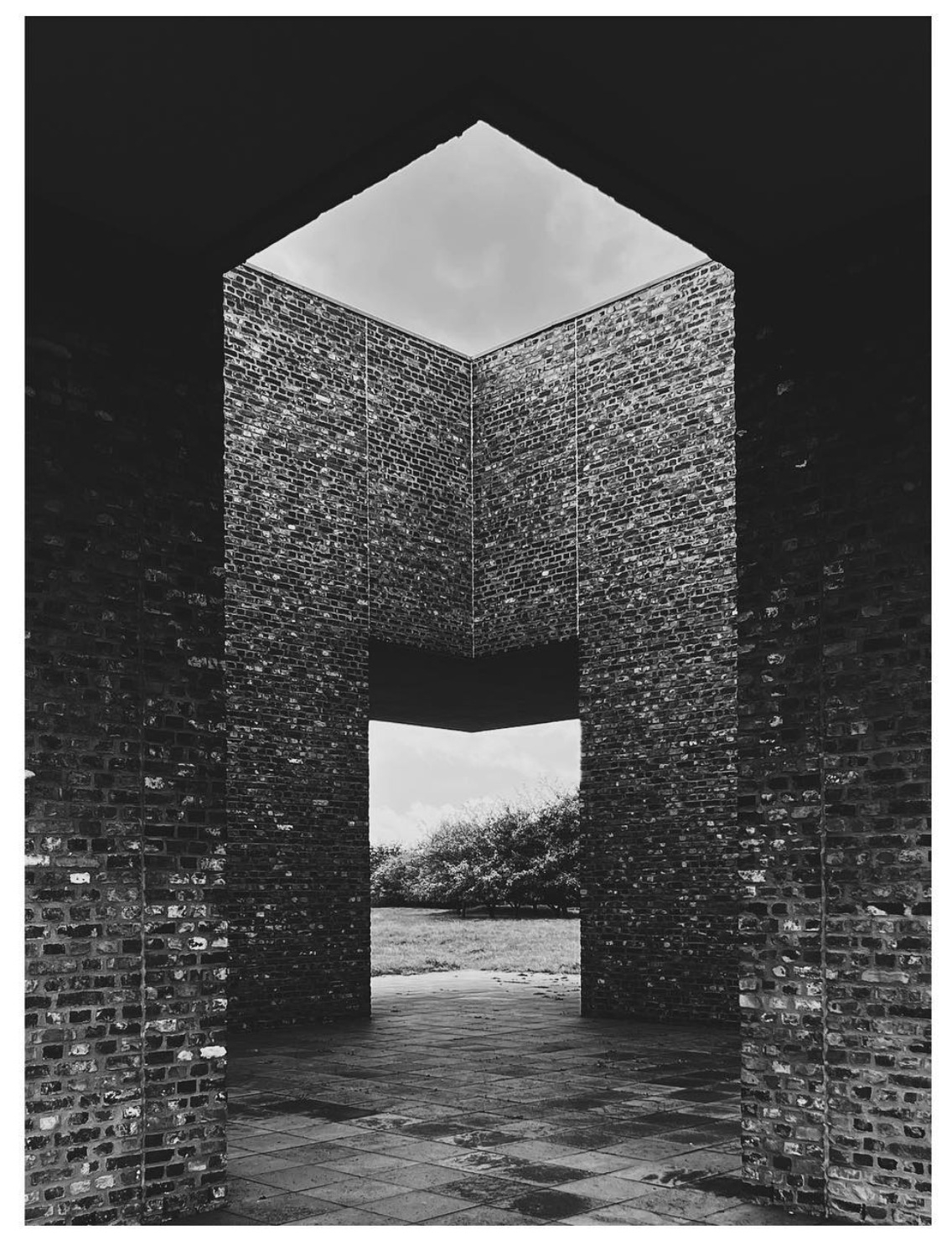
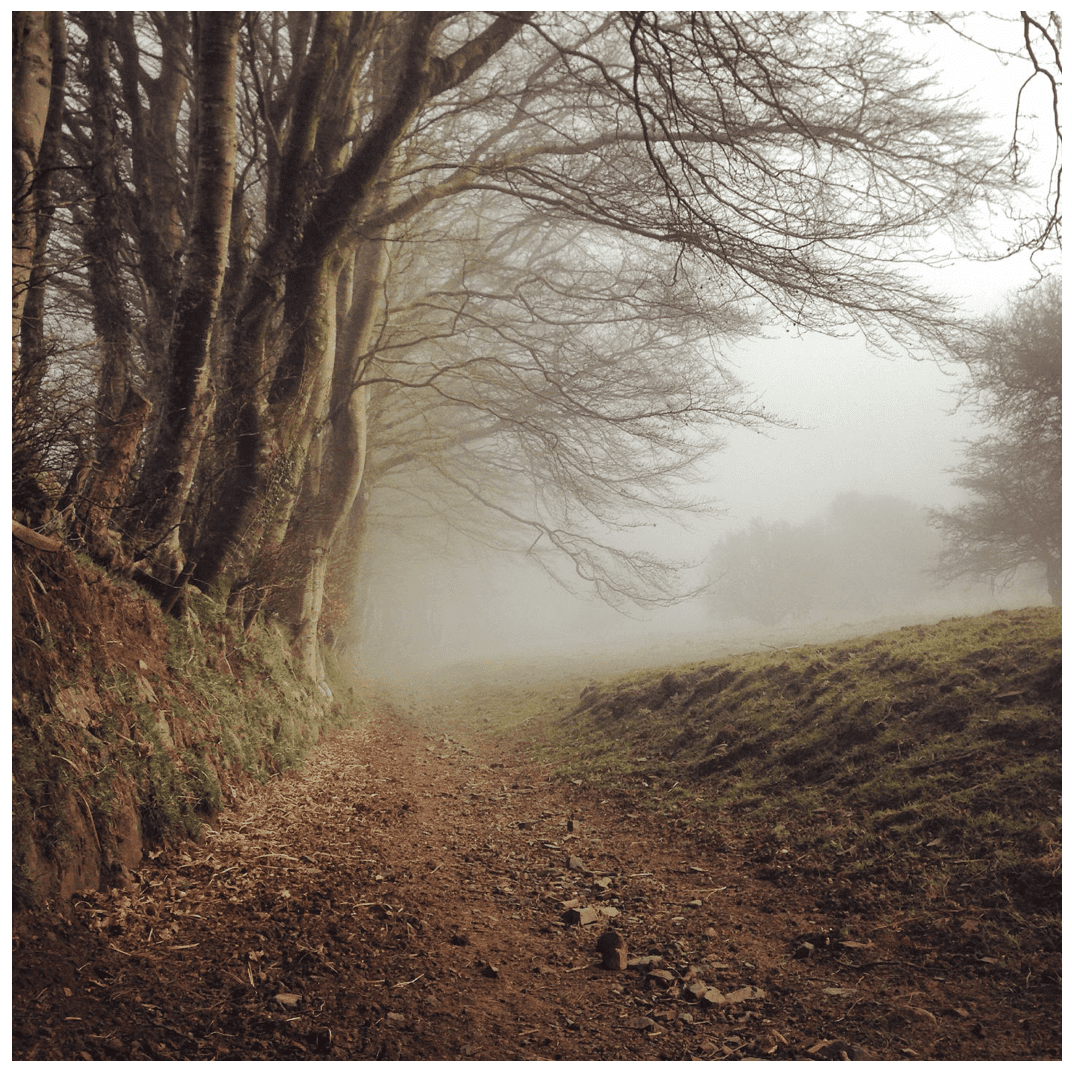
AppArt School -How to Shoot Professional Monochrome Images with an iPhone Shooting professional monochrome (black and white) images with an iPhone can be a creative and rewarding process. Here are some tips to help you capture compelling monochrome photographs: Shoot in black and white mode: The iPhone camera app offers a built-in black-and-white mode. To access it, open the camera app, swipe left to the “Mono” mode, and start shooting. This mode allows you to see your subject in black and white as you compose the shot, helping you visualize the final result. Focus on contrast and texture: Monochrome images rely heavily on contrast and texture to create visual impact.…
AppArt School – How to Record a video with QuickTake
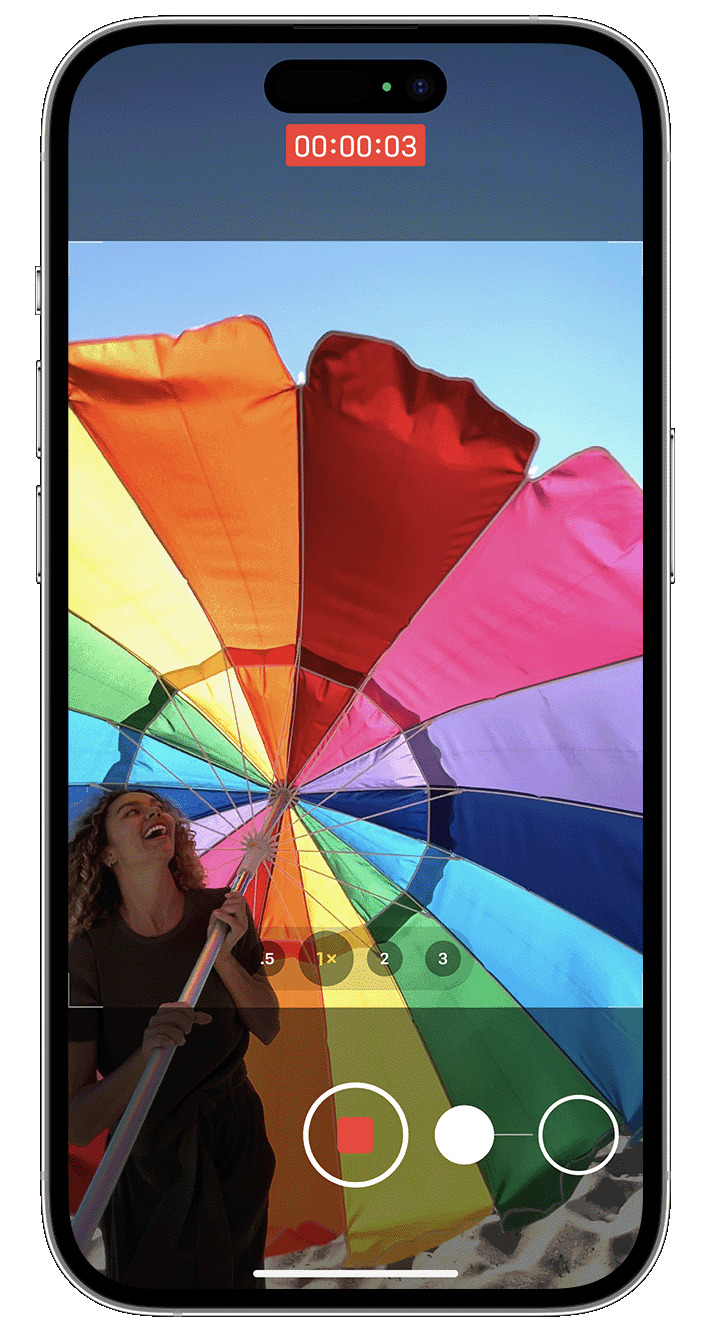
AppArt School -How to Record a video with QuickTake You can use QuickTake to record videos without having to switch out of photo mode. QuickTake is available on iPhone XS, iPhone XR and later. Hold the shutter to take a video When you open the Camera app, you will see the default photo mode. Tap the Shutter button to take a photo. Then tap the arrow to adjust options, such as flash, Live Photos, timer and more. If you want to capture a QuickTake video, just press and hold the Shutter button .* Release the button to stop recording. With iOS 14 and later, you can hold one of the…
AppArt School – How to Capture steadier video with Action mode
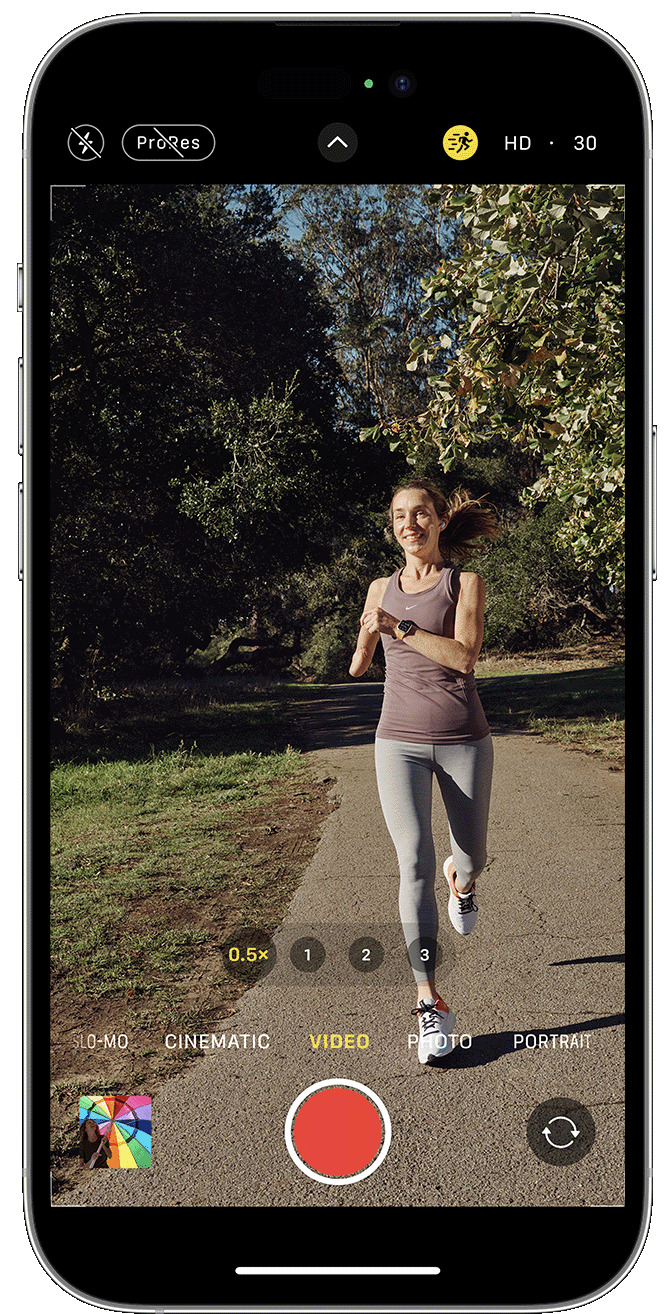
AppArt School – How to Capture steadier video with Action mode With Action mode on iPhone 14 and iPhone 14 Pro models, you can capture smooth hand-held video even when you’re moving around a lot. Open the Camera app and swipe to Video mode. Tap the button to turn on Action mode. Tap the Shutter button and record your video. Action mode works best with lots of light, and the Camera will display “More light required” if the surrounding area is too dark. You can change your settings to use Action mode in lower light. In the Settings app, tap Camera. Tap Record Video. Turn on Action Mode Lower Light. Action…
AppArt School – How to Lock in your look with Photographic Styles
AppArt School – How to Lock in your look with Photographic Styles With Photographic Styles on iPhone 13, iPhone SE (3rd generation) and later, you can personalise the look of your images in the Camera app. Choose a preset – Rich Contrast, Vibrant, Warm or Cool – and if you want to, you can fine-tune it even further by adjusting the Tone and Warmth settings. Set your style once to use your preferred style setting every time you take a photo in Photo mode. Set up a Photographic Style When you open the Camera app for the first time, tap Set Up to choose your Photographic Style. Swipe through the…
AppArt School – How to Use Night mode on your iPhone
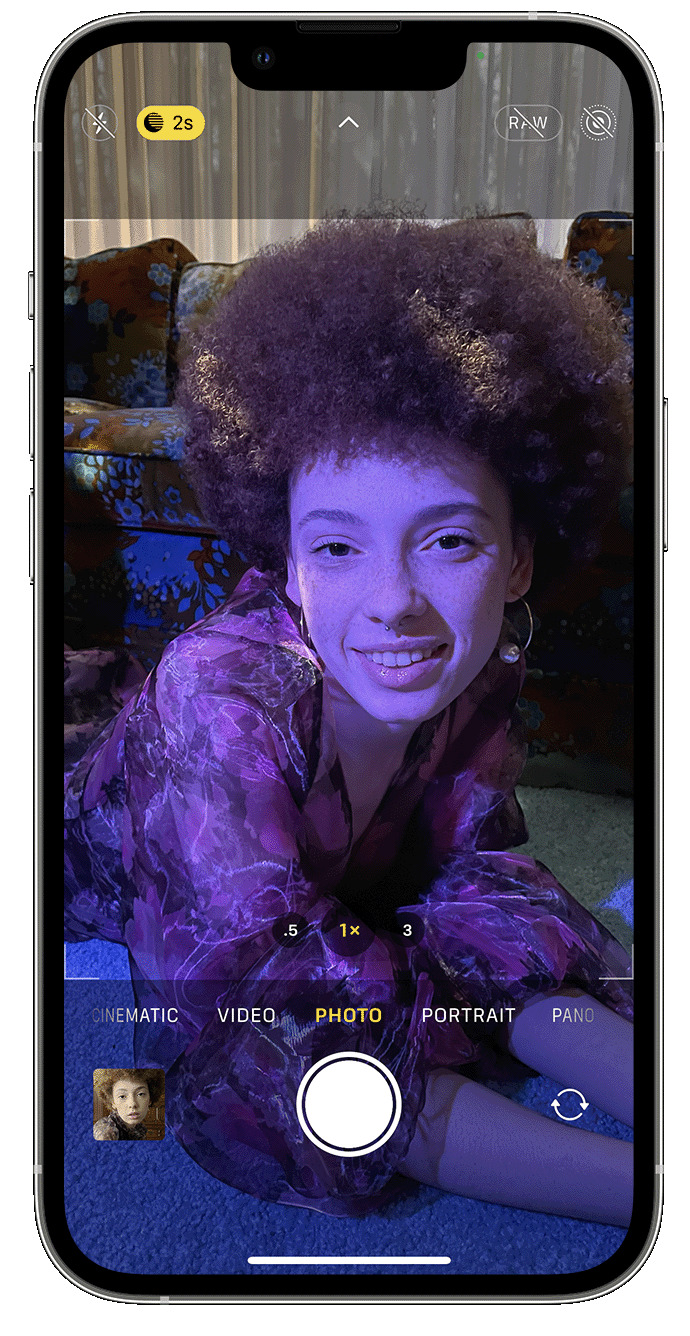
AppArt School – How to Use Night mode on your iPhone On supported iPhone models, you can use Night mode to capture photos when the camera detects a low-light environment. You can use Night mode with iPhone 11 and later. Take low-light photos with Night mode Night mode turns on automatically when the camera detects a low-light environment. The Night mode icon at the top of the display turns yellow when the feature is active. Depending on how dark the scene is, your iPhone may take a Night mode photo quickly, or it may take several seconds. You can also adjust your exposure setting. For the best results, hold your iPhone steady until the…
AppArt School – Top 10 iOS Slow Shutter Apps
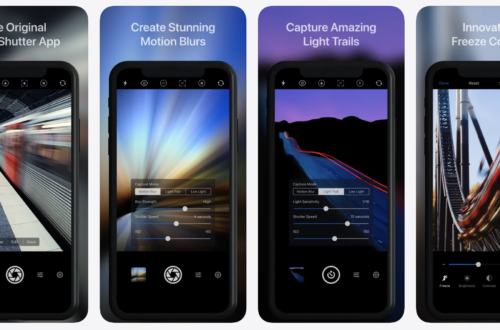
AppArt School – Top 10 iOS Slow Shutter Apps An iOS slow shutter app is designed to simulate the effect of using a slow shutter speed on a traditional camera. Normally, when you take a photo with a fast shutter speed, it freezes the motion and captures a sharp image. However, when you use a slow shutter speed, it allows the camera’s sensor to capture light over a longer period, resulting in unique effects. Here’s what an iOS slow shutter app typically offers: Long Exposure Photography: The app allows you to capture long exposure photos using your iPhone’s camera. This means you can capture scenes with moving subjects, such as…
AppArt School – How to Get Creative with the iColorama Painting App
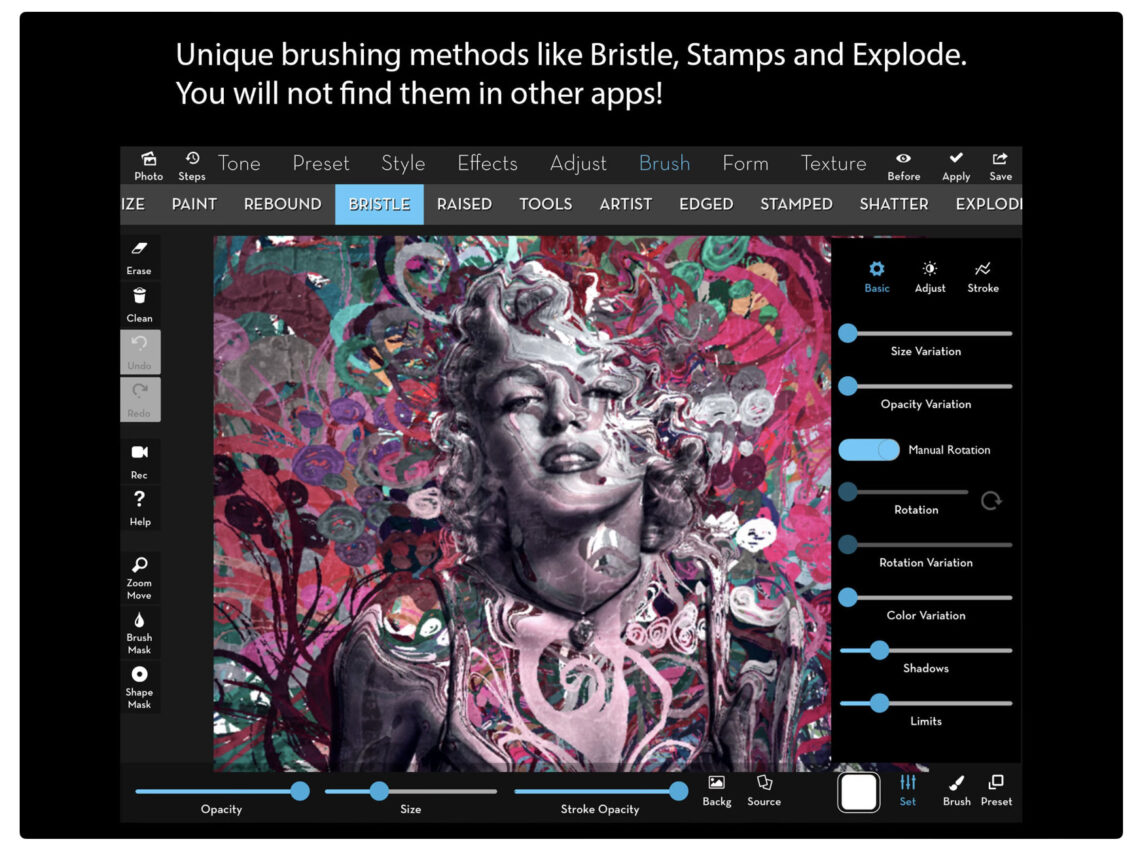
AppArt School – AppArt School – How to Get Creative with the iColorama Painting App To get creative with the iColorama painting app, you can explore various features and techniques offered by the app. Here are some tips to help you unleash your creativity: Familiarise Yourself with the Tools: Take some time to explore the different painting tools available in iColorama. Experiment with brushes, pens, and other artistic tools to understand their effects and variations. Play with Brush Settings: Adjust the size, opacity, and hardness of the brushes to create different strokes and textures. Experiment with different brush settings to achieve the desired artistic effect. Layering and Blending: Take advantage…
AppArt School – Ten iOS Painting Apps that offer Tutorials, Community Features, or Resources to Help Improve your Painting Skills
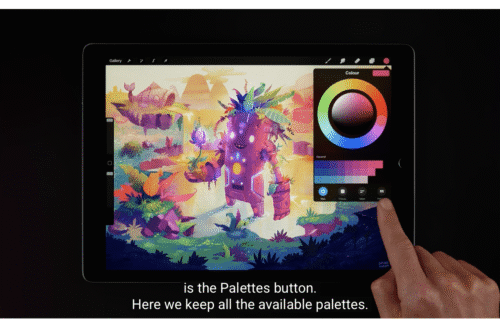
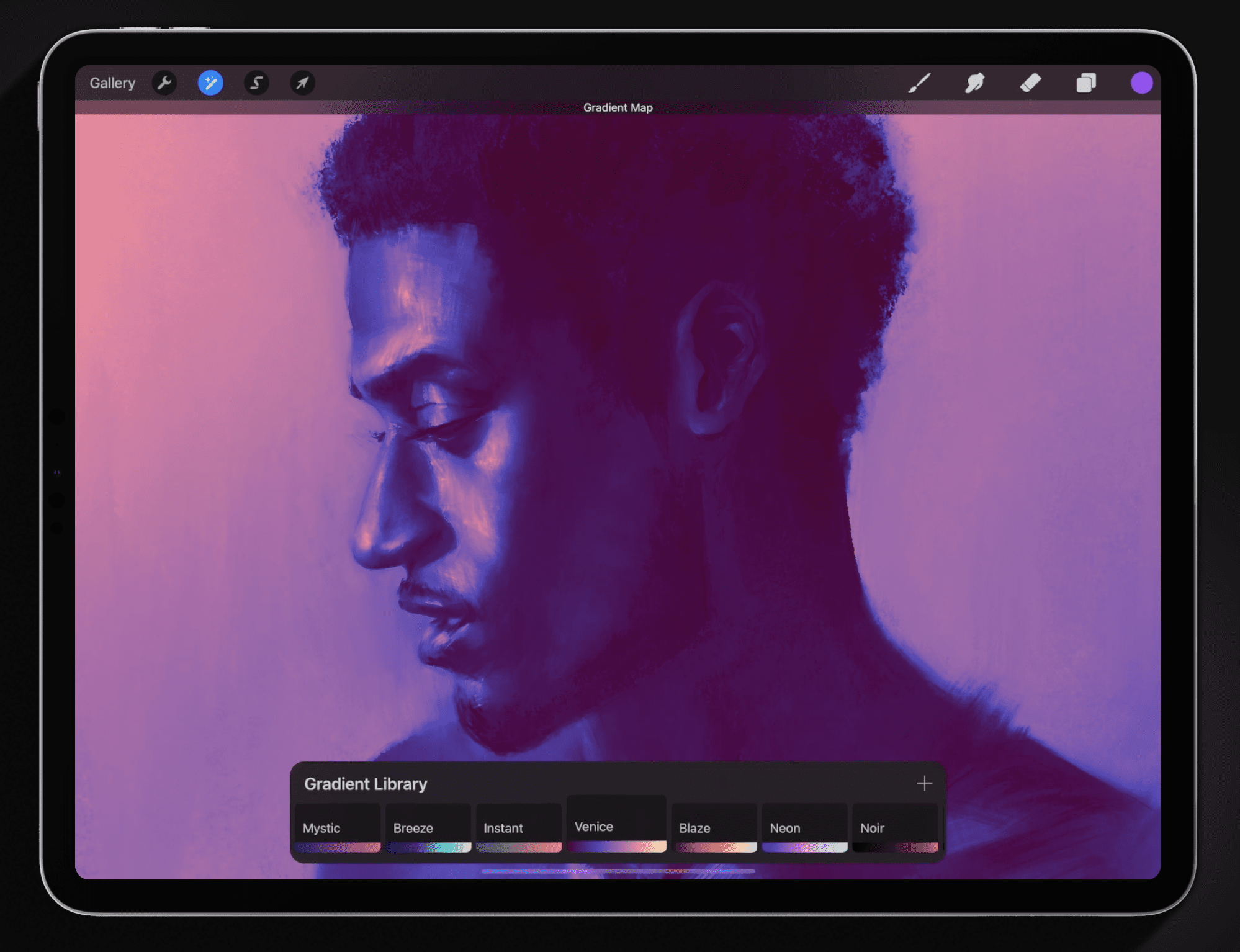
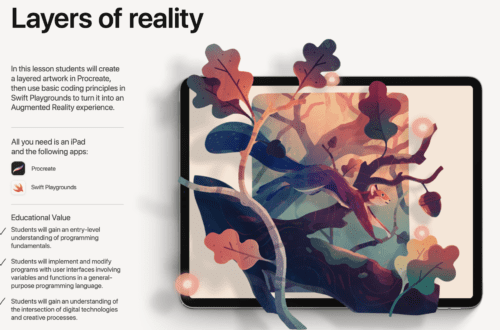
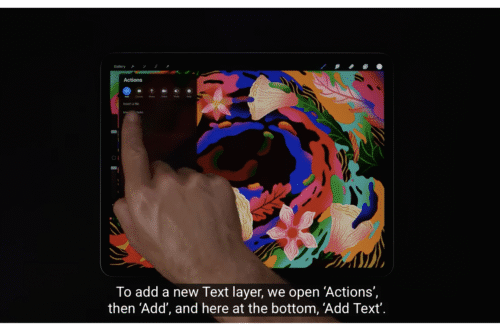
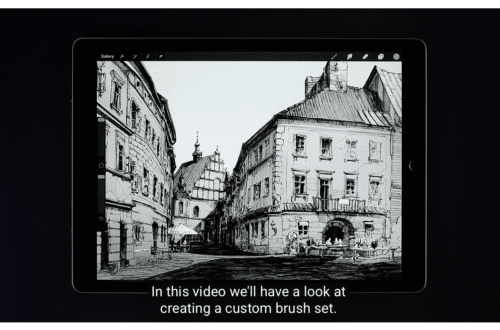
AppArt School – Ten iOS Painting Apps that offer Tutorials, Community Features, or Resources to Help Improve your Painting Skills Procreate: Procreate is a highly popular and feature-rich painting app that provides a vast library of tutorials, both within the app and on their official website. They offer step-by-step guides, video tutorials, and an active community where artists can share their work and receive feedback. Autodesk SketchBook: SketchBook offers a variety of tutorials and learning resources to help artists enhance their skills. Their extensive tutorial library covers different techniques and workflows, and they have a community platform where you can connect with fellow artists and seek advice. Adobe Fresco: Adobe…
AppArt School – What are the Best Ten iOS Art Apps for Digital Painting and Illustration?
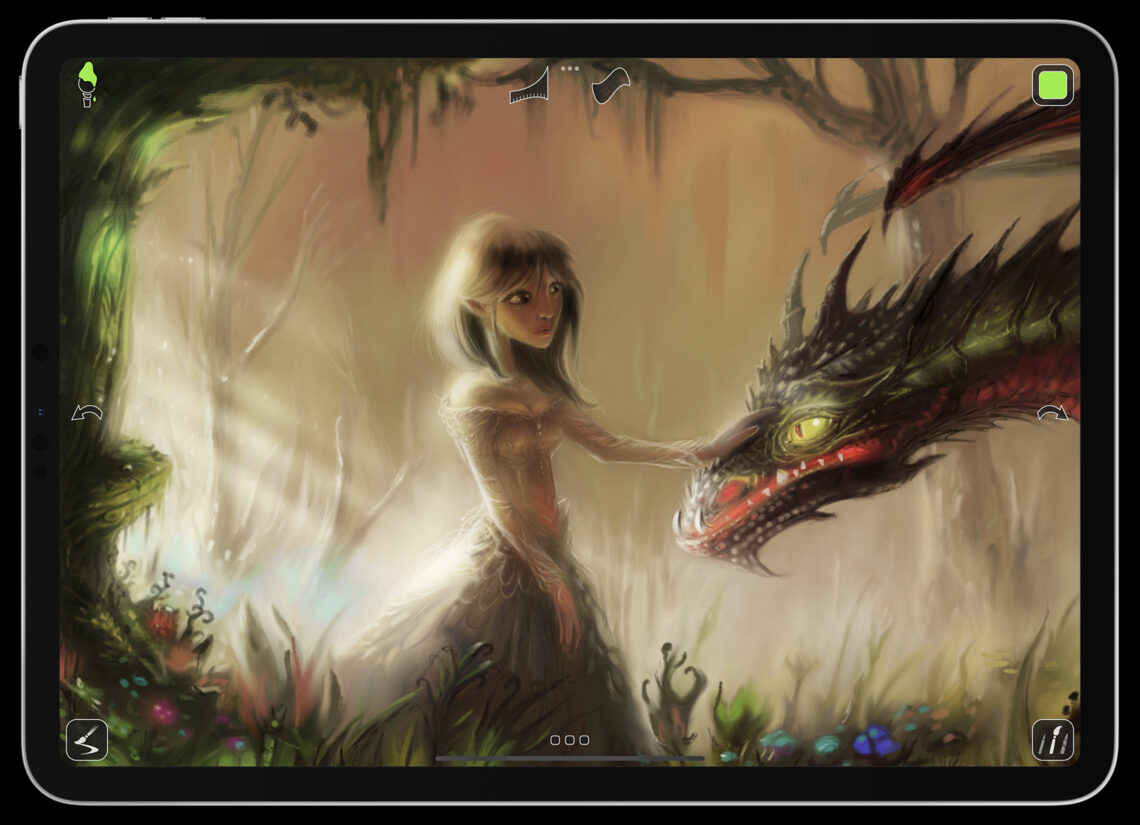
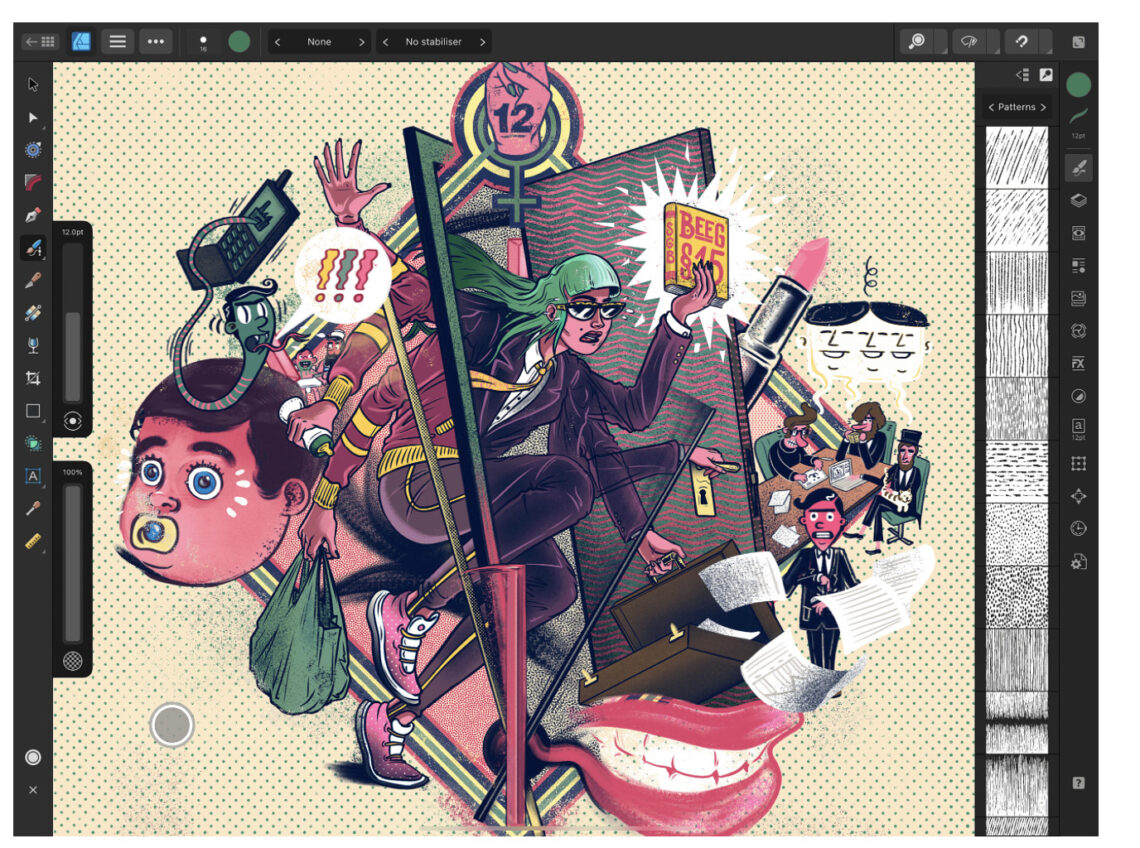
AppArt School – What are the best ten iOS art apps for digital painting and illustration? Here are ten highly regarded iOS art apps for digital painting and illustration: Procreate: Procreate is a powerful and feature-rich app that offers an extensive range of tools and brushes. It provides a fluid and responsive drawing experience with advanced layering, blending modes, and customizable brushes. Adobe Fresco: Adobe Fresco combines the feel of traditional painting with the versatility of digital tools. It offers realistic brush options, intuitive interface, and seamless integration with other Adobe Creative Cloud apps. Autodesk Sketchbook: Autodesk Sketchbook is a professional-grade app that provides a wide variety of brushes and…