Greatest Mobile Art Pic of the Day (2,150)
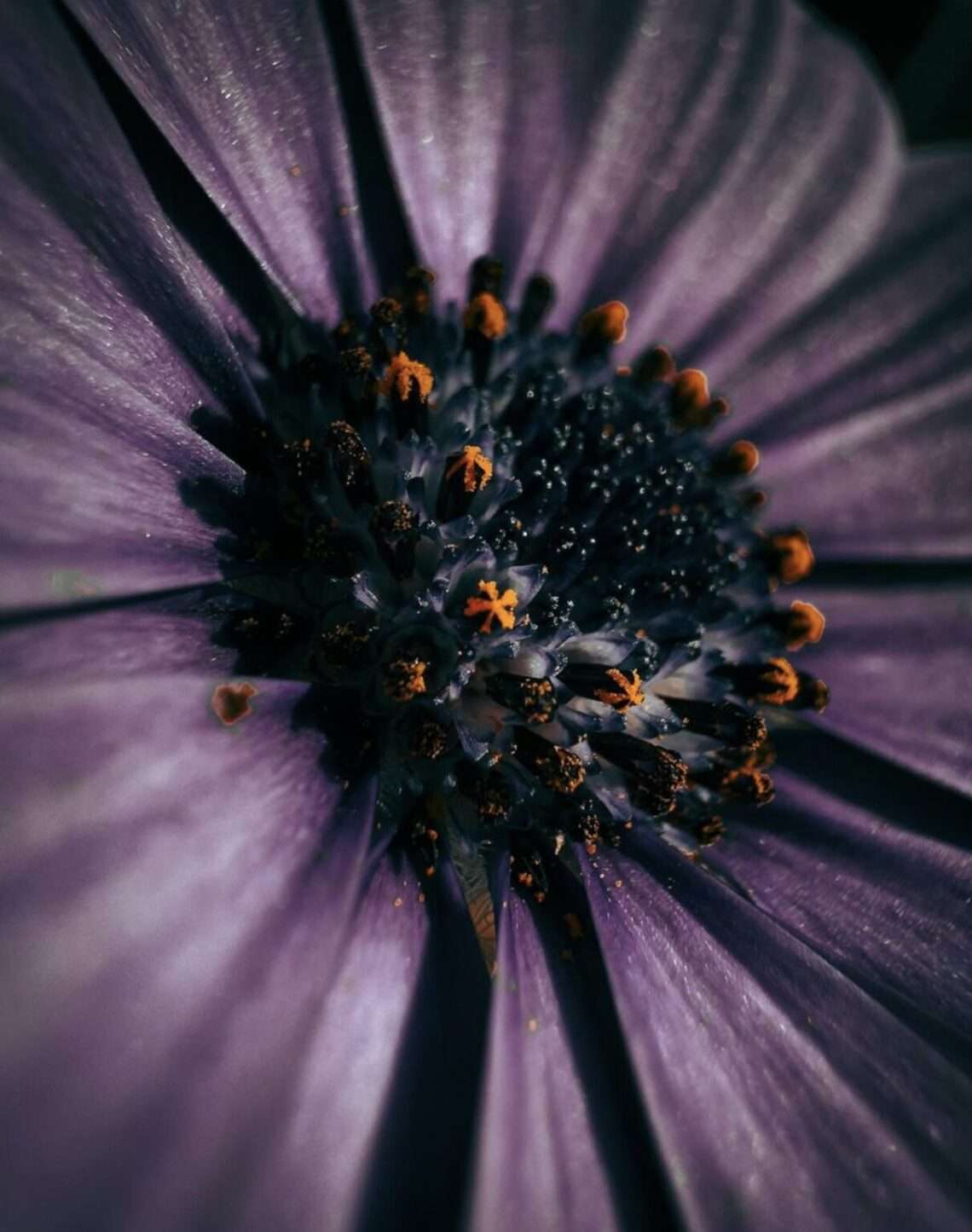
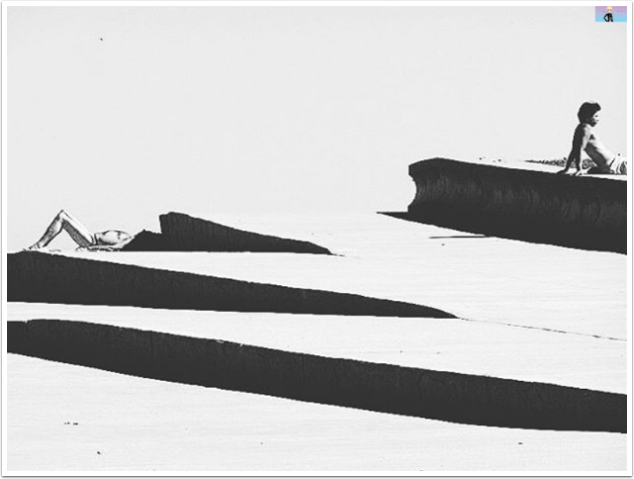
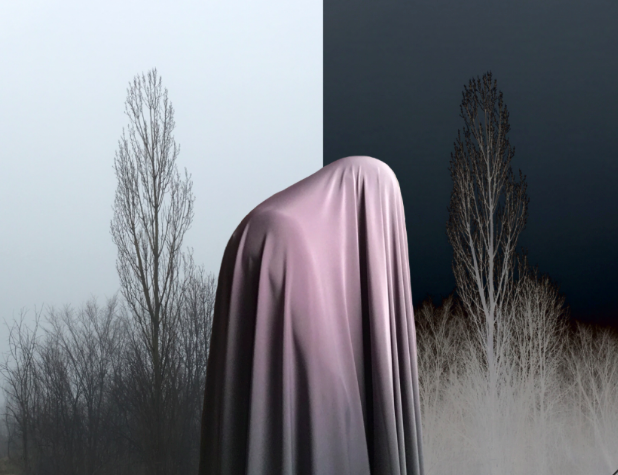
The Greatest Mobile Art Pic of the Day (2,150) Today marks a momentous occasion as we gather to celebrate the 2150th instalment of our beloved Pic of the Day series on Instagram. With each passing day, this journey has evolved into an extraordinary tapestry of awe-inspiring visuals and captivating creativity contributed by talented photographers from every corner of the globe. The journey has been nothing short of exhilarating, and we are humbled by the opportunity to showcase the unique perspectives and artistic brilliance that flood our submissions. The selected image for today’s celebration comes from none other than the immensely gifted @elaineofyork whose exceptional eye for mobile photography truly exemplifies the…
Greatest Mobile Art Pic of the Day (2,149)
The Greatest Mobile Art Pic of the Day (2,149) Today marks a momentous occasion as we gather to celebrate the 2149th instalment of our beloved Pic of the Day series on Instagram. With each passing day, this journey has evolved into an extraordinary tapestry of awe-inspiring visuals and captivating creativity contributed by talented photographers from every corner of the globe. The journey has been nothing short of exhilarating, and we are humbled by the opportunity to showcase the unique perspectives and artistic brilliance that flood our submissions. The selected image for today’s celebration comes from none other than the immensely gifted @entelekiart whose exceptional eye for mobile photography truly exemplifies the…
Spectacular Digital Masterpieces & TheAppWhisperer Photography Contest 2023 Winners Announcement
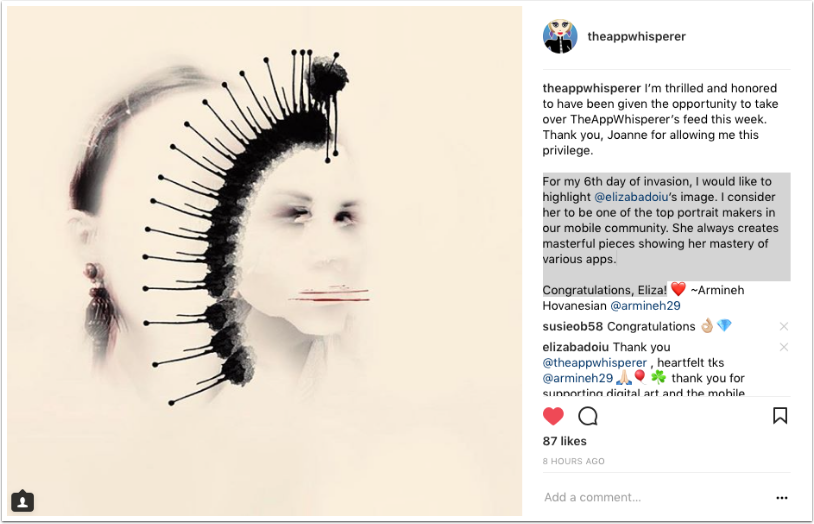
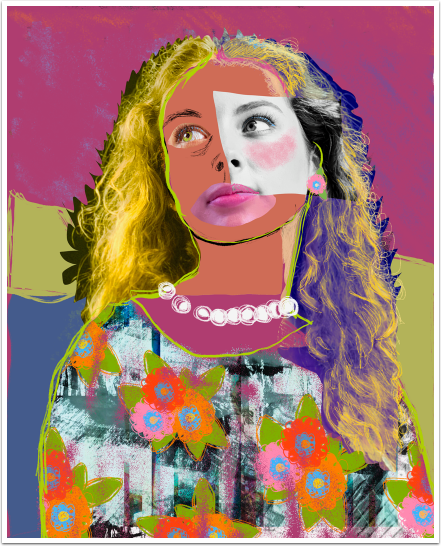
Spectacular Digital Masterpieces & TheAppWhisperer Photography Contest 2023 Winners Announcement TheAppWhisperer and Digital Masterpieces are delighted to announce the winners for the first edition of the Digital Masterpieces & TheAppWhisperer Photography Awards. We were completely overwhelmed with all of the astounding images that you entered, each artwork is an exciting insight into contemporary mobile photography. The rules for this competition required the editing of images with any of the apps developed by Digital Masterpieces, these include – Becasso, Clip2Comic, Graphite, WaterBrush and Oilbrush. We have viewed and studied each image entered into the awards and the results speak for themselves. It is truly breathtaking and uplifing to view this body of…
AppArt School – Search for photos on iPhone
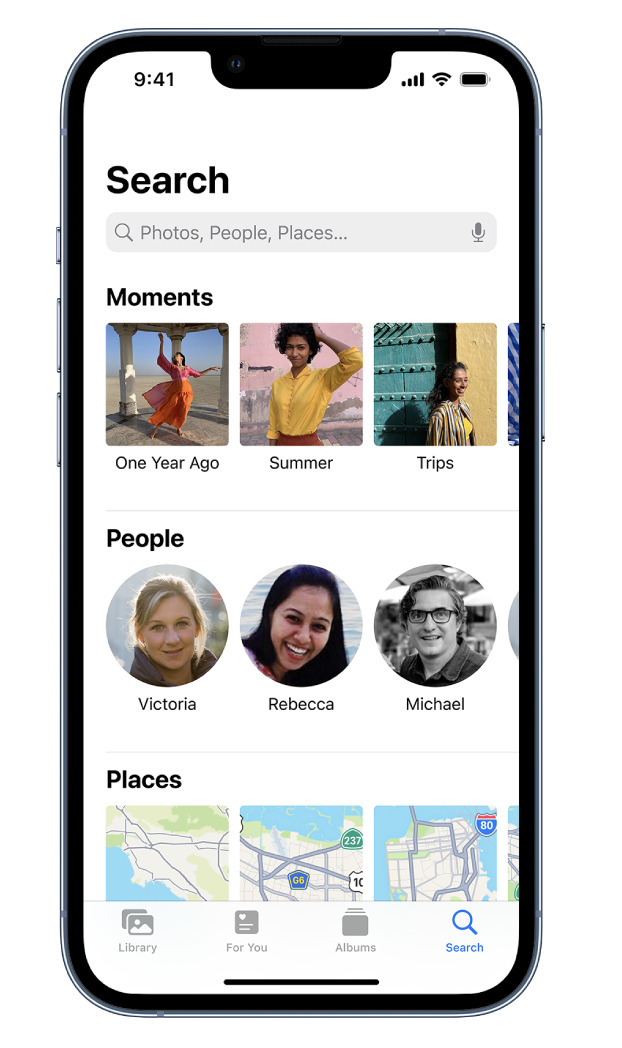
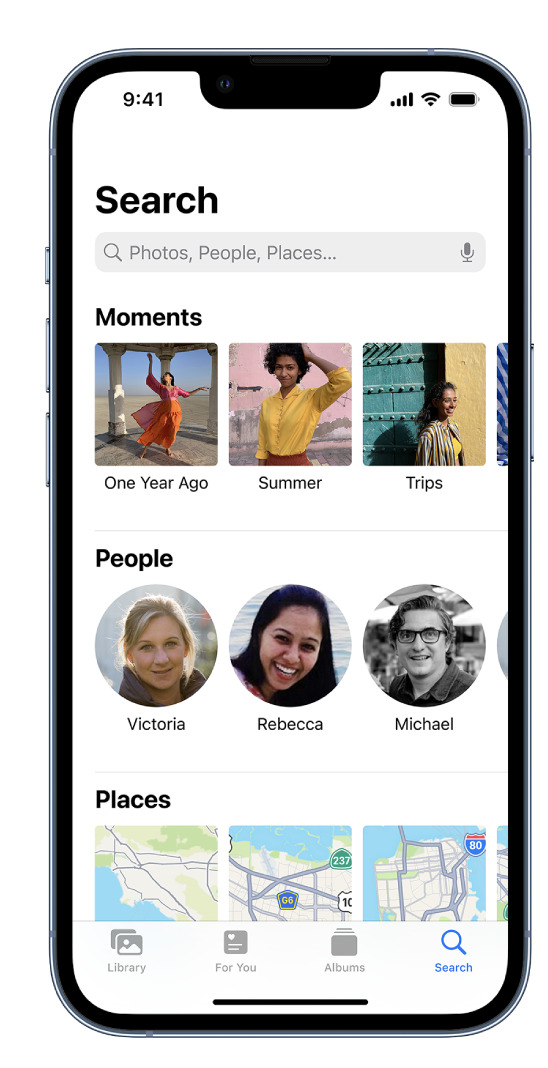
AppArt School – Search for photos on iPhone When you tap Search in the Photos app , you see suggestions for moments, people, places, and categories to help you find what you’re looking for, or rediscover an event you forgot about. You can also type a keyword into the search field—for example, a person’s name, date, or location—to help you find a specific photo. Tap Search, then tap the search field at the top of the screen to search by any of the following: Date (month or year) Place (city or state) Business names (museums, for example) Category (beach or sunset, for example) Events (sports games or concerts, for example)…
AppArt School – Use albums in Photos on iPhone
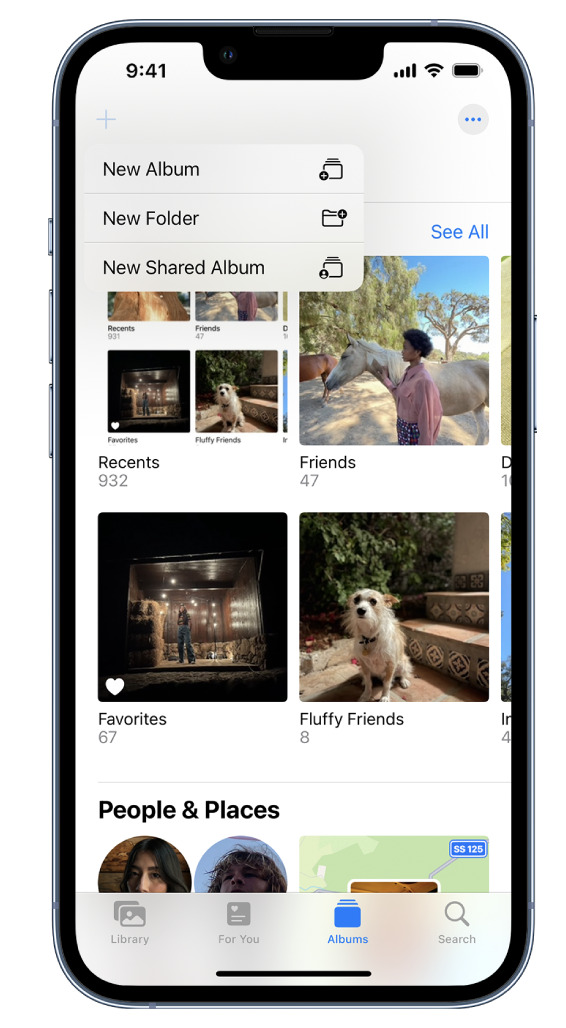
AppArt School – Use albums in Photos on iPhone Use albums in the Photos app to view and organize your photos and videos. Tap Albums to view your photos and videos organized into different categories and media types, like Videos, Portrait, and Slo-mo. You can also look at your photos arranged on a world map in the Places album, or browse your photos based on who’s in them in the People album. The Recents album shows your entire photo collection in the order that you added them to your library and the Favorites album shows photos and videos that you marked as favorites. If you use iCloud Photos, albums are stored…
AppArt School – How to Edit Live Photos on iPhone
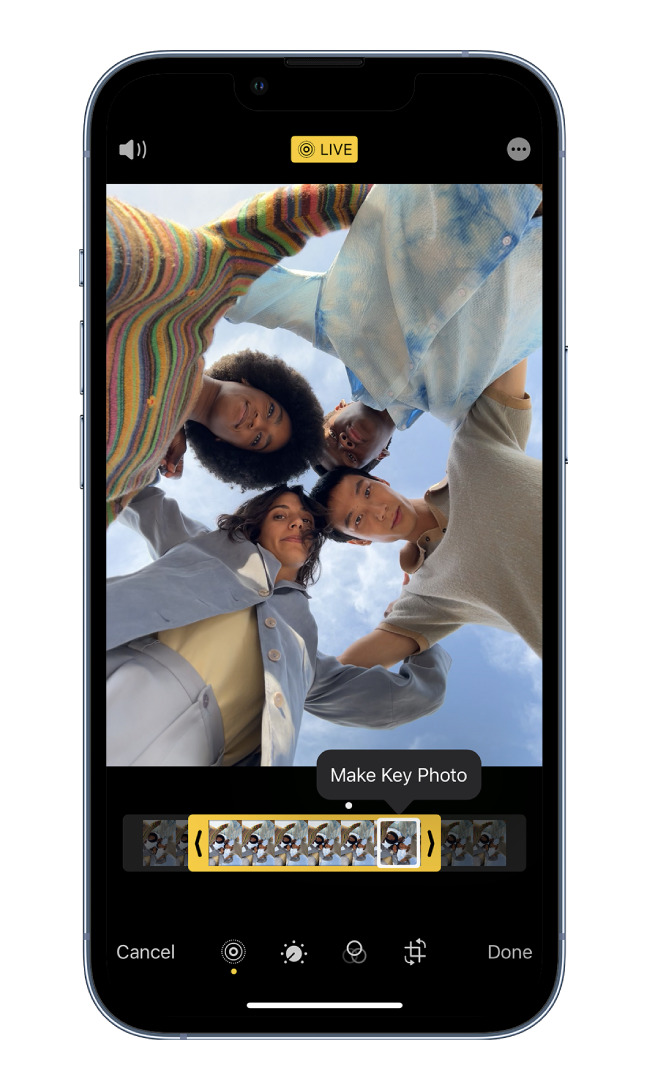
AppArt School – How to Edit Live Photos on iPhone In the Photos app , you can edit Live Photos, change the key photo, and add fun effects like Bounce and Loop. Edit a Live Photo In addition to using the photo editing tools (like adding filters or cropping a photo) you can also change the key photo, trim the length, or mute the sound in your Live Photos. Open the Live Photo and tap Edit. Tap , then do any of the following: Set a key photo: Move the white frame on the frame viewer, tap Make Key Photo, then tap Done. Trim a Live Photo: Drag either end…
AppArt School – New immersive AR experience brings student creativity to life
AppArt School -New immersive AR experience brings student creativity to life Australian artists create a new immersive educational experience, inspiring global co-creation and connection to the environment, powered by iPad Pro and Apple Pencil Inspired by a curiosity for the natural world, Deep Field is a new immersive art experience and app created by celebrated Australian artists and creative technologists Tin Nguyen and Edward Cutting of Tin&Ed, using iPad Pro and Apple Pencil. Initially available at the Art Gallery of New South Wales in Sydney and the Getty Center in Los Angeles, the interactive augmented reality (AR) and sonic experience enables students and families around the world to co-create and connect in…
AppArt School – How to Search for Photos on iPhone
AppArt School – How to Search for Photos on iPhone When you tap Search in the Photos app , you see suggestions for moments, people, places, and categories to help you find what you’re looking for, or rediscover an event you forgot about. You can also type a keyword into the search field—for example, a person’s name, date, or location—to help you find a specific photo. Tap Search, then tap the search field at the top of the screen to search by any of the following: Date (month or year) Place (city or state) Business names (museums, for example) Category (beach or sunset, for example) Events (sports games or concerts,…
AppArt School – How to Edit Portrait Lighting Effects in Portrait mode photos
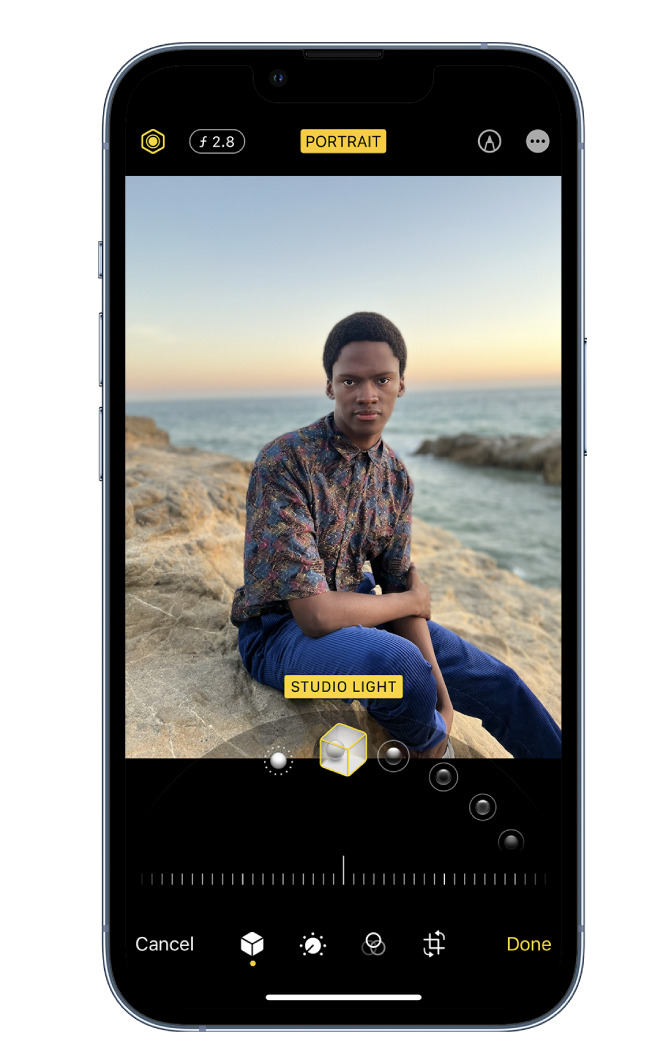
AppArt School – How to Edit Portrait Lighting Effects in Portrait mode photos On models that support Portrait Lighting, you can apply, change, or remove the Portrait Lighting effects in Portrait mode photos. Tap any photo taken in Portrait mode to view it in full screen. Tap Edit, touch below the photo, then drag to choose a lighting effect. Natural Light: The face is in sharp focus against a blurred background. Studio Light: The face is brightly lit, and the photo has an overall clean look. Contour Light: The face has dramatic shadows with highlights and lowlights. Stage Light: The face is spotlit against a deep black background. Stage Light…
AppArt School – How to Blur the Background with Portraiture Photography
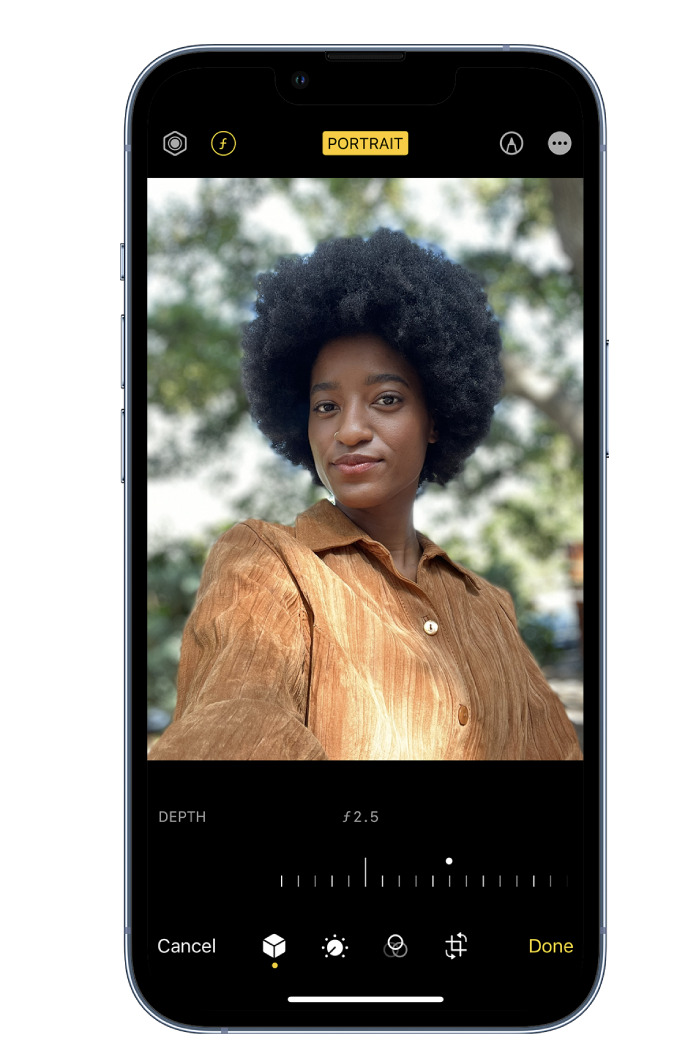
AppArt School – How to Blur the Background with Portraiture Photography To blur the background in iPhone portrait images, you can follow these steps: Open the Photos app on your iPhone and select the portrait image you want to edit. Tap “Edit” at the top right corner of the screen. This will open the editing interface. At the bottom of the screen, you’ll see various editing tools. Swipe left on the options until you reach “Depth.” Tap on it to access the depth editing controls. The depth editing controls allow you to adjust the amount of background blur. You’ll see a slider labeled “Aperture” or “Depth.” Slide it to the…