Best Apps to Remove Objects from Photos in 2026 – Clean Up Your Images Effortlessly
There’s a particular kind of frustration that comes with an otherwise perfect photograph. Everything holds — light, composition, timing — and then something intrudes. A passer-by, a sign, and a wire cutting through the frame.
What’s changed is not just that we can remove these things on a phone but also how convincingly it can now be done. The best tools no longer blur or disguise — they rebuild.
These are the apps that do it properly.
1. TouchRetouch
Platform: iOS / Android
Price: ~£3.99 one-off (no subscription)
Link: https://www.touchretouch.com
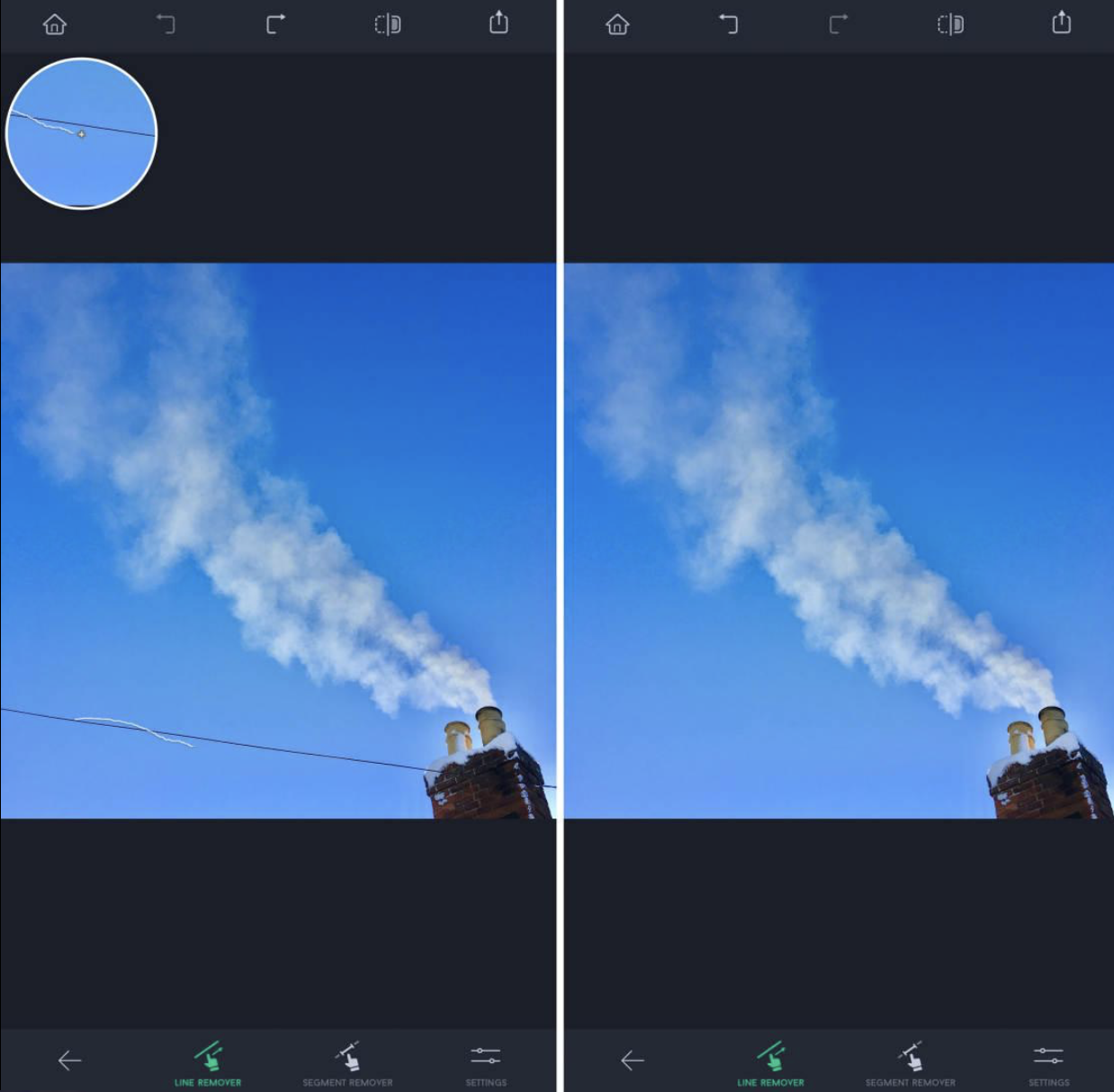
TouchRetouch remains the benchmark. It is built entirely around removal, and that focus shows. You mark, tap, and the image reconstructs itself with minimal artefacts.
It’s particularly effective with linear distractions — wires, poles, and edges — where many apps still struggle.
What matters here is restraint. It does one job and does it properly.
2. Adobe Lightroom Mobile
Platform: iOS / Android
Price: Free / Premium ~£4.99–£9.99 per month
Link: https://www.adobe.com/products/lightroom-mobile.html
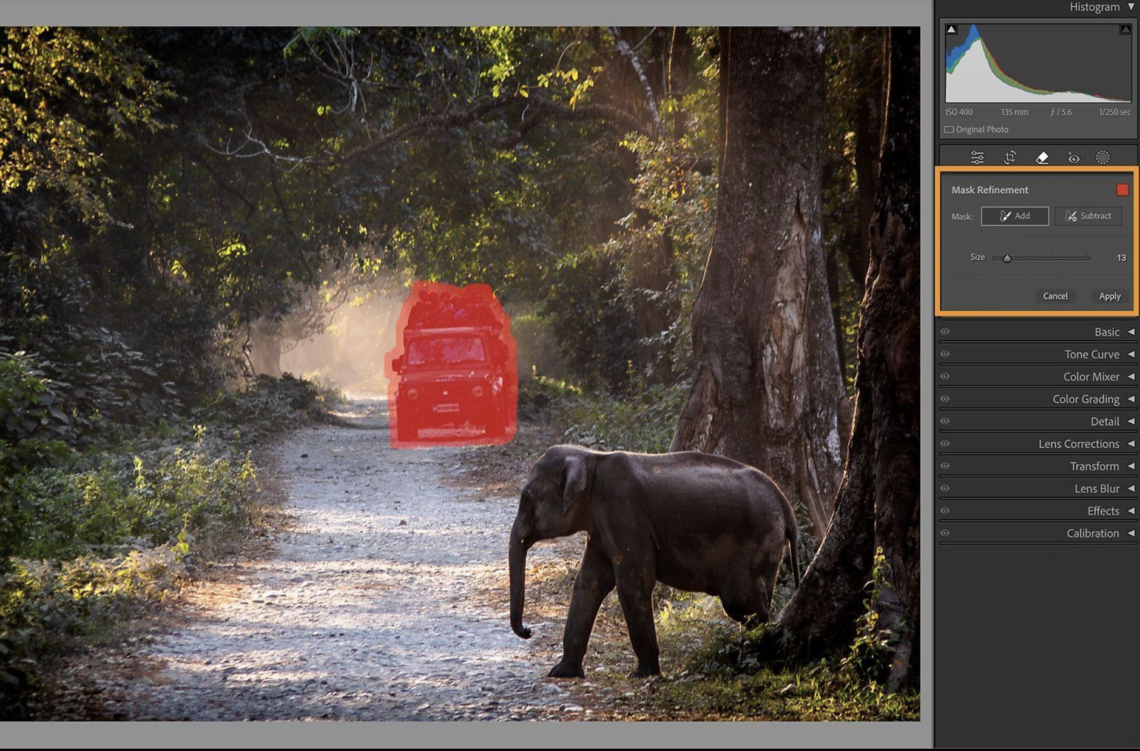
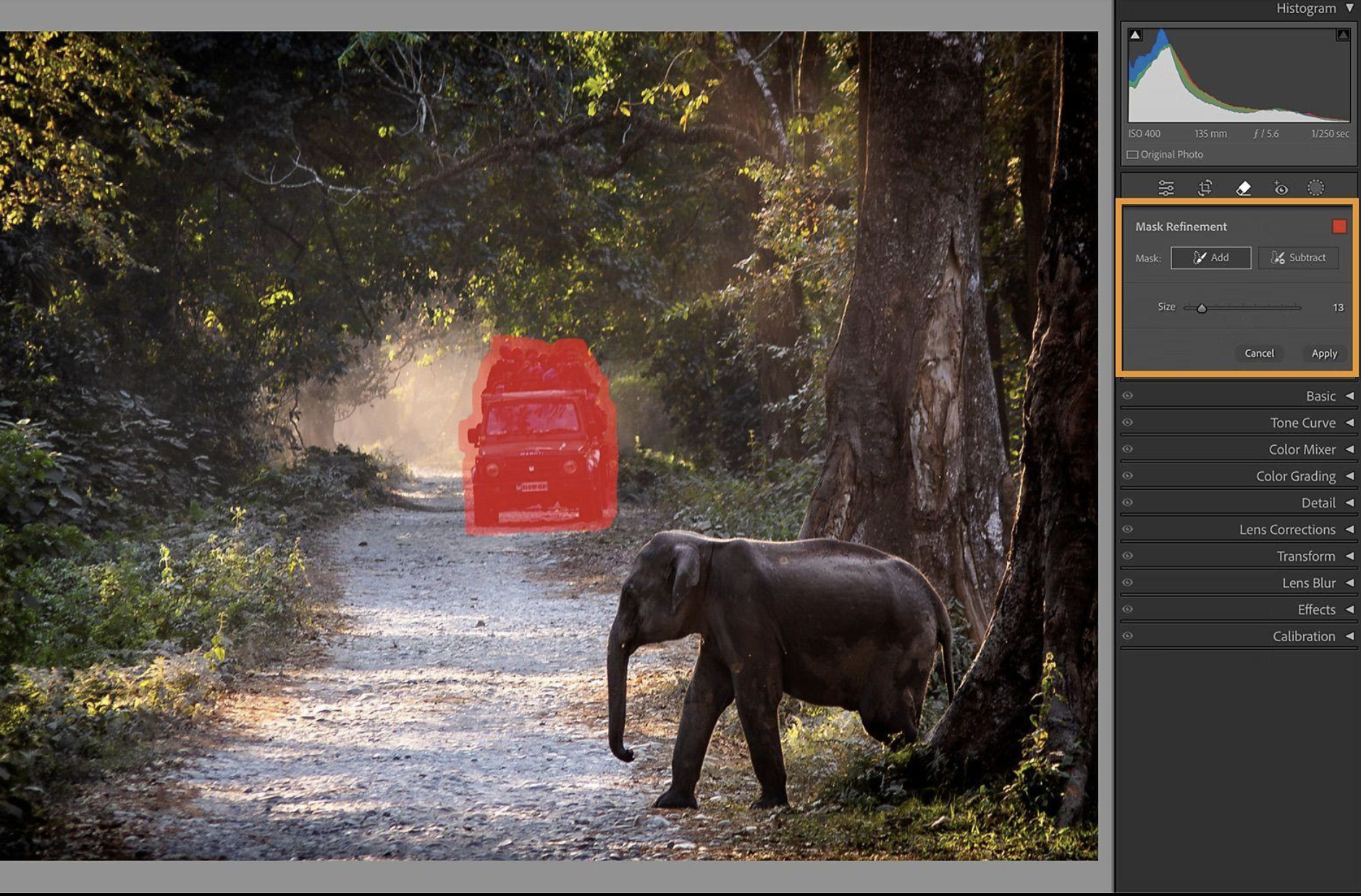
Lightroom’s healing tool is less immediate but more controlled. You can guide the replacement area, refine edges, and integrate removal into a broader tonal workflow.
This is less about erasing and more about editing — maintaining texture, grain, and intent.
3. Snapseed
Platform: iOS / Android
Price: Free
Link: https://snapseed.online
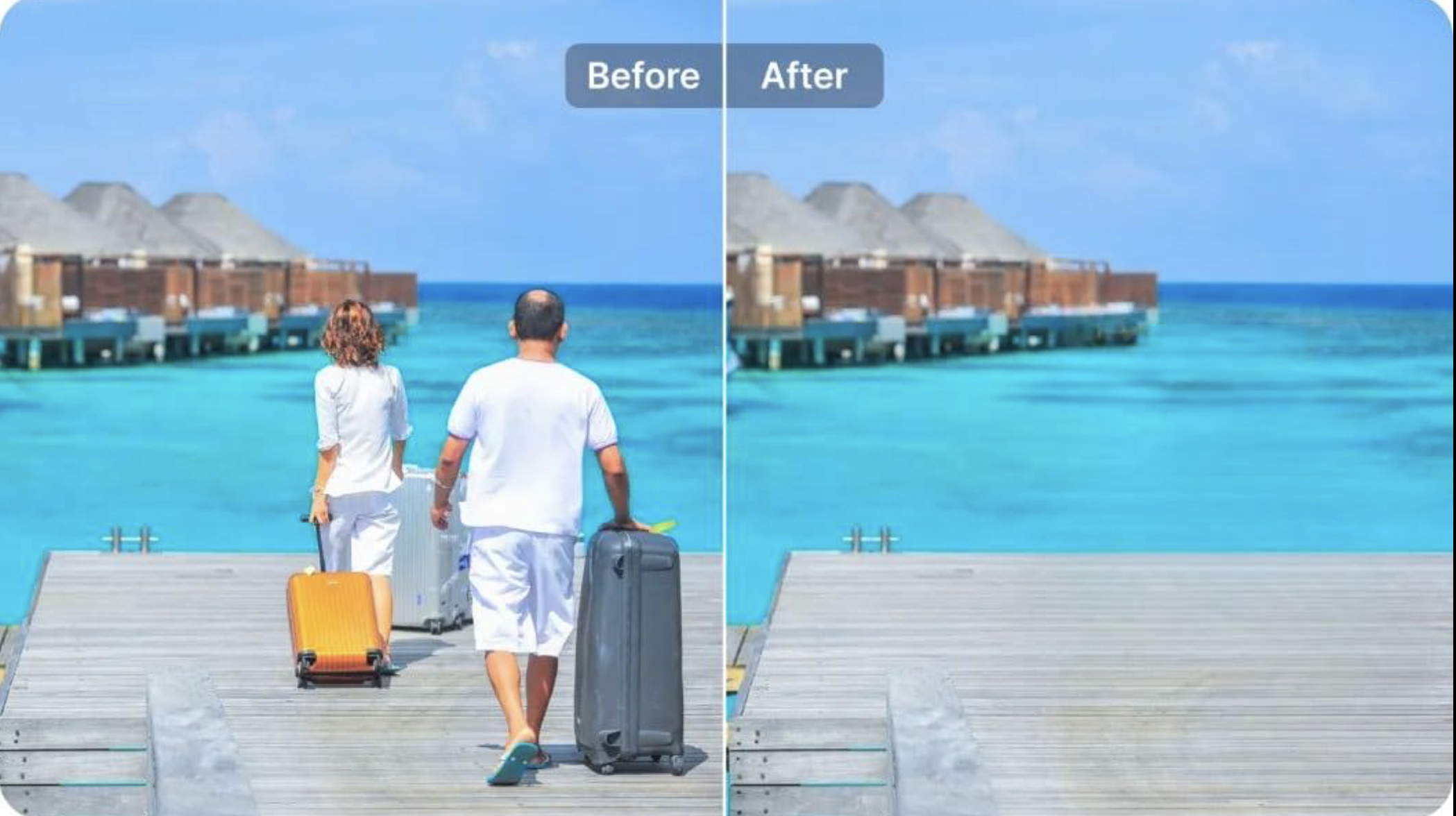
Snapseed’s healing tool remains one of the most reliable free options. It requires a slower hand, but that can be an advantage.
You build removals gradually, allowing the image to retain its structure rather than letting automation overtake it.
Ideal for smaller distractions and surface textures.
4. Photoshop Express
Platform: iOS / Android
Price: Free / Premium ~£4.99 per month
Link: https://www.adobe.com/products/photoshop-express.html
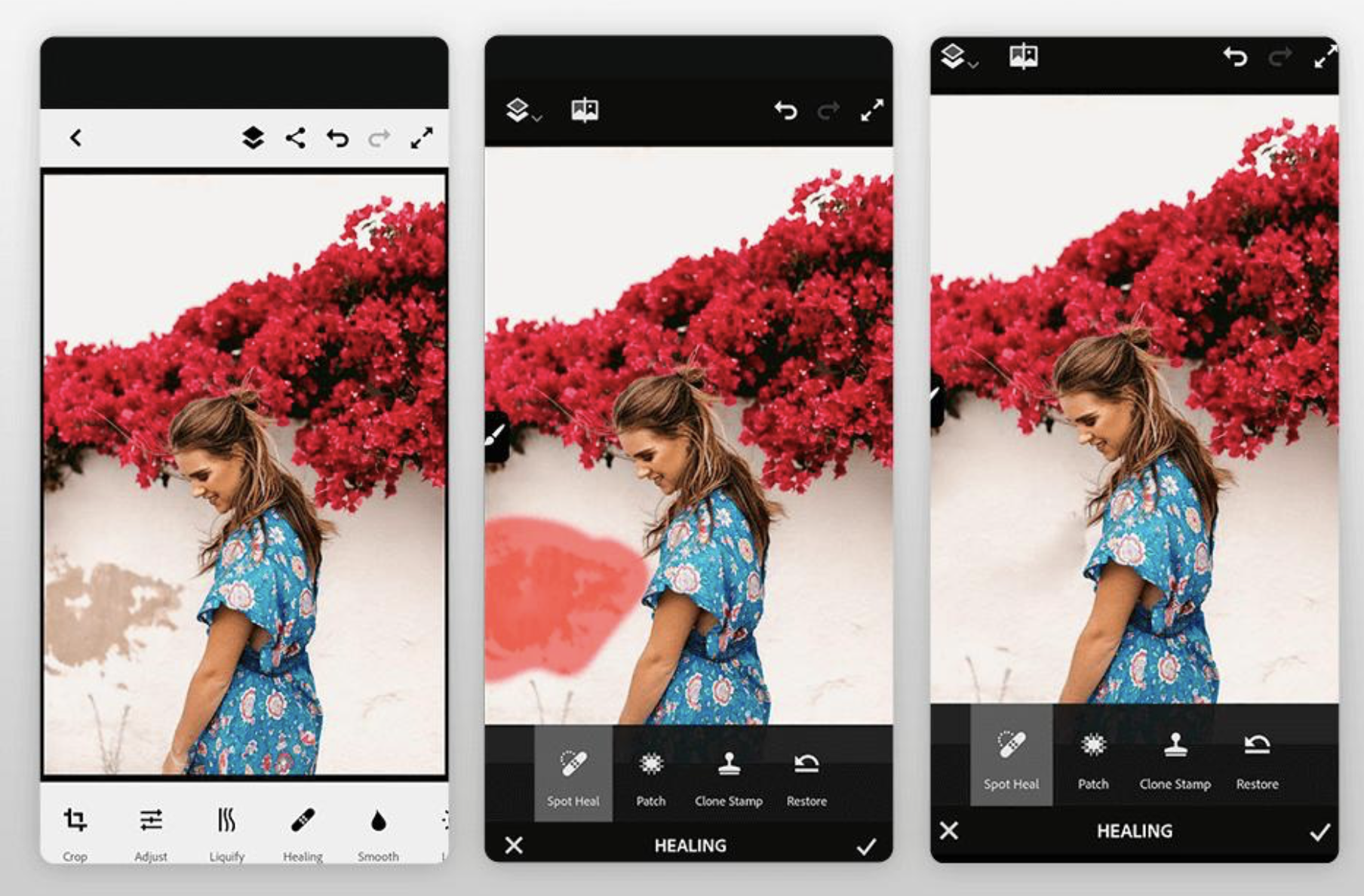
Photoshop Express leans more heavily into AI. You select, and it removes — quickly, often convincingly.
It’s particularly useful in busier scenes where manual tools would take longer, though occasionally the results can feel slightly synthetic.
Still, for speed, it’s difficult to fault.
5. Photoroom
Platform: iOS / Android
Price: Free / Pro from ~£4.99/month
Link: https://www.photoroom.com
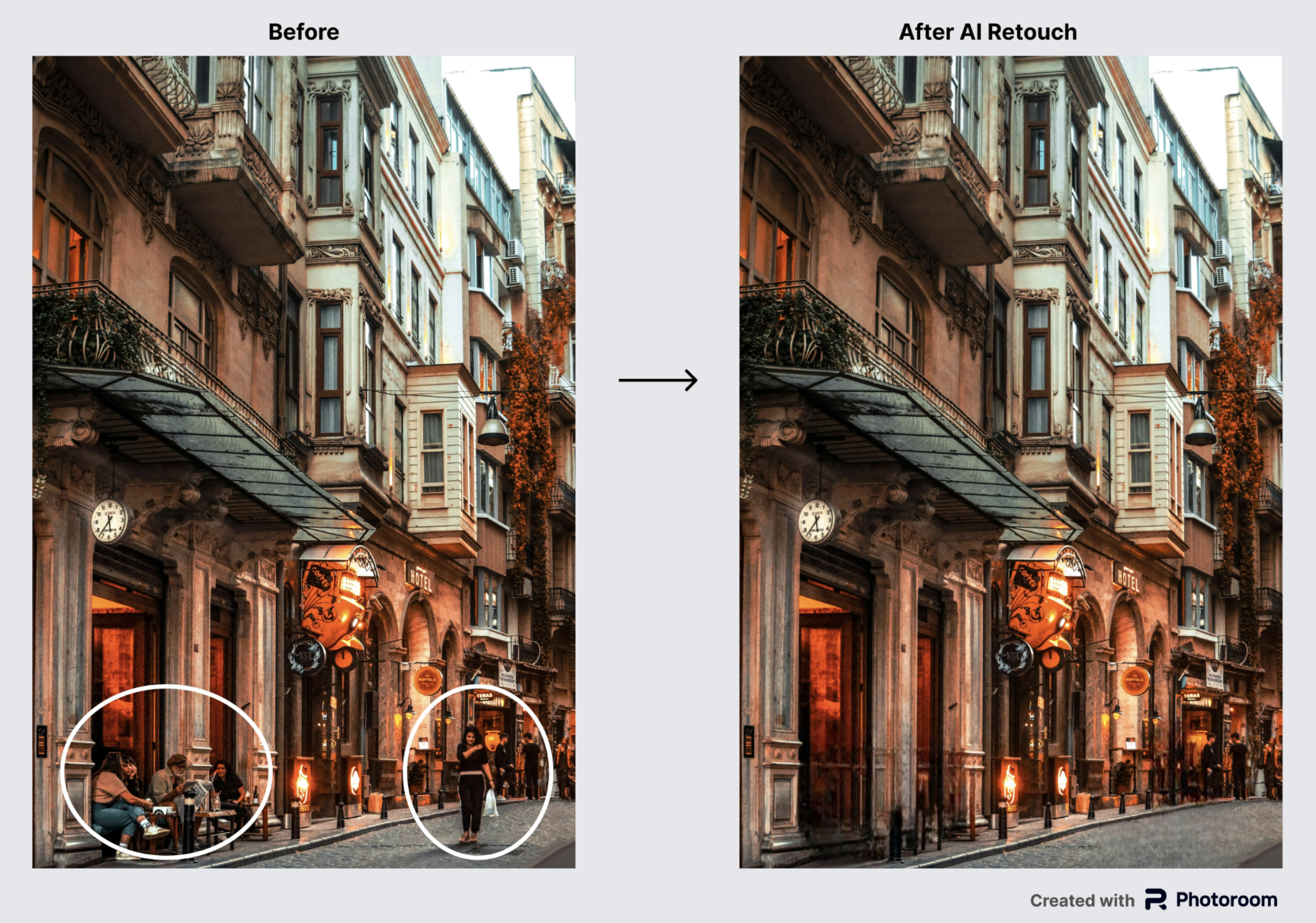
Photoroom approaches object removal from a different angle — not just cleaning images, but preparing them.
Its AI tools allow you to remove objects in seconds by brushing over them, reconstructing the background automatically.
It’s particularly strong for:
- product photography
- social media content
- clean commercial visuals
6. Canva
Platform: iOS / Android / Web
Price: Free / Pro ~£10.99/month
Link: https://www.canva.com
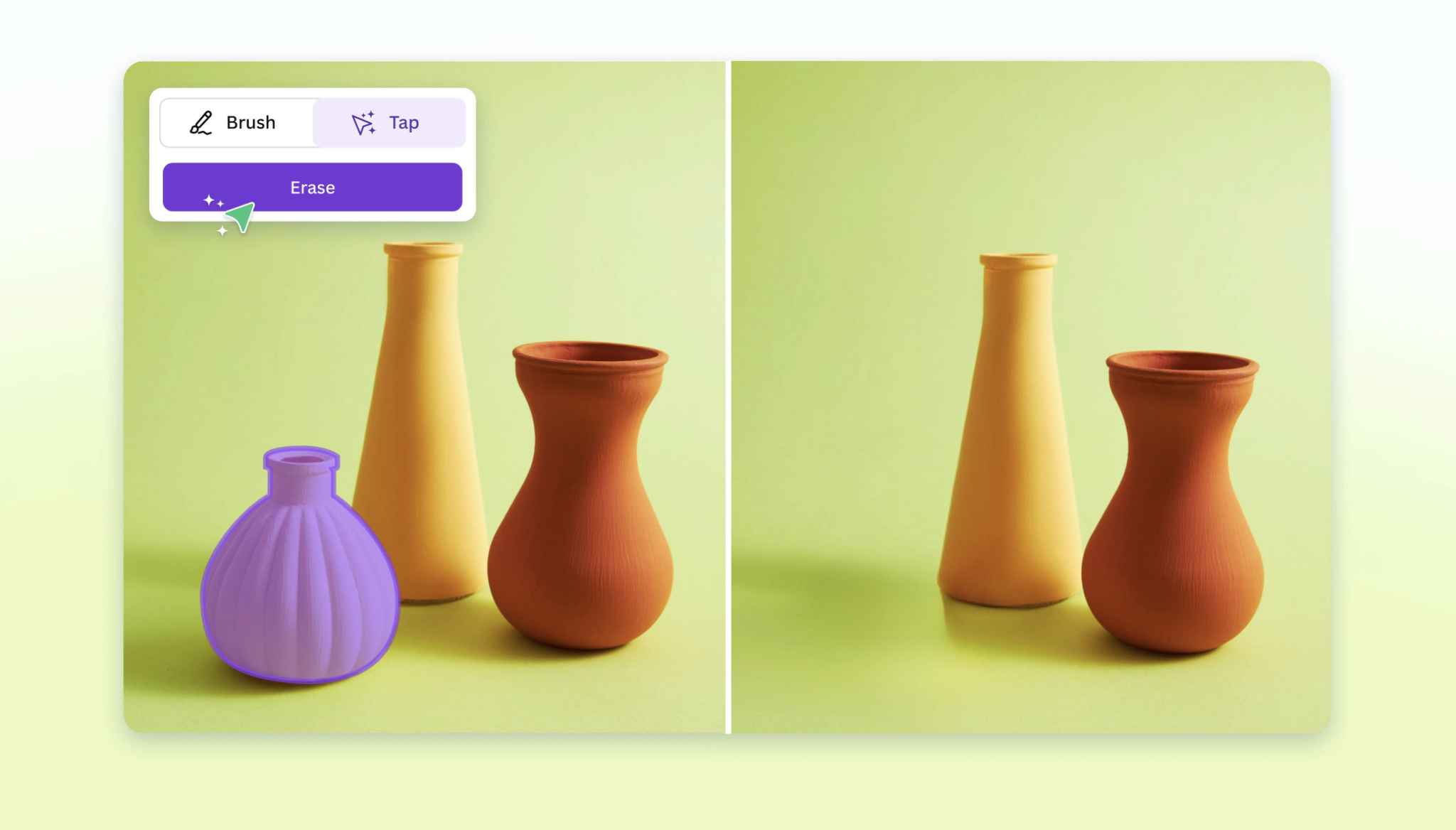
Canva’s Magic Eraser is built for accessibility. You brush over an object and it disappears, often with surprisingly clean results.
It’s not as precise as dedicated tools, but for everyday editing it’s remarkably effective. The simplicity is the point.
7. PicsArt
Platform: iOS / Android
Price: Free / Gold ~£4.99/month
Link: https://picsart.com
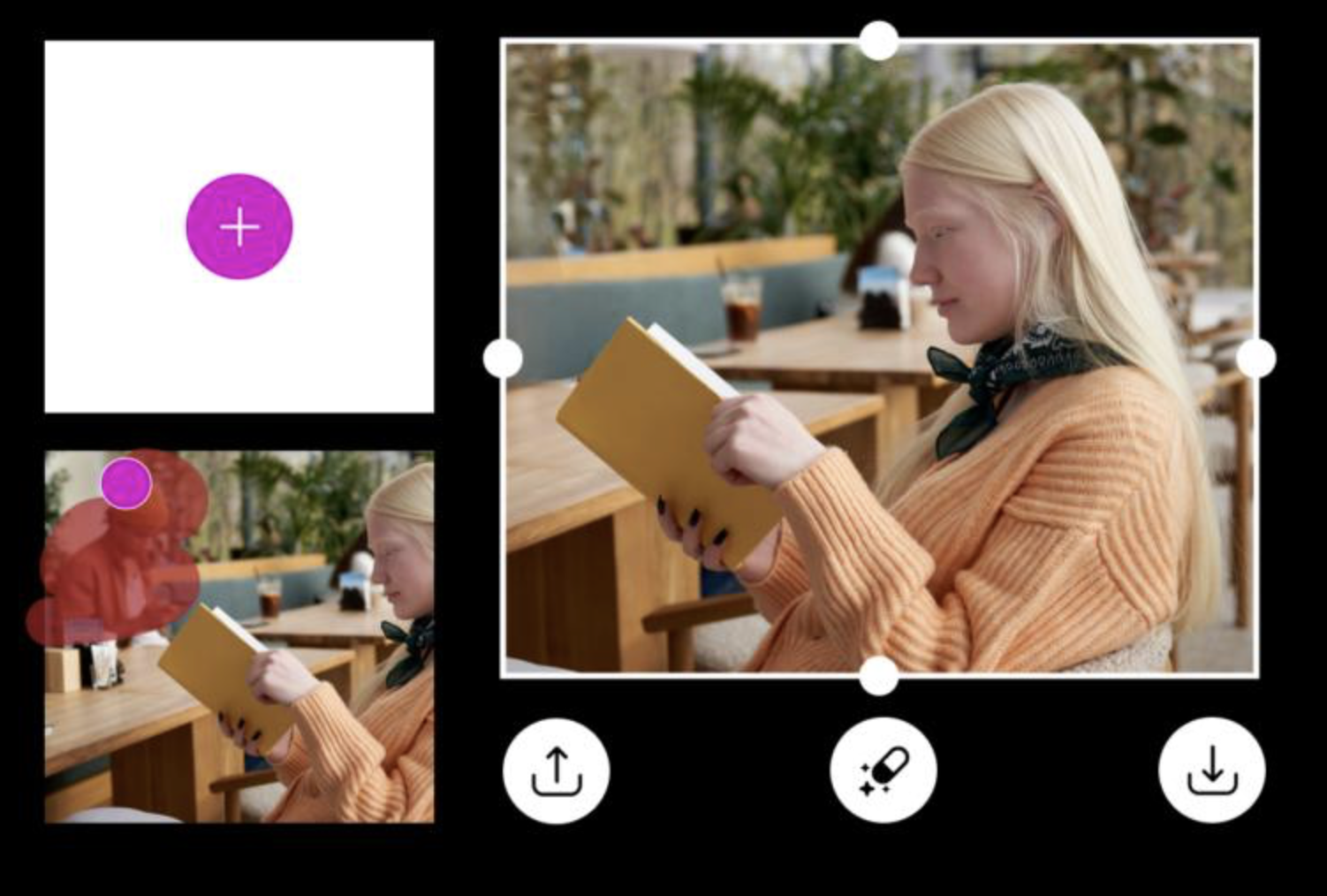
PicsArt’s removal tool sits within a much broader creative system. You remove something, but you can also replace it, extend it, or rework the image entirely.
Its AI-powered tools allow fast removal of objects and distractions, often within seconds.
This is less correction, more transformation.
Table for Comparison
| App | Platform | Price | Best For | Ease of Use | Precision |
|---|---|---|---|---|---|
| TouchRetouch | iOS / Android | ~£3.99 (one-off) | Fast, dedicated removal | ★★★★★ | ★★★★★ |
| Adobe Lightroom Mobile | iOS / Android | Free / £4.99+ monthly | Professional editing workflow | ★★★★☆ | ★★★★★ |
| Snapseed | iOS / Android | Free | Manual, controlled edits | ★★★★☆ | ★★★★☆ |
| Photoshop Express | iOS / Android | Free / £4.99 monthly | AI quick removal | ★★★★★ | ★★★★☆ |
| Photoroom | iOS / Android | Free / £4.99+ monthly | Product & social images | ★★★★★ | ★★★★☆ |
| Canva | iOS / Android / Web | Free / £10.99 monthly | One-tap edits | ★★★★★ | ★★★☆☆ |
| PicsArt | iOS / Android | Free / £4.99 monthly | Creative transformations | ★★★★★ | ★★★★☆ |
How to Choose the Right Object Removal App
If you want the cleanest, most reliable results, TouchRetouch is still the strongest standalone option. It removes distractions without overthinking the process.
If your workflow already sits within editing, Lightroom Mobile gives you far more control, particularly when tonal consistency matters.
For those who prefer speed, Photoshop Express and Photoroom lean into AI — often delivering results in seconds, especially in busy scenes.
And if you want something free and dependable, Snapseed remains one of the most quietly powerful tools available.
What Actually Makes a Good Object Removal App?
At its best, removal is invisible.
The strongest apps:
- preserve texture and detail
- maintain lighting continuity
- avoid repetition or smudging
- balance automation with control
AI has accelerated the process, but it’s still the subtlety of reconstruction that separates good from convincing.
Final Thoughts
Removing something from a photograph is never neutral. It reshapes what the image is, what it shows, what it leaves behind.
These apps make that process easier, faster, and more precise — but the decision of what to remove remains yours.
And that, ultimately, is where the photograph still holds its meaning.
You may also be interested in our other best guides to mobile photography
Best AI Photo Editing Apps in 2026
Best Android Photography Apps – 2026 Edition
Best Manual Camera Apps for Android (2026) – DSLR Control on Your Phone
Best Mobile Photography Apps (2026 Edition)
Best long-exposure eApps for iPhone 2026 edition
Best Camera Apps to Reduce iPhone Processing (2026 Edition)
The Best Camera & Editing Apps for Android – Tested and Updated – 2026 Edition
• Best Mobile Photography Apps (2026 Edition)
• Best Camera Apps to Reduce iPhone Processing (2026 Edition)
• Best Mobile Filmmaking Apps (2026 Edition)
• Best Black and White Photography Apps for iPhone (2026 Edition)
• Best Portfolio Apps and Websites for Photographers (2026 Edition)
• Blackmagic Camera Settings Guide
• Best way to use Blackmagic’s camera remote control (2026)
• Snapseed vs Lightroom Mobile
• Best iPhone Camera Apps for Photographers
• 10 Apps Secretly Draining Your Phone’s Battery – 2026 Edition
• Best Way To Create More Dynamic Travel Photos with Lightroom on Mobile
___________________________________________
Please support us
TheAppWhisperer has always had a dual mission: to promote the most talented mobile artists of the day and to support ambitious, interested viewers worldwide. Over the years, TheAppWhisperer has gained readers worldwide and created new spaces for that exchange.
All this work thrives with the support of our community. Your support helps protect our independence, and we can keep delivering open, global promotion of mobile artists. Every contribution, however big or small, is valuable for our future.

Joanne Carter
Joanne Carter is a British photographer, photography journalist, editor and curator and the founder and editorial director of TheAppWhisperer.com, an independent international photography publication established in 2009.Her journalism, criticism and commentary have appeared in The Times, The Sunday Times, The Guardian, Financial Times, BBC, Vogue Italia, LensCulture, Popular Photography, Android Magazine, NikonPro, DPReview, Which Digital Camera and Which Camera. She has lectured internationally on photography and mobile art, served as a juror for international photography awards, and exhibited her own photographic work across the UK, Europe, South Korea and the United States.Alongside her editorial work, Joanne's photographic and postgraduate research explores death, grief, memory, representation and social inequality through contemporary photography, participatory practice and visual research methods, with the longer-term aim of developing this work through doctoral research.Through TheAppWhisperer, she continues to publish independent photography journalism spanning contemporary photographic practice, mobile imaging, photographic apps, computational photography and emerging imaging technologies.Joanne is available for editorial commissions, photography projects, judging, curatorial work, speaking engagements, consultancy and selected collaborations.