iOS – Kinotopic+ – New
Kinotopic+ allows you to make still photographs in which a minor and repeated movement action occurs. Some people call them cinemagraphs, we call them kinos! They are very similar to the moving images in newspapers from a certain wizard themed series of movies. Whether you’re a seasoned photographer or someone who’s barely touched a camera, Kinotopic+ will make you love creating animations. Kinotopic+ is the same thing as Kinotopic with the PRO upgrade. This app retails for $0.99/£0.69 and you can download it here. Features ★ Get creative Everybody has a creative side… Kinotopic+ will bring out that creativity in you. ★ Steady now!… Use the stabilizer to steady…
iPhoneography – Hipstamatic – Updated To Version 235
Synthetic, LLC the developers of the extremely popular Hipstamatic iPhoneography app have now updated it to version 235. What this means to you and I is a number of useful features and bug fixes and a key one being an end to that annoying film rewind error message. You can check out the full update details below. This update is free but if you haven’t already downloaded this app you can do so here. It retails for $1.99/£1.49/download. What’s New In Version 235 Favorties – save lens/flash/film combo for quick and easy access from the camera back Tap and hold to focus (when zoomed in to viewfinder) New HispstaSave technology…
iPhoneography – Amoveo – Updated
Amoveo is a revolutionary way to showcase your photos. It allows you to create breath-taking slideshows that you can share with your friends and family using one of the many sharing options. Amoveo was developed to give users a way to share slideshows of their personal photos that’s not simply a means to an end but an engrossing entertainment experience in and of itself. The app accomplishes this feature by utilizing highly dynamic stylized slideshow templates that come complete with rich theme-specific animations, flexible viewing options, and user-friendly layouts. Amoveo provides users with an expansive set of slideshow template themes divided into six unique categories to insure that no matter…
Whisperings… How Do I Remove A Photo From The Timeline In iMovie iOS?
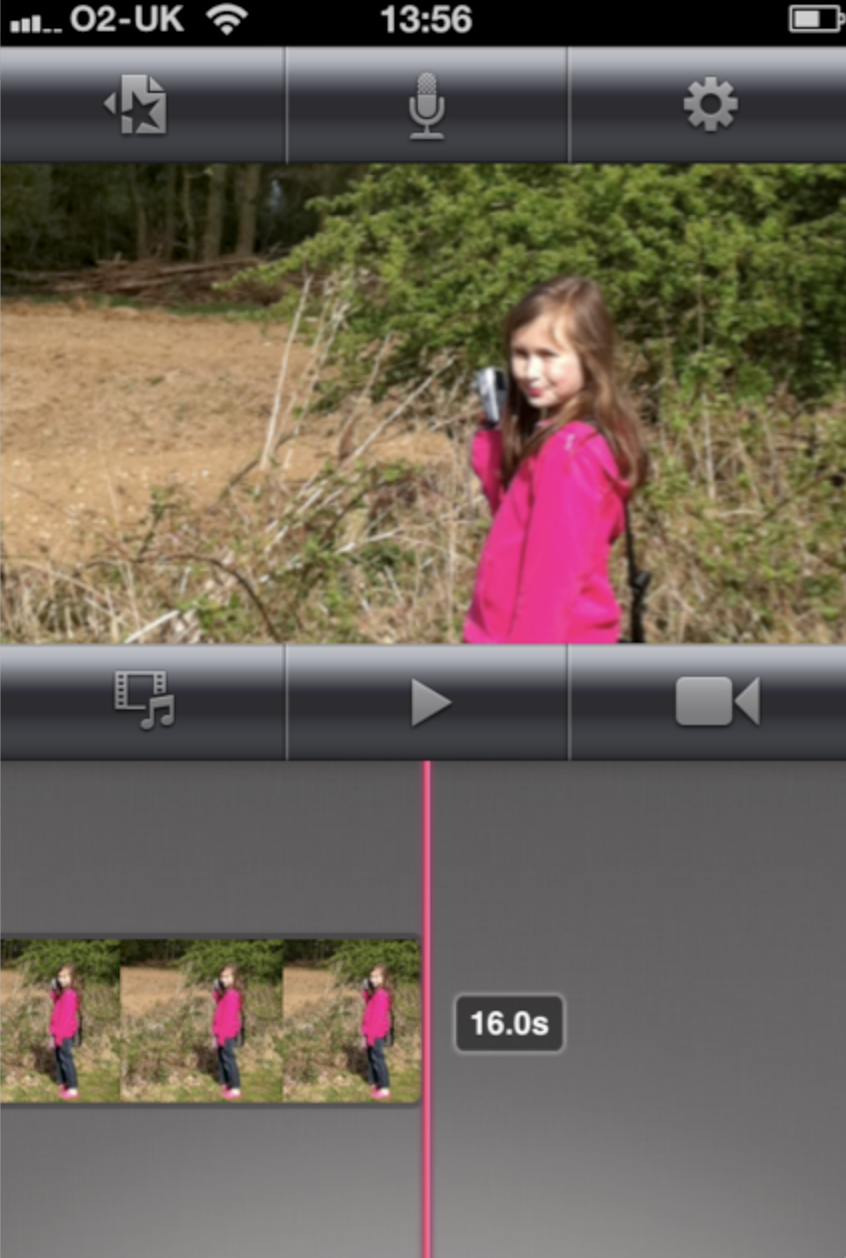
Our new question and answer section here at TheAppWhisperer.com is called, Whisperings… If you have a question send it to us and we will answer it within this section to the benefit of all our loyal readers. Find out below how to remove a photo from the Timeline within iMovie iOS… Deselect We’ve had many readers ask how do they remove a photo from the Timeline within iMovie iOS, it’s simple enough to do, if you know how of course. Firstly, you need to deselect the image. This means click after the image within the timeline, as above. Click And Drag Next, place your finger on the image you want…