What Apps Are We Using This Month? with Kerry Mitchell
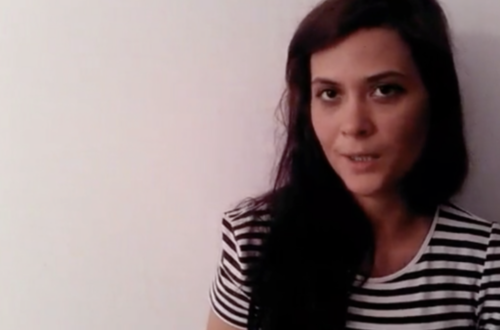
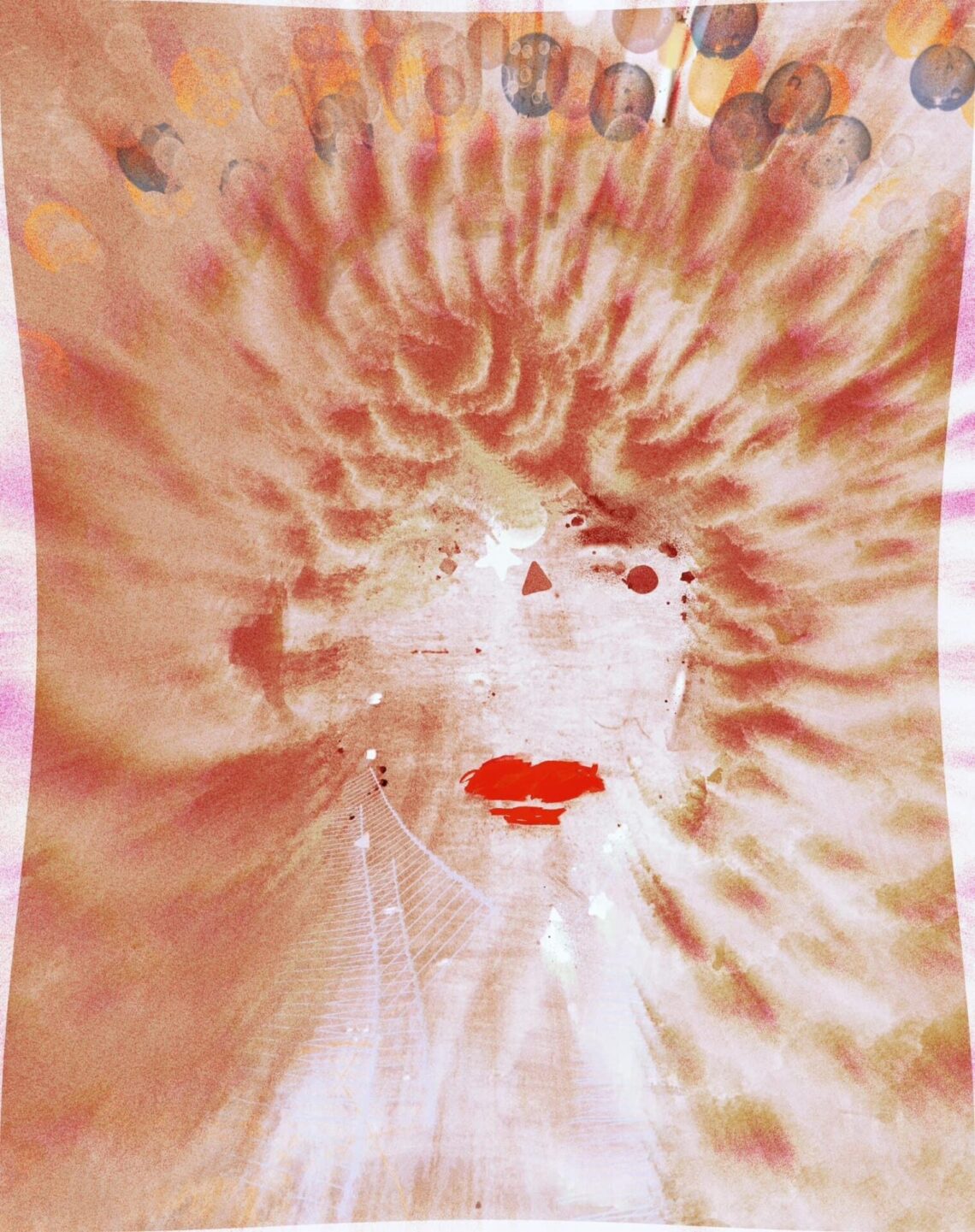
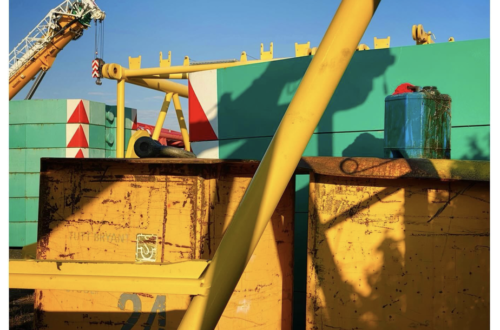
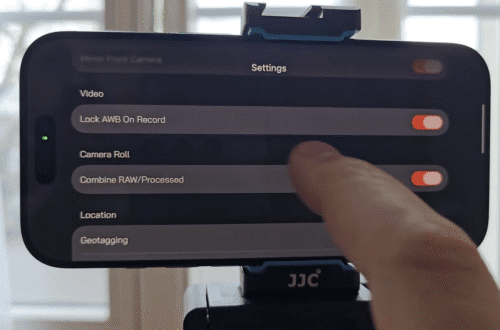
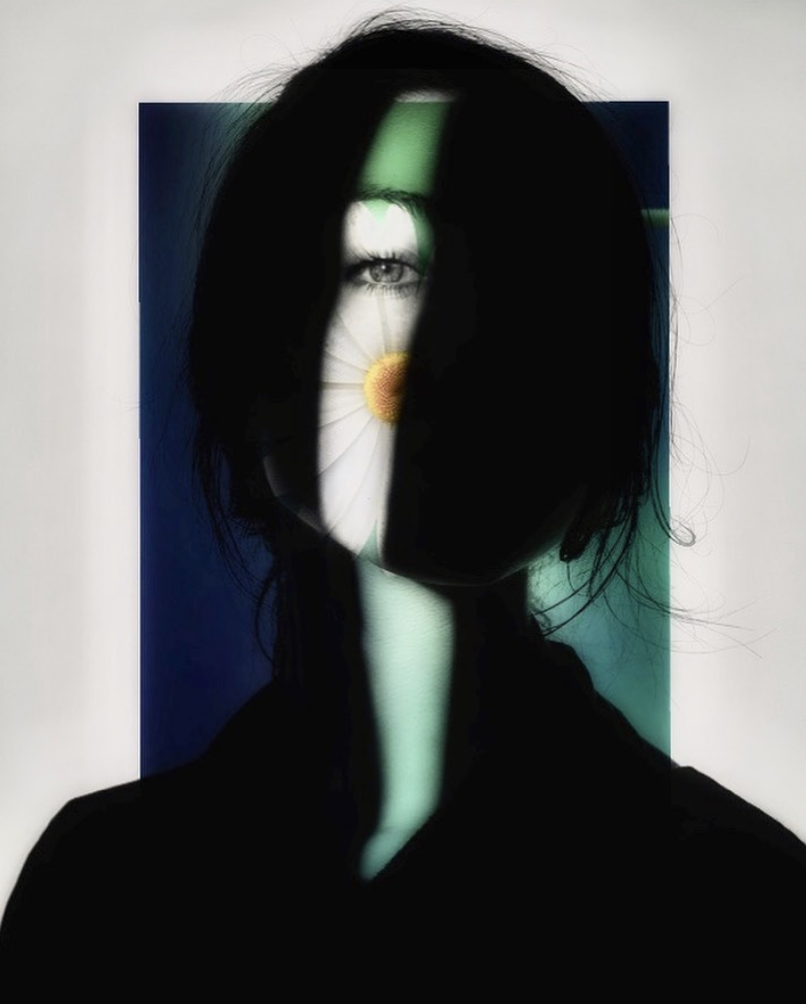
Welcome to TheAppWhisperer’s new section, “what apps are we using this month” series, where we discover which apps you are particularly enjoying. Kicking us off today is non-other than Award Winning Mobile Artist, Kerry Mitchell. Thank you Joanne for asking me to participate in What Apps Are We Using This Month? I’m Kerry Mitchell and I live in Seattle, Washington. I’m retired from working in law and medicine. I paint digitally and take photographs. I have to agree with my friend, Marco @vastumarco that all of a sudden many apps disappeared a few years ago. I believe this was due to Apple no longer financially supporting apps the way they once…
AppArt School – Top 10 iOS Apps for Advanced Mobile Photographers
AppArt School – Top 10 iOS Apps for Advanced Mobile Photographers Here are ten iOS photo apps that are popular among advanced mobile photographers: Lightroom: Adobe’s photo editing app allows for advanced editing and organization of photos. It features advanced color grading tools, presets, and the ability to sync edits across devices. VSCO: This app offers advanced photo editing tools and filters for fine-tuning color, exposure, and tone. It also features a built-in camera app for capturing high-quality images. Snapseed: A powerful photo editing app that offers advanced features like selective adjustments, masking, and healing tools. ProCamera: A high-quality camera app that offers advanced control over exposure, focus, and white…
What Apps Are We Using This Month? with Damla Öksüz
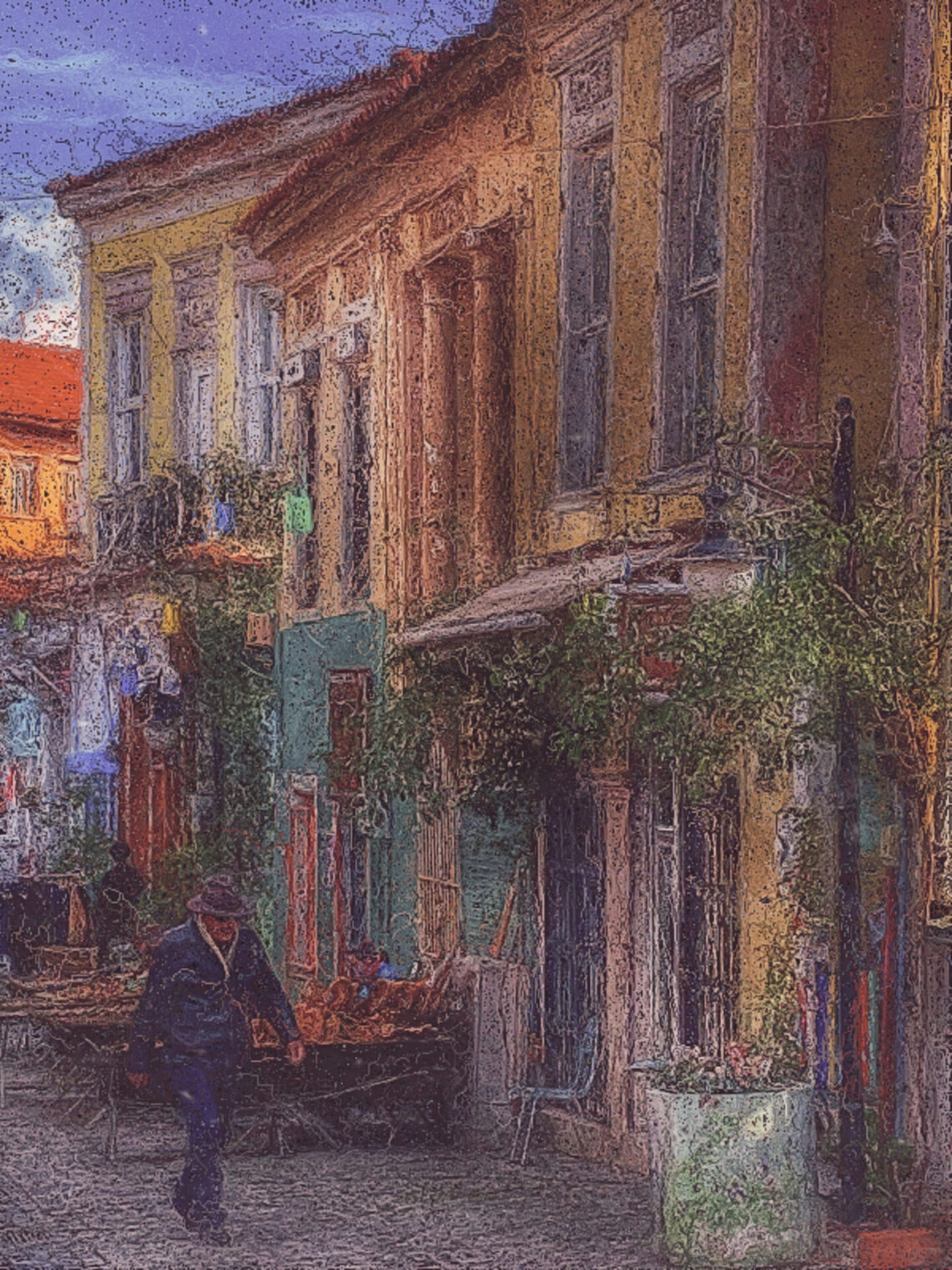
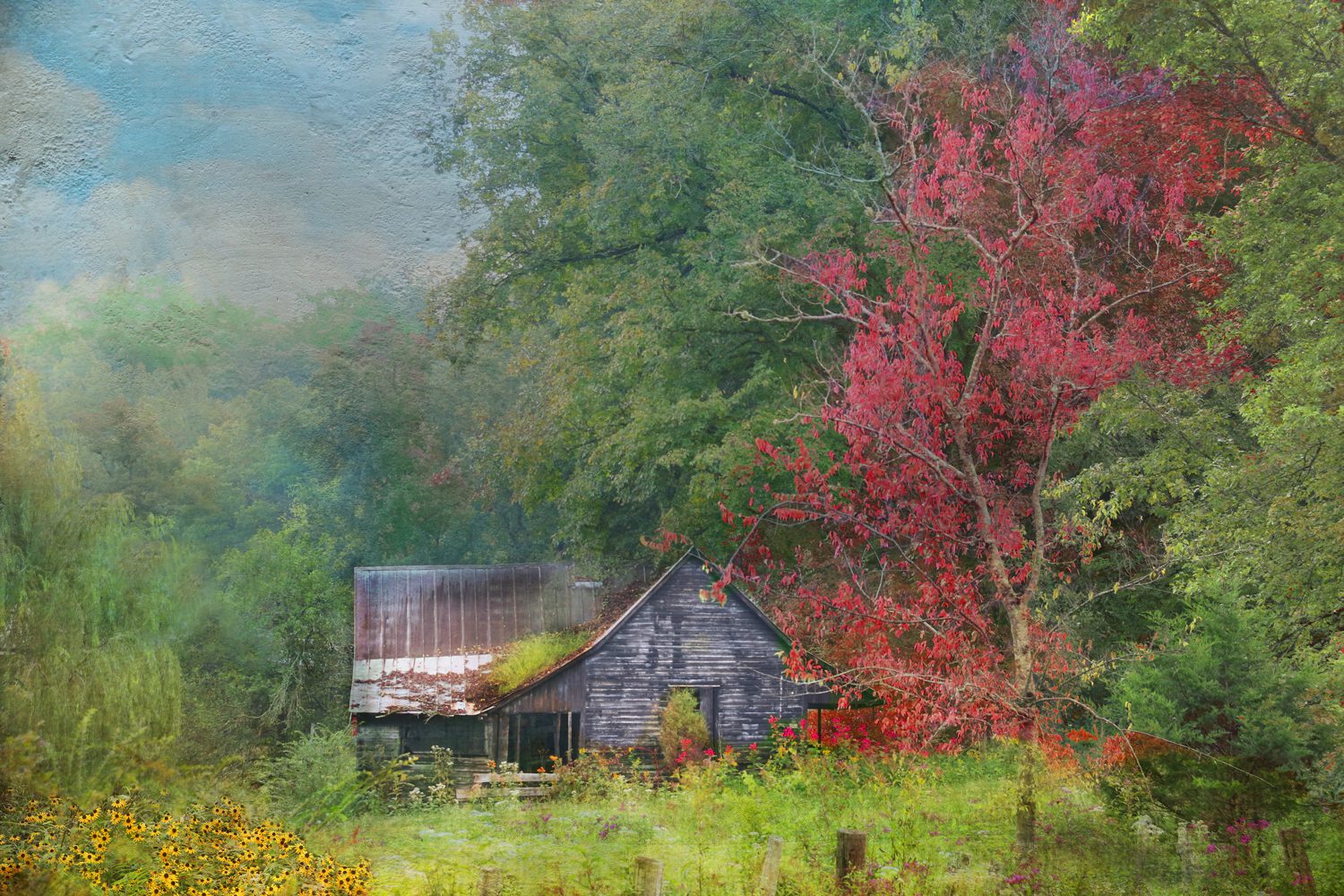
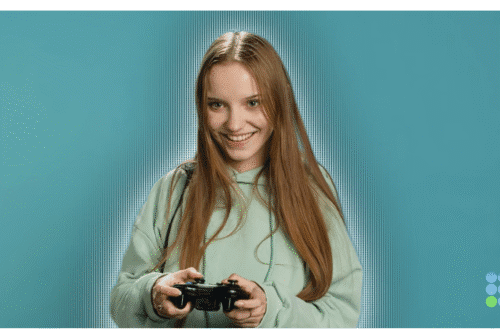
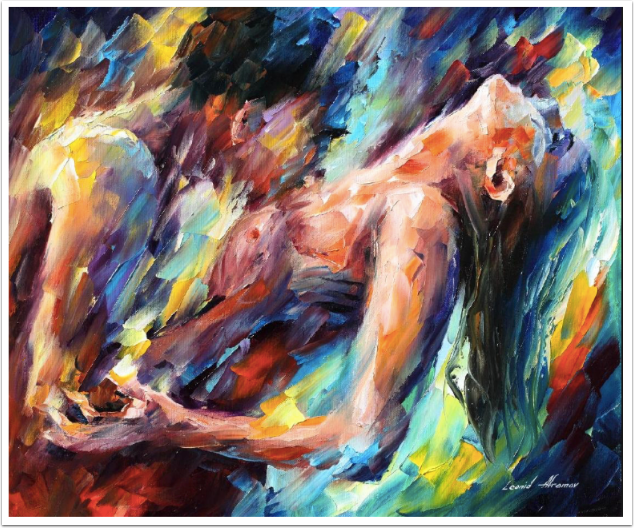
Welcome to TheAppWhisperer’s new section, “what apps are we using this month” series, where we discover which apps you are particularly enjoying. Kicking us off today is non-other than Award Winning Mobile Artist, Damla Öksüz. Hello, My name is Damla Oksuz (@damlaoksuzphotography), I’m a 54 year old retired banker. Since 2020 I have lived in a small town called Fethiye which is situated at the Mediterranean part of Turkey. Before that, I used to live in Istanbul. I have always loved taking photos and after my retirement I decided to learn it professionally. I took some courses and became a member of a group called “Travelling Photographers”. I participated in several…
AppArt School – 10 Good iOS Photo Editing Apps for Beginners
AppArt School – 10 Good iOS Photo Editing Apps for Beginners There are many photo editing apps available for beginners, each with its own unique features and user interface. Here are some popular options: Snapseed: This is a free photo editing app developed by Google that offers a wide range of editing tools and filters. VSCO: VSCO is a popular photo editing app that offers a wide range of filters and editing tools. It also has a built-in camera app, making it easy to take and edit photos all in one place. Adobe Lightroom: Adobe Lightroom is a powerful photo editing app that is designed for both beginners and professionals.…
AppArt School – What are the best photo storage apps for backing up my photos?
AppArt School – What are the best photo storage apps for backing up my photos? There are several photo storage apps available for backing up your photos, each with its own features and benefits. Here are some of the best options: Google Photos: This is a popular photo storage app that allows you to back up unlimited photos and videos for free, as long as you agree to have them compressed to a certain size. It also has a search function that can identify objects, people, and places in your photos.Google Photos was also listed in our Best Free Android Photography Apps (No Subscription) in 2026 iCloud Photos: If you’re…
What Apps Are We Using This Month? with Filiz Ak
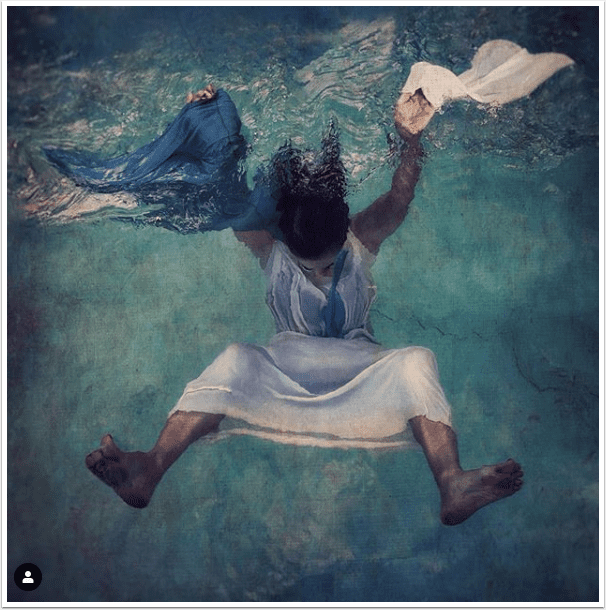
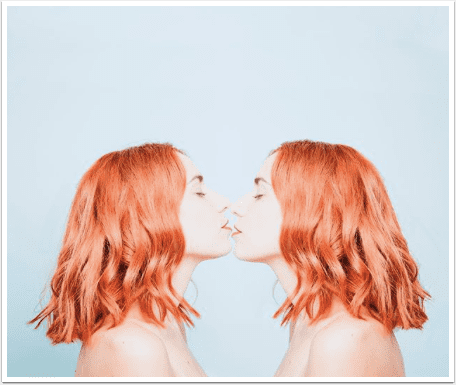
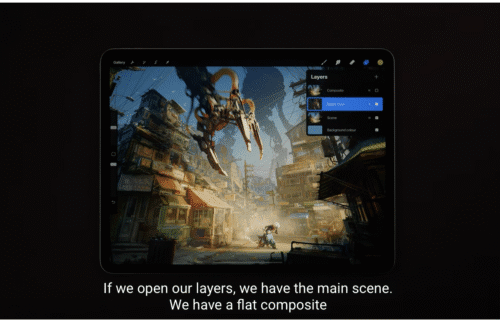
What Apps Are We Using This Month? with Filiz Ak Welcome to TheAppWhisperer’s new section, “What apps are we using this month” series, where we discover which apps you are particularly enjoying. Kicking us off today is non-other than Award Winning Mobile Artist, Filiz Ak. Hello, My name is Filiz Ak (@filizakart), I’m a Mobile Artist. I currently live in Istanbul, Turkey. I’ve been using the following apps: icolorama, Snapseed, Glaze, Image Blender, Formulas, Distressed FX & Hipstamatic for the past few weeks. I use iColorama and Glaze for painting, I usually use Hipstamatic for shooting. Formulas and Distressed FX offers beautiful textures & filters and Image Blender for double…
AppArt School – How to Remove Unwanted Objects in your iPhone Photos with TouchRetouch
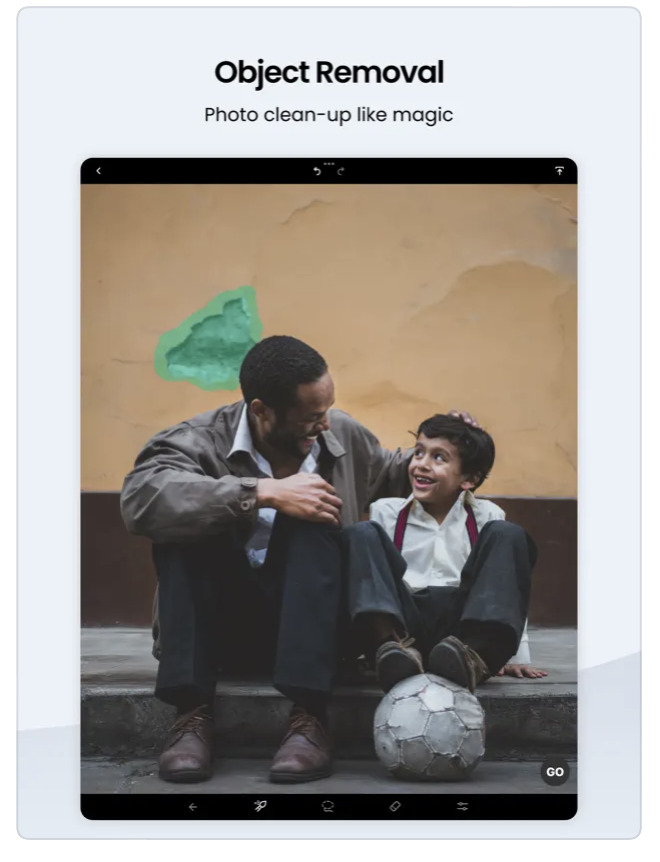
AppArt School – How to Remove Unwanted Objects in your iPhone Photos with TouchRetouch App TouchRetouch is a powerful photo editing app that allows you to remove unwanted objects and blemishes from your photos. Here’s how to use it: Touch Retouch was also mentioned in our Best Apps to Remove Objects from Photos in 2026 – Clean Up Your Images Effortlessly Open the TouchRetouch app and select the photo you want to edit. Use the “Object Removal” tool to remove unwanted objects from the photo. Tap the tool, then use your finger to draw around the object you want to remove. Once you’ve finished outlining the object, the app will…
What Apps Are We Using This Month? with Susie Leff
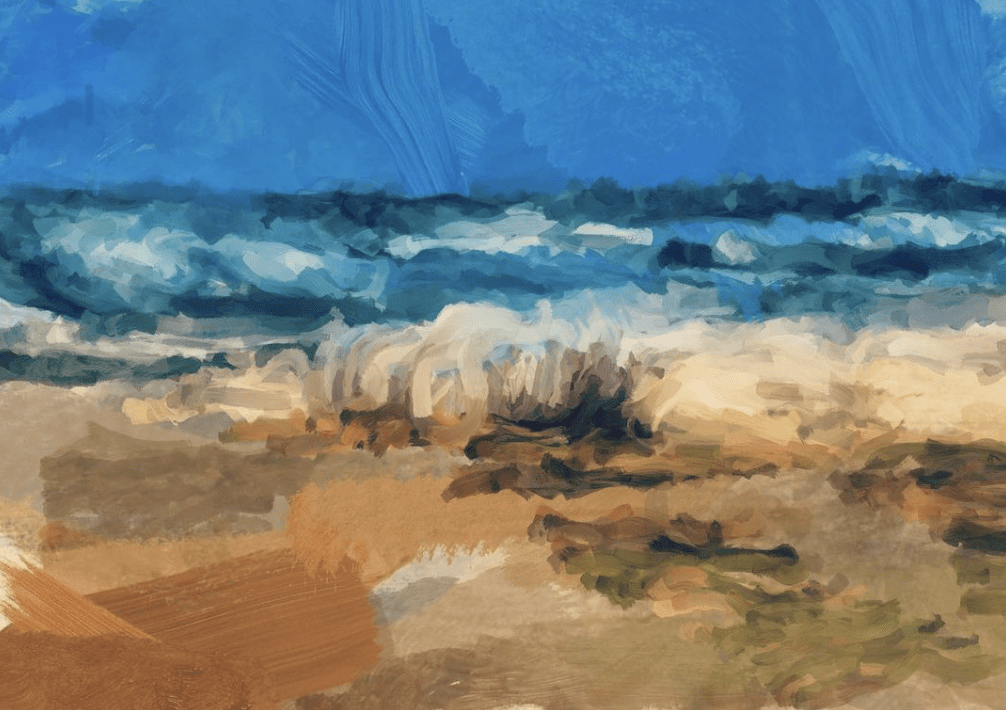
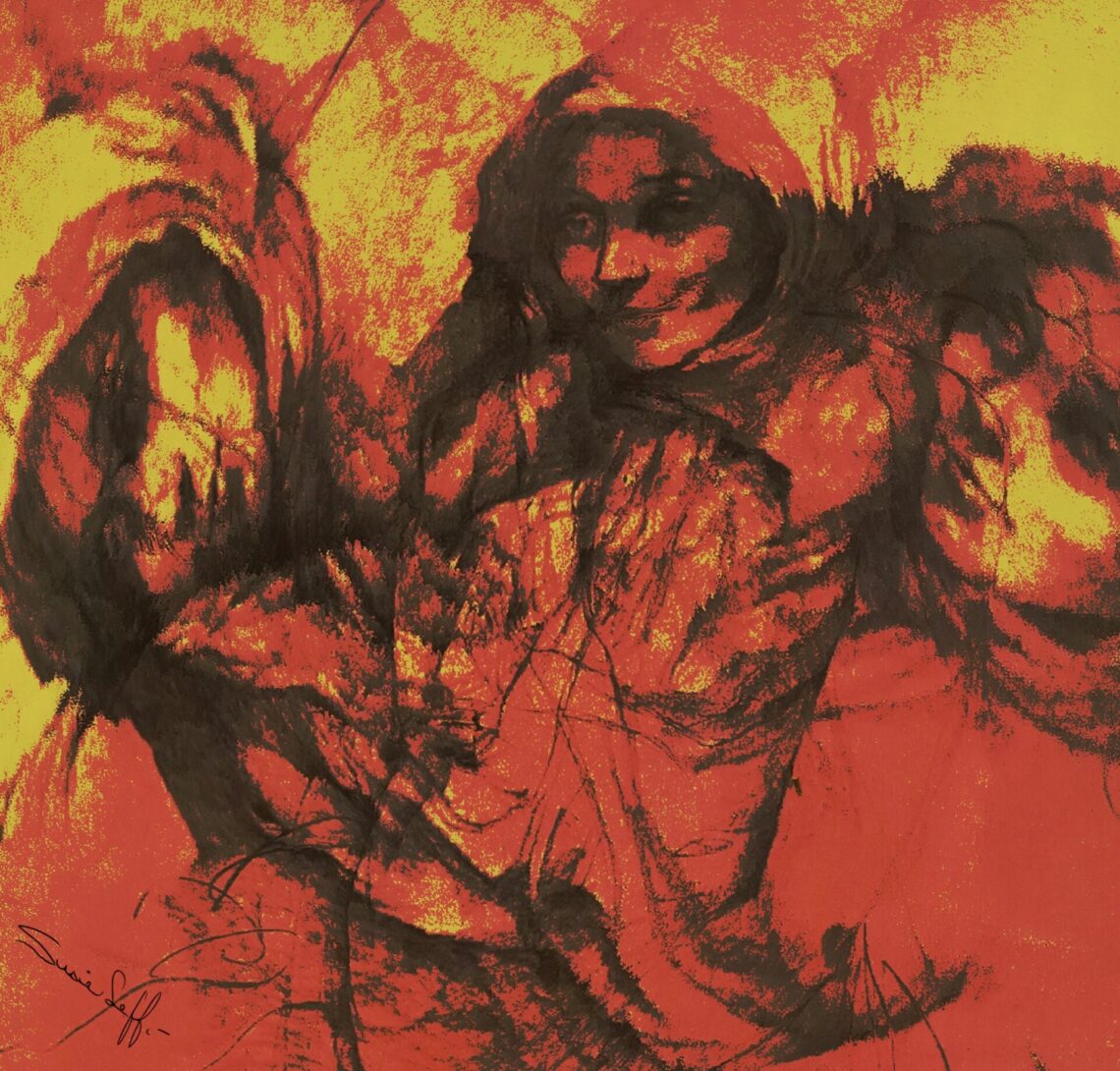
What Apps Are We Using This Month? with Susie Leff Welcome to TheAppWhisperer’s new section, “What apps are we using this month” series, where we discover which apps you are particularly enjoying. Kicking us off today is none other than Award Winning Mobile Artist, Susie Leff. Tell us a bit about yourself I am Susiie Leff. Born and raised in Mexico City, I now live part-time in Mexico City and part-time in San Francisco, California. I’m married to Marty Pflughoeft; he’s an Insurance Broker and we work together selling Medical, Life and Kidnap Insurance from US Companies to Mexicans or anybody living outside the US. Besides going back and forth…
AppArt School – How to Get Started with the Snapseed App
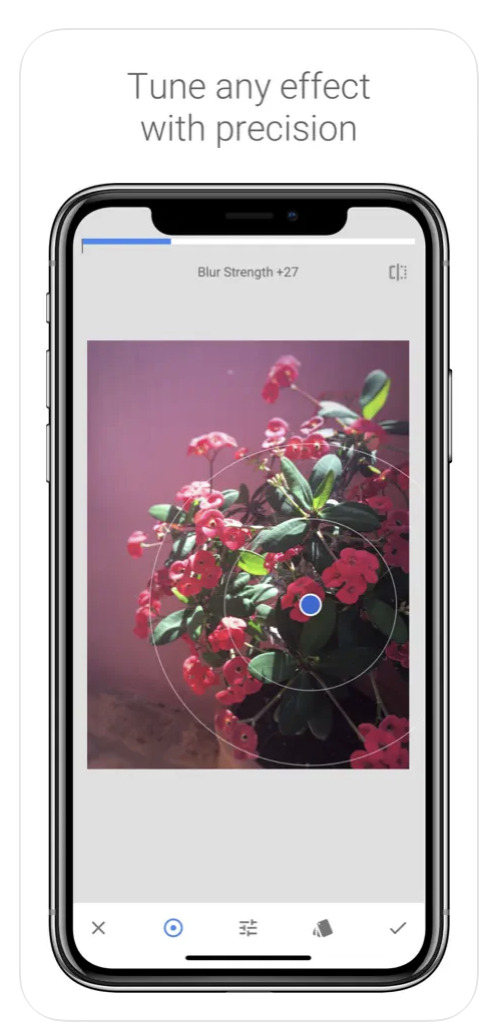
AppArt School – How to Get Started with the Snapseed App Snapseed was also listed in our Best Apps to Remove Objects from Photos in 2026 – Clean Up Your Images Effortlessly Snapseed is a free photo-editing application developed by Google, which is available for both iOS and Android devices. Here are some steps to use the Snapseed app: Install the app: Download the Snapseed app from the App Store or Google Play Store, depending on your device. Once the app is downloaded and installed, open it. Choose a photo: Select the photo you want to edit from your camera roll or take a new photo. Basic adjustments: Snapseed has…
AppArt School – How to Get Started with the Lumafusion App
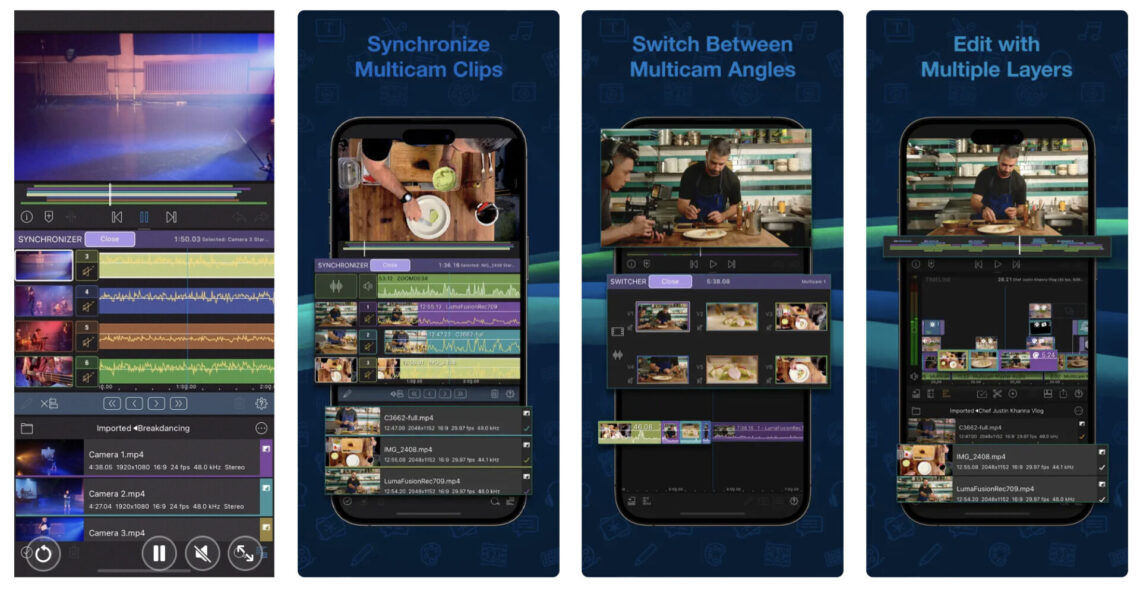
AppArt School – How to Get Started with the Lumafusion App LumaFusion is a professional video editing app for iOS devices, and getting started with it is relatively straightforward. Here are the steps you can follow: Install the app: The first step is to download and install the LumaFusion app from the App Store on your iOS device. Open the app: Once you have installed the app, open it from your device’s home screen. Create a new project: To create a new project, tap on the ‘Create New Project’ button on the main screen. Choose a resolution and frame rate: You will be prompted to select the project’s resolution and…