Adobe Lightroom Mobile App – Instruction Videos
We’re delighted to publish some fabulous instruction videos by Julieanne Kost – Principal Evangelist: Photoshop and Lightroom. We think you will find these really useful. You can learn more about the introduction of Lightroom in our post here. Freeing yourself from your Desktop Showcasing and sharing your Images Setup, Collections and Flags Managing Collections and Auto Import from Camera Roll Cropping, Adjustments and Presets
Adobe Lightroom Mobile Brings Professional-Class Photo Tools To iPad
Adobe today announced the availability of Lightroom mobile, a companion app to Lightroom desktop software, only available as part of Adobe Creative Cloud. The new Lightroom mobile app brings powerful Lightroom tools to the iPad, delivering photography essentials – such as non-destructive processing of files – and utilising new Smart Preview technologies to free professional-class photo editing from the confines of the desktop. Lightroom mobile is built on a powerful synchronisation architecture, designed specifically for photos, and provides the most efficient way to manage and edit images across desktops, mobile devices and the Web. Lightroom mobile is available as part of the Adobe Creative Cloud Photoshop Photography Program. For £8.78…
Streets Ahead – Thirty Fourth Edition – Mobile Street Photography
Welcome to the thirty fourth edition of “Streets Ahead,” a weekly column dedicated to women mobile street photographers. Each week we review and curate work that was submitted to our Flickr Group. In addition to creating a showcase video which features a sampling of submitted work, we also highlight a few images that caught our attention… offering some thoughtful commentary about technique, composition, and subject matter. If you are not a member of our Facebook group… we highly recommend that you join us! This is our space for sharing newsworthy information and conducting discussions (what, when, where, why and how) about Women Photographers/Artists and Street Photography, in general. So, if…
‘APPart’ – Column with Mel Harrison Updated and Revamped!
We are delighted to announce that our wonderful APPart Column edited by Mel Harrison has today been revamped and updated. We are planning to generate lots more content relating to digital art and collages, this will include interviews with digital artists, tutorials, reviews, showcases, commentaries and news. To help facilitate this update we have created a brand new Facebook Group specifically for this Column. It is called APPart and you can find it and join it here. In addition we have also set up a brand new Flickr Group for this column. We would like to see all your digital art and collages added to this specialised group, we will…
Olloclip Macro iPhone Photography Technical Tutorial by Paul Brown – First Steps
We’re delighted to publish this fabulous tutorial by Paul Brown. Paul takes us through his first steps and discoveries with macro photography using the Olloclip 4 in 1 lens. He explains and shares eloquently all that he has learned during the process. He talks about additional hardware, supports to aid sharp images as well as file formats and apps, we’re quite sure our readers will find this invaluable. We have included links to all the products within this post. We have published several of Paul Brown’s workflows recently. Please take a look at our Paul Brown archive here. Over to you Paul (foreword by Joanne Carter)… “This iPhone photography…
Flickr Group Showcase – TheAppWhisperer (TAW) – April 6 2014
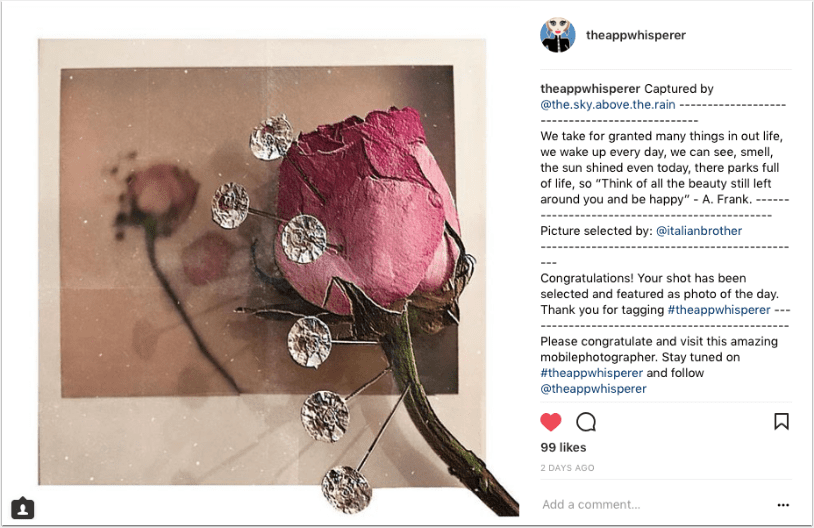
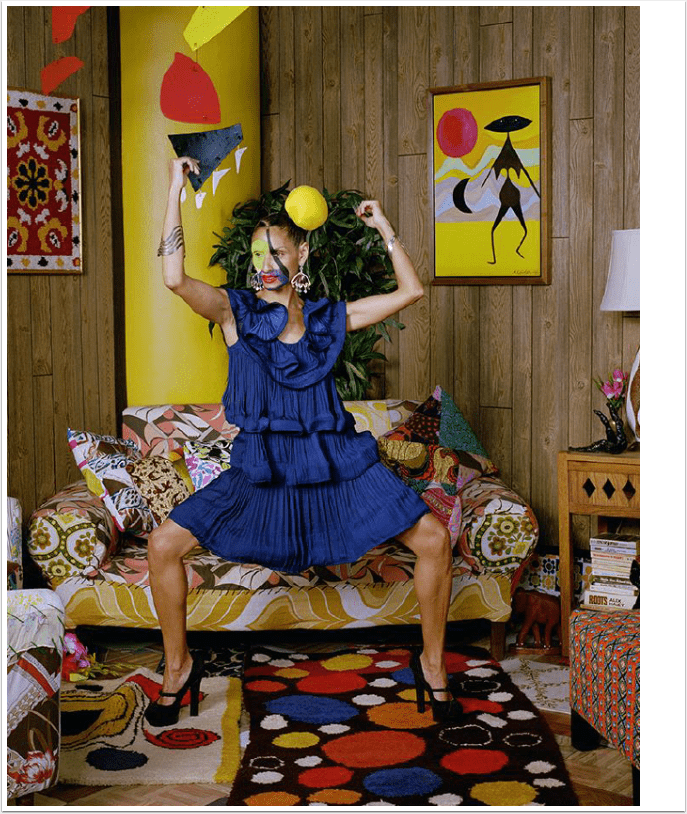
We are delighted to publish this weeks Flickr Group Showcase it’s another outstanding one full of mobile photography and art from around the world this week. Once again there are some truly fabulous street photography images. Fascinating surreal and natural portraiture, gorgeous still life and conceptual images – I am sure you will love this. If you would like to be considered for our weekly Flickr Group Showcase, please upload your images to our dedicated Flickr group, for this section, here. With many thanks to our Flickr Group Showcase Sponsors – Olloclip.com Each image can be viewed on Flickr by clicking on the relevant artist below: Kristin Moeller, Anne-Martine Parent,…
Tickle Your Fancy – #31 – Dedicated To All Women
Welcome back to our thirty first post in our new section ‘Tickle Your Fancy’. ‘Tickle Your Fancy’ includes a round-up of five links to articles from around the internet that have specifically interested us during the course of the week. Ones that we feel are relevant to your interest in photography and art. Just to explain the title for this section ‘Tickle Your Fancy’ is an English idiom and essentially means that something appeals to you and perhaps stimulates your imagination in an enthusiastic way, we felt it would make a great title for this new section of the site. We hope you enjoy this weeks’ selections, we have dedicated…
iOS Photography App – PhotoMotion – Temporarily Free Today
PhotoMotion is becoming very popular, essentially it turns your photographs into immersive video with motion, titles and music. There’s even a popular Facebook group for it – see here. Uusally PhotoMotion retails for $0.99/£0.69 but today it’s free, click here to download.
‘Impossible’ Interview with Meghan Davidson
We’re delighted to be working closer with The Impossible Project team as we continue to branch out and expand our reach with all things related to mobile photography. Analog post-processing of mobile images is becoming more and more popular and we’re going to make sure our readers are fully briefed on this very exciting development. The Impossible Project is in many ways leading the way, but there is also a growing community of mobile artists and photographers experimenting with other analog post processing techniques in an attempt to make their mobile images stand out even more, in galleries, magazines and the like and we have viewed some outstanding images and…
iOS Photography Technical Tutorial – Paper Camera & Pencil Camera by Jerry Jobe
We’re delighted to publish Jerry Jobe’s latest iOS Photography App tutorial today. This time Jerry takes two apps Paper Camera and Pencil Camera and looks at the mechanics behind their effects. Don’t miss this, over to you Jerry (foreword by Joanne Carter). “Sometimes it’s nice to see an effect applied as you’re taking the picture or video, rather than waiting until later to see if the effect works with the photo. (I will concede that I find you get much better results by taking a normal image and apping it afterwards; I just realize that on rare occasions, a quick pic with effects already added can be fun.) Today…