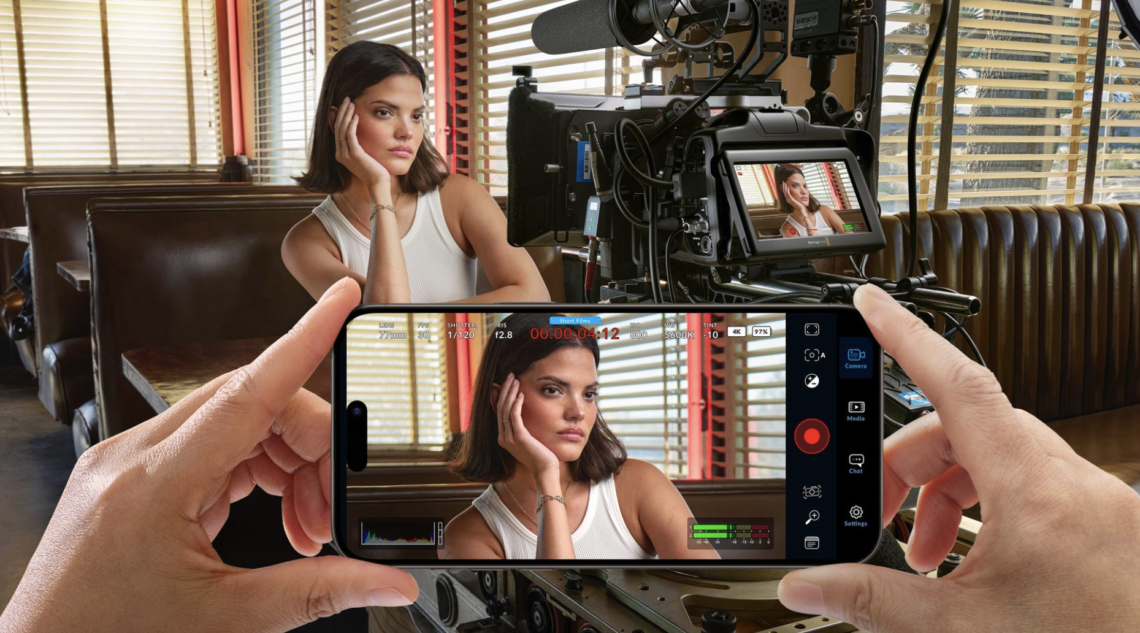
Blackmagic Camera App Settings Explained (2026): Every Setting, Simplified
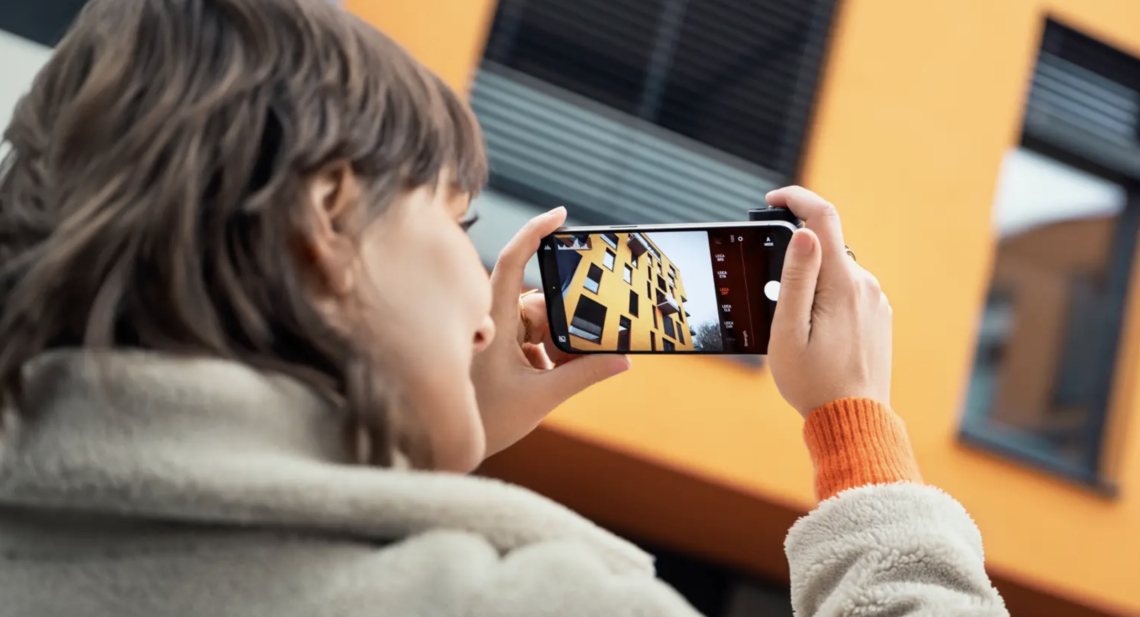
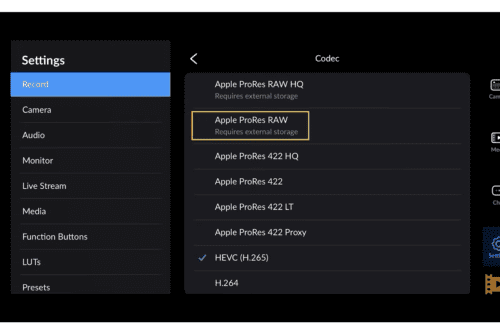
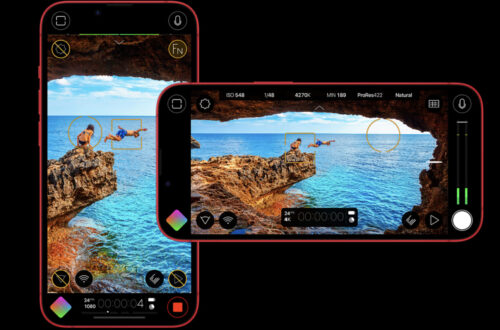
Introduction The Blackmagic Camera app has become one of the most powerful free filmmaking tools available for iPhone and Android, bringing professional camera controls to devices that many creators already carry every day. Yet, for first-time users, opening the app can feel overwhelming. Frame rates, codecs, colour spaces, LUTs, shutter angle, ISO, bitrate and audio settings all appear at once, often without much explanation. The good news is that you don’t need to understand every professional filmmaking term to achieve excellent results. This guide explains every important Blackmagic Camera app setting in plain English, helping you configure the app for cinematic video, social media, documentaries, travel films and everyday shooting.…
Best Camera Apps for Street Photography (2026): The Complete Guide
The Best Camera Apps for Street Photography (2026): The Complete Guide to Photographing the Decisive Moment There is a peculiar irony at the heart of contemporary street photography. Never before have so many people carried cameras capable of producing extraordinary photographs, yet never before has it become so difficult to make images that feel genuinely observed rather than merely processed. Smartphones now perform astonishing feats of computational wizardry, blending exposures, removing unwanted objects, sharpening details that scarcely existed in the original scene and brightening shadows until every alleyway resembles a studio. The results are often technically impressive, but technical perfection has never been the ambition of street photography. If anything,…
Best AI Tools for Photographers (2026)
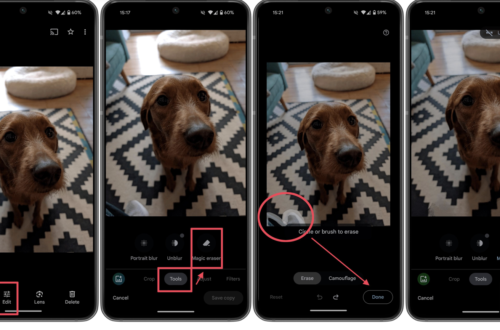
The Complete Guide to Artificial Intelligence for Photography Workflows Artifical Intelligence has become one of the most significant developments in photography since the transition from film to digital. Yet despite the rapid pace of innovation, many photographers remain understandably divided about its role. For some, AI represents an exciting opportunity to automate repetitive tasks, improve image quality and streamline complex workflows. For others, it raises important questions about authenticity, creativity and the future of photographic practice itself. The truth lies somewhere between these two positions. Artificial intelligence is not a single technology, nor is it replacing photographers overnight. Instead, it has quietly become embedded throughout the photographic workflow. Many of…
Best Apps for Culling Photos in 2026: Save Time, Keep the Best Frames
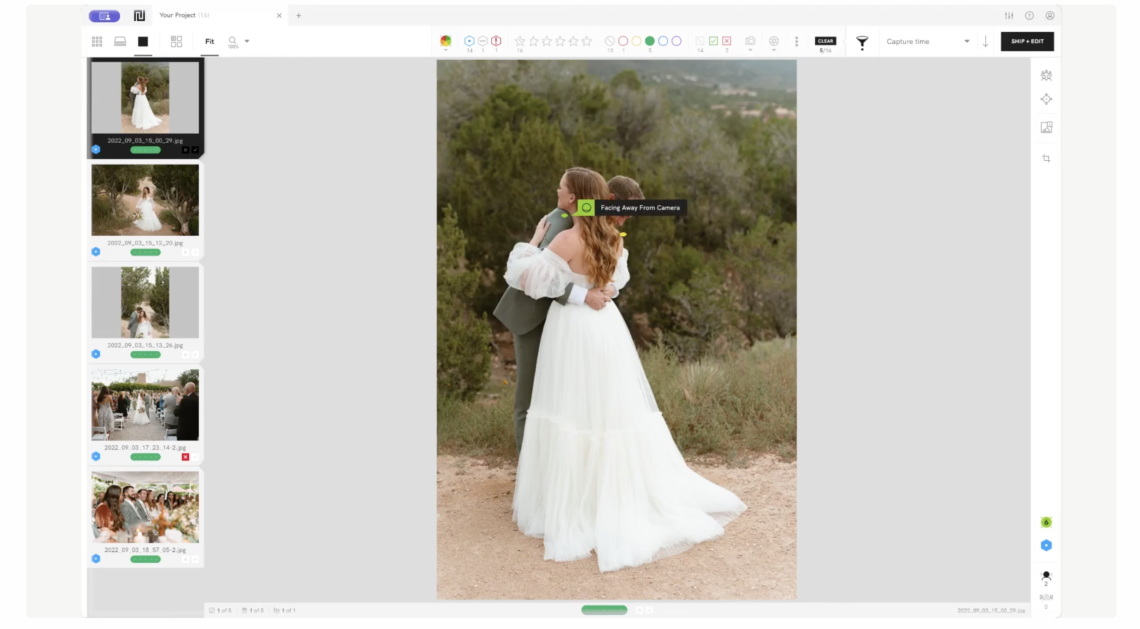
Culling is one of the least glamorous parts of photography, but it’s also one of the most important. Before editing, before publishing, before printing, comes selection. And if you shoot a lot, whether that’s documentary, portraiture, street, or events, culling can quickly become the most time-consuming part of the process. After nearly two decades working as a photography journalist and editor, and reviewing thousands of images and apps along the way, I’ve become increasingly interested in how photographers are streamlining this stage of their workflow. In 2026, culling apps have become smarter, faster, and, in some cases, remarkably intuitive. AI now plays a much bigger role, helping identify duplicates, closed…
Halide Mark III and Why Photographers Still Need to Make Decisions
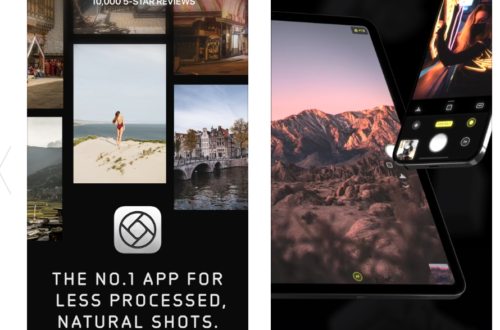
I’ve been writing about mobile photography for almost two decades, and if I’m honest, I thought I’d seen most of it by now. Every year brings another camera app promising to turn the iPhone into something it isn’t. There are always more controls, more presets, more editing tools, and increasingly, more artificial intelligence. And Halide Mark III made me pause for a different reason. It wasn’t the new editing tools or the collection of Looks that caught my attention. It wasn’t even the promise of producing better photographs. What stayed with me after reading about the update was the sense that Lux is trying to have a conversation about photography…
How to Stop iPhone Photos Looking Overprocessed
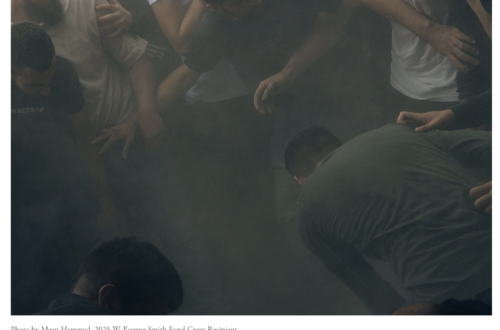
There was a time when smartphone photography still felt slightly unpredictable. Images could fail. Grain appeared in low light. Shadows sometimes disappeared entirely. Motion blur crept into night scenes. But photographs still retained atmosphere. They still felt connected to the moment they described. Now, increasingly, many iPhone photographs look as though they’ve already been edited before the photographer has even seen them. Skin is automatically smoothed. HDR aggressively brightens shadows. Textures are sharpened beyond realism. Night skies become electric blue. Faces are softened. Details are enhanced until images start looking synthetic rather than observed. For casual users, this often appears impressive. But many photographers are beginning to push back against…
iOS Photography App Tutorial – Union – Part 2 – by Jerry Jobe
A wonderfully comprehensive second part to this new series of tutorials on the app Union by Jerry Jobe. If you missed Part 1, please go here. Over to you Jerry (forward by Joanne Carter) Union retails for $1.99/£1.49 and you can download it here As I worked through all I wanted to show you in the second part of this tutorial on Union, the blending app from Pixite, I found the screenshots piling up. Normally I like to keep the number to 20-30, but I’ve got close to fifty this time. Let’s get started!
Streets Ahead Interview: Basak Aytek – Mobile Street Photography
This week, the Women’s Street Photography Collective (Streets Ahead) is please and honoured to feature Basak Aytek in our interview segment. Although relatively new to street photography, Basak’s work reveals that she has a gift for capturing the moment. Her willingness to learn and absorb information and advice given to her by other street photographers has resulted in an engaging body of work. I highly recommend a visit to her galleries Flickr: basakaytek You can follow Basak on Instagram and Eye’Em: @basakaytek