How to Stop iPhone Photos Looking Overprocessed
There was a time when smartphone photography still felt slightly unpredictable. Images could fail. Grain appeared in low light. Shadows sometimes disappeared entirely. Motion blur crept into night scenes. But photographs still retained atmosphere. They still felt connected to the moment they described. Now, increasingly, many iPhone photographs look as though they’ve already been edited before the photographer has even seen them.
Skin is automatically smoothed. HDR aggressively brightens shadows. Textures are sharpened beyond realism. Night skies become electric blue. Faces are softened. Details are enhanced until images start looking synthetic rather than observed.
For casual users, this often appears impressive. But many photographers are beginning to push back against the increasingly artificial look of computational photography.
The issue is not simply AI itself. It’s the loss of authorship.
Why iPhone Photos Sometimes Look Fake
Modern smartphones no longer capture a single image in the traditional photographic sense. Instead, they often combine:
- multiple exposures
- AI enhancement
- HDR layering
- machine learning predictions
- texture sharpening
- semantic scene analysis
- automated skin smoothing
- noise reduction
Increasingly, phones are not recording what the camera sees. They are generating what the software believes the image should look like.
That works well for social media visibility. Bright, contrast-heavy photographs attract attention quickly on small screens. But photography has never only been about technical perfection. Some images need darkness. Some need softness. Some need ambiguity, grain, atmosphere, or silence. Documentary photography especially relies upon emotional honesty rather than endless optimisation.
As someone approaching mobile photography through both photographic practice and academic research, I’ve become increasingly interested in how computational photography reshapes the relationship between photographer and image. Photography has always contained uncertainty. Excessive AI processing often removes that uncertainty entirely. The result is that many smartphone photographs now feel strangely interchangeable.
The Growing Backlash Against AI Camera Processing
Quietly, photographers are starting to search for alternatives.
Searches for:
- “How to reduce iPhone processing”
- “Camera apps without AI”
- “Natural-looking camera apps”
- “Manual camera apps for iPhone”
- “How to stop overprocessed photos”
have all grown substantially. This isn’t nostalgia. It’s a desire for photographs that still feel authored rather than generated.
Increasingly, photographers want:
- RAW capture
- manual exposure
- natural tonal rendering
- realistic skin texture
- filmic colour
- less HDR
- less computational interference
In other words, they want photographs that still resemble photographs.
The Best Camera Apps for Natural-Looking Photos
Halide Mark II
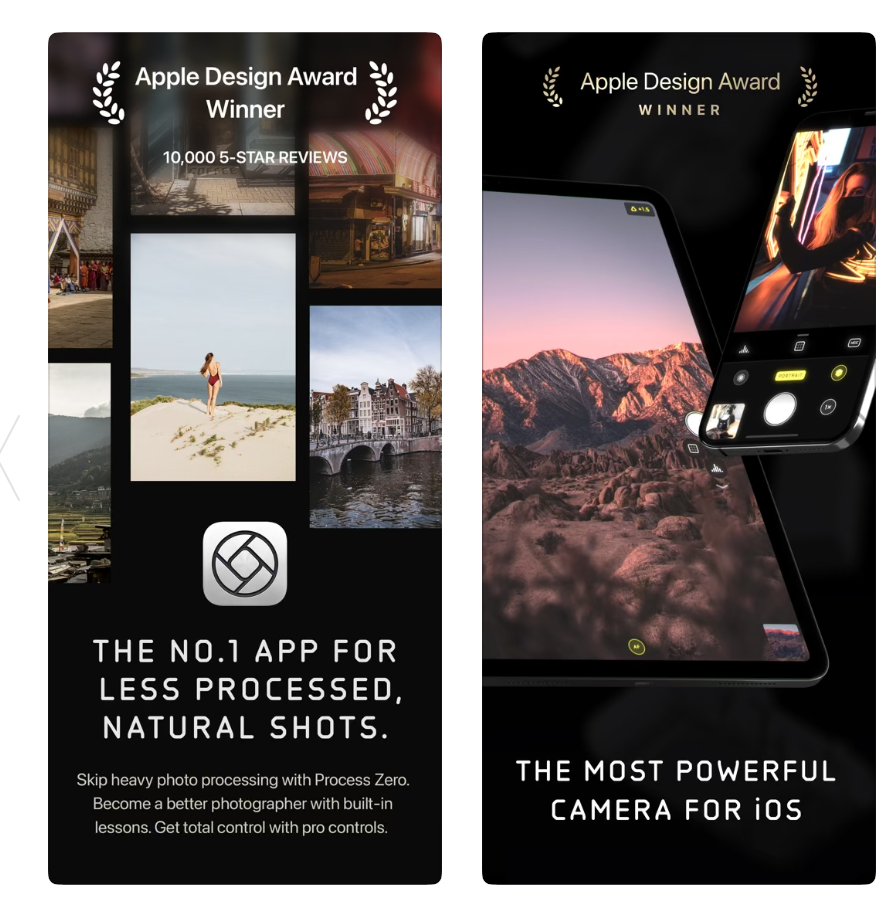
Halide has become one of the most important apps in this conversation because of its Process Zero mode, which intentionally reduces computational enhancement.
Instead of heavily processed HDR composites, Halide produces images with more authentic texture, grain, and tonal depth. The results sometimes look less “perfect” — but far more photographic.
For photographers, that often matters more.
Reeflex Pro Camera
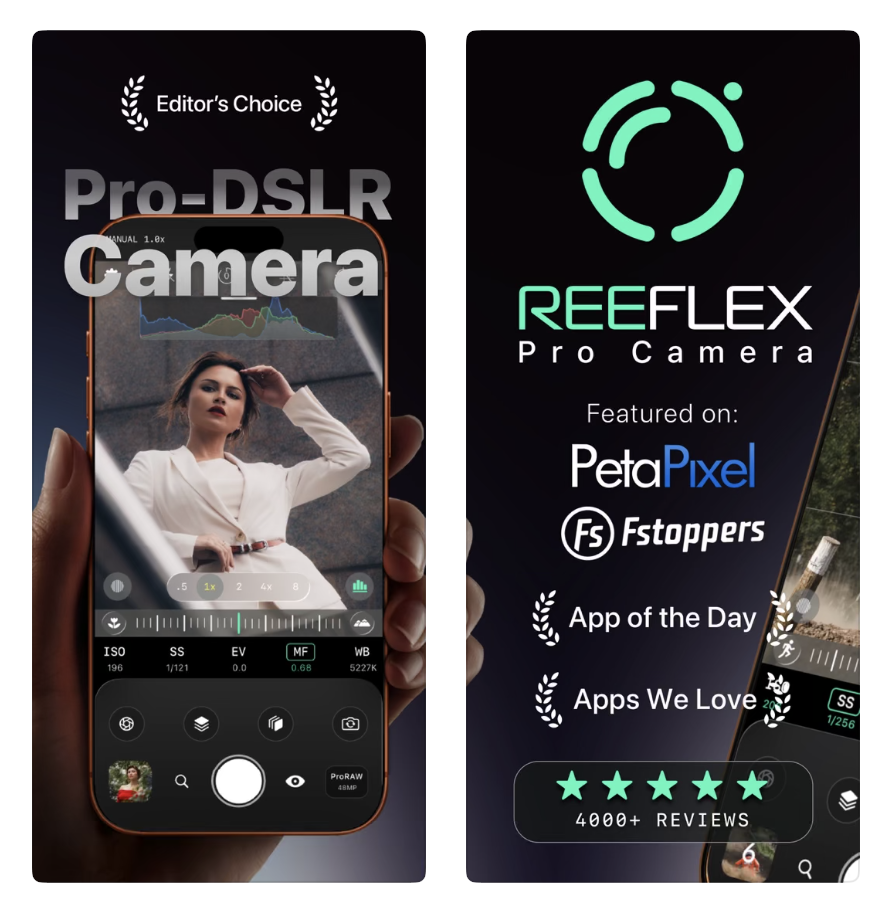
Reeflex is rapidly becoming one of the most serious photographic tools available on smartphones.
The app prioritises:
- manual control
- RAW workflows
- exposure integrity
- long exposure
- focus control
- natural rendering
Crucially, images still feel like they belong to the photographer rather than the algorithm.
Blackmagic Camera
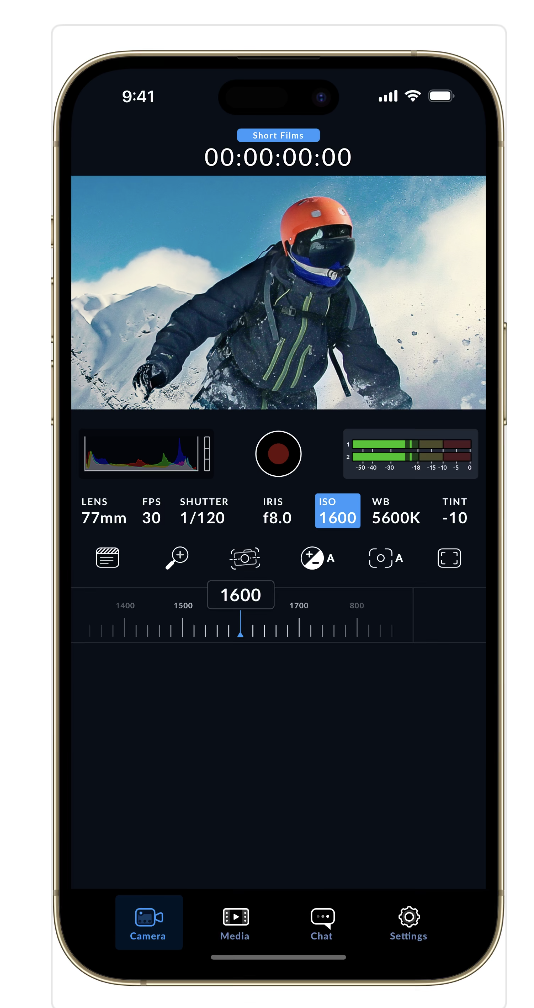
Blackmagic approaches imaging from a professional cinema perspective rather than a consumer AI one.
Instead of aggressively altering footage automatically, it assumes users may actually want control over:
- exposure
- colour
- codecs
- LUTs
- tonal rendering
That philosophy now feels surprisingly rare in smartphone imaging.
ProCamera
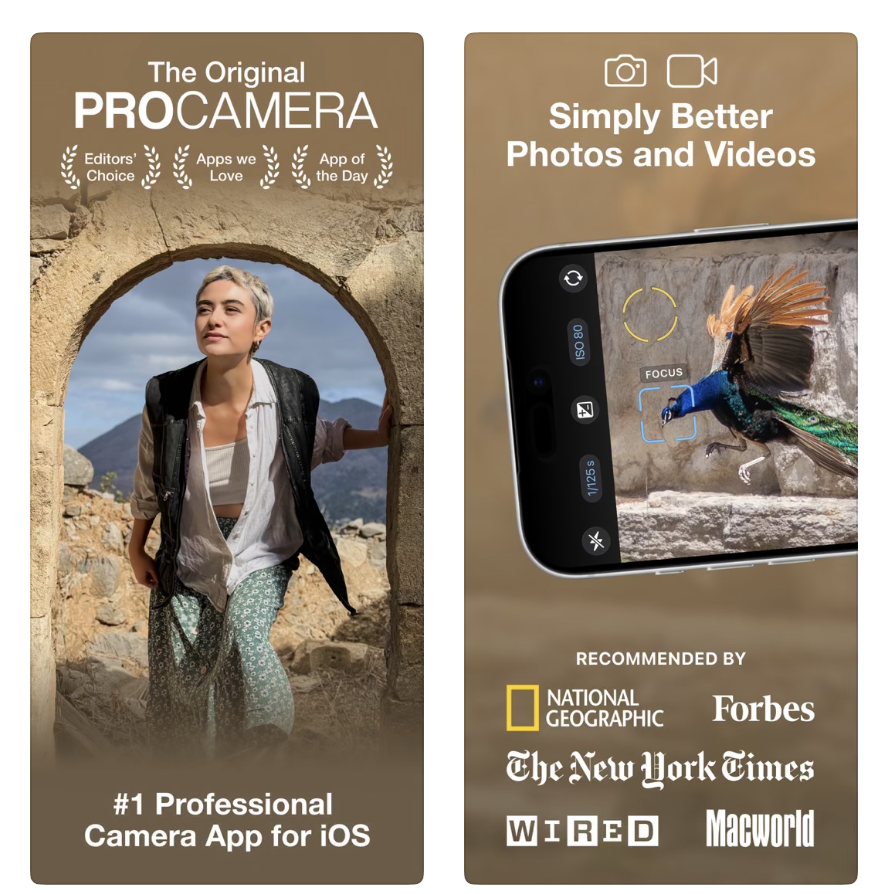
ProCamera remains one of the most balanced camera apps available for photographers wanting manual control without excessive processing. Importantly, the app still allows for atmosphere and tonal subtlety, rather than flattening every image into the same hyper-sharpened aesthetic.
Photography Needs Space for Imperfection
Some of the most powerful photographs ever made are:
- grainy
- blurred
- underexposed
- fragmented
- visually unstable
Their emotional force often comes precisely from those imperfections. The current backlash against AI camera processing is really about reclaiming that uncertainty again.
Not every photograph should look optimised.
Not every shadow needs lifting.
Not every face needs smoothing.
Sometimes photographs should simply be allowed to remain unresolved. And perhaps that is what many photographers are quietly searching for now — not less technology, but less interference between themselves and the image.
Related Articles on TheAppWhisperer
Best Android RAW Camera Apps for Serious Mobile Photography:
https://theappwhisperer.com/2026/05/best-android-raw-camera-apps-for-serious-mobile-photography-in-2026/
Best Leica-Style Camera Apps for Mobile Photography:
https://theappwhisperer.com/2026/05/best-leica-style-camera-apps-for-mobile-photography-in-2026/
Mobile Photography as Photographic Practice:
https://theappwhisperer.com/
Best Camera Apps to Reduce iPhone Processing:
https://theappwhisperer.com/2026/03/best-camera-apps-to-reduce-iphone-processing/
You may also enjoy our curated guides exploring the tools, techniques and creative approaches shaping contemporary mobile photography and digital art.
Popular starting points include:
Best Leica Style Camera Apps for Mobile Photography in 2026
Best AI Headshot & Portrait Apps for iPhone & Android in 2026
Best Film Camera Apps for iPhone and Android in 2026
Best Apps for Colourising Black and White Photos (2026)
Best AI Video Generator Apps for iPhone & Android in 2026
Best Apps to Remove Objects from Photos in 2026 – Clean Up Your Images Effortlessly
Best Free Android Photography Apps (No Subscription) in 2026
Best AI Photo Editing Apps in 2026
Best Android Photography Apps – 2026 Edition
Best Manual Camera Apps for Android (2026) – DSLR Control on Your Phone
Best Mobile Photography Apps (2026 Edition)
Best long-exposure eApps for iPhone 2026 edition
Best Camera Apps to Reduce iPhone Processing (2026)
• Best Camera Apps to Reduce iPhone Processing (2026 Edition)
• Best Mobile Filmmaking Apps (2026 Edition)
Best Way To Create More Dynamic Travel Photos with Lightroom on Mobile
• Best Black and White Photography Apps for iPhone (2026 Edition)
• Best Portfolio Apps and Websites for Photographers (2026 Edition)
• Blackmagic Camera Settings Guide
• Best way to use Blackmagic’s camera remote control (2026)
• Snapseed vs Lightroom Mobile
• Best iPhone Camera Apps for Photographers
• 10 Apps Secretly Draining Your Phone’s Battery – 2026 Edition
Please support us
The AppWhisperer has always had a dual mission: to promote the most talented mobile artists of the day and to support ambitious, interested viewers worldwide. As the years pass, TheAppWhisperer has gained readers and viewers and has found new venues for that exchange.
All this work thrives with the support of our community. Your support helps us maintain our independence, allowing us to continue delivering open, global promotion of mobile artists. Every contribution, however big or small, is valuable for our future.

Joanne Carter
Joanne Carter is a British photography journalist, editor, curator, and the founder of *TheAppWhisperer.com*, one of the world’s leading platforms dedicated to mobile photography and art. Since its launch in 2009, TheAppWhisperer has become an international hub for artists of all levels to discover, learn, exhibit, and engage with contemporary photographic practice.Built on principles of inclusivity, accessibility, and artistic excellence, Joanne has spent almost two decades championing mobile photography as a serious artistic medium. Through interviews, critical essays, exhibitions, competitions, and education, she has helped shape and document the evolution of mobile art on a global scale.Her work has taken her internationally, lecturing on photography and mobile art at institutions and events including the Museum of Art in Seoul, South Korea, alongside appearances in the UK and Europe. She has served as a juror for international photography and mobile art awards across Portugal, Canada, the United States, South Korea, Italy, and the UK.Joanne is also the founder of *TheAppWhispererPrintSales.com*, one of the first online galleries dedicated exclusively to collectible mobile art, connecting artists with collectors across Europe, the United States, and Asia.Before founding TheAppWhisperer, Joanne worked extensively in print journalism and photographic publishing, including roles at a paparazzi photo agency and as deputy editor of a leading photography magazine. Her freelance journalism, criticism, and commentary have been published widely in both the UK and the US, with bylines in *The Times*, *The Sunday Times*, *The Guardian*, *Popular Photography*, *NikonPro*, *DPReview*, *Which?*, *Vogue Italia*, *LensCulture*, the *BBC*, and more recently, the *Financial Times*, where her published letters on photography continue to contribute to wider conversations around the medium.Alongside her editorial and curatorial work, Joanne’s own photographic practice has been exhibited internationally across the UK, Europe, South Korea, and the United States. Her work increasingly explores themes of grief, loss, death, memory, and the body.Her current research interests centre on grief, death, and poverty, with forthcoming postgraduate study leading towards doctoral research in these areas.Joanne is currently developing new long-form writing and photographic projects and is available for commissions, editorial projects, speaking engagements, and collaborations.Contact: joannetheappwhisperer@gmail.com)