- Best Guides, iOS Apps, iPhone Apps, iphoneography, News, Photographic Practice, Photography Apps, Reviews & Roundups
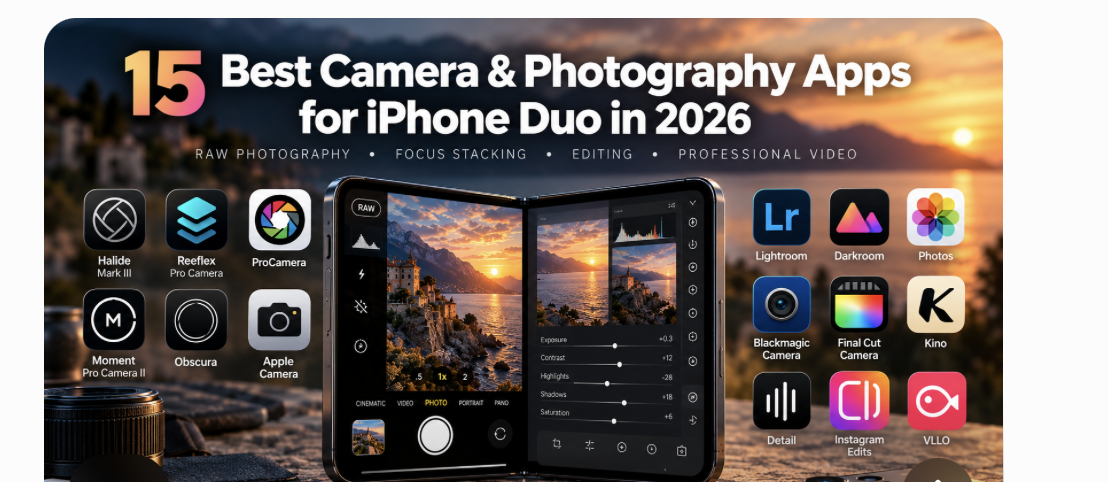
15 Best Camera & Photography Apps for iPhone Duo (2026)
Best Camera and Photography Apps for iPhone Duo in 2026: 15 Essential Apps for RAW Photography, Focus Stacking, Editing and Professional Video Apple’s first foldable iPhone introduces a new photographic workspace, combining two displays, new portrait possibilities, a larger editing surface, and forthcoming Apple Pencil support. But which camera apps deserve a place on the device, which developers are genuinely taking advantage of its design, and what does a folding screen add to the photo-making experience? TheAppWhisperer examines 15 essential applications, the technologies behind them and the creative questions they raise. Introduction: The iPhone Camera Is Changing Shape For almost two decades, iPhone photography has evolved largely through improvements in…
Best Camera Apps for iPhone 18 Pro (2026): 8 Top Picks
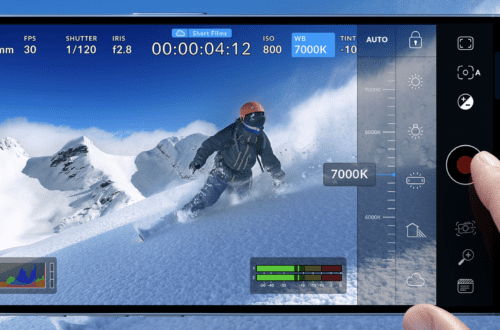
Best Camera Apps for iPhone 18 Pro in 2026: The Complete Guide to Manual Photography, RAW Capture and Professional Video By Joanne Carter | TheAppWhisperer | October 2026 The iPhone 18 Pro marks an important development in mobile photography, but its most interesting advancement may not be the quality of the photographs it can produce. It is the degree of control it offers the photographer. With its variable-aperture main camera, increasingly sophisticated RAW capture and a growing ecosystem of professional applications, Apple’s flagship smartphone continues to move into territory traditionally occupied by dedicated photographic equipment. Yet a fundamental distinction remains between having an advanced camera and exercising meaningful creative control…
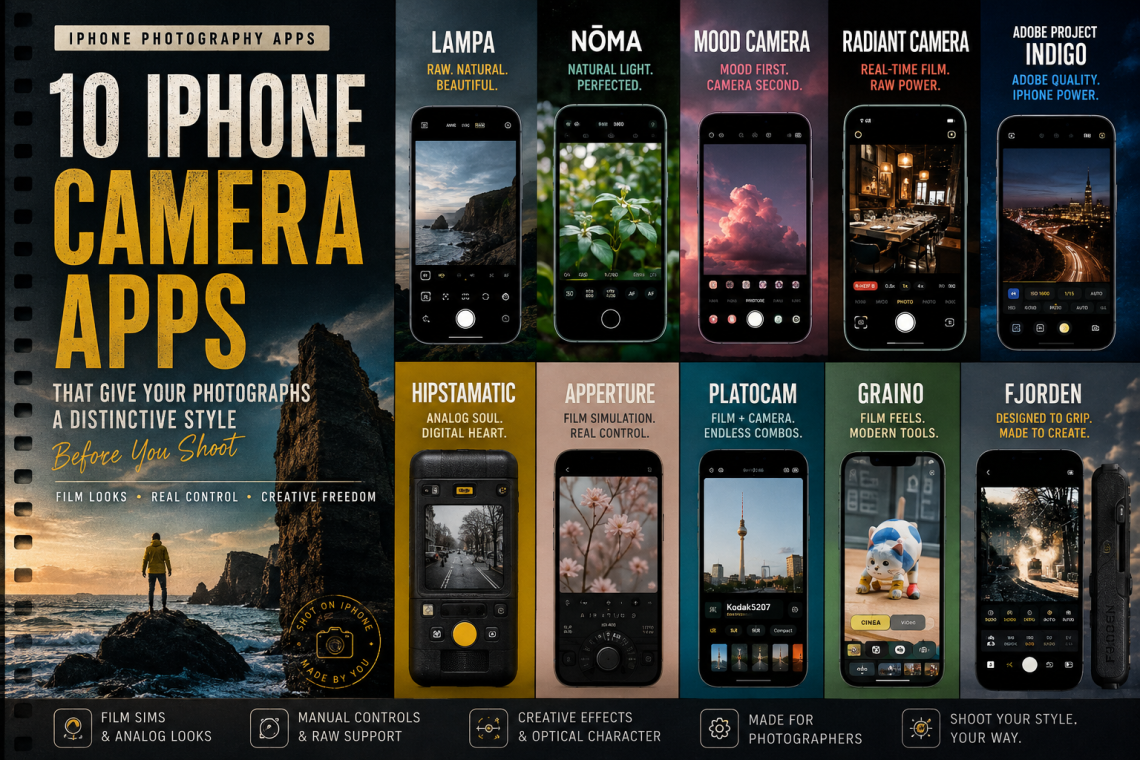
10 iPhone Camera Apps for Distinctive Photo Styles in 2026
Discover ten iPhone camera apps taking a different approach to mobile photography in 2026, from film recipes and optical imperfections to natural rendering, distinctive colour and computational restraint. From film recipes and optical imperfections to natural rendering and computational restraint, these camera apps ask you to decide what a photograph should feel like before you press the shutter. I have become increasingly interested in where, exactly, the aesthetic decisions in smartphone photography are being made. For years, the direction of travel seemed obvious. We photographed first and decided later. Capture the technically flexible image, open it in another application, scroll through presets, alter the colour, recover the highlights, open the…
- Alternative Mobile Photography Processing, Artifical Intelligence, Best Guides, iPhone Apps, Is There An App For That?, mobile photography, News, Photo Education & Accessibility, Photographic Practice, Photography & AI, Photography Apps, Photography Education
10 iPhone Camera Apps That Put the Photographer Back in Control
10 Photography Apps That Refuse to Take the Photograph for You10 Photography Apps That Refuse to Take the Photograph for You No Magic Buttons. No Automatic Perfection. These Apps Put Creative Decisions Back Where They Belong — With the Photographer There is something slightly peculiar about contemporary smartphone photography. We have never carried cameras this capable before, yet we have also never carried cameras quite so determined to decide what a photograph should look like on our behalf. Press the shutter on a modern smartphone and the resulting image may already have been assembled from multiple exposures, sharpened, denoised, tone-mapped, locally adjusted and interpreted before we have even had the…
Best Camera Apps for Street Photography (2026): The Complete Guide
The Best Camera Apps for Street Photography (2026): The Complete Guide to Photographing the Decisive Moment There is a peculiar irony at the heart of contemporary street photography. Never before have so many people carried cameras capable of producing extraordinary photographs, yet never before has it become so difficult to make images that feel genuinely observed rather than merely processed. Smartphones now perform astonishing feats of computational wizardry, blending exposures, removing unwanted objects, sharpening details that scarcely existed in the original scene and brightening shadows until every alleyway resembles a studio. The results are often technically impressive, but technical perfection has never been the ambition of street photography. If anything,…
How to Stop iPhone Photos Looking Overprocessed
There was a time when smartphone photography still felt slightly unpredictable. Images could fail. Grain appeared in low light. Shadows sometimes disappeared entirely. Motion blur crept into night scenes. But photographs still retained atmosphere. They still felt connected to the moment they described. Now, increasingly, many iPhone photographs look as though they’ve already been edited before the photographer has even seen them. Skin is automatically smoothed. HDR aggressively brightens shadows. Textures are sharpened beyond realism. Night skies become electric blue. Faces are softened. Details are enhanced until images start looking synthetic rather than observed. For casual users, this often appears impressive. But many photographers are beginning to push back against…