AppArt School – Top 10 iOS Apps for Advanced Mobile Photographers
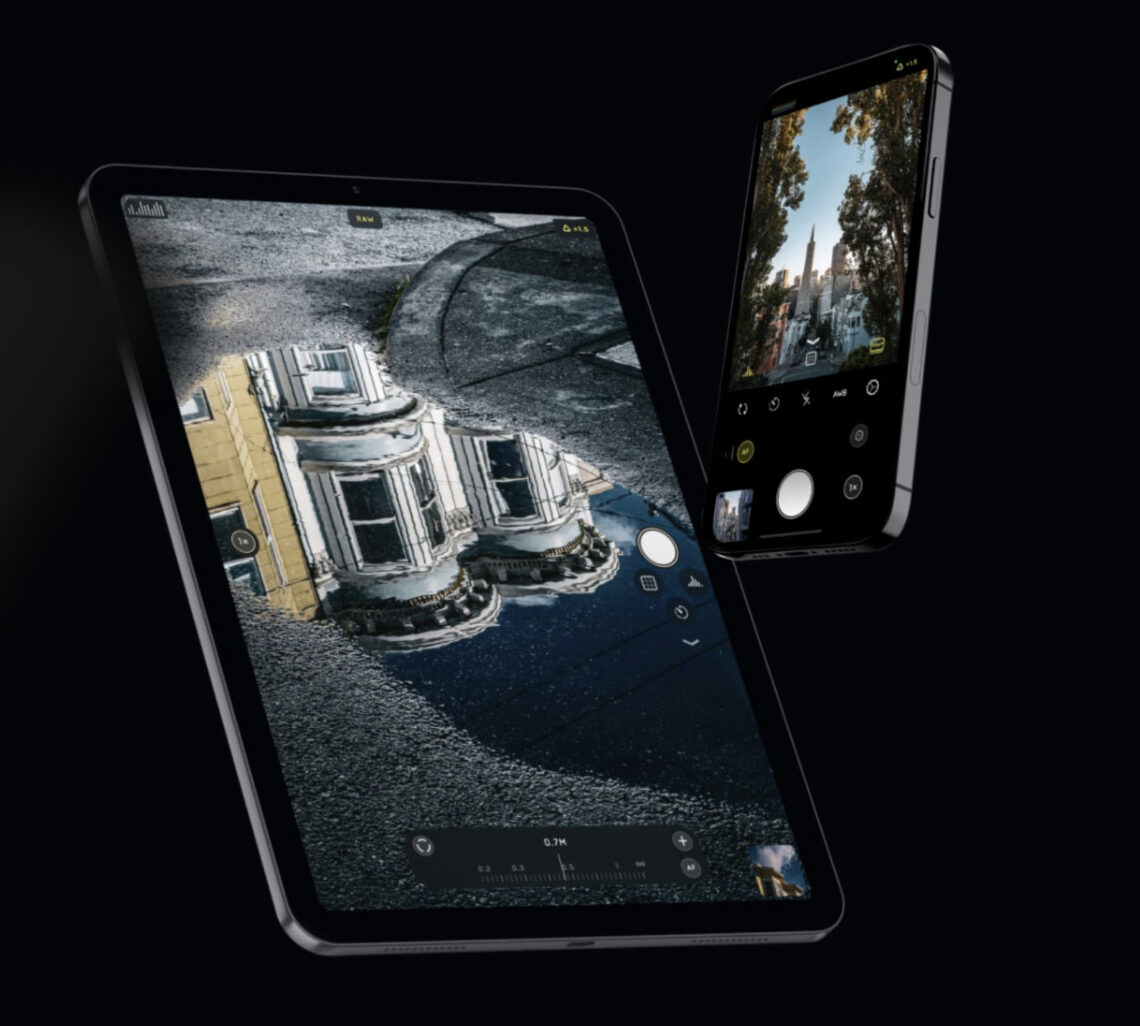
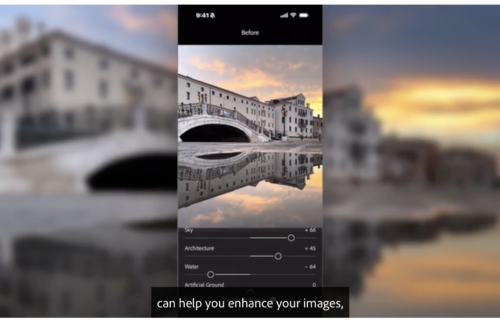
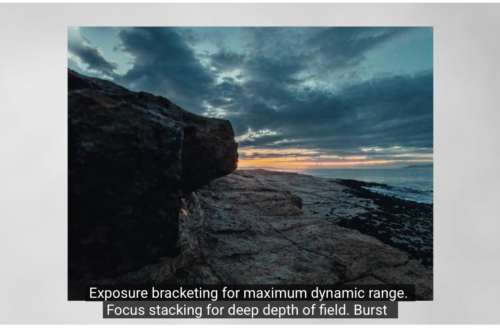
AppArt School – Top 10 iOS Apps for Advanced Mobile Photographers Here are ten iOS photo apps that are popular among advanced mobile photographers: Lightroom: Adobe’s photo editing app allows for advanced editing and organization of photos. It features advanced color grading tools, presets, and the ability to sync edits across devices. VSCO: This app offers advanced photo editing tools and filters for fine-tuning color, exposure, and tone. It also features a built-in camera app for capturing high-quality images. Snapseed: A powerful photo editing app that offers advanced features like selective adjustments, masking, and healing tools. ProCamera: A high-quality camera app that offers advanced control over exposure, focus, and white…
AppArt School – 10 Good iOS Photo Editing Apps for Beginners
AppArt School – 10 Good iOS Photo Editing Apps for Beginners There are many photo editing apps available for beginners, each with its own unique features and user interface. Here are some popular options: Snapseed: This is a free photo editing app developed by Google that offers a wide range of editing tools and filters. VSCO: VSCO is a popular photo editing app that offers a wide range of filters and editing tools. It also has a built-in camera app, making it easy to take and edit photos all in one place. Adobe Lightroom: Adobe Lightroom is a powerful photo editing app that is designed for both beginners and professionals.…
AppArt School – What are the best photo storage apps for backing up my photos?
AppArt School – What are the best photo storage apps for backing up my photos? There are several photo storage apps available for backing up your photos, each with its own features and benefits. Here are some of the best options: Google Photos: This is a popular photo storage app that allows you to back up unlimited photos and videos for free, as long as you agree to have them compressed to a certain size. It also has a search function that can identify objects, people, and places in your photos.Google Photos was also listed in our Best Free Android Photography Apps (No Subscription) in 2026 iCloud Photos: If you’re…
AppArt School – How to Remove Unwanted Objects in your iPhone Photos with TouchRetouch
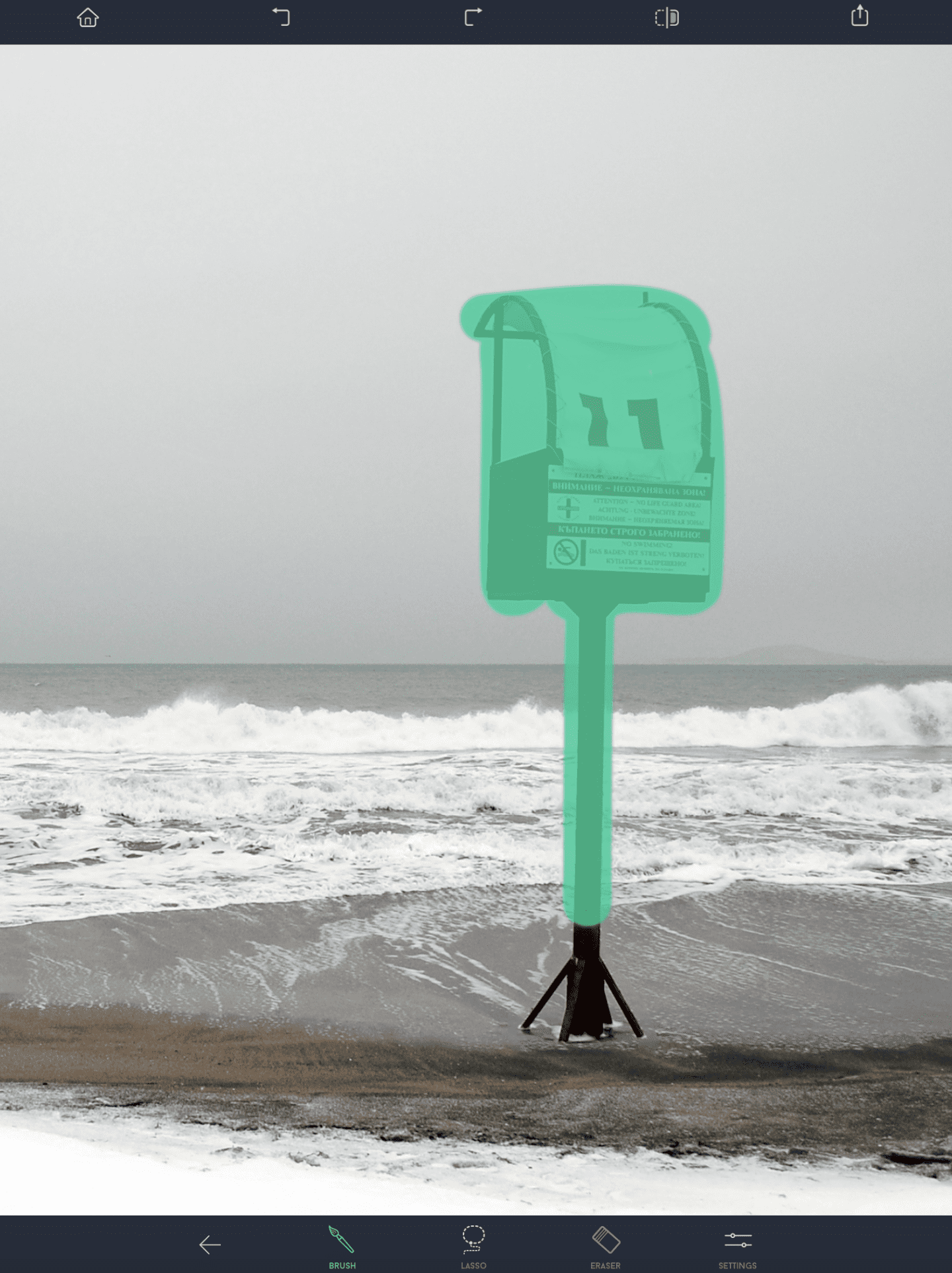
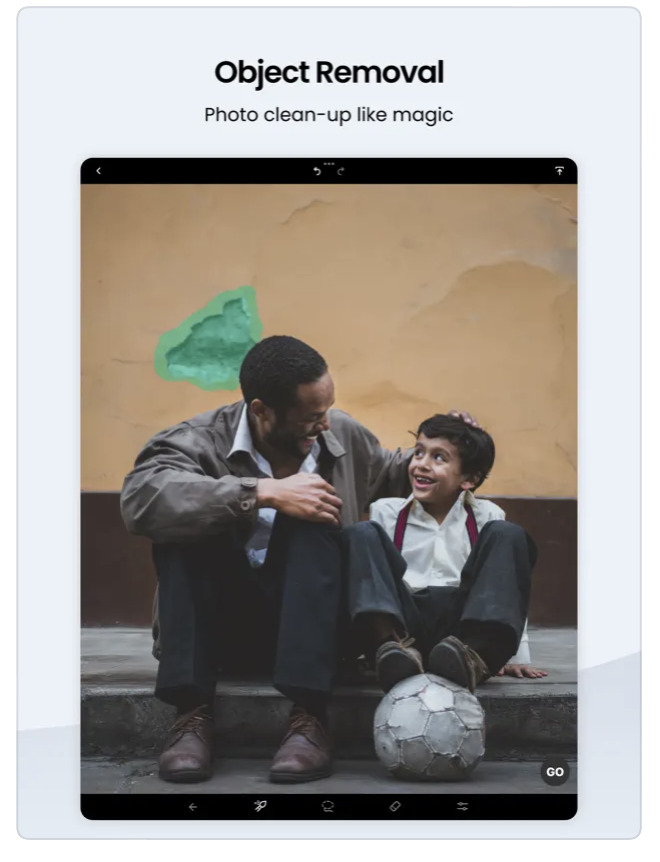
AppArt School – How to Remove Unwanted Objects in your iPhone Photos with TouchRetouch App TouchRetouch is a powerful photo editing app that allows you to remove unwanted objects and blemishes from your photos. Here’s how to use it: Touch Retouch was also mentioned in our Best Apps to Remove Objects from Photos in 2026 – Clean Up Your Images Effortlessly Open the TouchRetouch app and select the photo you want to edit. Use the “Object Removal” tool to remove unwanted objects from the photo. Tap the tool, then use your finger to draw around the object you want to remove. Once you’ve finished outlining the object, the app will…
AppArt School – How to Get Started with the Snapseed App
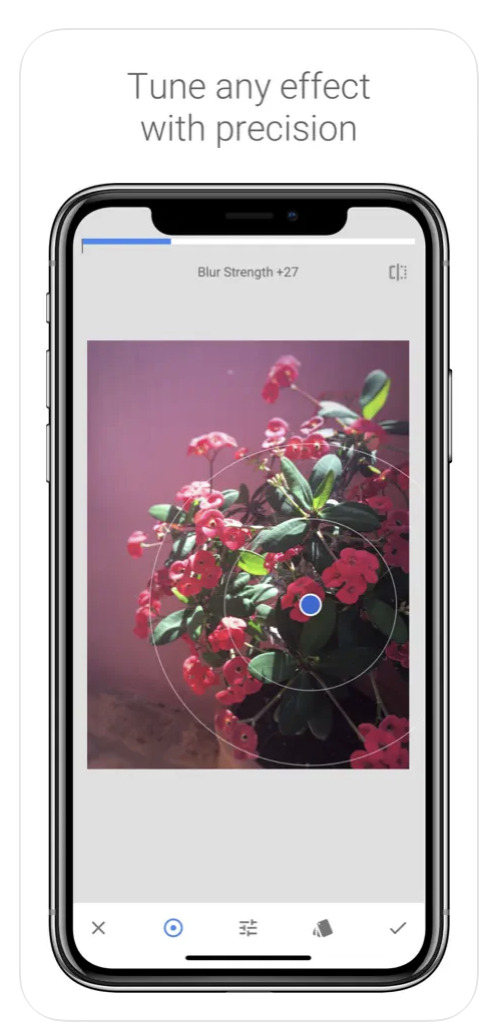
AppArt School – How to Get Started with the Snapseed App Snapseed was also listed in our Best Apps to Remove Objects from Photos in 2026 – Clean Up Your Images Effortlessly Snapseed is a free photo-editing application developed by Google, which is available for both iOS and Android devices. Here are some steps to use the Snapseed app: Install the app: Download the Snapseed app from the App Store or Google Play Store, depending on your device. Once the app is downloaded and installed, open it. Choose a photo: Select the photo you want to edit from your camera roll or take a new photo. Basic adjustments: Snapseed has…
AppArt School – How to Get Started with the Lumafusion App
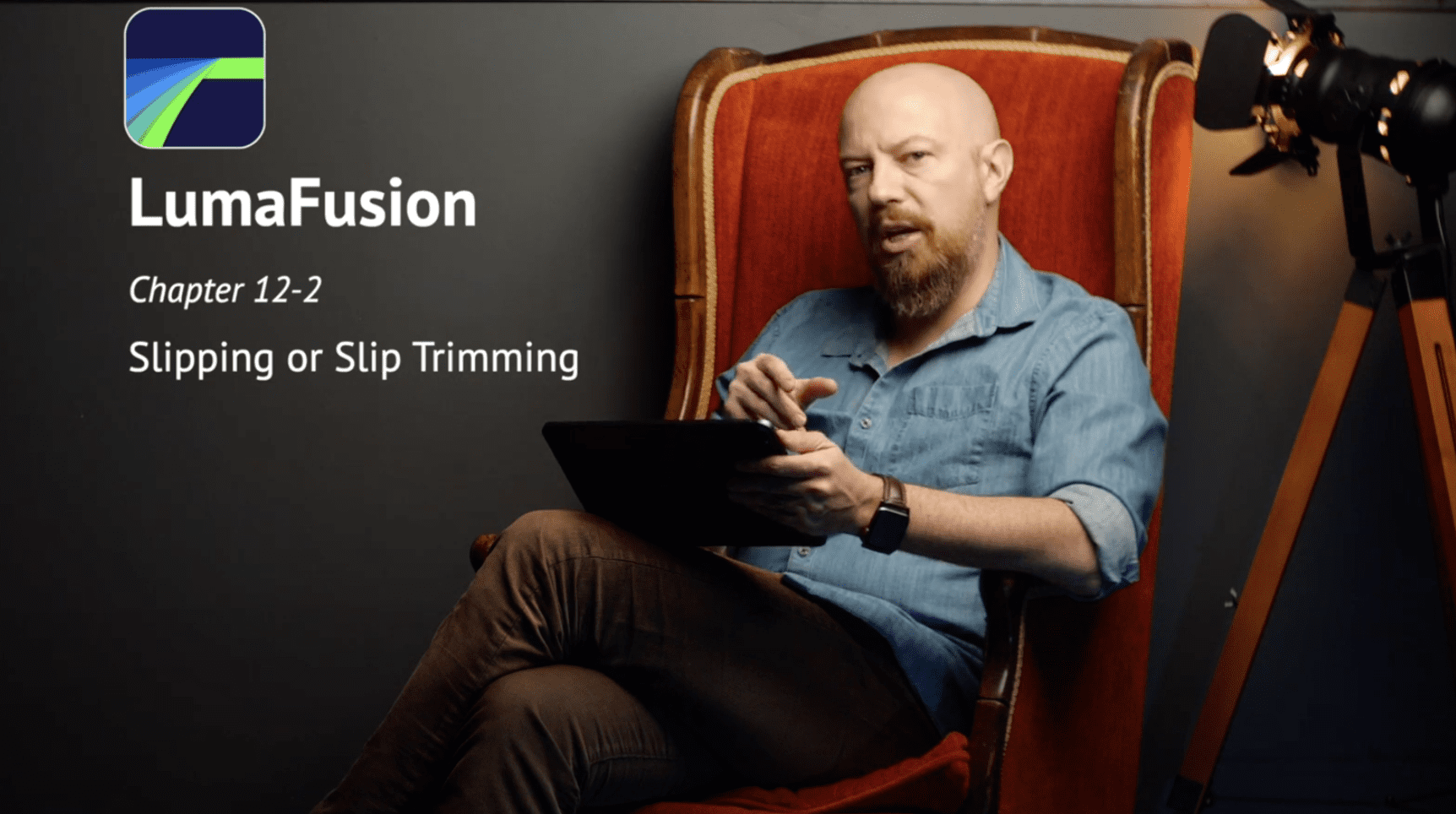
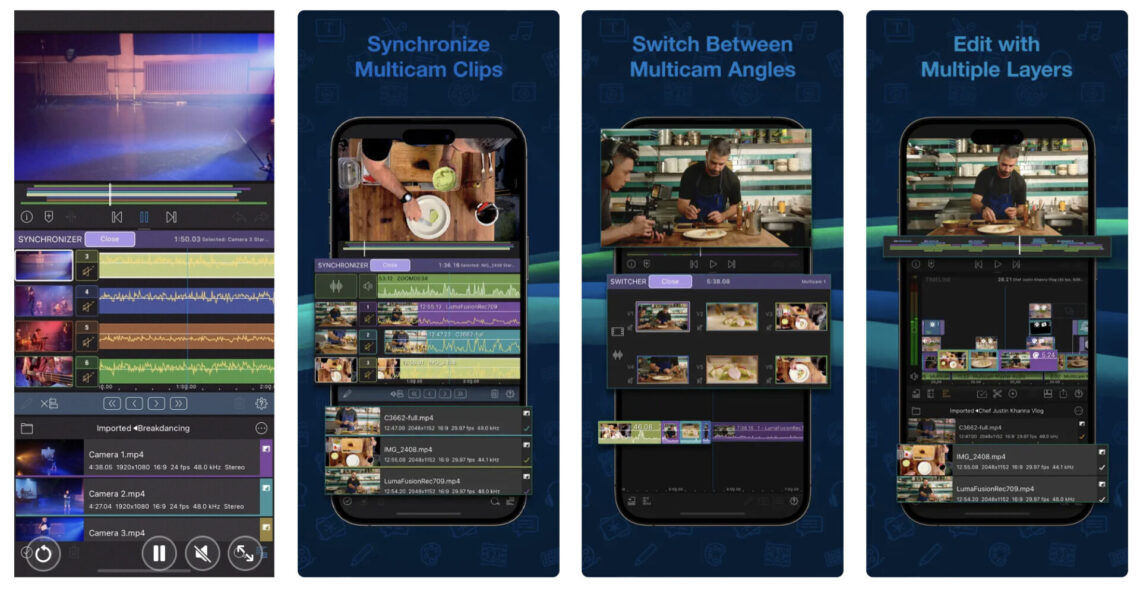
AppArt School – How to Get Started with the Lumafusion App LumaFusion is a professional video editing app for iOS devices, and getting started with it is relatively straightforward. Here are the steps you can follow: Install the app: The first step is to download and install the LumaFusion app from the App Store on your iOS device. Open the app: Once you have installed the app, open it from your device’s home screen. Create a new project: To create a new project, tap on the ‘Create New Project’ button on the main screen. Choose a resolution and frame rate: You will be prompted to select the project’s resolution and…
AppArt School – How to Use the Apple Watch for Mobile Photography
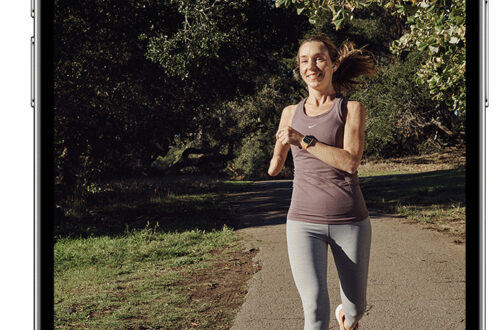
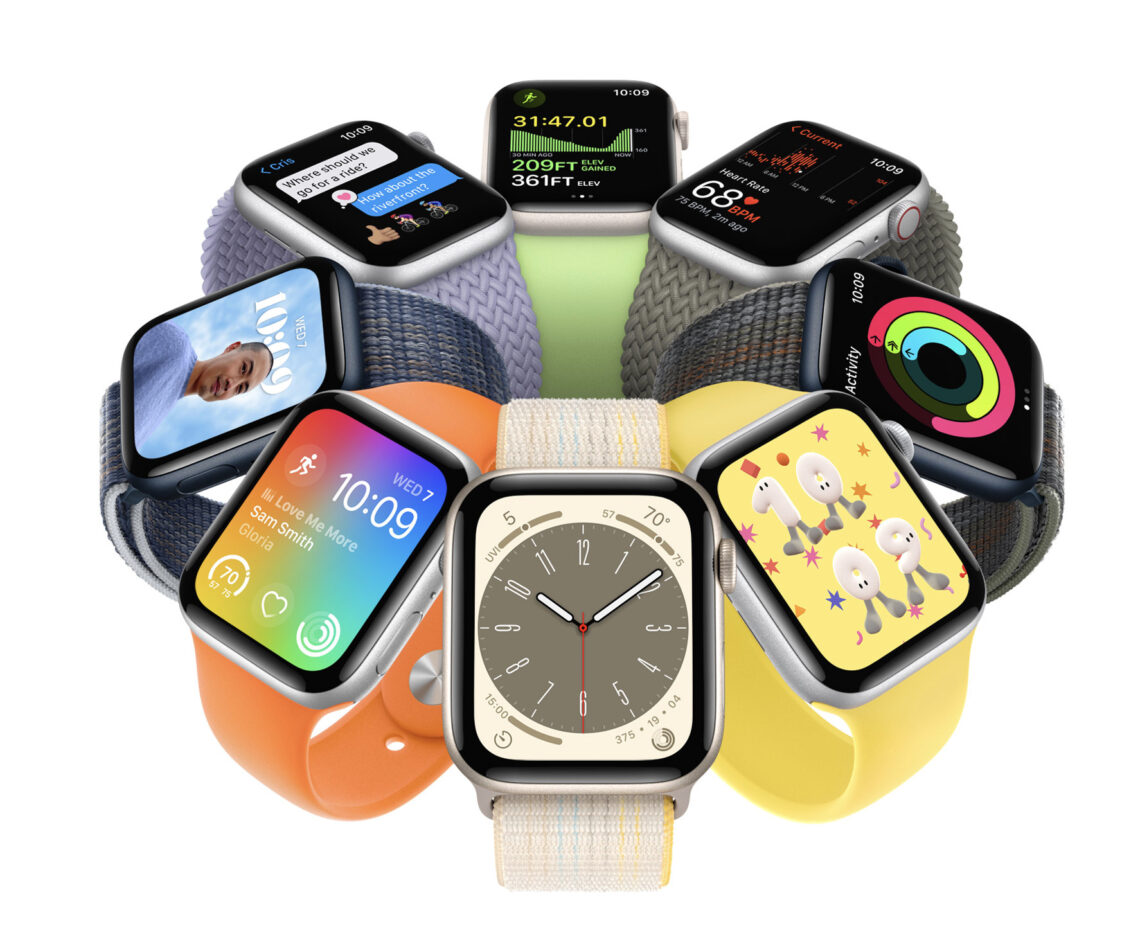
AppArt School – How to Use the Apple Watch for Mobile Photography The Apple Watch is an ingenious product and it’s not just great for fitness but did you know you can also use it to support your mobile photography. We’ll show you how: The Apple Watch can be used as a remote control for your iPhone camera, allowing you to take photos and videos from a distance. Here are the steps to use your Apple Watch for photography: Make sure your iPhone is unlocked and the Camera app is open. Launch the Camera app on your Apple Watch. The Apple Watch camera app will show a live preview of…
AppArt School – How to Get Started with the Hipstamatic App
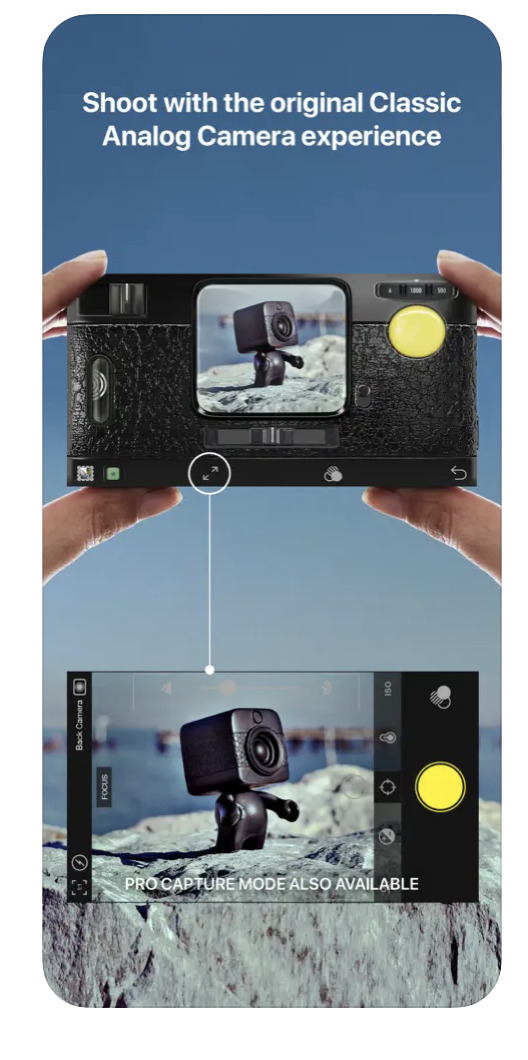
One of the most art/photography popular apps, is Hispstamatic and today in our column, AppArt school, we list the steps to get started with it: Hipstamatic also features in our guide to the best film camera apps for iPhone photographers. Hipstamatic is a camera app that allows you to apply various vintage and retro filters to your photos. Here’s how to use Hipstamatic: Download and install the app: You can find Hipstamatic in the App Store or Google Play Store. After installing the app, open it on your phone. Choose your lens, film, and flash: When you first open the app, you’ll see the viewfinder. To apply a filter to your…