Best Photography Workflow Apps for Creators on the Move (2026)
Mobile photography no longer ends when the shutter closes. Increasingly, the most compelling photographic practices are being shaped entirely on phones and tablets — from capture and curation through to editing, publishing, archiving and exhibition. For many photographers, especially those working while travelling, commuting or moving between projects, workflow has become just as important as image quality itself.
The best workflow apps are not necessarily the most complicated. In fact, the strongest mobile workflows often emerge from applications that reduce friction. They allow photographers to move fluidly between shooting, editing, organising and sharing without feeling buried beneath menus, subscriptions or unnecessary AI interference.
What follows are the apps that currently form some of the most thoughtful, efficient and genuinely useful mobile photography workflows available in 2026.
Adobe Lightroom Mobile
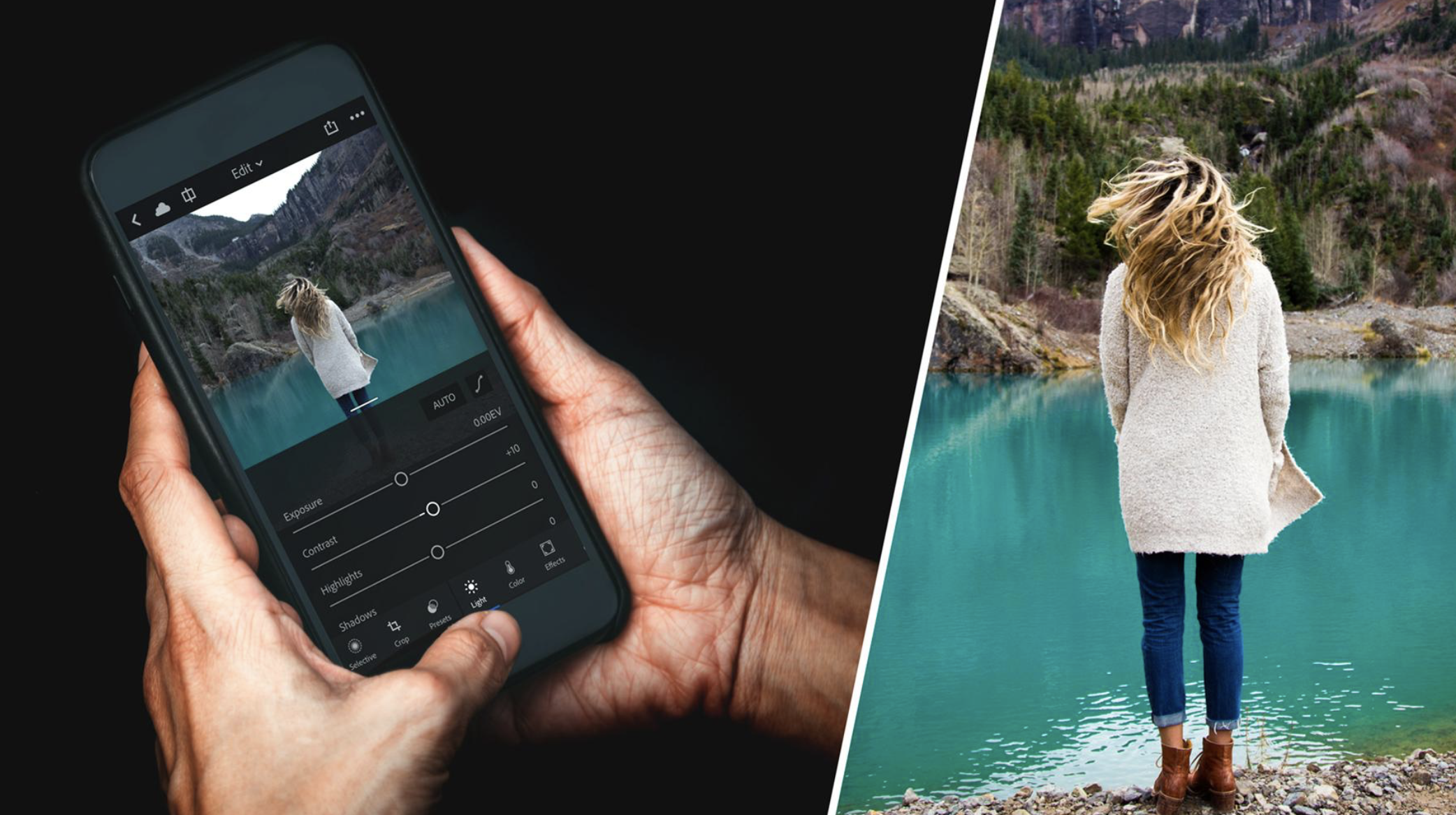
Despite growing fatigue around Adobe subscriptions, Lightroom Mobile remains one of the most complete workflow environments available on a phone or tablet. Its strength lies less in dramatic editing tools and more in how seamlessly it handles the entire photographic process.
RAW editing, cloud syncing, albums, keywording, selective adjustments and desktop continuity make it particularly valuable for photographers working across multiple devices. The ability to begin editing on an iPhone and continue later on an iPad or desktop still feels remarkably fluid.
Importantly, Lightroom Mobile has matured into something calmer and more restrained than many newer AI-heavy editing apps. Used carefully, it can still preserve texture and photographic integrity without aggressively overprocessing files.
Darkroom
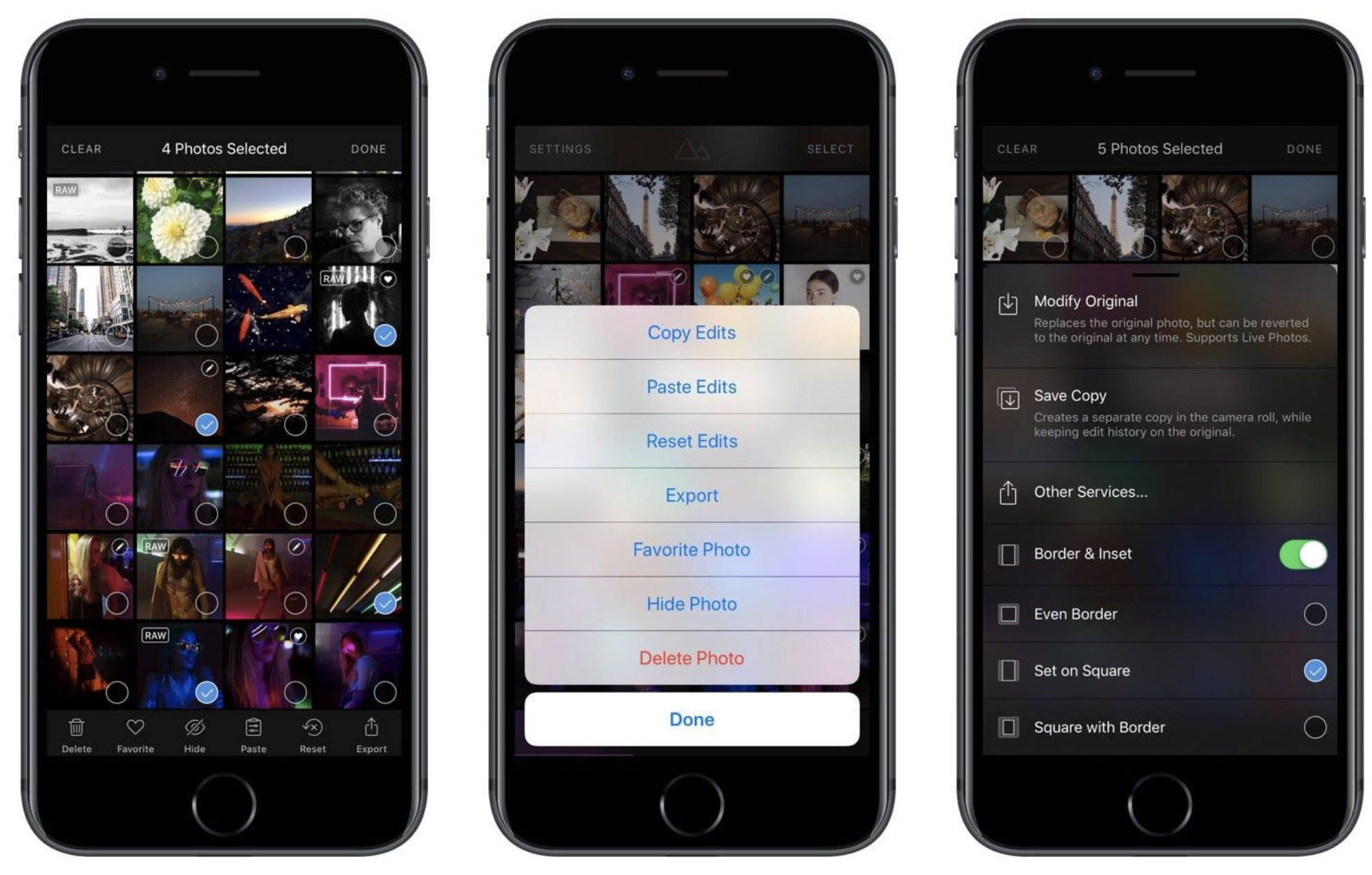
Darkroom continues to feel like one of the most elegant photography apps on iOS. Fast, minimal and intelligently designed, it avoids the clutter that increasingly dominates creative software.
Its integration with Apple Photos is perhaps its greatest strength. Rather than forcing photographers into another closed ecosystem, Darkroom works alongside the existing camera roll, allowing rapid adjustments, colour grading and batch edits without unnecessary duplication.
For photographers constantly editing while travelling, this matters enormously. The app feels immediate and lightweight in a way many larger platforms no longer do.
Capture One Mobile
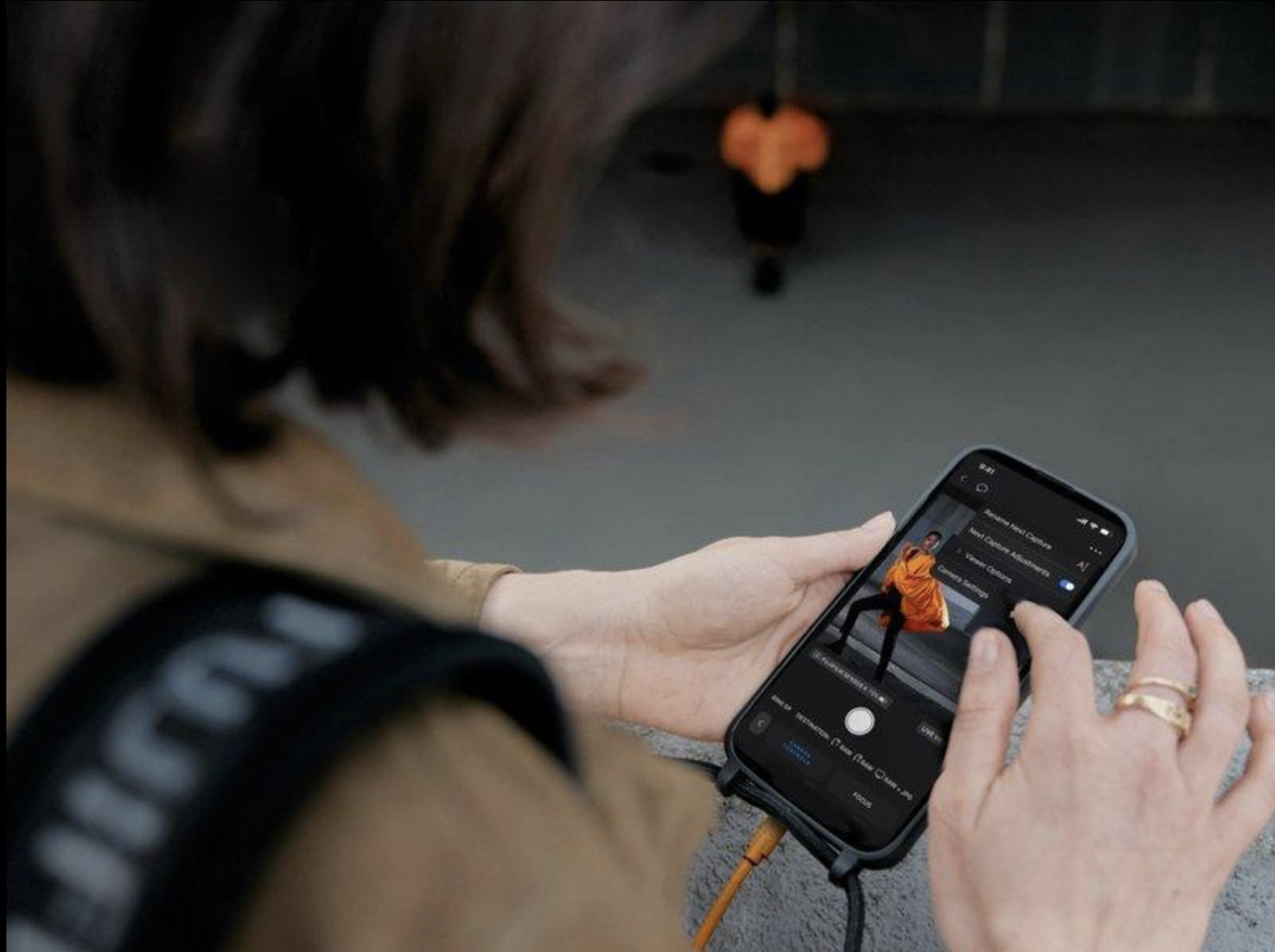
Capture One Mobile has gradually become one of the most serious workflow tools available for photographers wanting professional-level colour control away from the desktop.
Particularly strong on iPad, the app feels less like a simplified mobile editor and more like a genuine extension of professional photographic practices. Colour rendering remains among the best available on any platform.
Its workflow strengths become especially apparent for photographers working on larger projects or sequencing images for publication and exhibition.
There is also a welcome sense of restraint within Capture One’s editing philosophy. Images can retain atmosphere, grain, shadow depth and tonal subtlety without being flattened into the hyperreal aesthetic now associated with excessive computational processing.
Photo Mechanic
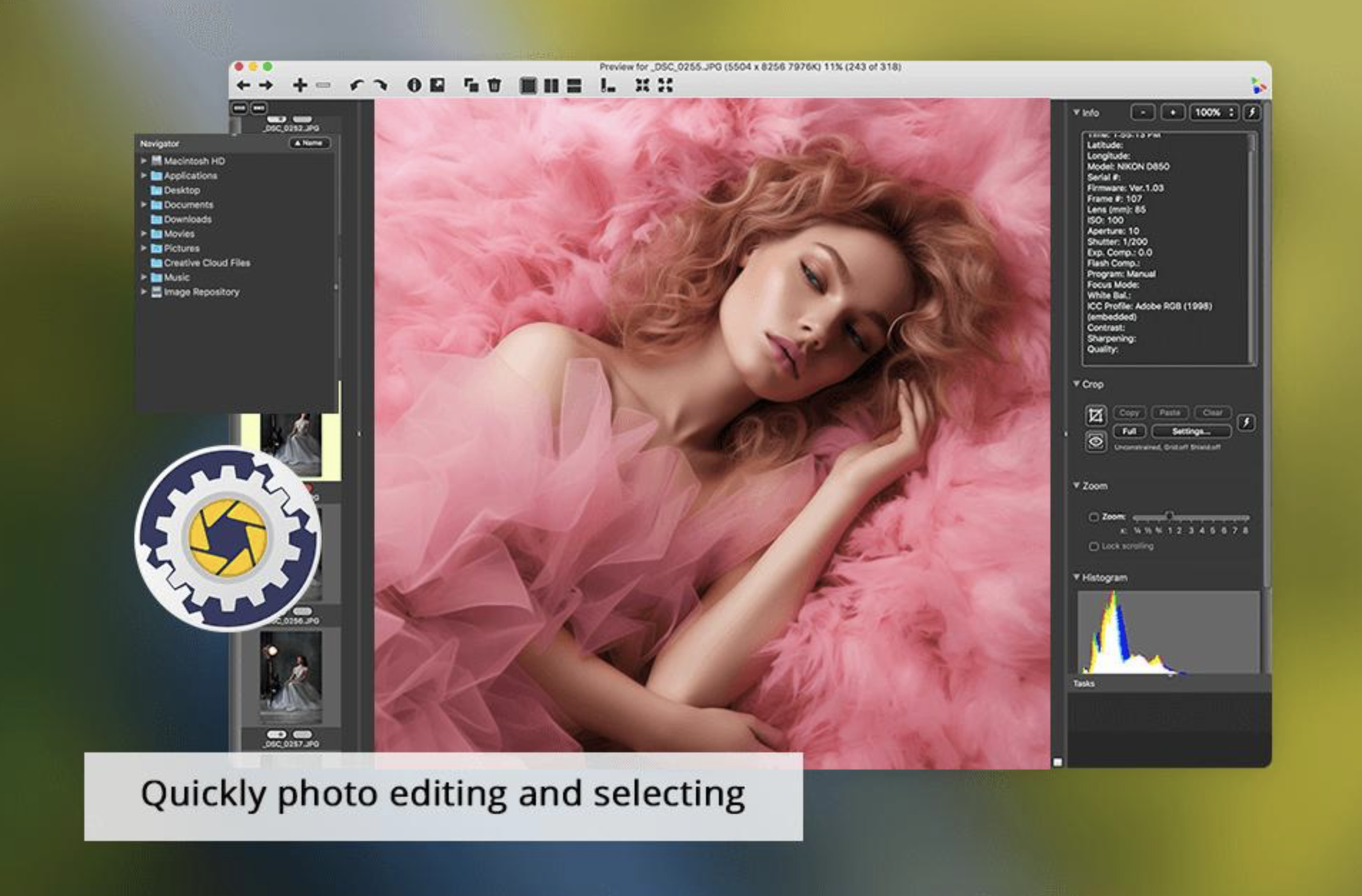
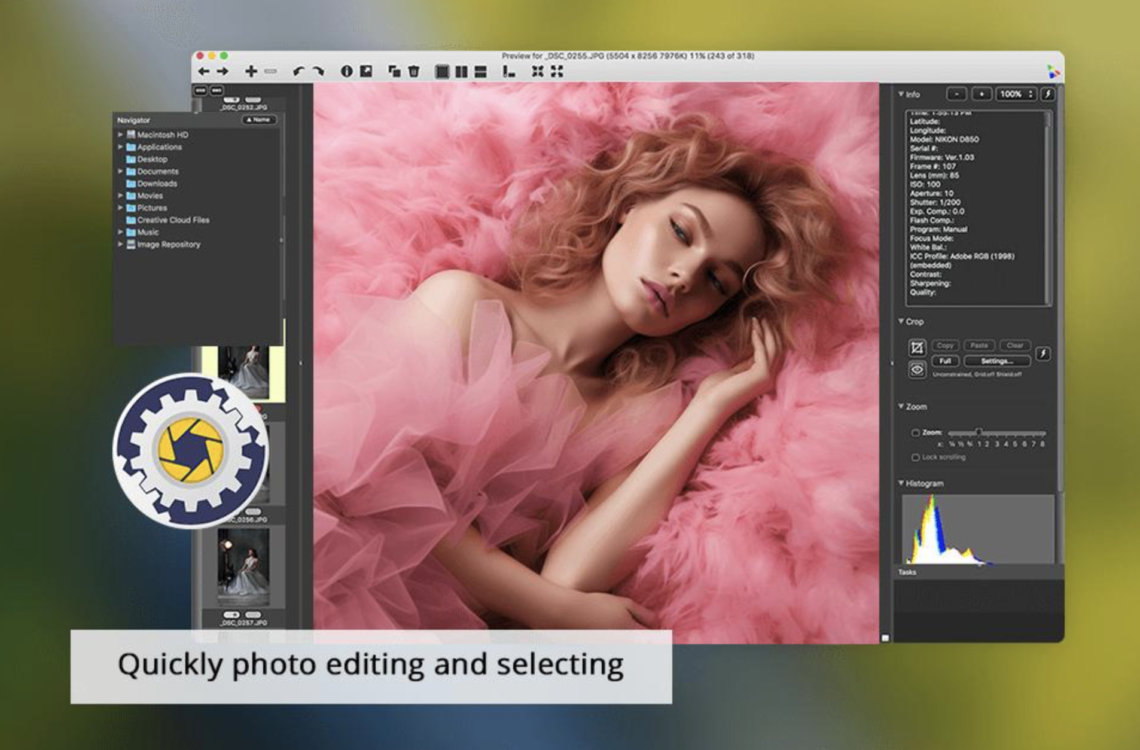
While less glamorous than editing software, efficient culling and organisation remain central to photographic workflow. Photo Mechanic has long been respected by professional photographers precisely because it prioritises speed over visual spectacle.
For photographers shooting large volumes of images, the ability to quickly ingest, caption, rate and sort files remains invaluable.
In an era where many apps prioritise filters over workflow discipline, Photo Mechanic still understands that editing often begins with careful selection rather than endless visual effects.
Notion
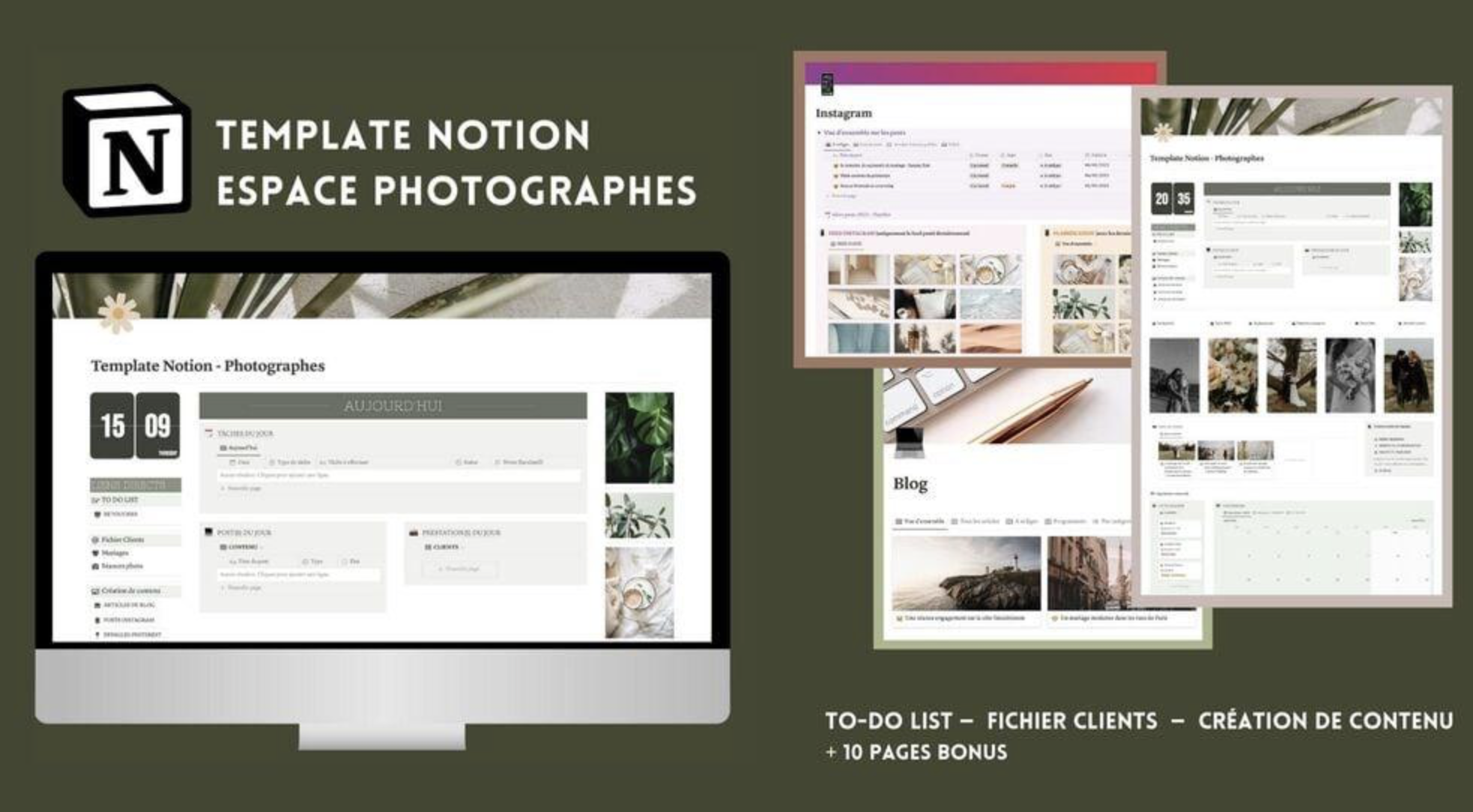
Not every workflow app is a camera or editing application. Increasingly, photographers require systems for research, sequencing, exhibition planning, note-taking and long-form project development.
Notion works remarkably well for this. Moodboards, project timelines, publication planning, interview transcripts and reflective writing can all exist within one flexible environment.
For photographers working on sustained documentary, autobiographical or conceptual projects, apps like Notion become part of the creative process itself rather than merely administrative tools.
Dropbox
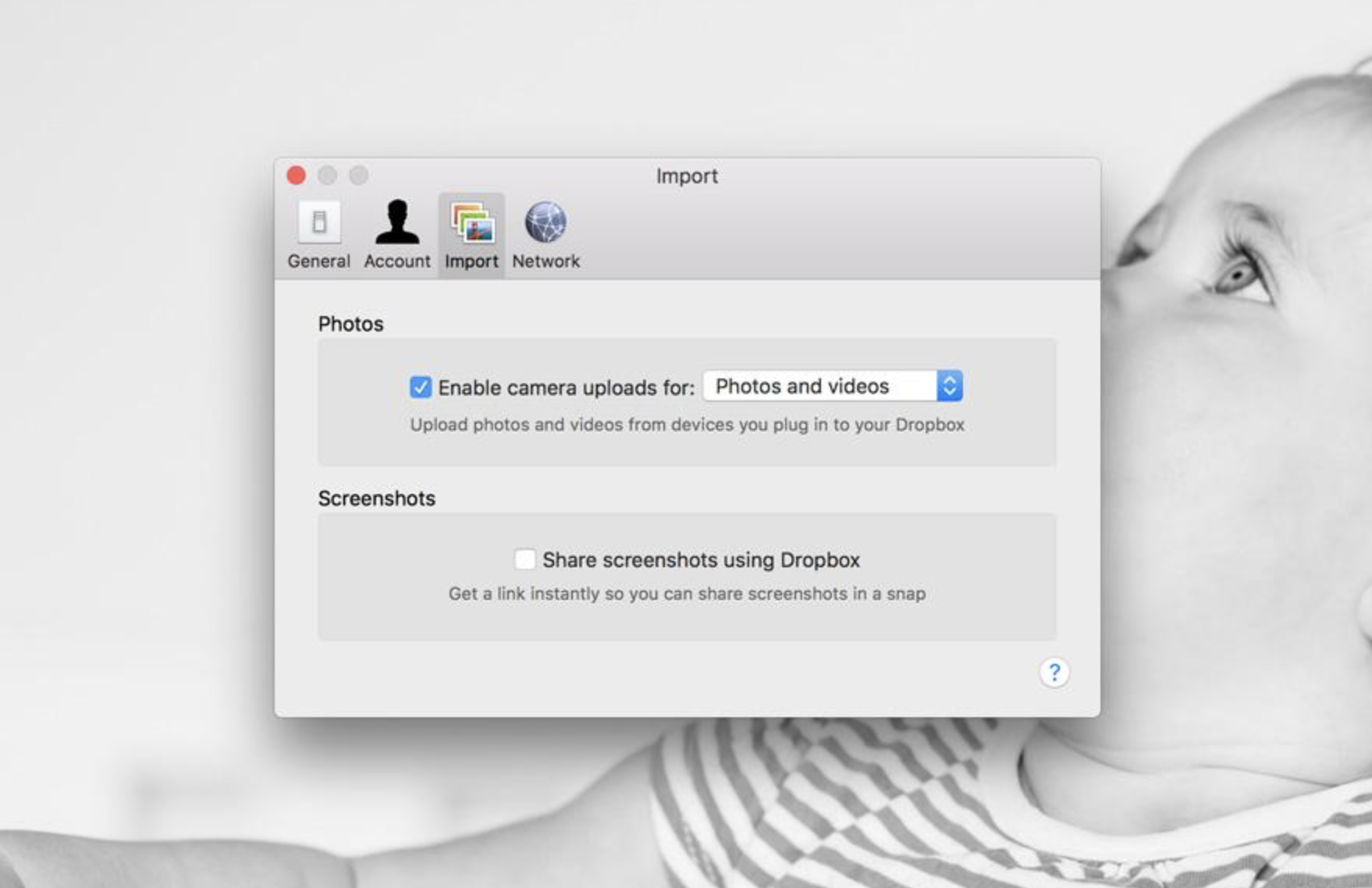
Reliable backup remains one of the least glamorous but most essential aspects of photography workflow. Dropbox still offers one of the simplest and most dependable ways to move images between devices and maintain remote access to projects.
For photographers travelling regularly, cloud redundancy becomes crucial. Losing images because of failed drives or fragmented storage systems remains surprisingly common.
The strongest workflows are often the least dramatic: consistent organisation, dependable syncing and accessible archives.
Snapseed
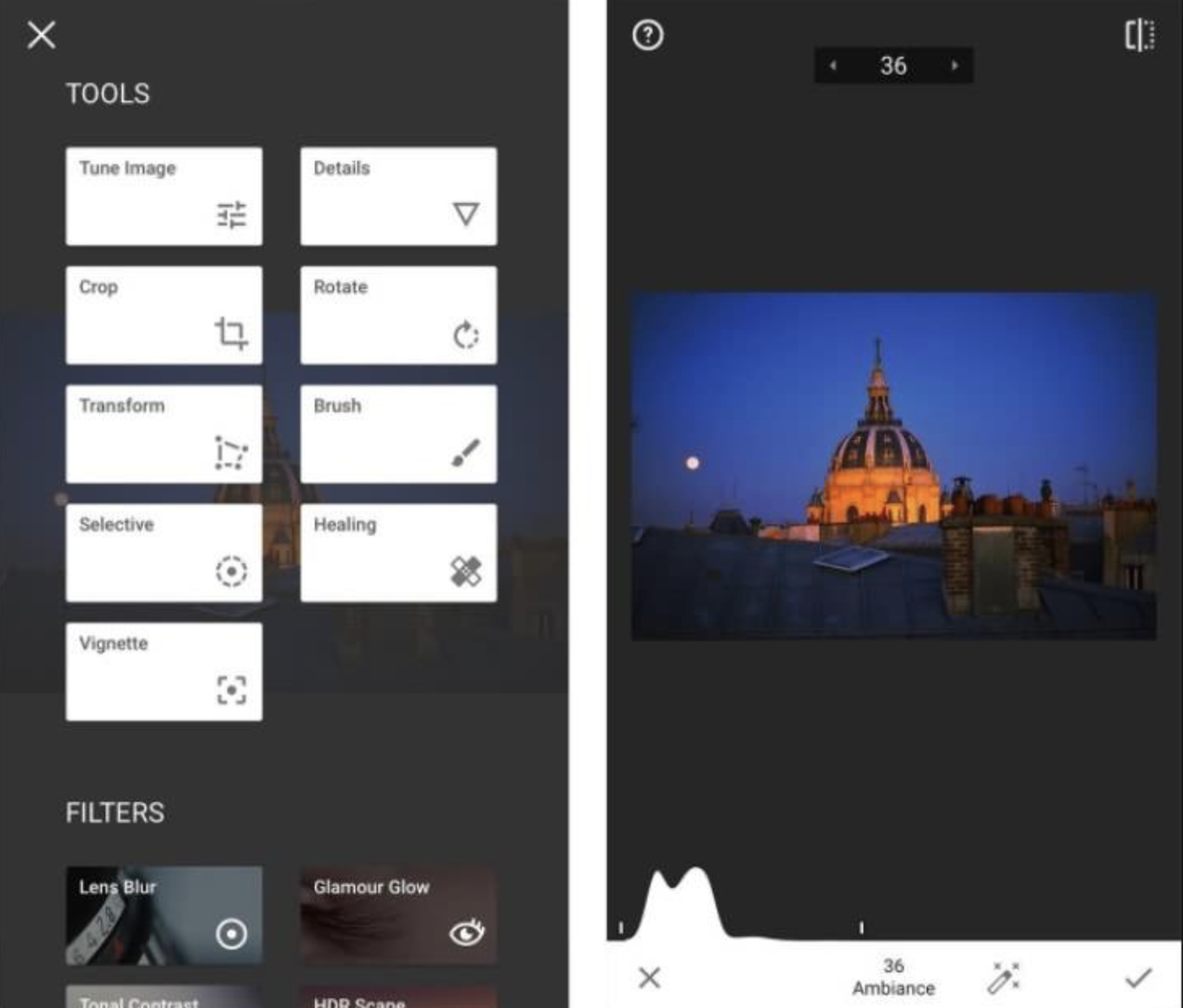
Snapseed remains quietly relevant precisely because it avoids becoming bloated. Even now, it still offers one of the fastest editing experiences available on mobile.
Selective editing tools remain excellent, while the interface continues to feel approachable without becoming simplistic.
For photographers wanting quick but thoughtful edits before publication or social sharing, Snapseed still earns its place in many workflows.
Final Thoughts
The strongest photography workflows rarely emerge from using the most expensive or fashionable applications. Instead, they develop through consistency, familiarity and trust in a small ecosystem of tools that support the photographer rather than overwhelm them.
As mobile photography becomes increasingly sophisticated, many photographers are beginning to reject workflows built entirely around automation, AI enhancement and computational excess. There is growing value in slower, more intentional systems that preserve authorship and visual integrity.
The best workflow apps in 2026 are therefore not simply those that edit photographs beautifully, but those that allow photographers to think, organise, reflect and create more fluidly while moving through everyday life.
Related Articles on TheAppWhisperer
Best Android RAW Camera Apps for Serious Mobile Photography:
https://theappwhisperer.com/2026/05/best-android-raw-camera-apps-for-serious-mobile-photography-in-2026/
Best Leica-Style Camera Apps for Mobile Photography:
https://theappwhisperer.com/2026/05/best-leica-style-camera-apps-for-mobile-photography-in-2026/
Mobile Photography as Photographic Practice:
https://theappwhisperer.com/
Best Camera Apps to Reduce iPhone Processing:
https://theappwhisperer.com/2026/03/best-camera-apps-to-reduce-iphone-processing/
You may also enjoy our curated guides exploring the tools, techniques and creative approaches shaping contemporary mobile photography and digital art.
Popular starting points include:
Related Articles on TheAppWhisperer
Best Android RAW Camera Apps for Serious Mobile Photography:
https://theappwhisperer.com/2026/05/best-android-raw-camera-apps-for-serious-mobile-photography-in-2026/
Best Leica-Style Camera Apps for Mobile Photography:
https://theappwhisperer.com/2026/05/best-leica-style-camera-apps-for-mobile-photography-in-2026/
Mobile Photography as Photographic Practice:
https://theappwhisperer.com/
Best Camera Apps to Reduce iPhone Processing:
https://theappwhisperer.com/2026/03/best-camera-apps-to-reduce-iphone-processing/
You may also enjoy our curated guides exploring the tools, techniques and creative approaches shaping contemporary mobile photography and digital art.
Popular starting points include:
Best Leica Style Camera Apps for Mobile Photography in 2026
Best AI Headshot & Portrait Apps for iPhone & Android in 2026
Best Film Camera Apps for iPhone and Android in 2026
Best Apps for Colourising Black and White Photos (2026)
Best AI Video Generator Apps for iPhone & Android in 2026
Best Apps to Remove Objects from Photos in 2026 – Clean Up Your Images Effortlessly
Best Free Android Photography Apps (No Subscription) in 2026
Best AI Photo Editing Apps in 2026
Best Android Photography Apps – 2026 Edition
Best Manual Camera Apps for Android (2026) – DSLR Control on Your Phone
Best Mobile Photography Apps (2026 Edition)
Best long-exposure eApps for iPhone 2026 edition
Best Camera Apps to Reduce iPhone Processing (2026)
• Best Camera Apps to Reduce iPhone Processing (2026 Edition)
• Best Mobile Filmmaking Apps (2026 Edition)
Best Way To Create More Dynamic Travel Photos with Lightroom on Mobile
• Best Black and White Photography Apps for iPhone (2026 Edition)
• Best Portfolio Apps and Websites for Photographers (2026 Edition)
• Blackmagic Camera Settings Guide
• Best way to use Blackmagic’s camera remote control (2026)
• Snapseed vs Lightroom Mobile
• Best iPhone Camera Apps for Photographers
• 10 Apps Secretly Draining Your Phone’s Battery – 2026 Edition
Please support us
The AppWhisperer has always had a dual mission: to promote the most talented mobile artists of the day and to support ambitious, interested viewers worldwide. As the years pass, TheAppWhisperer has gained readers and viewers and has found new venues for that exchange.
All this work thrives with the support of our community. Your support helps us maintain our independence, allowing us to continue delivering open, global promotion of mobile artists. Every contribution, however big or small, is valuable for our future.

Joanne Carter
Joanne Carter is a British photographer, photography journalist, editor and curator and the founder and editorial director of TheAppWhisperer.com, an independent international photography publication established in 2009.Her journalism, criticism and commentary have appeared in The Times, The Sunday Times, The Guardian, Financial Times, BBC, Vogue Italia, LensCulture, Popular Photography, Android Magazine, NikonPro, DPReview, Which Digital Camera and Which Camera. She has lectured internationally on photography and mobile art, served as a juror for international photography awards, and exhibited her own photographic work across the UK, Europe, South Korea and the United States.Alongside her editorial work, Joanne's photographic and postgraduate research explores death, grief, memory, representation and social inequality through contemporary photography, participatory practice and visual research methods, with the longer-term aim of developing this work through doctoral research.Through TheAppWhisperer, she continues to publish independent photography journalism spanning contemporary photographic practice, mobile imaging, photographic apps, computational photography and emerging imaging technologies.Joanne is available for editorial commissions, photography projects, judging, curatorial work, speaking engagements, consultancy and selected collaborations.