iOS – FlickStackr for Flickr – Updated
One of our favorite apps for sorting out the awesome images we receive to our Flickr group, Mobile Photography and Imagery, has just been updated.
Check out What’s New below. This is s a free update, if you have previously purchased this app, if not you can download it here. It retails for $1.99/£1.49.
What’s New?
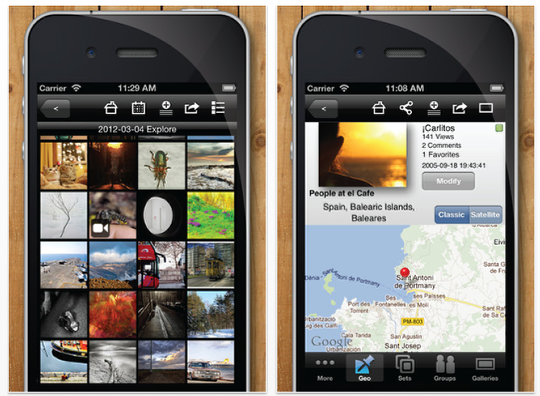
* Option to show Flickr Original photos on the new iPad
– Go to settings to turn it on
– Original photos are downloaded (when available) and resized to 2048px for on screen display on your new iPad. A couple of notes :
* Not all photographers allow access to originals.
* More network bandwith will be consumed.
* Swipping full screen photos can be slow
Advanced photo editor improvements
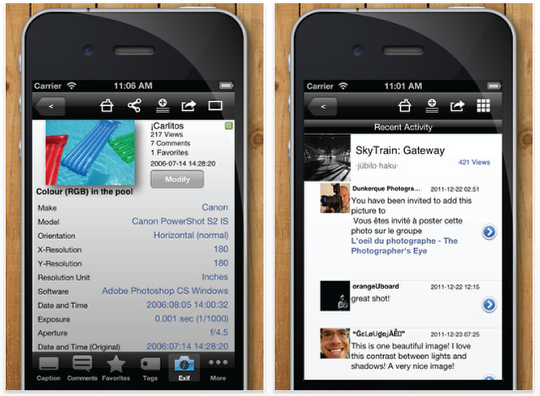
– Improved stability
– Works on iOS 4
– Higher resolution processing (3MP)
Set default photo upload privacy
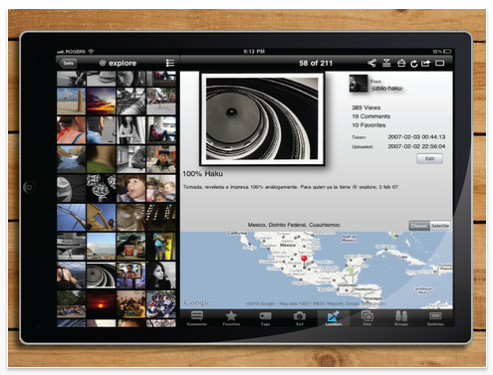
– Go to Settings, and choose between Public/Friends/Private.
– You can still change photo by photo at upload time.
Improved external display/AirPlay support
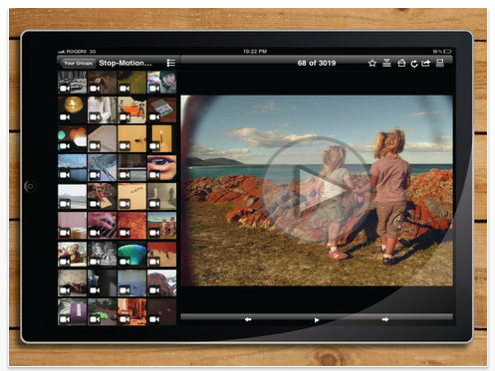
– Overscan display on TVs. The photos now show to the very edge of your TV when using presentation mode.
(Setting available to control it)
– Small fixes on initial setup of external screen
– Support for 1080p HD external display with new iPad and digital AV/HDMI cable.
** AirPlay only supports 720p
Fixes, Too
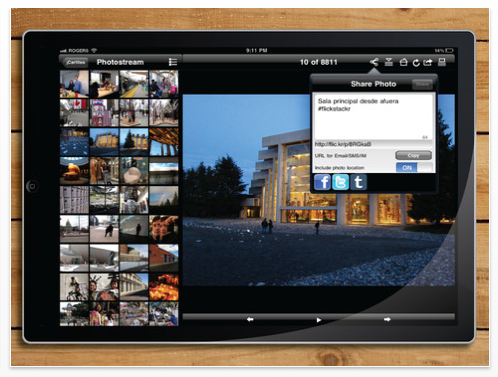
– Photo uploads were incorrectly rotated when "Auto-rotate photos" option was ON at flickr.com
– Logon to Flickr on iPhone using Google/Facebook credentials no longer requires a workaround
– Save to photo library downloads remained waiting when multiple downloads were started. No way to restart them.
– Thumbnail view sometimes returned to very top (iPad)

Joanne Carter
Joanne Carter is a British photographer, photography journalist, editor and curator and the founder and editorial director of TheAppWhisperer.com, an independent international photography publication established in 2009.Her journalism, criticism and commentary have appeared in The Times, The Sunday Times, The Guardian, Financial Times, BBC, Vogue Italia, LensCulture, Popular Photography, Android Magazine, NikonPro, DPReview, Which Digital Camera and Which Camera. She has lectured internationally on photography and mobile art, served as a juror for international photography awards, and exhibited her own photographic work across the UK, Europe, South Korea and the United States.Alongside her editorial work, Joanne's photographic and postgraduate research explores death, grief, memory, representation and social inequality through contemporary photography, participatory practice and visual research methods, with the longer-term aim of developing this work through doctoral research.Through TheAppWhisperer, she continues to publish independent photography journalism spanning contemporary photographic practice, mobile imaging, photographic apps, computational photography and emerging imaging technologies.Joanne is available for editorial commissions, photography projects, judging, curatorial work, speaking engagements, consultancy and selected collaborations.