Xtrafolio Classic professional photo portfolio – New
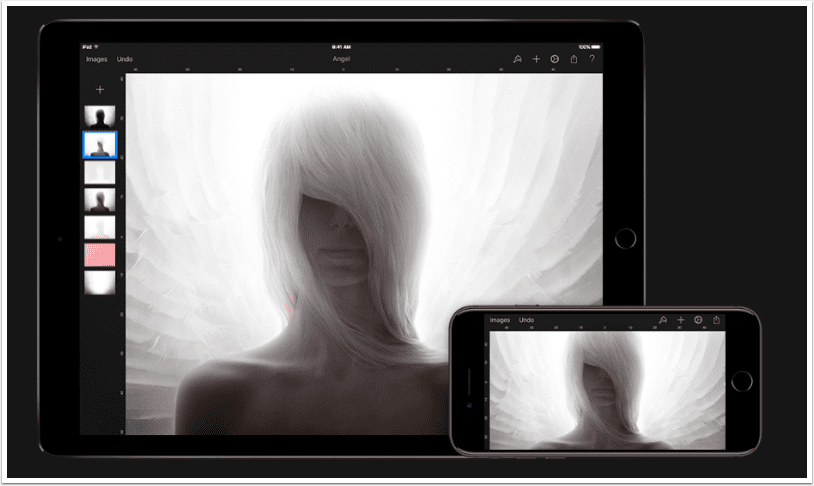
This App provides you the possibility to personalise and the control to use your iPad as a professional photo Portfolio. With the Xtrafolio application your iPad will look as if it were designed especially for you. Only you will be able to enter the hidden edit menu, with an optional passcode. You can change the way it looks, so it will fit your personal style. Change Background colours, change Folder colours/shapes even change Folder text colours. Add your Company Logo, use the optional Info Page where you can provide your client with information about you or your projects. Add a Watermark to the emailed images, add info to each image,…
Hipstamatic – Temporary Price Drop
One of the first loves of so many iPhone photographers, Hipstamatic is currently available for only $0.99/£0.69 for this special Labor Day weekend. Usually it retails for $1.99/£1.49. You can download it here.
A Day In The Life Of … Cat Morris – The Most Amazing And Talented Mobile Photographer
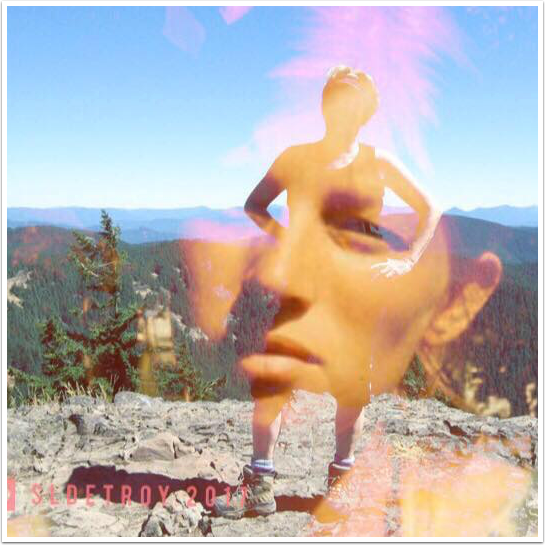
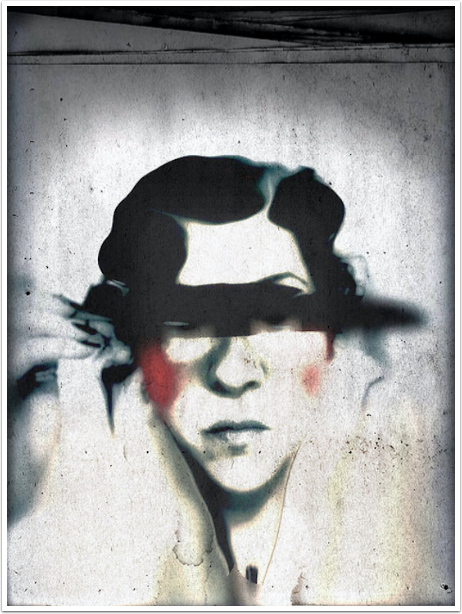
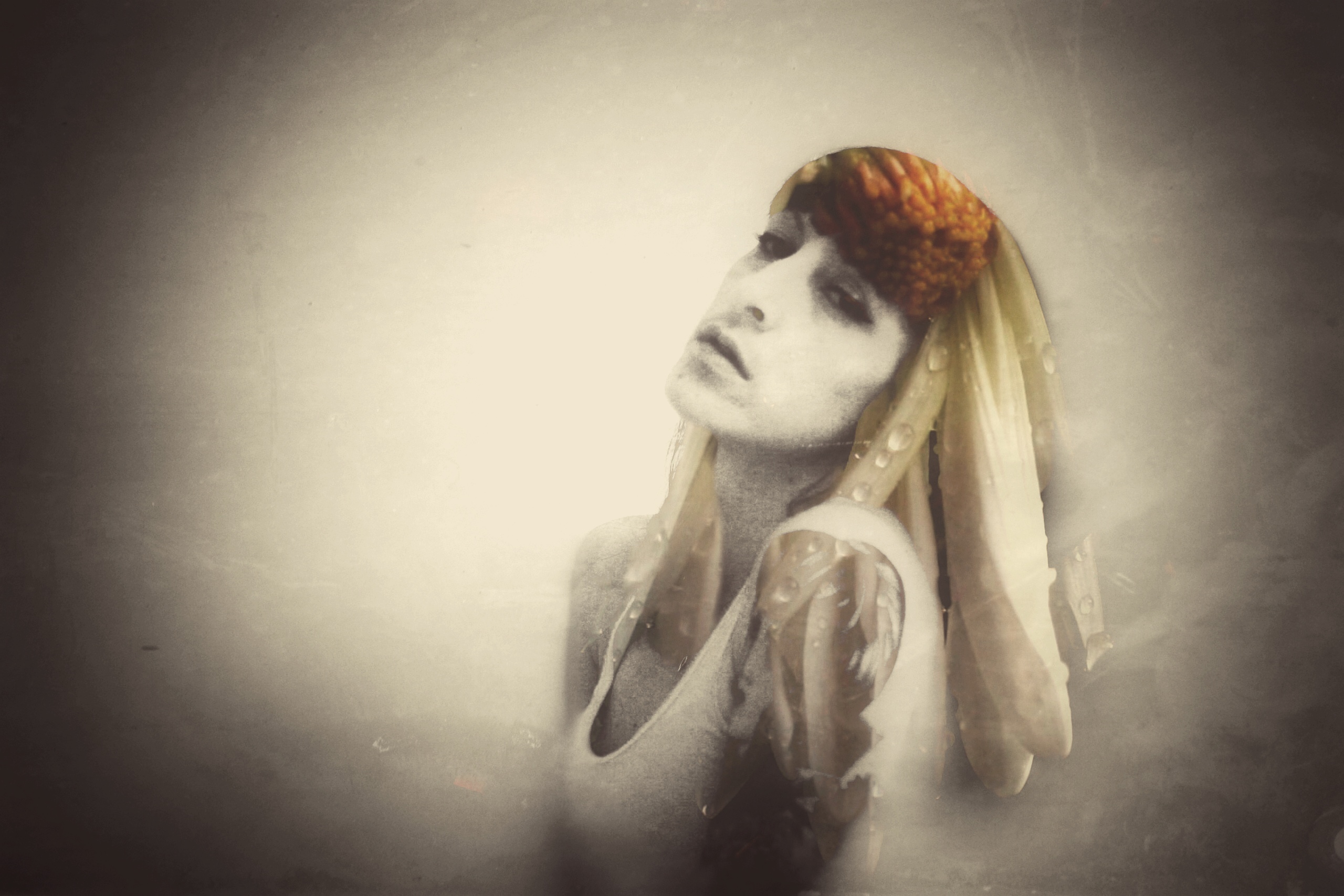
Welcome to our very exciting new column on theappwhisperer.com. This section entitled ‘A day in the life of …’ and this is where we’ll be taking a look at some hugely influential, interesting and accomplished individuals in the mobile photography world. People that we think you will love to learn more about. This is our fiftieth installment of the series, you can read the others here if you have missed them so far. Cat Morris has followed an unconventional path when it comes to art and photography and work and everything else. Cat started her professional life in the commercial photography field as a photo assistant, then to Interior Stylist.…
Tiny Planet Photos – Updated
Tiny Planet Photos turns your photos into a sphere so that it looks like a tiny planet. A magical effect that will impress your friends! You can also reverse the effect and create a tiny tube. The app creates stereographic projections, a technique that usually takes a long time to create manually. With the app you can accomplish this in a single tap. A fun app to add to your collection of photo apps This app has just been updated, check out What’s New below. This is a free update, if you have previously downloaded this app. If not, you can download it here. It retails for $0.99/£0.69/download. What’s…
Image Blender Tutorial – How To Create A Stunning Composite Image
The Image Blender app is a easy and wonderful way to blend different images together to get a unique look. With the new update to this app, you can now take the second image and arrange and mask. It can also be useful to up a resolution that was cut down by another app. In this tutorial I will demonstrate how to create a stunning image from many composites. Take a look at this. If you’re inspired don’t hesitate to download this app. It is one of the most popular iPhone photography apps currently available. Image Blender retails for $2.99/£1.99 and you can download it here. Step 1…
InstaGenius – Our Daily App Giveaway
Welcome once again to our Daily App Giveaway section of theappwhisperer. We value our readers so much and that’s why we want to share our love of apps with you. Each day we give away free apps, better make us your home page 😉 Today, we are giving away InstaGenius apps from the same developer as CameraGenius. Take your Instagram photos to the next level! InstaGenius provides lots of ways to edit your photos. Multi-photo collages let you put between 1 to 6 photos together in a single shot. We have over 20 One step effects turn regular photos into great photos. Crop your photo to improve its composition and…
Image Blender Tutorial – ‘Creating A Digital Collage’
Image Blender, created by Johan Andersson, is best described by the developer: “This is a simple and clean application with a single purpose, blending together images. You can use multiple blending modes like Multiply, Overlay, Screen and many more.” It is a bit more than just this….”You can move, rotate, resize and mask the top image by choosing two images and tapping the preview.” Even though Image Blender only allows you to work with two images at a time, with it’s flatten function you can build layer upon layer to create any possible of combinations. In this tutorial I will show you how I used four different images to create…
ProCamera HD – New & Price Dropped
We broke the news earlier today about the new ProCamera HD app for you iPad. It launched at $4.99/£2.99 but it is now currently available for $2.99/£1.99 to celebrate the launch. The iPad is an essential travel companion, especially when it comes to taking videos and photos. With the built-in iPad 5-megapixel camera you can take high-resolution photos and 1080p HD video (720p HD video on iPad 2). The new ProCamera HD app takes pictures and videos better and faster, and helps you get more out of your images with the expert mode and other tools! The SnapTrigger is perfectly adapted to the iPad: You decide where the control bar…
Jazz! – Edit photos with powerful filters – Our Daily App Giveaway
Welcome once again to our Daily App Giveaway section of theappwhisperer. We value our readers so much and that’s why we want to share our love of apps with you. Each day we give away free apps, better make us your home page 😉 Today, we are giving away Jazz! iPhone photography apps. Developed by award-winning visual effects director, Ray Giarratana, Jazz improvises on any photo, offering four new interpretations at a time, at the touch of a button. With its 16 powerful filters, users can tweak any image-processed photo to achieve nearly any desired look, save their own style presets, quickly compare examples of before and after, and share…
Glaze – Temporary Price Drop
Glaze turns your photos into high quality, painterly works of art. Select one of dozens of included styles and compare variations before sharing your image with friends or saving it for printing. Create your own unique styles using the Workshop mode, allowing you to generate endless variations of the styles. This app usually retails for $2.99/£1.99 but today you can pick it up for only $1.99/£1.49. Click here to download Glaze’s standard Studio mode is great for quickly generating a few versions of a painting and sharing or saving the results. The Workshop lets you explore a huge range of styles and variations to find the perfect fit…