The Greatest Mobile Art Pic of the Day (1,933)
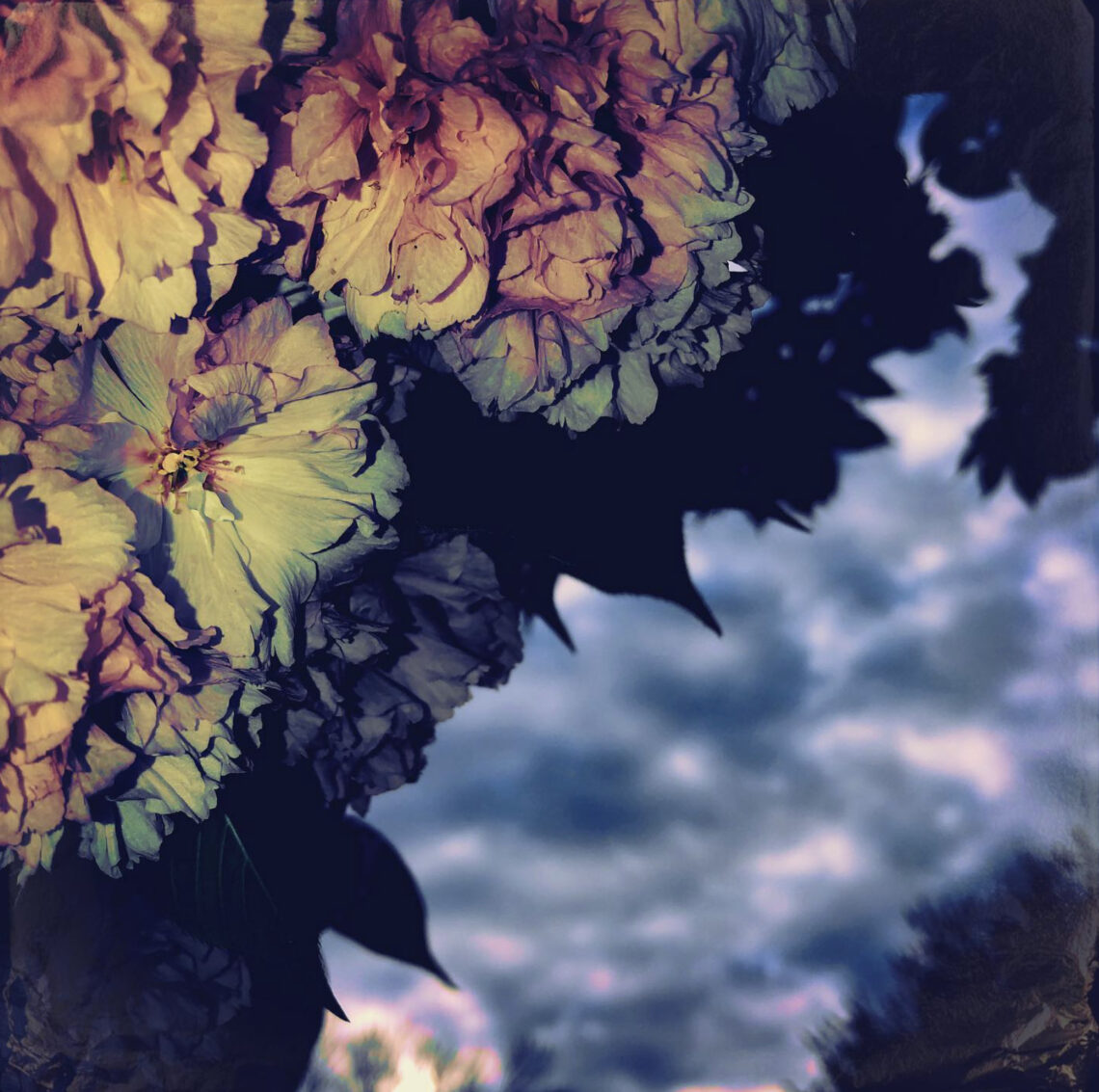
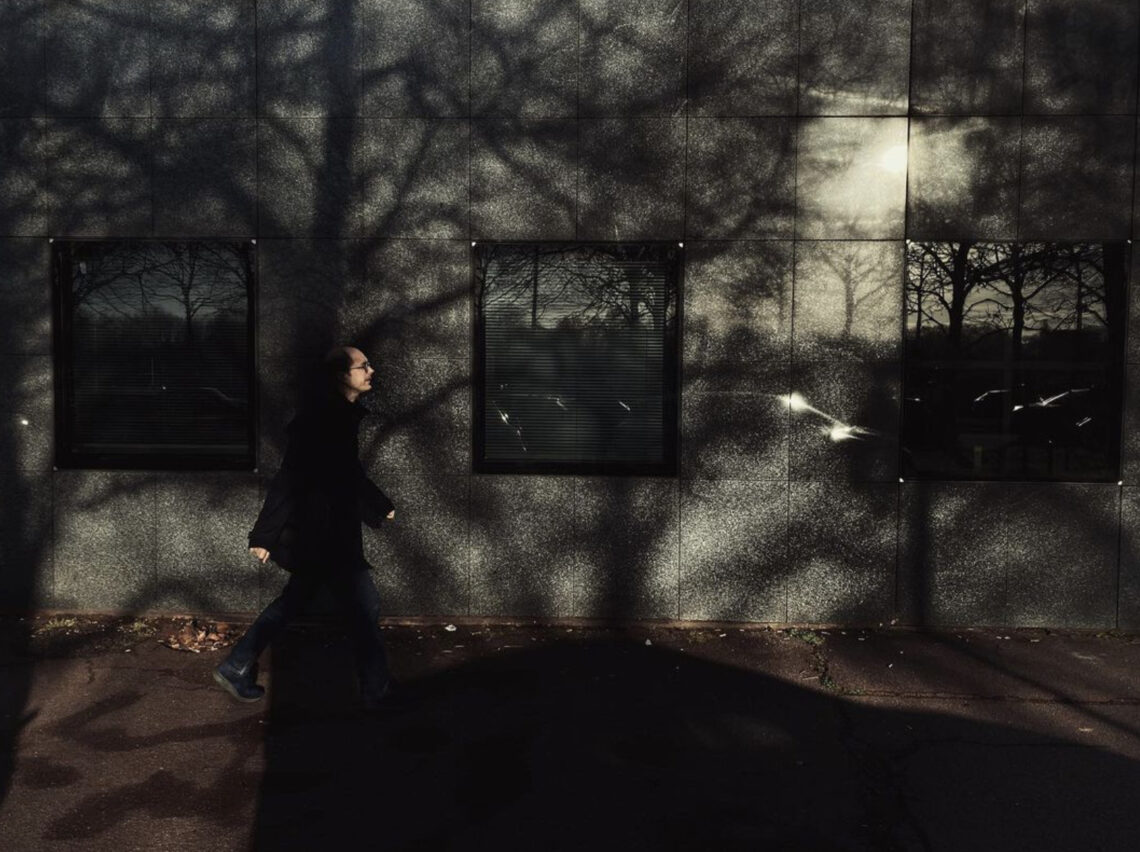
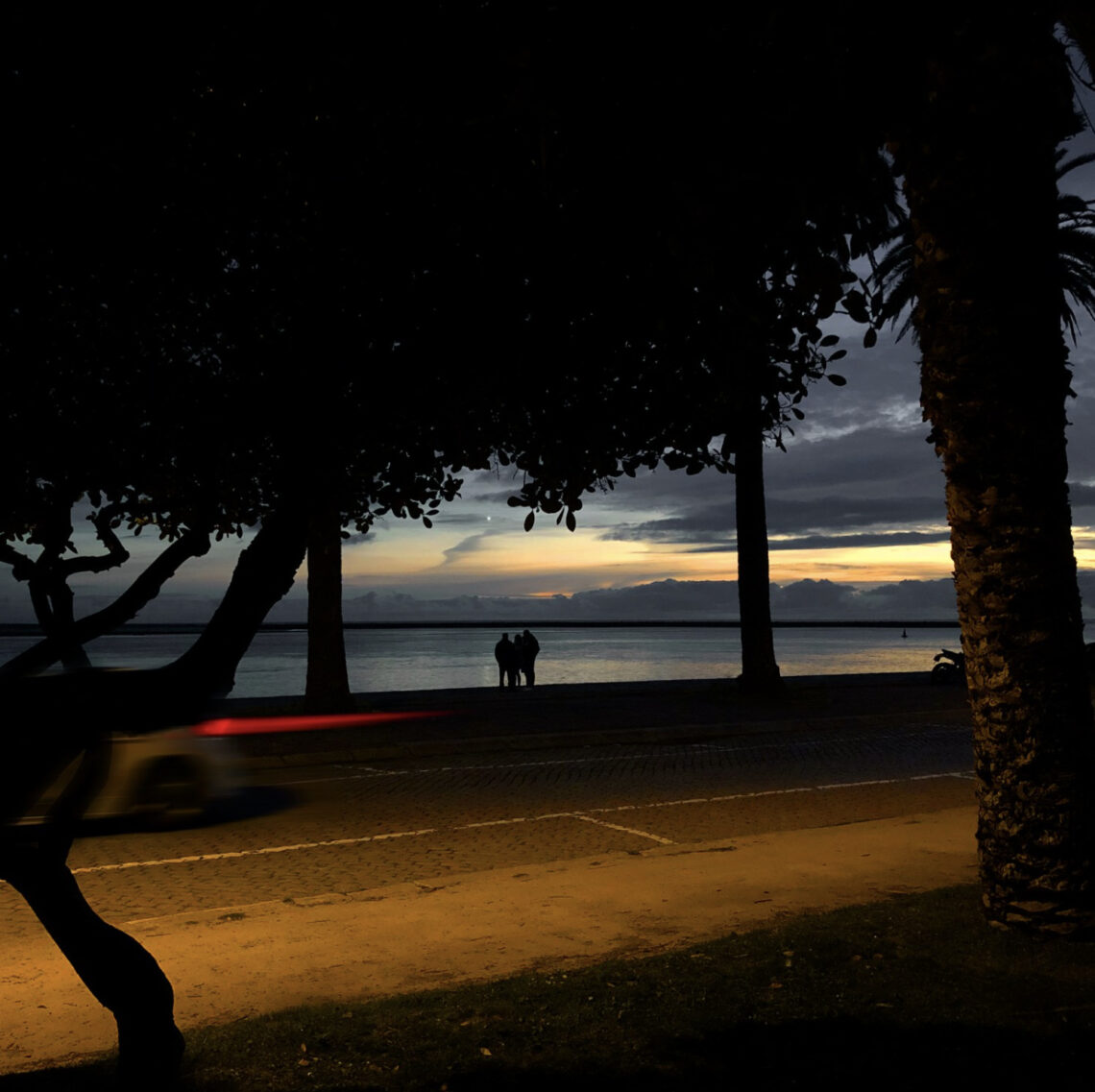
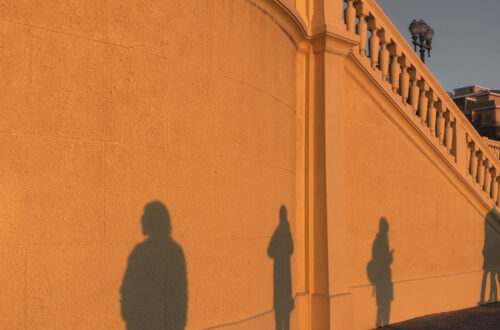
Here’s day one thousand nine hundred and thirty three of our mobile photography/art Pic of the Day section via Instagram. Today, we are proud to select @artisun99 with this image, untitled. Each day we select one image a day for our Pic of the Day section on Instagram, with the hashtag #theappwhisperer Mobile Art Pic of the Day Please support us TheAppWhisperer has always had a dual mission: to promote the most talented mobile artists of the day and to support ambitious, inquisitive viewers the world over. As the years pass TheAppWhisperer has gained readers and viewers and found new venues for that exchange. All this work thrives with the support of our community. Please consider donating to TheAppWhisperer as…
AppArt School – How to Remove Unwanted Objects in your iPhone Photos with TouchRetouch
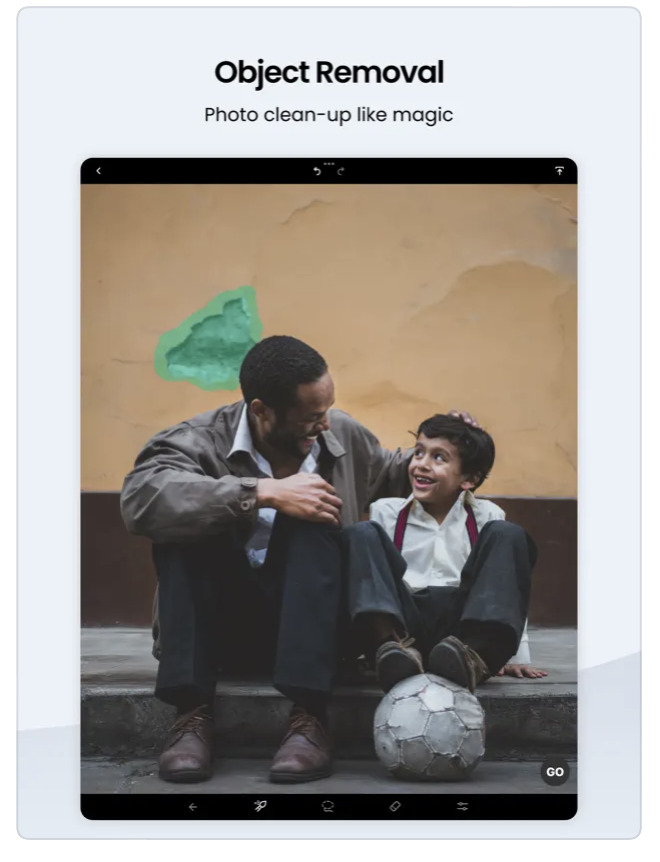
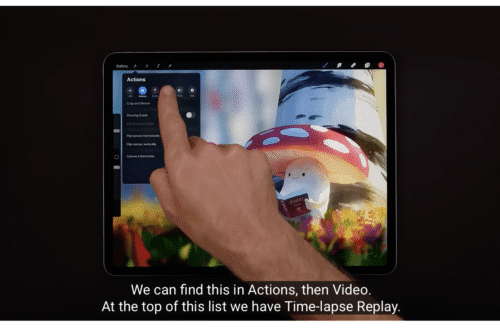
AppArt School – How to Remove Unwanted Objects in your iPhone Photos with TouchRetouch App TouchRetouch is a powerful photo editing app that allows you to remove unwanted objects and blemishes from your photos. Here’s how to use it: Open the TouchRetouch app and select the photo you want to edit. Use the “Object Removal” tool to remove unwanted objects from the photo. Tap the tool, then use your finger to draw around the object you want to remove. Once you’ve finished outlining the object, the app will automatically remove it from the photo. If the app doesn’t remove the object perfectly, use the “Lasso” tool to select the area…
The Greatest Mobile Art Pic of the Day (1,932)
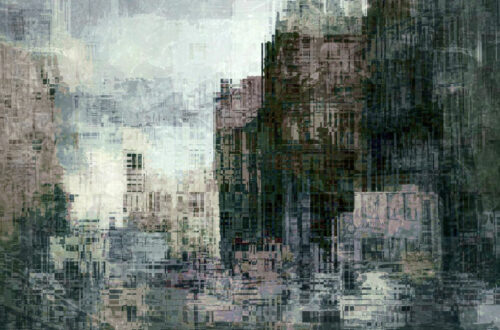
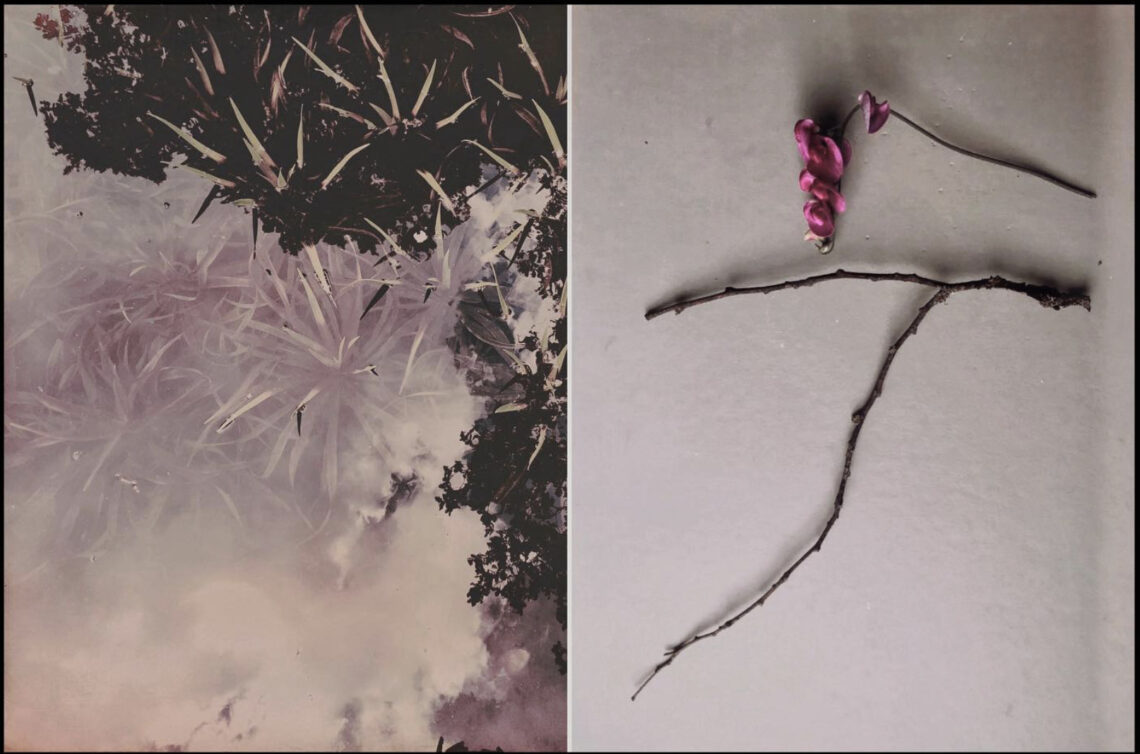
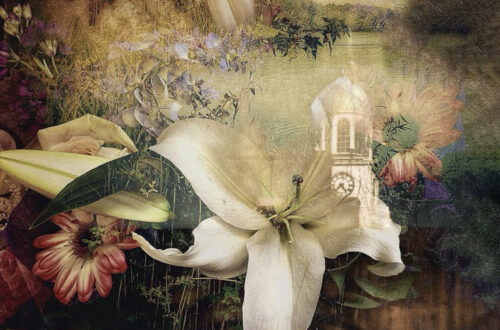
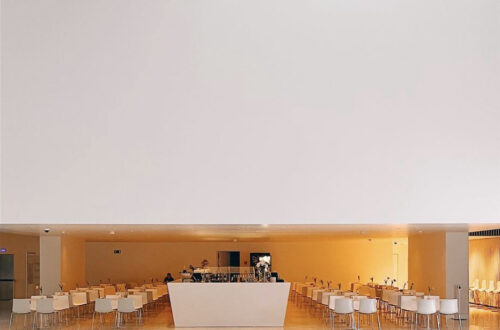
Here’s day one thousand nine hundred and thirty two of our mobile photography/art Pic of the Day section via Instagram. Today, we are proud to select @kein_grund with this image, entitled ‘Secret Life of Plants’. Each day we select one image a day for our Pic of the Day section on Instagram, with the hashtag #theappwhisperer Mobile Art Pic of the Day Please support us TheAppWhisperer has always had a dual mission: to promote the most talented mobile artists of the day and to support ambitious, inquisitive viewers the world over. As the years pass TheAppWhisperer has gained readers and viewers and found new venues for that exchange. All this work thrives with the support of our community. Please…
The Greatest Mobile Art Pic of the Day (1,931)
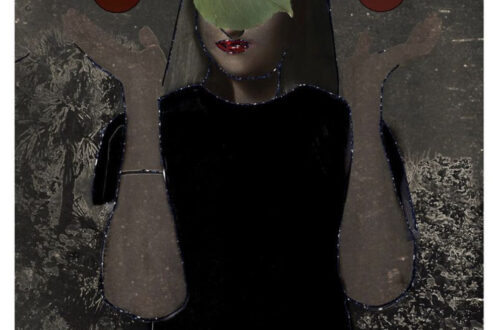
Here’s day one thousand nine hundred and thirty one of our mobile photography/art Pic of the Day section via Instagram. Today, we are proud to select @realityfragments with this image, untitled. Each day we select one image a day for our Pic of the Day section on Instagram, with the hashtag #theappwhisperer Mobile Art Pic of the Day Please support us TheAppWhisperer has always had a dual mission: to promote the most talented mobile artists of the day and to support ambitious, inquisitive viewers the world over. As the years pass TheAppWhisperer has gained readers and viewers and found new venues for that exchange. All this work thrives with the support of our community. Please consider donating to TheAppWhisperer as…
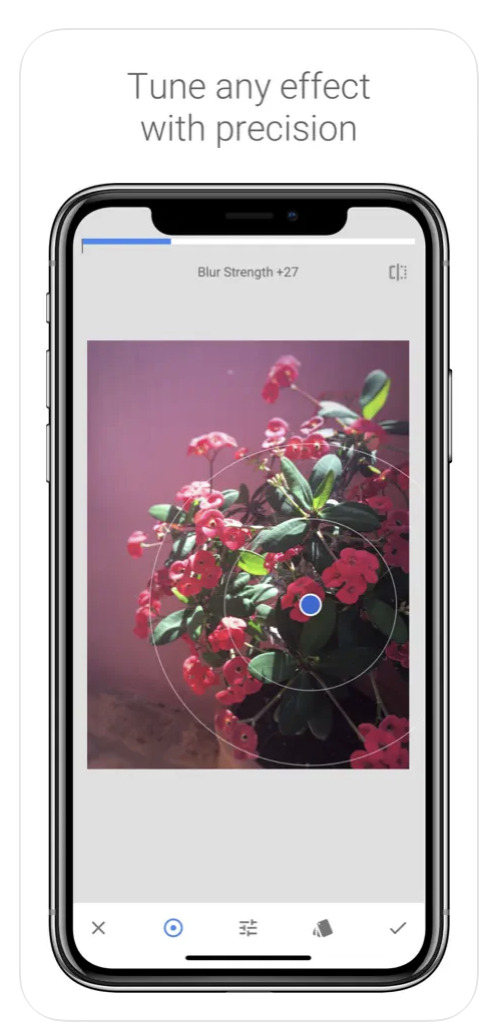
AppArt School – How to Get Started with the Snapseed App
AppArt School – How to Get Started with the Snapseed App Snapseed is a free photo-editing application developed by Google, which is available for both iOS and Android devices. Here are some steps to use the Snapseed app: Install the app: Download the Snapseed app from the App Store or Google Play Store, depending on your device. Once the app is downloaded and installed, open it. Choose a photo: Select the photo you want to edit from your camera roll or take a new photo. Basic adjustments: Snapseed has several tools for basic adjustments, such as brightness, contrast, saturation, etc. You can adjust these settings by selecting the “Tools” icon…
AppArt School – How to Get Started with the Lumafusion App
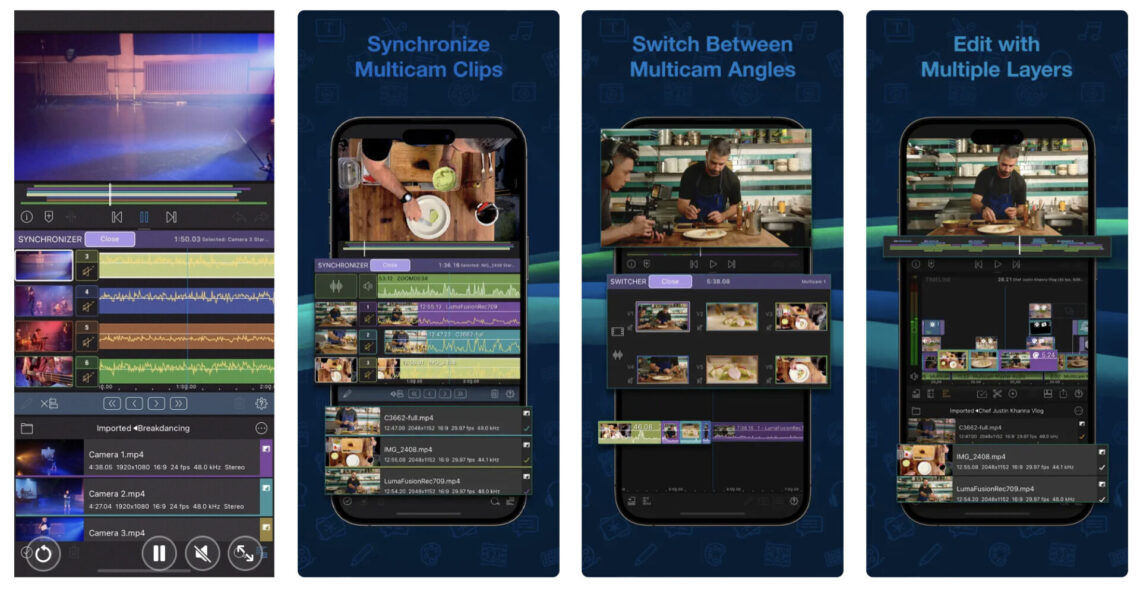
AppArt School – How to Get Started with the Lumafusion App LumaFusion is a professional video editing app for iOS devices, and getting started with it is relatively straightforward. Here are the steps you can follow: Install the app: The first step is to download and install the LumaFusion app from the App Store on your iOS device. Open the app: Once you have installed the app, open it from your device’s home screen. Create a new project: To create a new project, tap on the ‘Create New Project’ button on the main screen. Choose a resolution and frame rate: You will be prompted to select the project’s resolution and…
The Greatest Mobile Art Pic of the Day (1,930)
Here’s day one thousand nine hundred and thirty of our mobile photography/art Pic of the Day section via Instagram. Today, we are proud to select @bruschyography with this image, entitled ‘Witness’. Each day we select one image a day for our Pic of the Day section on Instagram, with the hashtag #theappwhisperer Mobile Art Pic of the Day Please support us TheAppWhisperer has always had a dual mission: to promote the most talented mobile artists of the day and to support ambitious, inquisitive viewers the world over. As the years pass TheAppWhisperer has gained readers and viewers and found new venues for that exchange. All this work thrives with the support of our community. Please consider donating to TheAppWhisperer…
AppArt School – How to Use the Apple Watch for Mobile Photography
AppArt School – How to Use the Apple Watch for Mobile Photography The Apple Watch is an ingenious product and it’s not just great for fitness but did you know you can also use it to support your mobile photography. We’ll show you how: The Apple Watch can be used as a remote control for your iPhone camera, allowing you to take photos and videos from a distance. Here are the steps to use your Apple Watch for photography: Make sure your iPhone is unlocked and the Camera app is open. Launch the Camera app on your Apple Watch. The Apple Watch camera app will show a live preview of…
The Greatest Mobile Art Pic of the Day (1,929)
Here’s day one thousand nine hundred and twenty nine of our mobile photography/art Pic of the Day section via Instagram. Today, we are proud to select @oneday1.2 with this image, entitled ‘Sand Crab’s Eye View’. Each day we select one image a day for our Pic of the Day section on Instagram, with the hashtag #theappwhisperer Mobile Art Pic of the Day Please support us TheAppWhisperer has always had a dual mission: to promote the most talented mobile artists of the day and to support ambitious, inquisitive viewers the world over. As the years pass TheAppWhisperer has gained readers and viewers and found new venues for that exchange. All this work thrives with the support of our community.…
AppArt School – How to Get Started with the Hipstamatic App
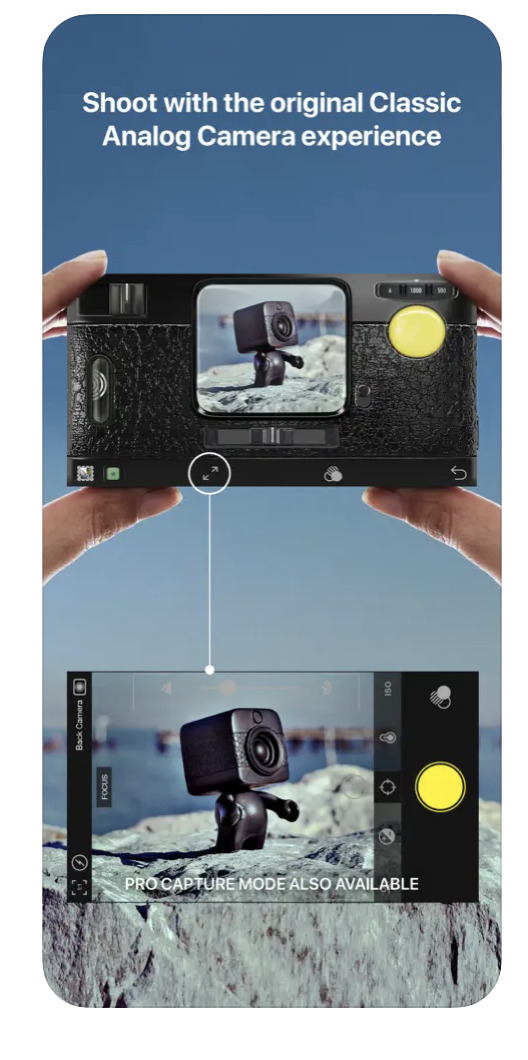
One of the most art/photography popular apps, is Hispstamatic and today in our column, AppArt school, we list the steps to get started with it: Hipstamatic is a camera app that allows you to apply various vintage and retro filters to your photos. Here’s how to use Hipstamatic: Download and install the app: You can find Hipstamatic in the App Store or Google Play Store. After installing the app, open it on your phone. Choose your lens, film, and flash: When you first open the app, you’ll see the viewfinder. To apply a filter to your photo, you need to select a combination of lens, film, and flash. Swipe left or…