Mobile Photography and Art – A Picture’s Worth with Carol Wiebe from Ontario, Canada
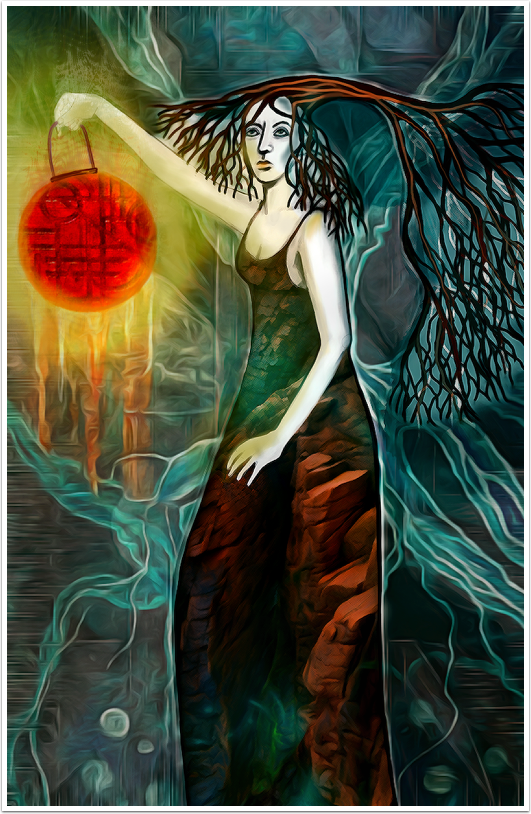
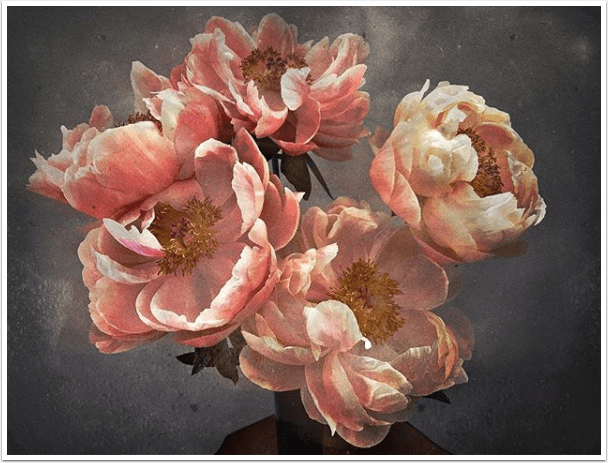
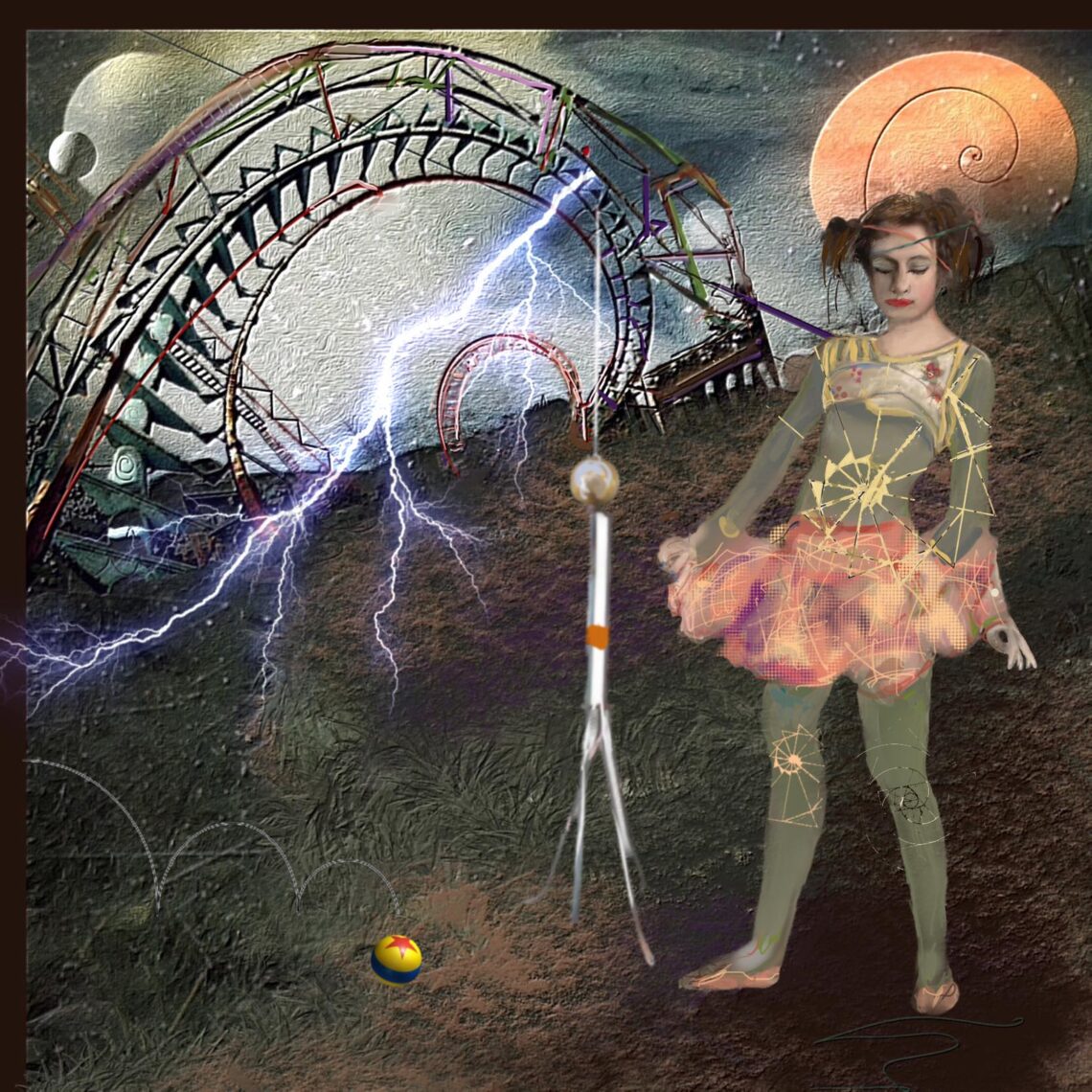
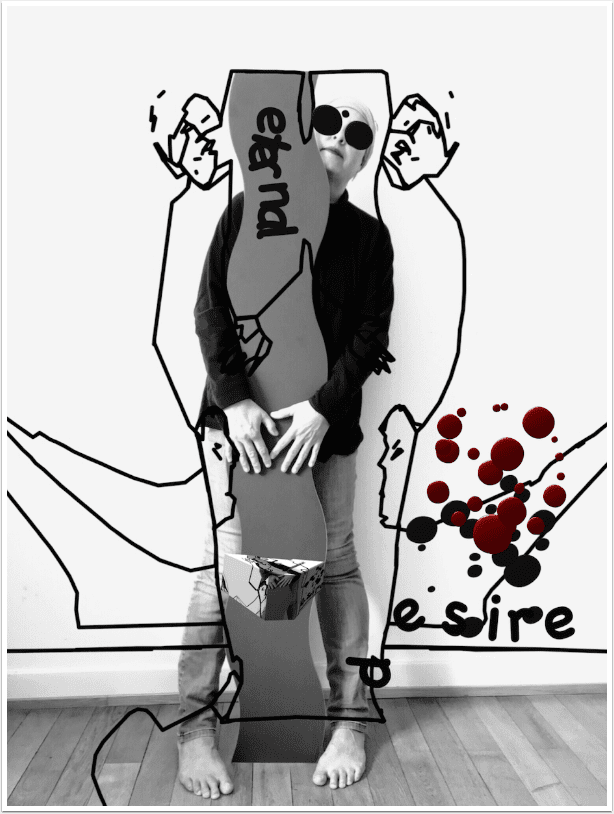
‘A Picture’s Worth‘… is where we ask mobile photographers that have created powerful mobile photography/art to explain the processes they took. This includes their initial thoughts as to what they wanted to create, why they wanted to create it, how they created it, including all apps used and what they wanted to convey. We also ask these incredible artists to explain their emotions and how the image projects those feelings. We have published a few A Picture’s Worth articles recently, if you have missed those – please go here. In this A Picture’s Worth today we asked Carol Wiebe to tell us more about her image featured here, ‘Casting Light’.…
What Apps Are We Using This Month? with David Reid
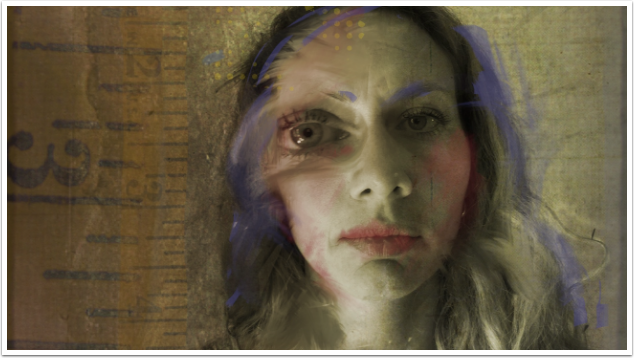
Welcome to TheAppWhisperer’s section, “What apps are we using this month” series, where we discover which apps you are particularly enjoying. Kicking us off today is none other than notable Mobile Artist, David Reid. I’m David Reid, @dmreidmd, and I live in Raleigh, NC, USA. I’ve been on Instagram for about twelve years, and in that time, I’ve gone from ‘not old’ to ‘almost old’, 75 now. I retired four years ago after 44 years in the private practice of Child and Adult Psychiatry. I love playing with apps as well as doing straight-up photography, but I’m clearly better at the former. I have tried several apps but have settled…
What Apps Are We Using This Month? with Deborah McMillion
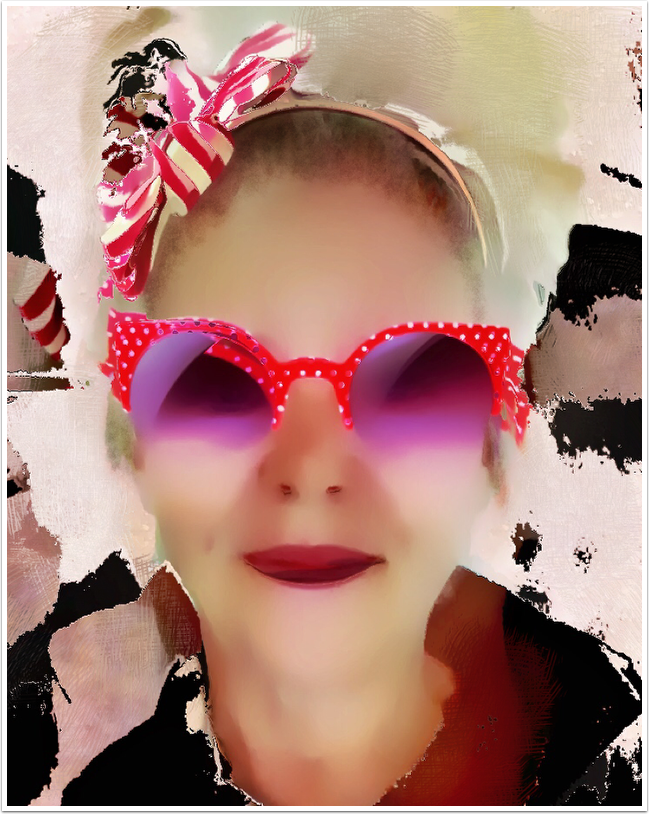
Welcome to TheAppWhisperer’s section, “What apps are we using this month” series, where we discover which apps you are particularly enjoying. Kicking us off today is none other than Award Winning Mobile Artist, Deborah McMillion. Hello, I am Deborah McMillion, and I live in Phoenix, Arizona, USA. At the beginning of the Internet, I joined a university-hosted discussion group on Gaslight-era detective/ghost stories. I met authors, scholars, librarians and small press publishers. We were a tight-knit group connecting with people who shared our passions. Just like the Flickr group for app arts, like artists found each other. I just wanted to say thanks to Joanne Carter and many members of…
You May Also Like
Mobile Photography & Art Saturday Poetry – ‘I hope to God you will not ask’ by Esther Belin with M. Cecilia Sao Thiago
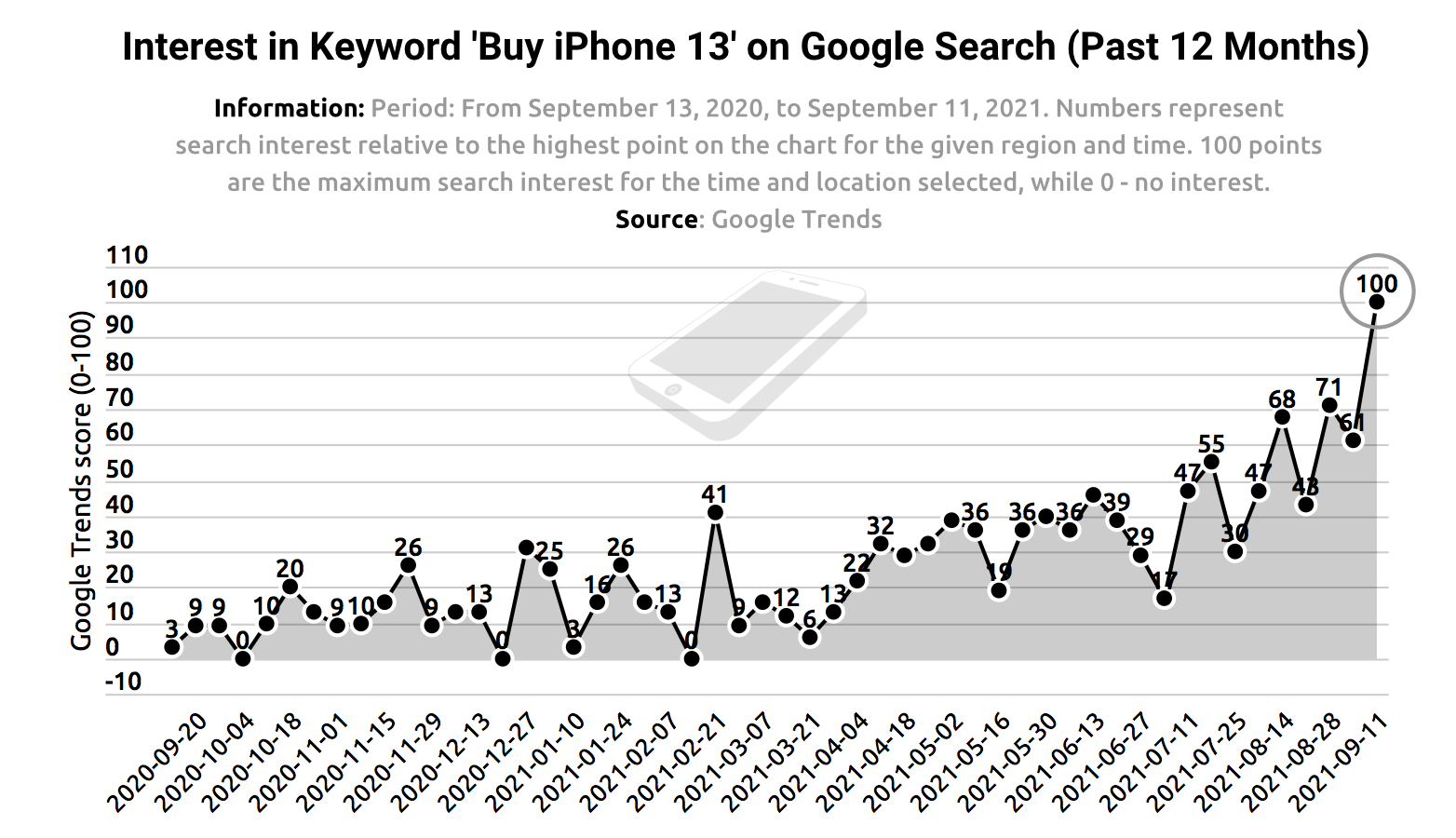
Demand for iPhone 13 hits peak on Google Search led by Ireland and Australia

Mobile Photography – App of the Day – GIVEAWAY – Affinity Designer for iPad worth $19.99
What Apps Are We Using This Month? with Rosie Karel
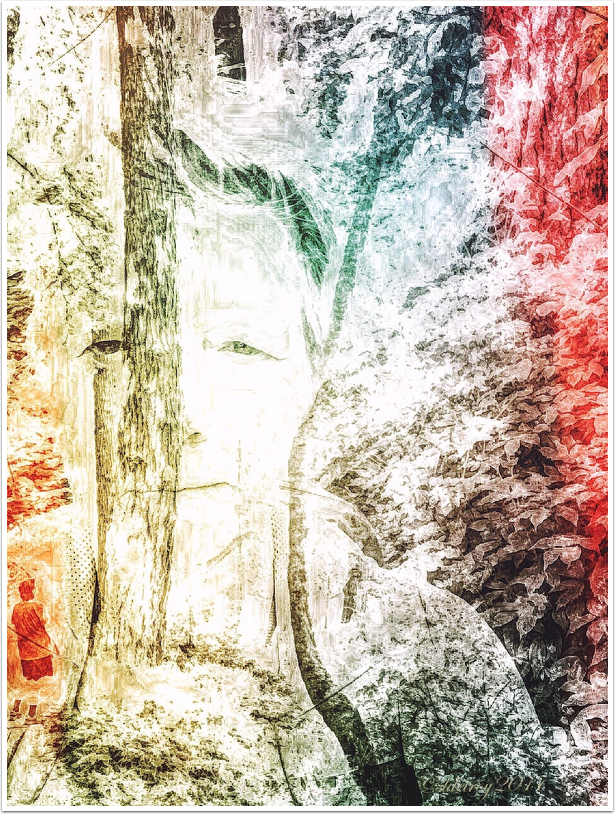
Welcome to TheAppWhisperer’s new section, “What apps are we using this month” series, where we discover which apps you are particularly enjoying. Kicking us off today is none other than Award Winning Mobile Artist Rosie Karel. First, I would like to thank Joanne Carter and TheAppWhisperer for this opportunity. My name is Rosie Karel @rosiekimages and I will be turning 70 next year. I am originally from Chicago but have lived for the last 39 years in North County San Diego in the beach towns of Cardiff by the Sea and Encinitas, where I receive much of my inspiration. I have a daughter and now a grandson who brings me endless…
What Apps Are We Using This Month? with Susan Detroy
Welcome to TheAppWhisperer’s section, “What apps are we using this month” series, where we discover which apps you are particularly enjoying. Kicking us off today is none other than Award Winning Mobile Artist, Susan Detroy Hello, I am Susan Detroy. I live in Oregon in the Willamette Valley. I am a lifelong artist living in the Pacific Northwest. I grew up in the Midwest in southern Indiana along the Ohio River. My ethnic heritage is German with Scottish. I lived a conservative life until, in the 60s, I studied and lived in Mexico and Spain, which opened my world. I migrated to Oregon in 1971, living a communal life, started…
Procreate Beginners Series: Part Four | Actions & Animation
Procreate Beginners Series: Part Four | Actions & Animation Open the Actions menu in Procreate and discover how to insert images, use drawing guides, and an animation tool that’s so simple, everyone can use it. Bring your butterfly to life using Animation Assist while learning to import images into Procreate to use as photographic reference, and halving your workload with Drawing Assist’s symmetry mode. In this lesson Students will learn how to insert an image into their canvas and how to refer to it as a guide. Students will use Procreate’s Drawing Guides to create a symmetrical artwork. Students will create a looping frame-by-frame animation and understand key animation terms. Please…
Procreate Beginners Series – Part Three | Editing Tools
Procreate Beginners Series – Part Three | Editing Tools Unlock more creative potential as you get to grips with Procreate Editing Tool basics, including Transform, Selection, Adjustments and Actions. Creating this stellar Procreate artwork is all you need to understand layer masking and merging, transforming, and how to produce magical results using Procreate’s Liquify feature. In this lesson Students will explore Procreate Selection and Transform modes to edit and manipulate their artwork. Students will be introduced to Procreate non-destructive workflows by using Clipping Masks. Students will build on their knowledge of Adjustments by using Blur and Liquify to add atmosphere to their artwork. Please support us TheAppWhisperer has always had a…
Procreate – Adding Depth to Art with Patterns | Nick Liefhebber | Human Made
Procreate – Adding Depth to Art with Patterns | Nick Liefhebber | Human Made Heavily inspired by printmaking, Dutch illustrator Nick Liefhebber’s colourful Procreate illustrations are packed with organic shapes, bright colours and textured patterns based on nature. Combining digital and analogue elements in his work, Nick elevates his pieces by using custom-made brushes to give each piece a unique feel. Despite thinking “art isn’t something that you could really study,” Nick has gone on to work with brands and exhibit his work worldwide. Please support us TheAppWhisperer has always had a dual mission: to promote the most talented mobile artists of the day and to support ambitious, interested viewers worldwide.…
Procreate Beginners Series: Part One | The Fundamentals
Procreate Beginners Series: Part One | The Fundamentals The Beginners Series is a four-part guide to Procreate, the award-winning digital art app for iPad. It’s a practical resource for people new to Procreate, as well as it’s filled withextra tips for advanced artists. Part One – The Fundamentals is a perfect introduction to brushes, colours, tools, and gestures in Procreate. It’s a hands-on way to learn everything you need to create digital art on an iPad. Discover how to use Procreate’s brushes and colours, along with all the essential gestures and tools you need to begin creating digital art on iPad. Create a stunning, stylised landscape while discovering digital art…
The Apps We Are Using This Month with John Nieto
The Apps We Are Using This Month with John Nieto Welcome to TheAppWhisperer’s new section, “What apps are we using this month” series, where we discover which apps you are particularly enjoying. Kicking us off today is none other than Multi-Award Winning Mobile Artist John Nieto. His work can be considered an intersection between portraiture, conceptual, street, and journalism—a crossroads on which he stresses multiple layers of time, history, and motion that constitute our present. He is an artist who has impressed us so much that we offer his work for sale in our online gallery. Please visit this link to view his current collection. This collection offers a mode…