App Art School
AppArt School – How to Remove Unwanted Objects in your iPhone Photos with TouchRetouch
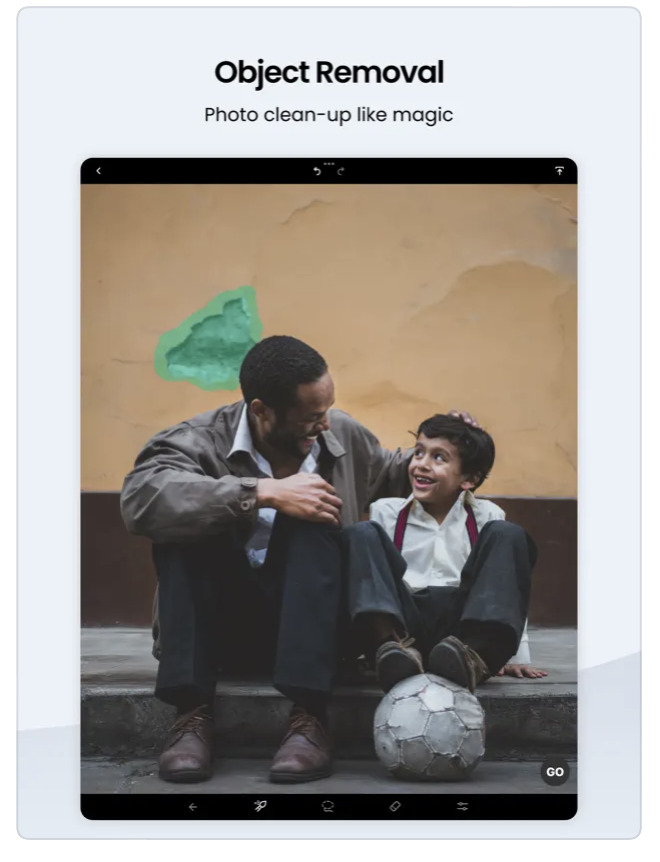
AppArt School – How to Remove Unwanted Objects in your iPhone Photos with TouchRetouch App TouchRetouch is a powerful photo editing app that allows you to remove unwanted objects and blemishes from your photos. Here’s how to use it: Open the TouchRetouch app and select the photo you want to edit. Use the “Object Removal” tool to remove unwanted objects from the photo. Tap the tool, then use your finger to draw around the object you want to remove. Once you’ve finished outlining the object, the app will automatically remove it from the photo. If the app doesn’t remove the object perfectly, use the “Lasso” tool to select the area…
AppArt School – How to Get Started with the Snapseed App
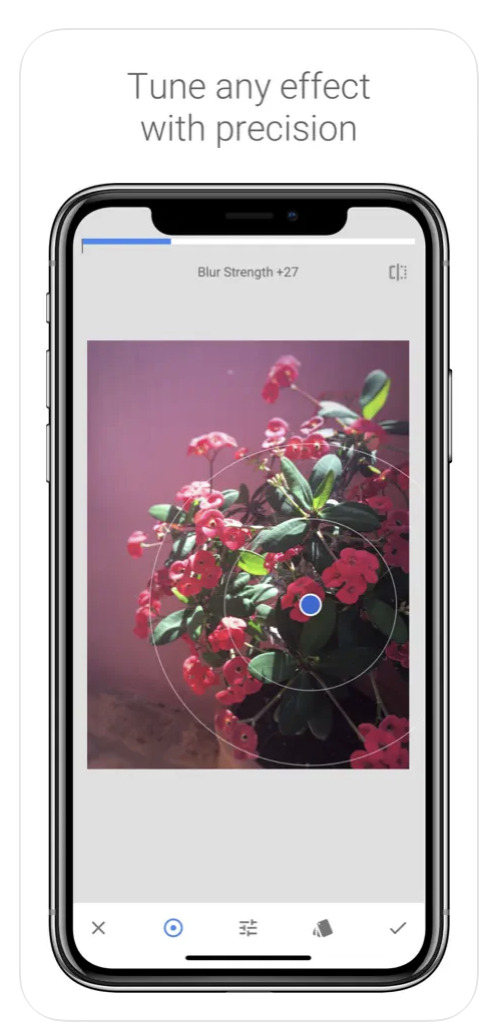
AppArt School – How to Get Started with the Snapseed App Snapseed is a free photo-editing application developed by Google, which is available for both iOS and Android devices. Here are some steps to use the Snapseed app: Install the app: Download the Snapseed app from the App Store or Google Play Store, depending on your device. Once the app is downloaded and installed, open it. Choose a photo: Select the photo you want to edit from your camera roll or take a new photo. Basic adjustments: Snapseed has several tools for basic adjustments, such as brightness, contrast, saturation, etc. You can adjust these settings by selecting the “Tools” icon…
AppArt School – How to Get Started with the Lumafusion App
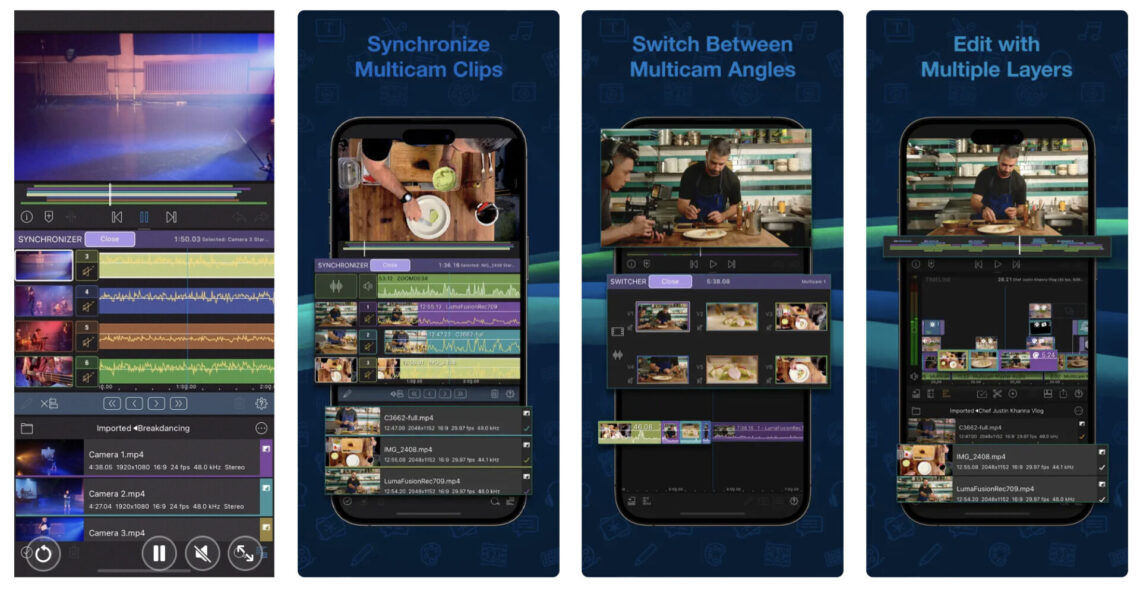
AppArt School – How to Get Started with the Lumafusion App LumaFusion is a professional video editing app for iOS devices, and getting started with it is relatively straightforward. Here are the steps you can follow: Install the app: The first step is to download and install the LumaFusion app from the App Store on your iOS device. Open the app: Once you have installed the app, open it from your device’s home screen. Create a new project: To create a new project, tap on the ‘Create New Project’ button on the main screen. Choose a resolution and frame rate: You will be prompted to select the project’s resolution and…
AppArt School – How to use Reeflex Pro Camera 2 App
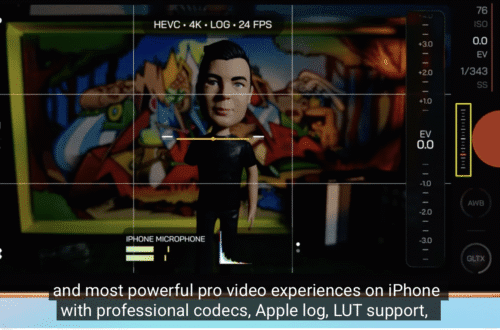
AppArt School – How to use Reeflex Pro Camera 2 App Reeflex Pro Camera 2 is a powerful mobile camera app that provides professional-level features for photography enthusiasts. Here are some basic steps to get started with the app: Install the app: Reeflex Pro Camera 2 is available on the iOS platform. You can download and install it from the App Store. Choose camera mode: Reeflex Pro Camera 2 offers several camera modes – Manual, Semi-Auto, and Auto. Select the mode that best suits your needs. Adjust camera settings: In Manual mode, you can adjust camera settings such as ISO, shutter speed, exposure compensation, and white balance. In Semi-Auto mode,…
AppArt School – How to Use the Apple Watch for Mobile Photography
AppArt School – How to Use the Apple Watch for Mobile Photography The Apple Watch is an ingenious product and it’s not just great for fitness but did you know you can also use it to support your mobile photography. We’ll show you how: The Apple Watch can be used as a remote control for your iPhone camera, allowing you to take photos and videos from a distance. Here are the steps to use your Apple Watch for photography: Make sure your iPhone is unlocked and the Camera app is open. Launch the Camera app on your Apple Watch. The Apple Watch camera app will show a live preview of…
AppArt School – How to Get Started with the Hipstamatic App
One of the most art/photography popular apps, is Hispstamatic and today in our column, AppArt school, we list the steps to get started with it: Hipstamatic is a camera app that allows you to apply various vintage and retro filters to your photos. Here’s how to use Hipstamatic: Download and install the app: You can find Hipstamatic in the App Store or Google Play Store. After installing the app, open it on your phone. Choose your lens, film, and flash: When you first open the app, you’ll see the viewfinder. To apply a filter to your photo, you need to select a combination of lens, film, and flash. Swipe left or…
AppArt School – How to use Slow Shutter Cam App
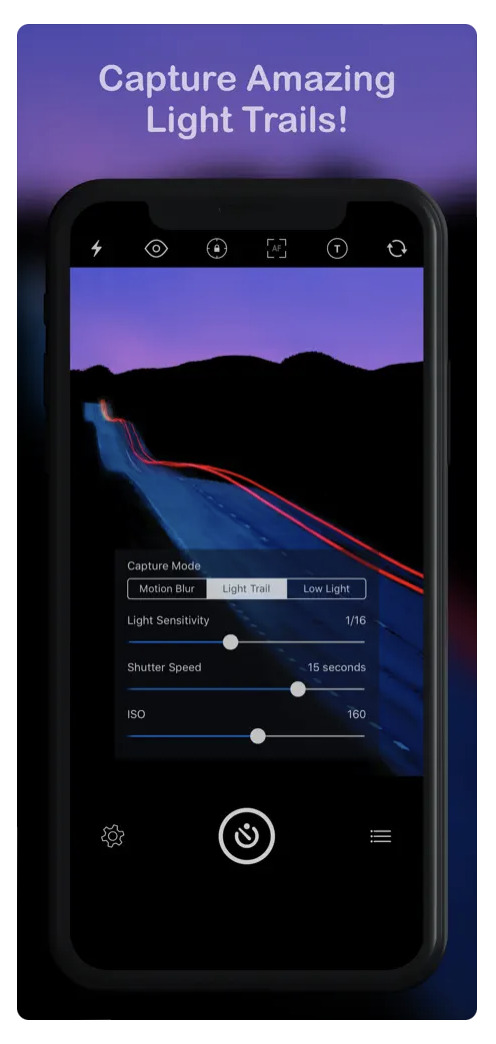
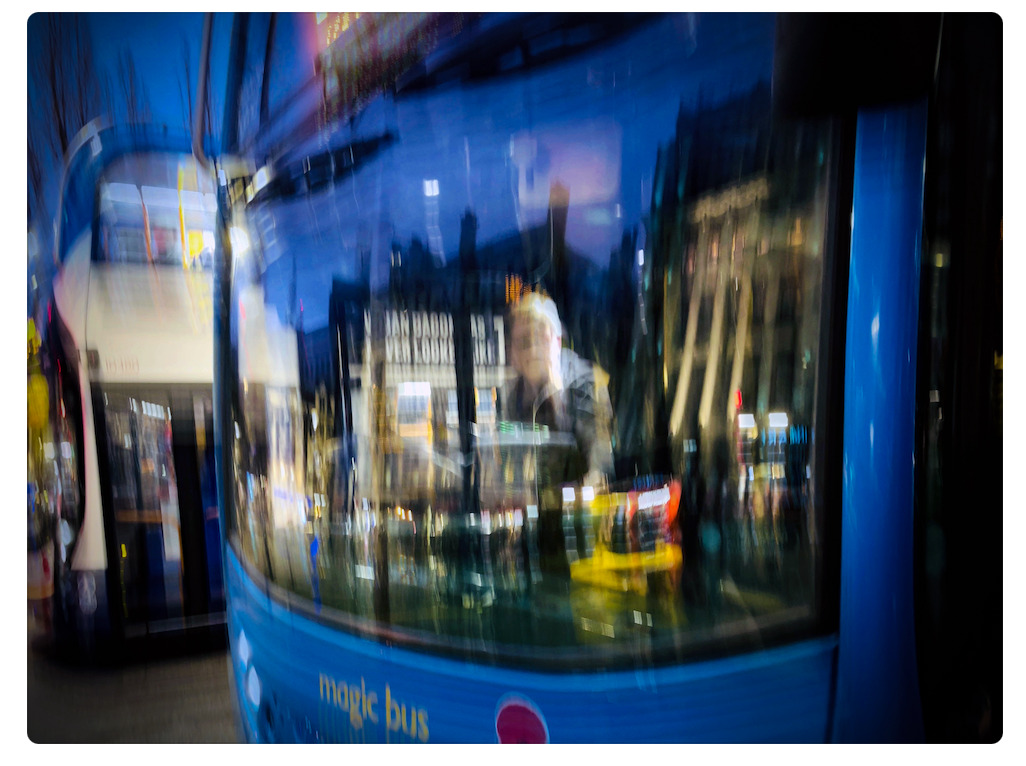
One of the most popular apps, is Slow Shutter Cam and today in our column, AppArt school, we list the steps to get started with it: Slow Shutter Cam is a photography app that allows you to capture long-exposure photos on your mobile device. Download and install the Slow Shutter Cam app from the App Store or Google Play Store. Once you have installed the app, open it and click on the camera icon to start taking pictures. Before taking a photo, you can choose the mode by swiping left or right. The app offers three modes: Motion Blur, Light Trail, and Low Light. Each mode is designed to capture…
Capture steadier video with Action mode
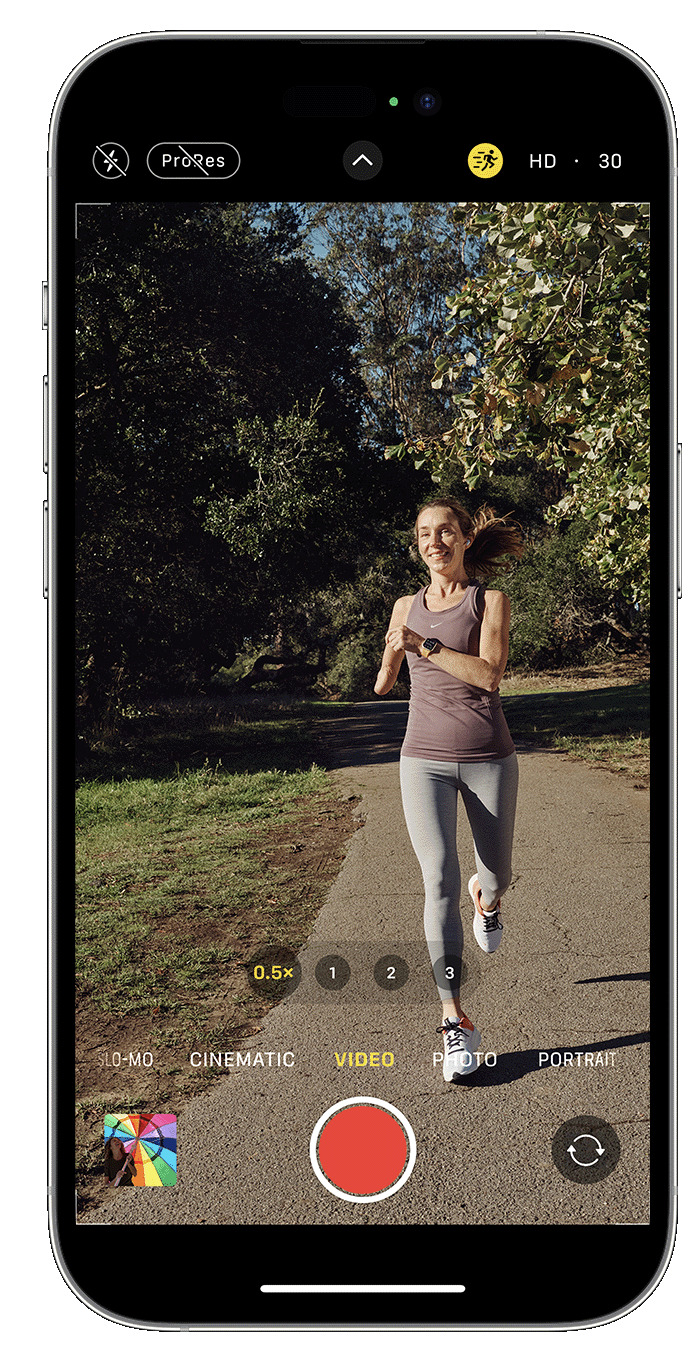
Capture steadier video with Action mode With Action mode on iPhone 14 and iPhone 14 Pro models, you can capture smooth hand-held video even when you’re moving around a lot. Open the Camera app and swipe to Video mode. Tap the button to turn on Action mode. Tap the Shutter button and record your video. Action mode works best with lots of light, and the Camera will display “More light required” if the surrounding area is too dark. You can change your settings to use Action mode in lower light. In the Settings app, tap Camera. Tap Record Video. Turn on Action Mode Lower Light. Action mode can capture video…
URBAN ECHOES: The Art of iPhone Street Photography
URBAN ECHOES: The Art of iPhone Street Photography For generations, street photography has captivated audiences with its raw and unscripted documentation of candid moments in urban settings. The genre has undergone substantial creative evolution over time, yet the core objectives remain: to capture the essence of daily life through a lens of authenticity and an imaginative eye. Inspired by the mid-twentieth-century masters of street photography, I set out to create images with my smartphone that reflect my interpretation of the urban landscape. I am a long-time user and champion of iPhone photography. For more than a decade the device has been a constant companion for me, capturing life’s moments and helping me to…
How to develop RAW files non-destructively with Affinity Photo 2
How to develop RAW files non-destructively with Affinity Photo 2 In Affinity Photo 2, you can now use the Develop Persona in a non-destructive RAW workflow as your ideas emerge. Read on to find out more about this new and highly anticipated feature. Non-destructive RAW editing is finally here, and now in Affinity Photo 2 for both iPad and desktop, you are able to return to and redevelop your image at any time. To get started and to be able to jump back into your RAW image development in the Develop Persona, we need to look into some settings available on the context toolbar. Upon opening your RAW file, you’ll…