APPart
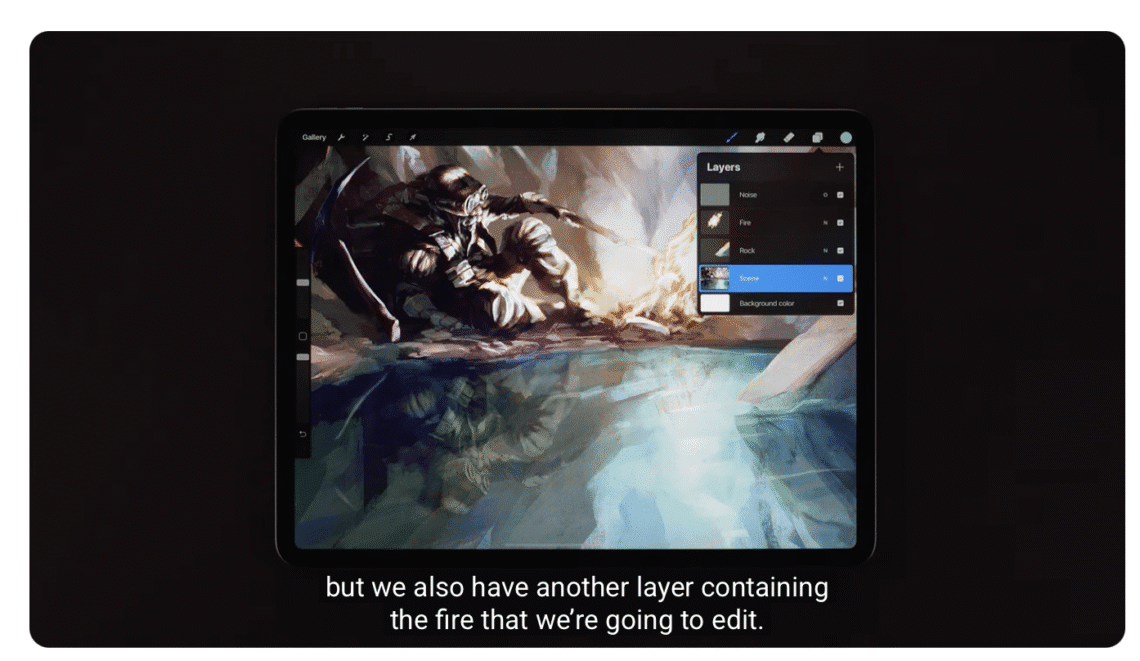
How to use the Liquify Tool in Procreate
How to use the Liquify Tool in Procreate Explore the Liquify tool and its many modes in Procreate. Please support us TheAppWhisperer has always had a dual mission: to promote the most talented mobile artists of the day and to support ambitious, interested viewers worldwide. As the years pass, TheAppWhisperer has gained readers and viewers and has found new venues for that exchange. All this work thrives with the support of our community. Your support helps protect our independence, and we can keep delivering open, global promotion of mobile artists. Every contribution, however big or small, is valuable for our future. Click here to help us
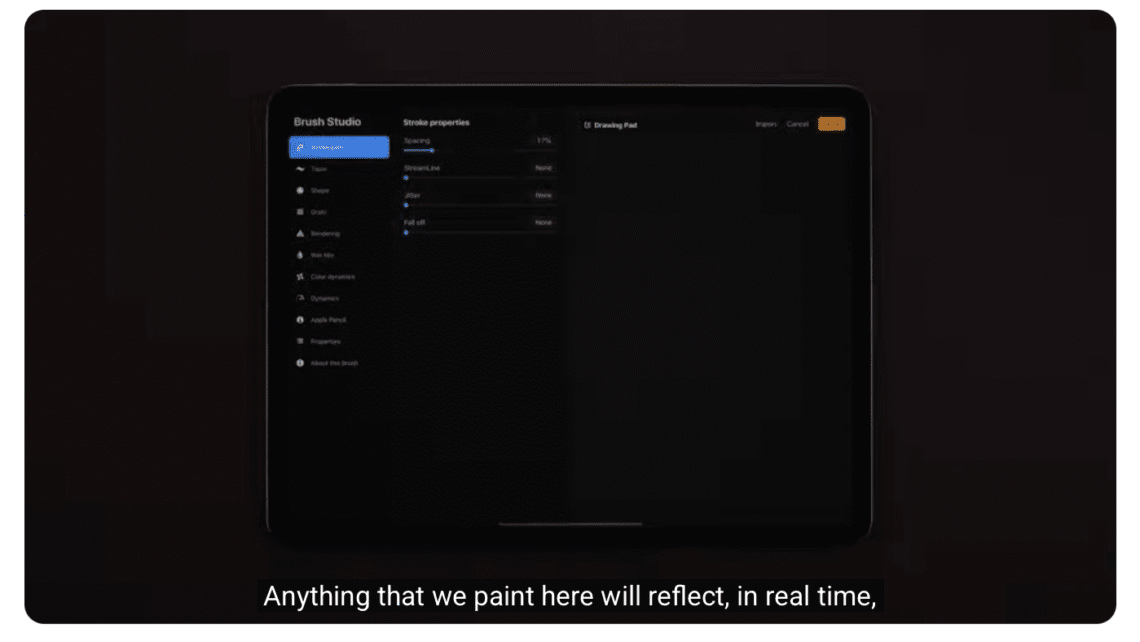
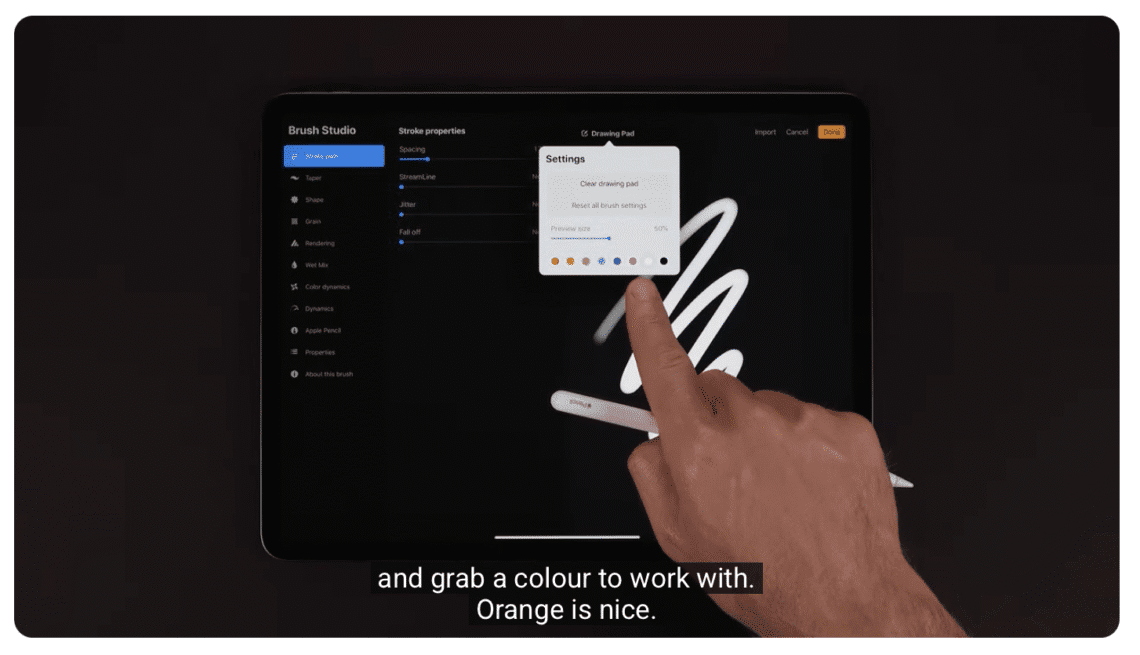
Procreate Brush Studio: Stroke Path
Procreate Brush Studio: Stroke Path Learn everything you need to create and edit brushes in Procreate. Please support us TheAppWhisperer has always had a dual mission: to promote the most talented mobile artists of the day and to support ambitious, interested viewers worldwide. As the years pass, TheAppWhisperer has gained readers and viewers and has found new venues for that exchange. All this work thrives with the support of our community. Your support helps protect our independence, and we can keep delivering open, global promotion of mobile artists. Every contribution, however big or small, is valuable for our future. Click here to help us
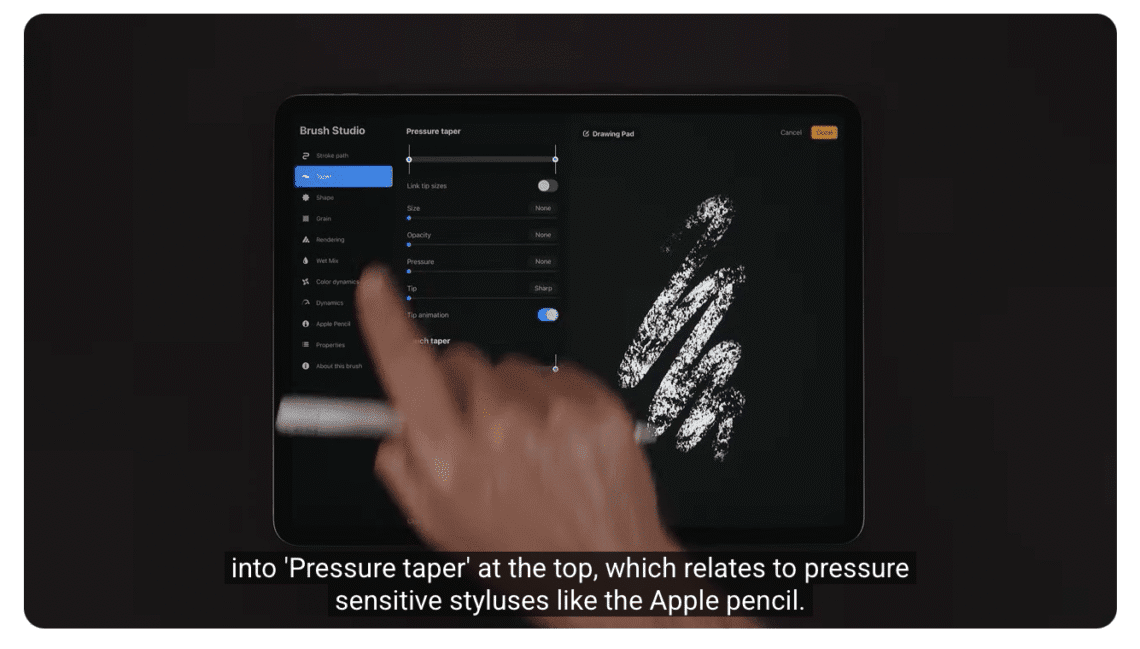
Procreate Brush Studio: Taper
Procreate Brush Studio: Taper Learn everything you need to create and edit brushes in Procreate. Please support us TheAppWhisperer has always had a dual mission: to promote the most talented mobile artists of the day and to support ambitious, interested viewers worldwide. As the years pass, TheAppWhisperer has gained readers and viewers and has found new venues for that exchange. All this work thrives with the support of our community. Your support helps protect our independence, and we can keep delivering open, global promotion of mobile artists. Every contribution, however big or small, is valuable for our future. Click here to help us
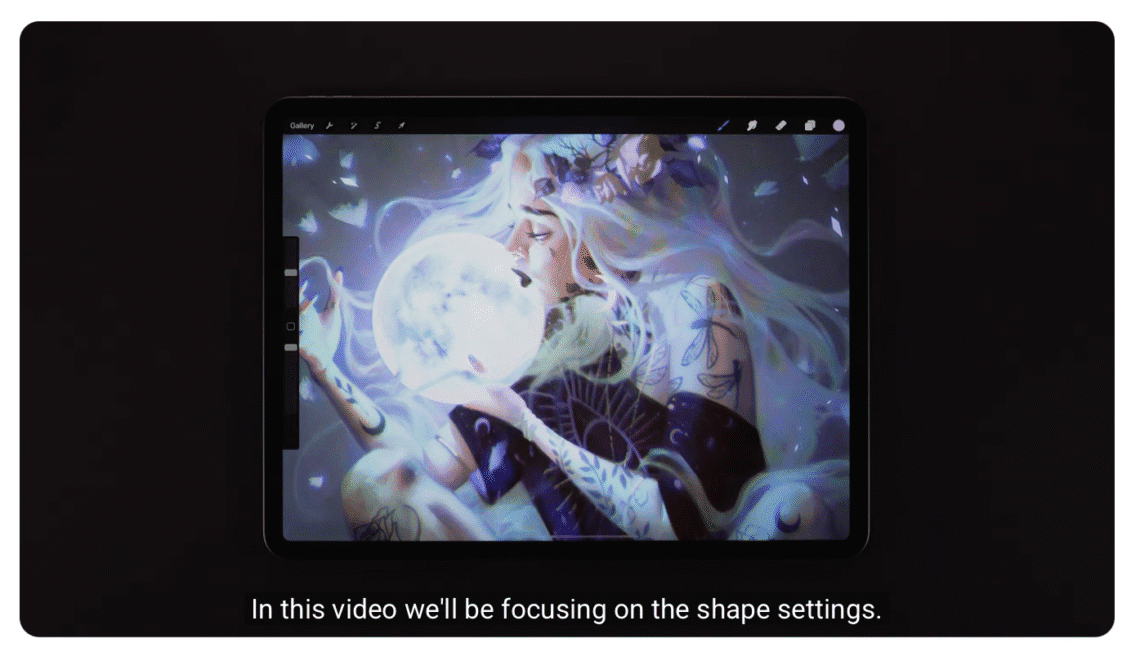
Procreate Brush Studio: Shape
Procreate Brush Studio: Shape Learn everything you need to create and edit brushes in Procreate. Please support us TheAppWhisperer has always had a dual mission: to promote the most talented mobile artists of the day and to support ambitious, interested viewers worldwide. As the years pass, TheAppWhisperer has gained readers and viewers and has found new venues for that exchange. All this work thrives with the support of our community. Your support helps protect our independence, and we can keep delivering open, global promotion of mobile artists. Every contribution, however big or small, is valuable for our future. Click here to help us
Procreate Brush Studio: Grain
Procreate Brush Studio: Grain Learn everything you need to create and edit brushes in Procreate. Please support us TheAppWhisperer has always had a dual mission: to promote the most talented mobile artists of the day and to support ambitious, interested viewers worldwide. As the years pass, TheAppWhisperer has gained readers and viewers and has found new venues for that exchange. All this work thrives with the support of our community. Your support helps protect our independence, and we can keep delivering open, global promotion of mobile artists. Every contribution, however big or small, is valuable for our future. Click here to help us
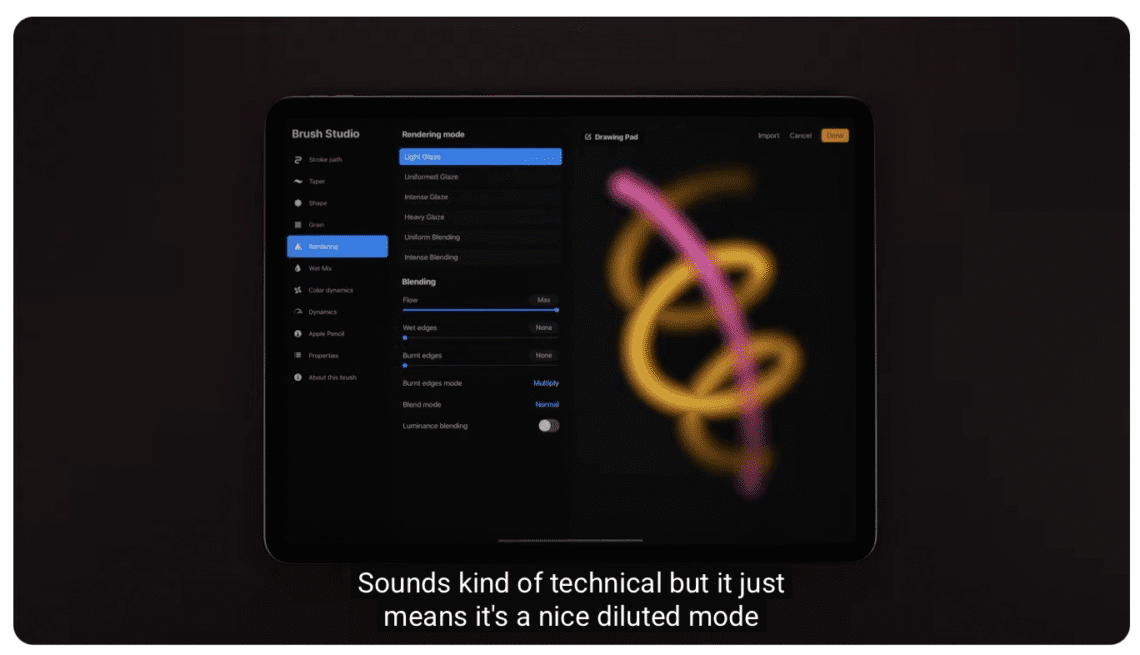
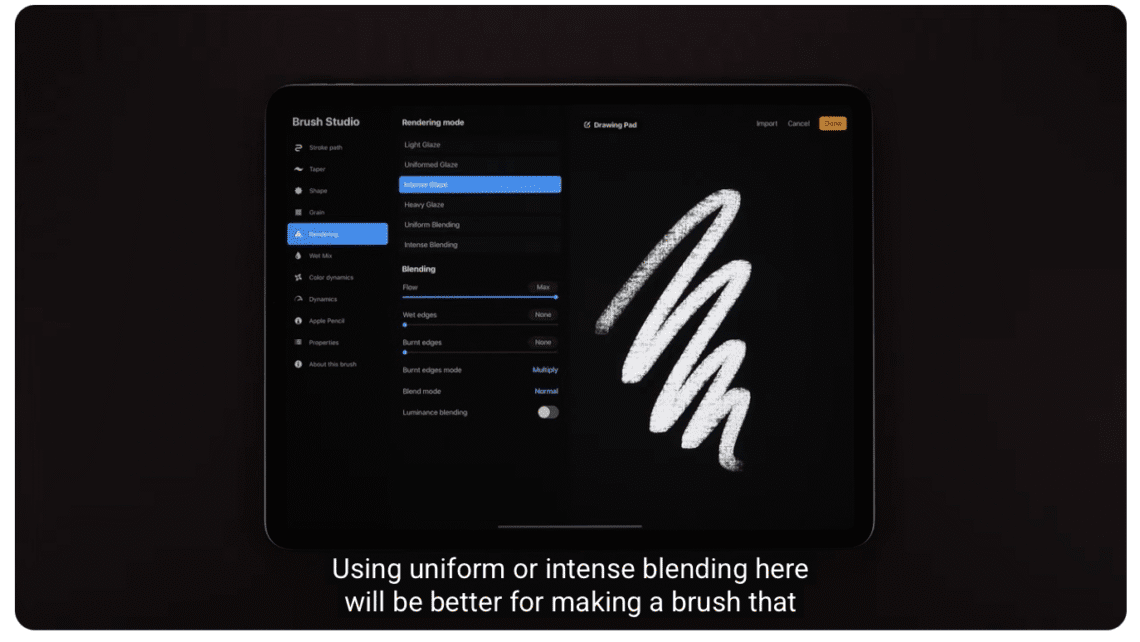
Procreate Brush Studio: Rendering
Procreate Brush Studio: Rendering Learn everything you need to create and edit brushes in Procreate. Please support us TheAppWhisperer has always had a dual mission: to promote the most talented mobile artists of the day and to support ambitious, interested viewers worldwide. As the years pass, TheAppWhisperer has gained readers and viewers and has found new venues for that exchange. All this work thrives with the support of our community. Your support helps protect our independence, and we can keep delivering open, global promotion of mobile artists. Every contribution, however big or small, is valuable for our future. Click here to help us
Procreate – Brush Studio: Wet Mix
Procreate Brush Studio: Wet Mix Learn everything you need to create and edit brushes in Procreate. Please support us TheAppWhisperer has always had a dual mission: to promote the most talented mobile artists of the day and to support ambitious, interested viewers worldwide. As the years pass, TheAppWhisperer has gained readers and viewers and has found new venues for that exchange. All this work thrives with the support of our community. Your support helps protect our independence, and we can keep delivering open, global promotion of mobile artists. Every contribution, however big or small, is valuable for our future. Click here to help us
Procreate – Brush Studio: Colour Dynamics
Procreate – Brush Studio: Colour Dynamics Learn everything you need to create and edit brushes in Procreate. Please support us TheAppWhisperer has always had a dual mission: to promote the most talented mobile artists of the day and to support ambitious, interested viewers worldwide. As the years pass, TheAppWhisperer has gained readers and viewers and has found new venues for that exchange. All this work thrives with the support of our community. Your support helps protect our independence, and we can keep delivering open, global promotion of mobile artists. Every contribution, however big or small, is valuable for our future. Click here to help us
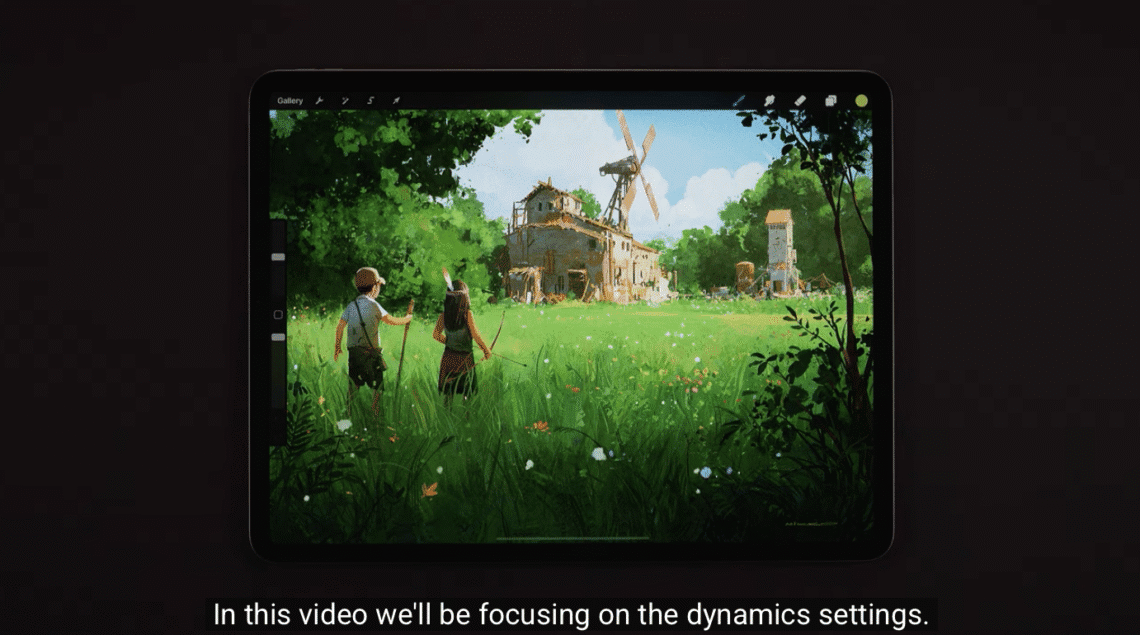
Procreate – Brush Studio: Dynamics
Procreate – Brush Studio: Dynamics Learn everything you need to create and edit brushes in Procreate. Please support us TheAppWhisperer has always had a dual mission: to promote the most talented mobile artists of the day and to support ambitious, interested viewers worldwide. As the years pass, TheAppWhisperer has gained readers and viewers and has found new venues for that exchange. All this work thrives with the support of our community. Your support helps protect our independence, and we can keep delivering open, global promotion of mobile artists. Every contribution, however big or small, is valuable for our future. Click here to help us
You May Also Like

AppArt School – What are the best photo storage apps for backing up my photos?
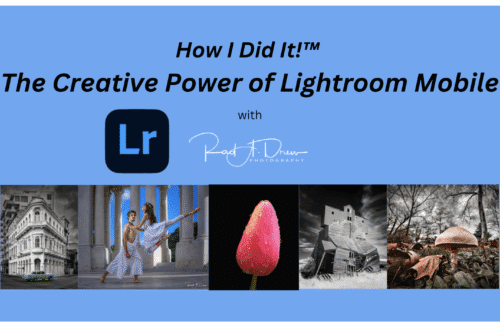
How I Did It!™; The Creative Power of Lightroom Mobile; Edit with Intention. Create with Vision. All from Your Mobile Device! – Thursday, August 14, 6:30 PM EST

AppArt School – How to Search for Photos on iPhone
Procreate – Brush Studio: Apple Pencil
Procreate – Brush Studio: Apple Pencil Learn everything you need to create and edit brushes in Procreate. Please support us TheAppWhisperer has always had a dual mission: to promote the most talented mobile artists of the day and to support ambitious, interested viewers worldwide. As the years pass, TheAppWhisperer has gained readers and viewers and has found new venues for that exchange. All this work thrives with the support of our community. Your support helps protect our independence, and we can keep delivering open, global promotion of mobile artists. Every contribution, however big or small, is valuable for our future. Click here to help us