• News
  • INTERVIEWS
    • Vogue
    • LensCulture Articles
    • IntImate Interview
    • Reviews
    • High-Brow Interviews
    • TrueView Interviews
    • App Developer Interviews
    • A Day In The Life Of …
    • ‘Impossible’ Project Interviews
    • A Picture’s Worth…
    • Olloclip Interviews
    • Brought To Light
    • Extension Of The I
    • Artists’ Corner
    • Building Mobile Bridges with Instagram
    • Photo App Lounge
    • Spotlight
    • Photographs and text
    • Spotlight
    • Alternative Mobile Photography Processing
    • Pro Columns
  • TUTORIALS
    • App Art School
    • Creative Tutorials
      • Video Tutorials
      • Technical Tutorials
      • Hardware Tutorials
      • Viral SmartPhone Photography & Video Techniques
  • FEATURES
    • Tip Of The Day
    • Tickle Your Fancy
    • Saturday Poetry
    • Giveaways
    • Video Reviews
    • Drone
    • Apps
      • Amazon Appstore
      • Samsung Apps
      • Android Apps
      • BlackBerry Apps
      • 645 PRO
      • PhotoToaster
      • Windows Apps
      • Analog Camera
      • Color Lake
      • Etchings
      • Photo & Video
      • Image Blender
      • PhotoStation
      • MyPadLive
      • ProCamera
      • ProCam
      • Wood Camera
      • Photo Tool Apps
      • Apple Watch
      • iBooks Photo Books
      • Hardware
      • Photographic TED Talks
      • Mob-Entrepreneurs
      • Instagram Mobile Photographers To Follow Now
      • Indiegogo & Kickstarter Campaigns
      • Mobile Photography Courses
      • RUMORS
      • Photography & Art Magazines
      • Photography Books
      • SECTIONS
    • Exhibitions
    • Creative Grants and Residencies
    • Podcasts
    • Pic of the Day
    • Whisperings…
    • Mini Mobile Portfolio Reviews (MMPR)
    • Events
    • Venues
    • SHOWCASES
    • COLUMNS
      • COLUMNISTS
      • Draw the Line – Mobile Art as an Expression
      • StreetWise
      • Streets Ahead
      • Portrait of an Artist
      • APPart
      • Appstrax
      • Mobile Movies
      • Artistic Anarchy – Mobile Collusions
      • Ask Misho
      • Fly On The Wall
      • iFoto Fairchild
      • iObsess
      • Koci
      • iSights
      • Mobile Macro Photography
      • Photo Education & Accessibility
      • ItalianBrother
      • Mobile Photo Essays
      • Kuster
      • PictureBook
      • Portrayal
      • The Guetta Fringe
      • parallel II perspectives
      • The New Renaissance
      • Is There An App For That?
      • Vision & Voice
      • Tiny Shutter
      • The Picture Project
      • The App Nerds Workshop
      • StreetVIEW
      • Spare Moments
      • Shooting Star
  • About
    • Contact Us
      • Twitter
      • Instagram
      • YouTube
      • Support Us
  • GALLERY
  • News
  • INTERVIEWS
    • Vogue
    • LensCulture Articles
    • IntImate Interview
    • Reviews
    • High-Brow Interviews
    • TrueView Interviews
    • App Developer Interviews
    • A Day In The Life Of …
    • ‘Impossible’ Project Interviews
    • A Picture’s Worth…
    • Olloclip Interviews
    • Brought To Light
    • Extension Of The I
    • Artists’ Corner
    • Building Mobile Bridges with Instagram
    • Photo App Lounge
    • Spotlight
    • Photographs and text
    • Spotlight
    • Alternative Mobile Photography Processing
    • Pro Columns
  • TUTORIALS
    • App Art School
    • Creative Tutorials
      • Video Tutorials
      • Technical Tutorials
      • Hardware Tutorials
      • Viral SmartPhone Photography & Video Techniques
  • FEATURES
    • Tip Of The Day
    • Tickle Your Fancy
    • Saturday Poetry
    • Giveaways
    • Video Reviews
    • Drone
    • Apps
      • Amazon Appstore
      • Samsung Apps
      • Android Apps
      • BlackBerry Apps
      • 645 PRO
      • PhotoToaster
      • Windows Apps
      • Analog Camera
      • Color Lake
      • Etchings
      • Photo & Video
      • Image Blender
      • PhotoStation
      • MyPadLive
      • ProCamera
      • ProCam
      • Wood Camera
      • Photo Tool Apps
      • Apple Watch
      • iBooks Photo Books
      • Hardware
      • Photographic TED Talks
      • Mob-Entrepreneurs
      • Instagram Mobile Photographers To Follow Now
      • Indiegogo & Kickstarter Campaigns
      • Mobile Photography Courses
      • RUMORS
      • Photography & Art Magazines
      • Photography Books
      • SECTIONS
    • Exhibitions
    • Creative Grants and Residencies
    • Podcasts
    • Pic of the Day
    • Whisperings…
    • Mini Mobile Portfolio Reviews (MMPR)
    • Events
    • Venues
    • SHOWCASES
    • COLUMNS
      • COLUMNISTS
      • Draw the Line – Mobile Art as an Expression
      • StreetWise
      • Streets Ahead
      • Portrait of an Artist
      • APPart
      • Appstrax
      • Mobile Movies
      • Artistic Anarchy – Mobile Collusions
      • Ask Misho
      • Fly On The Wall
      • iFoto Fairchild
      • iObsess
      • Koci
      • iSights
      • Mobile Macro Photography
      • Photo Education & Accessibility
      • ItalianBrother
      • Mobile Photo Essays
      • Kuster
      • PictureBook
      • Portrayal
      • The Guetta Fringe
      • parallel II perspectives
      • The New Renaissance
      • Is There An App For That?
      • Vision & Voice
      • Tiny Shutter
      • The Picture Project
      • The App Nerds Workshop
      • StreetVIEW
      • Spare Moments
      • Shooting Star
  • About
    • Contact Us
      • Twitter
      • Instagram
      • YouTube
      • Support Us
  • GALLERY
  • apps
    App Art School,  APPart,  Creative Tutorials,  News,  Technical Tutorials

    AppArt School – How to Capture steadier video with Action mode

    2023-05-23 / Comments Off on AppArt School – How to Capture steadier video with Action mode

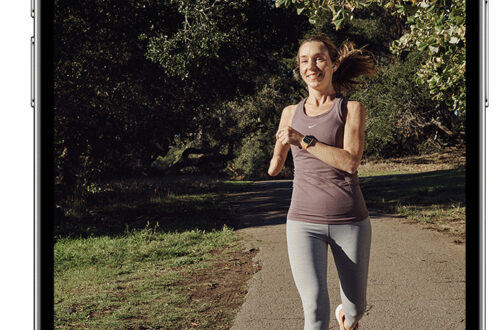
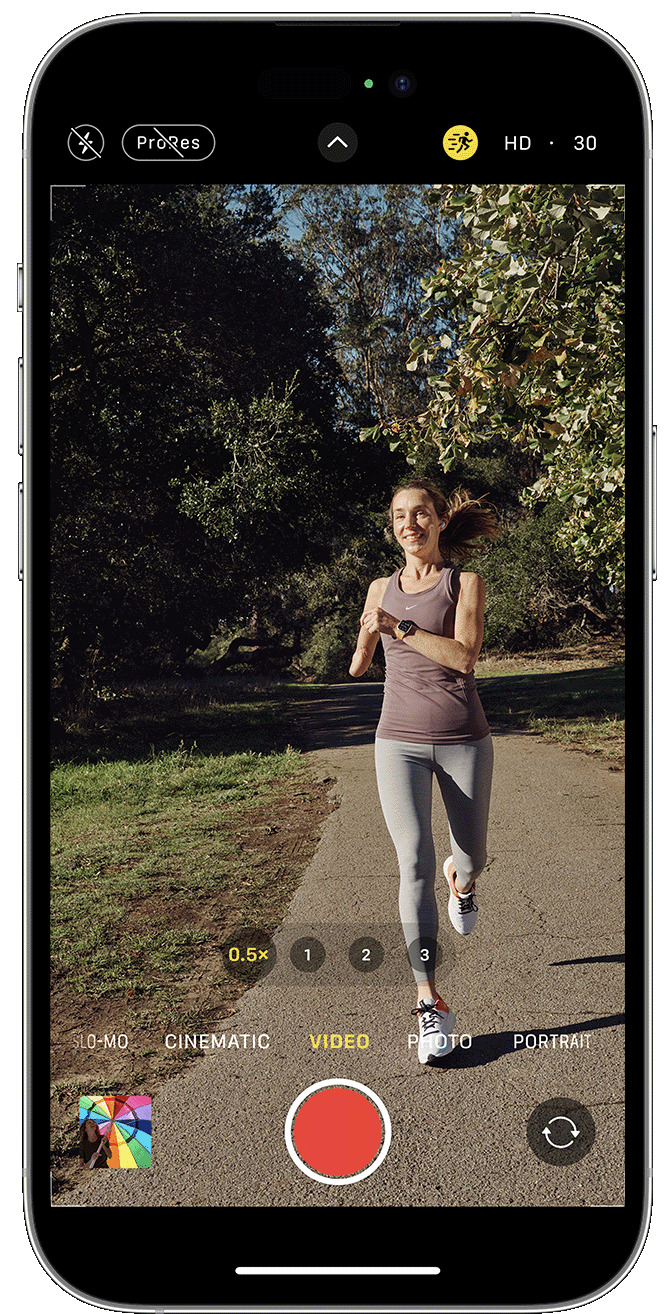
    AppArt School – How to Capture steadier video with Action mode With Action mode on iPhone 14 and iPhone 14 Pro models, you can capture smooth hand-held video even when you’re moving around a lot. Open the Camera app and swipe to Video mode. Tap the button to turn on Action mode. Tap the Shutter button and record your video. Action mode works best with lots of light, and the Camera will display “More light required” if the surrounding area is too dark. You can change your settings to use Action mode in lower light. In the Settings app, tap Camera. Tap Record Video. Turn on Action Mode Lower Light. Action…

    read more
    Joanne Carter

    You May Also Like

    best

    BEST Video Settings for Blackmagic Camera App! (2026)

    2026-02-27
    Affinity Photo

    App Art School – Affinity Photo iPad – Blend modes

    2020-08-26
    mobile

    Exploring Stabilisation in Procreate’s Brush Studio

    2025-11-04
  • AppArt
    App Art School,  APPart,  Creative Tutorials,  News,  Technical Tutorials

    AppArt School – How to Lock in your look with Photographic Styles

    2023-05-22 / Comments Off on AppArt School – How to Lock in your look with Photographic Styles

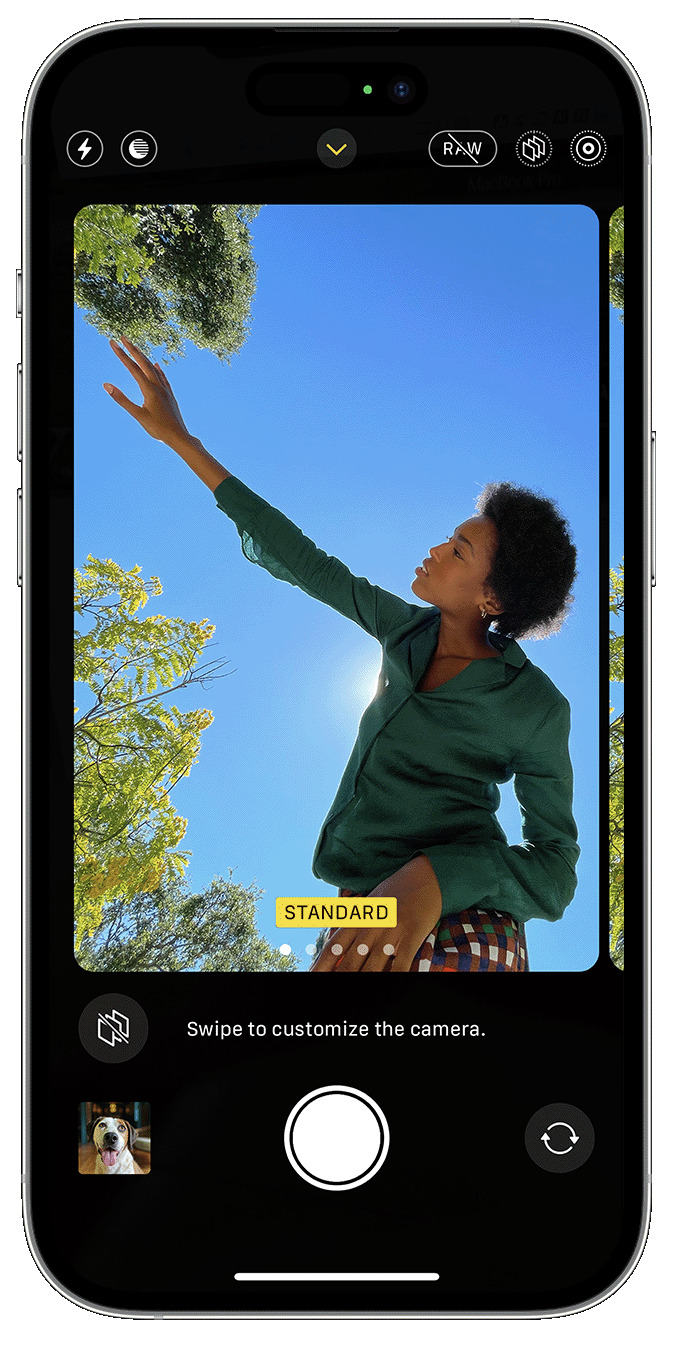
    AppArt School – How to Lock in your look with Photographic Styles With Photographic Styles on iPhone 13, iPhone SE (3rd generation) and later, you can personalise the look of your images in the Camera app. Choose a preset – Rich Contrast, Vibrant, Warm or Cool – and if you want to, you can fine-tune it even further by adjusting the Tone and Warmth settings. Set your style once to use your preferred style setting every time you take a photo in Photo mode. Set up a Photographic Style When you open the Camera app for the first time, tap Set Up to choose your Photographic Style. Swipe through the…

    read more
    Joanne Carter

    You May Also Like

    Affinity Photo

    App Art School – How to perfect a portrait in Affinity Photo for iPad with Drue Photo

    2020-07-31
    iphone

    I Upgraded the iPhone Air’s Camera

    2025-11-20
    lumafusion

    AppArt School – How to Get Started with the Lumafusion App

    2023-04-25
  • AppArt School
    App Art School,  APPart,  Creative Tutorials,  News,  Technical Tutorials

    AppArt School – How to Use Night mode on your iPhone

    2023-05-19 / Comments Off on AppArt School – How to Use Night mode on your iPhone

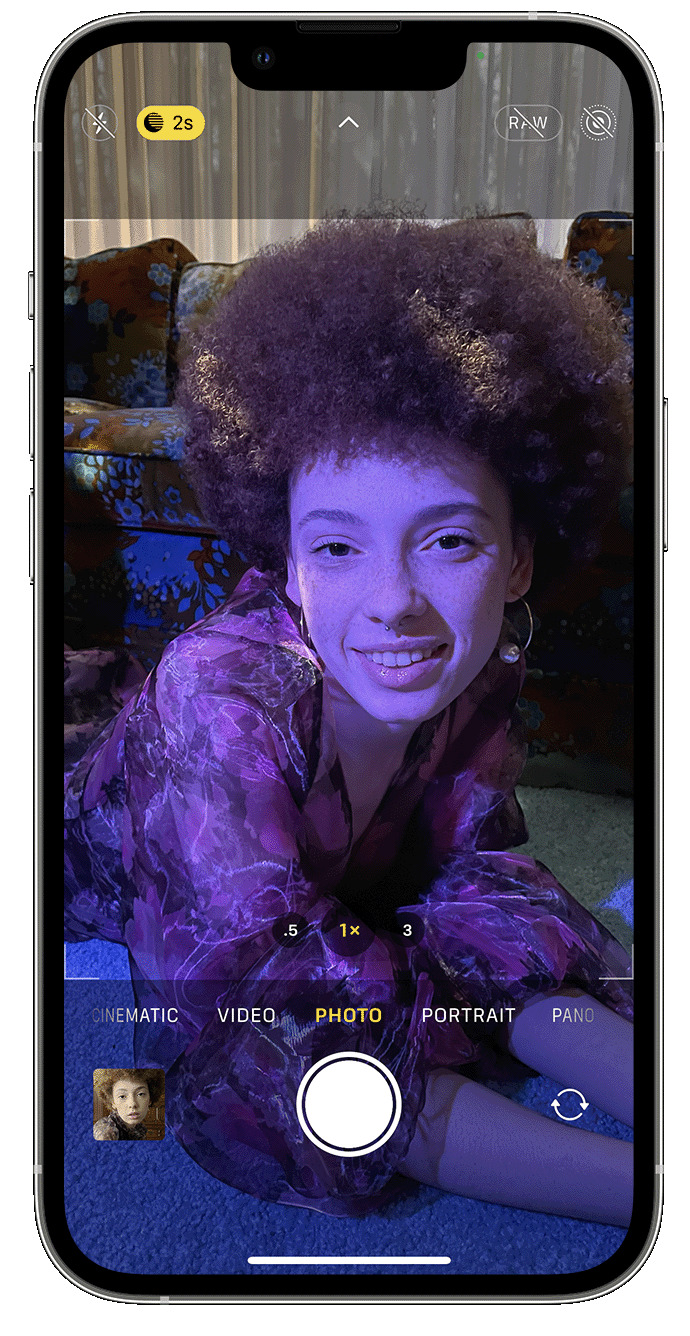
    AppArt School – How to Use Night mode on your iPhone On supported iPhone models, you can use Night mode to capture photos when the camera detects a low-light environment. You can use Night mode with iPhone 11 and later. Take low-light photos with Night mode Night mode turns on automatically when the camera detects a low-light environment. The Night mode icon  at the top of the display turns yellow when the feature is active. Depending on how dark the scene is, your iPhone may take a Night mode photo quickly, or it may take several seconds. You can also adjust your exposure setting. For the best results, hold your iPhone steady until the…

    read more
    Joanne Carter

    You May Also Like

    Affinity

    App Art School – Creating a fantasy composite in Affinity Photo with Affinity Revolution

    2020-09-09
    art

    AppArt School – How to Shoot Professional Monochrome Images with an iPhone

    2023-06-07
    Lightroom

    How I Did It!™; The Creative Power of Lightroom Mobile; Edit with Intention. Create with Vision. All from Your Mobile Device! – Thursday, August 14, 6:30 PM EST

    2025-08-07
  • slow shutter
    App Art School,  APPart,  Creative Tutorials,  News,  Technical Tutorials

    AppArt School – Top 10 iOS Slow Shutter Apps

    2023-05-16 / Comments Off on AppArt School – Top 10 iOS Slow Shutter Apps

    AppArt School – Top 10 iOS Slow Shutter Apps An iOS slow shutter app is designed to simulate the effect of using a slow shutter speed on a traditional camera. Normally, when you take a photo with a fast shutter speed, it freezes the motion and captures a sharp image. However, when you use a slow shutter speed, it allows the camera’s sensor to capture light over a longer period, resulting in unique effects. Here’s what an iOS slow shutter app typically offers: Long Exposure Photography: The app allows you to capture long exposure photos using your iPhone’s camera. This means you can capture scenes with moving subjects, such as…

    read more
    Joanne Carter

    You May Also Like

    moment Pro II

    Moment Pro Camera II Tutorial — Best Settings for Cinematic Pro Video on iPhone

    2025-12-10
    procreate

    How to control Layer Visibility in Procreate

    2025-09-22
    Procreate

    How to utilise the Color Disc in Procreate

    2025-10-09
  • apps icolorama
    App Art School,  APPart,  Creative Tutorials,  News,  Technical Tutorials

    AppArt School – How to Get Creative with the iColorama Painting App

    2023-05-11 / Comments Off on AppArt School – How to Get Creative with the iColorama Painting App

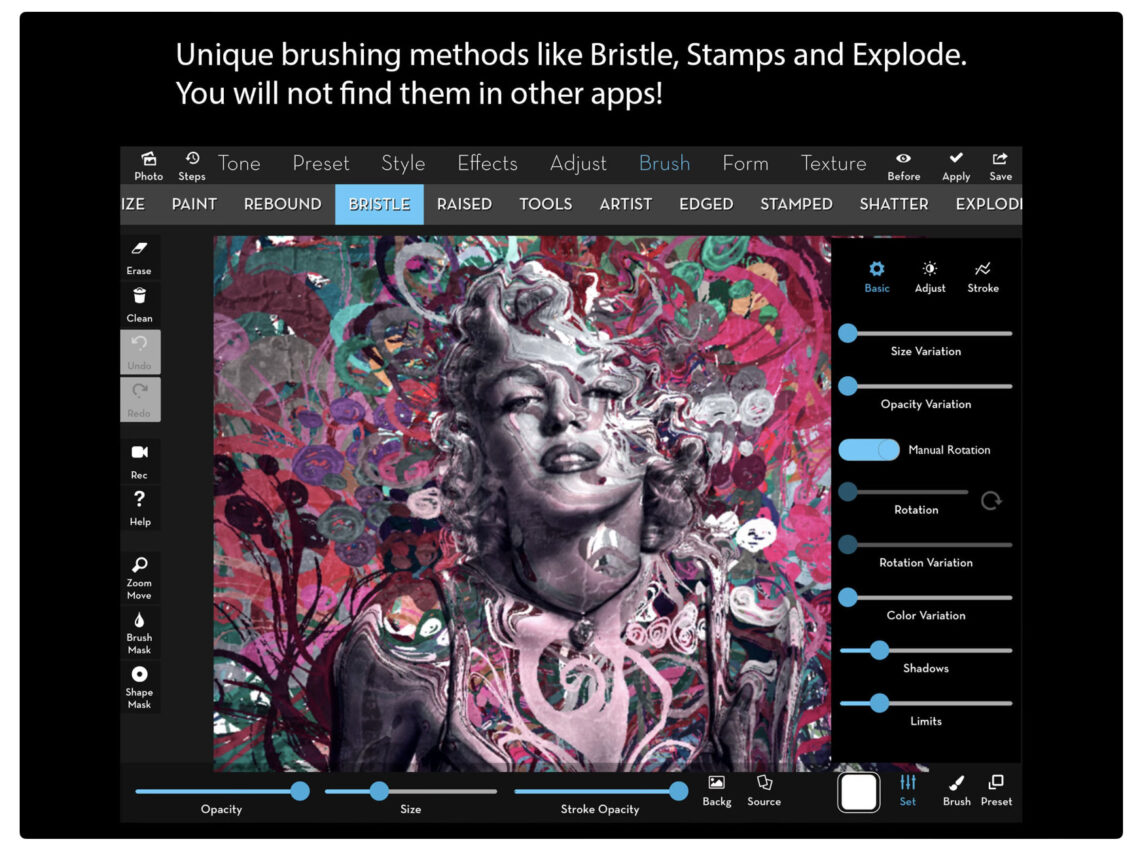
    AppArt School – AppArt School – How to Get Creative with the iColorama Painting App To get creative with the iColorama painting app, you can explore various features and techniques offered by the app. Here are some tips to help you unleash your creativity: Familiarise Yourself with the Tools: Take some time to explore the different painting tools available in iColorama. Experiment with brushes, pens, and other artistic tools to understand their effects and variations. Play with Brush Settings: Adjust the size, opacity, and hardness of the brushes to create different strokes and textures. Experiment with different brush settings to achieve the desired artistic effect. Layering and Blending: Take advantage…

    read more
    Joanne Carter

    You May Also Like

    mobile photography

    Mastering Winter Mobile Photography with Affinity Photo

    2020-12-04
    Procreate

    How to Create a Text Layer in Procreate

    2025-09-18
    LumaFusion

    App Art School – How To Trim Clips on the Timeline in LumaFusion – Mobile Film

    2020-08-04
  • apps
    App Art School,  APPart,  Creative Tutorials,  News,  Technical Tutorials

    AppArt School – Ten iOS Painting Apps that offer Tutorials, Community Features, or Resources to Help Improve your Painting Skills

    2023-05-10 / Comments Off on AppArt School – Ten iOS Painting Apps that offer Tutorials, Community Features, or Resources to Help Improve your Painting Skills

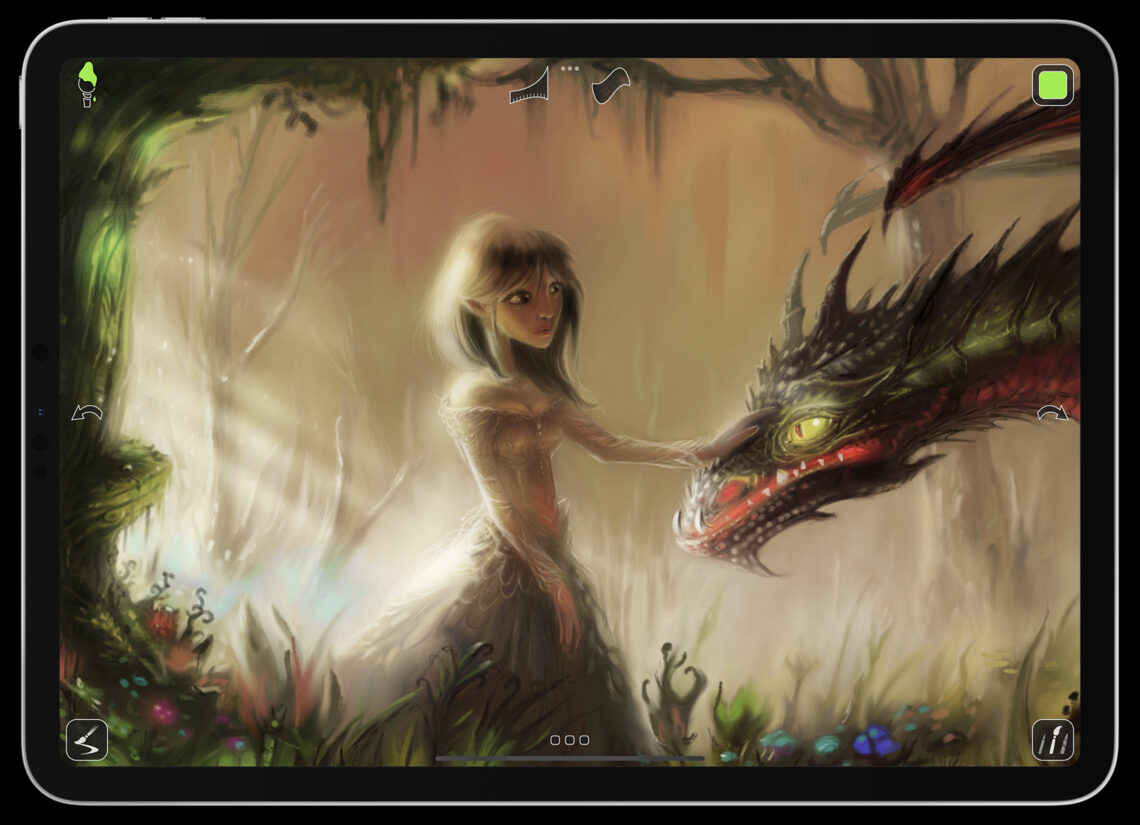
    AppArt School – Ten iOS Painting Apps that offer Tutorials, Community Features, or Resources to Help Improve your Painting Skills Procreate: Procreate is a highly popular and feature-rich painting app that provides a vast library of tutorials, both within the app and on their official website. They offer step-by-step guides, video tutorials, and an active community where artists can share their work and receive feedback. Autodesk SketchBook: SketchBook offers a variety of tutorials and learning resources to help artists enhance their skills. Their extensive tutorial library covers different techniques and workflows, and they have a community platform where you can connect with fellow artists and seek advice. Adobe Fresco: Adobe…

    read more
    Joanne Carter

    You May Also Like

    best

    BEST Video Settings for Blackmagic Camera App! (2026)

    2026-02-27
    appart

    AppArt School – Ten iOS Video Apps to Enhance Your Instagram Posts

    2023-05-08
    art

    App Art School – Create Compositionally Pleasing Photographs – Recrop

    2020-07-14
  • app
    App Art School,  APPart,  Creative Tutorials,  News,  Technical Tutorials

    AppArt School – What are the Best Ten iOS Art Apps for Digital Painting and Illustration?

    2023-05-09 / Comments Off on AppArt School – What are the Best Ten iOS Art Apps for Digital Painting and Illustration?

    AppArt School – What are the best ten iOS art apps for digital painting and illustration? Here are ten highly regarded iOS art apps for digital painting and illustration: Procreate: Procreate is a powerful and feature-rich app that offers an extensive range of tools and brushes. It provides a fluid and responsive drawing experience with advanced layering, blending modes, and customizable brushes. Adobe Fresco: Adobe Fresco combines the feel of traditional painting with the versatility of digital tools. It offers realistic brush options, intuitive interface, and seamless integration with other Adobe Creative Cloud apps. Autodesk Sketchbook: Autodesk Sketchbook is a professional-grade app that provides a wide variety of brushes and…

    read more
    Joanne Carter

    You May Also Like

    procreate

    How to navigate the canvas in Transform Mode in Procreate

    2025-10-07
    procreate

    How to control Layer Visibility in Procreate

    2025-09-19
    LumaFusion

    App Art School – How to Edit Videos on iPhone & iPad: LumaFusion Tutorial

    2022-01-05
  • appart
    App Art School,  APPart,  Creative Tutorials,  News,  Technical Tutorials

    AppArt School – Ten iOS Video Apps to Enhance Your Instagram Posts

    2023-05-08 / 1 Comment

    AppArt School – Ten iOS Video Apps to Enhance Your Instagram Posts If you’re specifically looking for Apple iOS video apps to enhance your Instagram posts, here are ten popular options: InShot: InShot is a versatile video editing app that offers a wide range of features such as trimming, cutting, merging, applying filters, adding music, text, and stickers to your videos. It’s user-friendly and provides various editing tools to create engaging content. Adobe Premiere Rush: Adobe Premiere Rush is a powerful video editing app that provides professional-grade editing tools in a user-friendly interface. It allows you to edit videos, add transitions, apply color filters, and even edit audio. It seamlessly…

    read more
    Joanne Carter

    You May Also Like

    mobile photography

    App Art School – J-Cuts and L-Cuts with LumaFusion – MobileFilm

    2020-08-06
    art

    AppArt School – How to Shoot Professional Monochrome Images with an iPhone

    2023-06-07
    video

    Capture steadier video with Action mode

    2023-02-08
  • afterlight
    App Art School,  APPart,  Creative Tutorials,  News,  Technical Tutorials

    AppArt School – How to use the Afterlight app to improve your Street Photography

    2023-05-05 / 1 Comment

    AppArt School – How to use the Afterlight app to improve your Street Photography Here are 10 steps to help you use the Afterlight app to improve your street photography: Open Afterlight and import your street photography image. Adjust the brightness, contrast, and exposure of the image using the app’s basic editing tools. This can help bring out the details and colors in your street photography. Use the app’s sharpening tool to enhance the details in your image. This can help make the street scenes appear sharper and more detailed. Experiment with the app’s various filters to find one that suits your street photography. You can adjust the strength of…

    read more
    Joanne Carter

    You May Also Like

    Adobe Photoshop Camera

    App Art School – Adding Grit with Adobe Photoshop Camera

    2020-07-30

    Procreate Beginners Series – Part Three | Editing Tools

    2025-07-02
    procreate

    Procreate – How to use Layer Select in Procreate

    2025-08-06
  • apps
    App Art School,  APPart,  Creative Tutorials,  News,  Technical Tutorials

    AppArt School – Top 10 iOS Apps to Make your Instagram Posts Great

    2023-05-04 / 1 Comment

    AppArt School – Ten iOS apps that can aid in creating and enhancing Instagram posts: Instagram: The first and most important app for Instagram users is the Instagram app itself. It allows you to post photos and videos, engage with other users, and stay up to date with the latest trends and hashtags. Canva: Canva is a graphic design app that offers a range of templates and design elements for creating professional-looking visuals. You can use it to create custom images and graphics for your Instagram posts. VSCO: VSCO is a popular photo editing app that offers advanced editing tools and filters for fine-tuning color, exposure, and tone. It also…

    read more
    Joanne Carter

    You May Also Like

    procreate

    Procreate – How to use Animation Assist in Procreate

    2025-08-04
    procreate

    Procreate – Brush Studio: Wet Mix

    2025-08-26
    Procreate

    How to utilise the Color Disc in Procreate

    2025-10-09
 Older Posts
Newer Posts 

Visit our online Print Gallery

    ©TheAppWhisperer 2026
    • News
    • INTERVIEWS
    • TUTORIALS
    • FEATURES
    • About
    • GALLERY
    Ashe Theme by WP Royal.