TUTORIALS
iPhone Photography Technical Tutorial – VectorSNAP and iColorama: Step-by-Step Pop Art – By Jerry Jobe
We’re delighted to publish Jerry Jobe’s latest tutorial, this weeks tutorial is with the VectorSNAP app along with a step-by-step procedural for using the output of VectorSNAP as a mask. I think you will enjoy this very much, over to you Jerry. (foreword by Joanne Carter). “About a week ago, a friend alerted me to the app VectorSNAP, which creates a black and white version of your images – solid black and white – with smoothed edges. This image can either be saved as a normal image file or as a vector file that can be adjusted with desktop products like Adobe Illustrator or Inkscape. However, the first thing I…
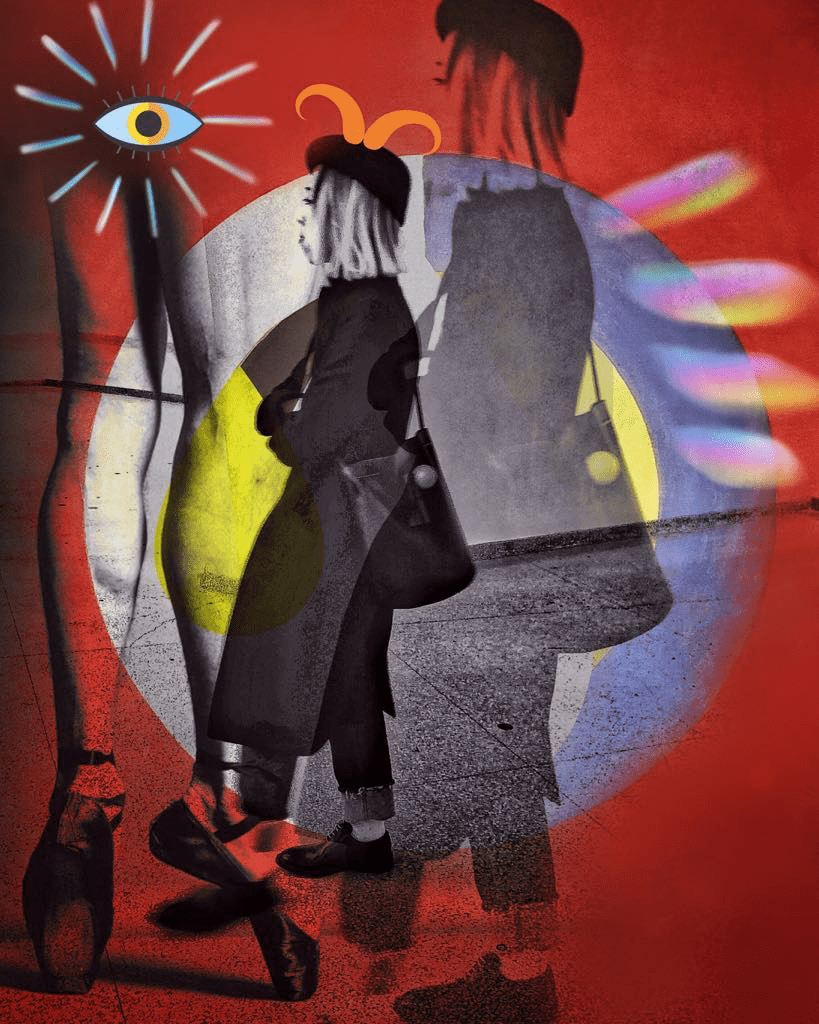
Richard Smith explores unexpected interrelationships between everyday images through surrealist photomontage.
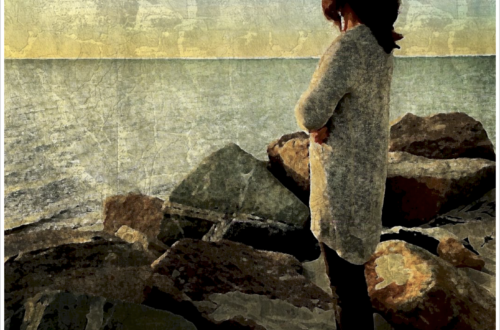
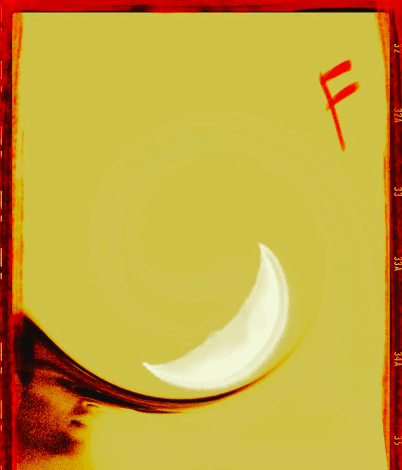
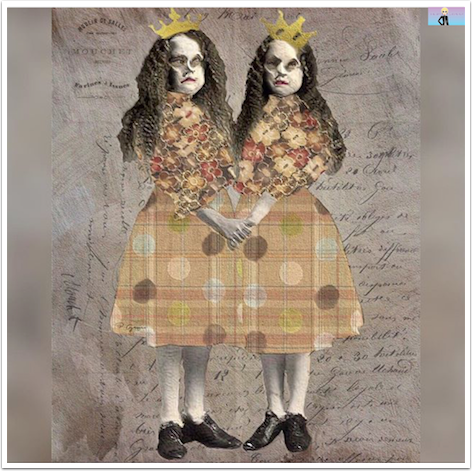
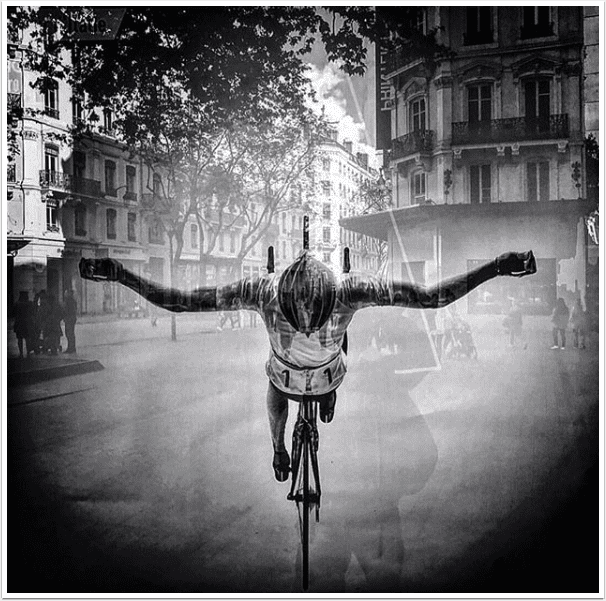
It’s with great pleasure that we feature Richard Smith today. Richard is an accomplished mobile photographer and has been recognized globally for his photomontage art. In this article Richard explains his processes in a very inspiring way, I think you will enjoy this very much. Over to you Richard… (foreword by Joanne Carter). "I’m constantly taking pictures of what’s around me at any given time – on my commute to the day job, on travels, or just around the house and neighborhood. When the creative urge strikes, I select two or more images from recent photos or my archives that subconsciously make sense to me for blending. And…
Photo Tool Apps – Reduce camera shake – in your pictures – by Martin Duerr
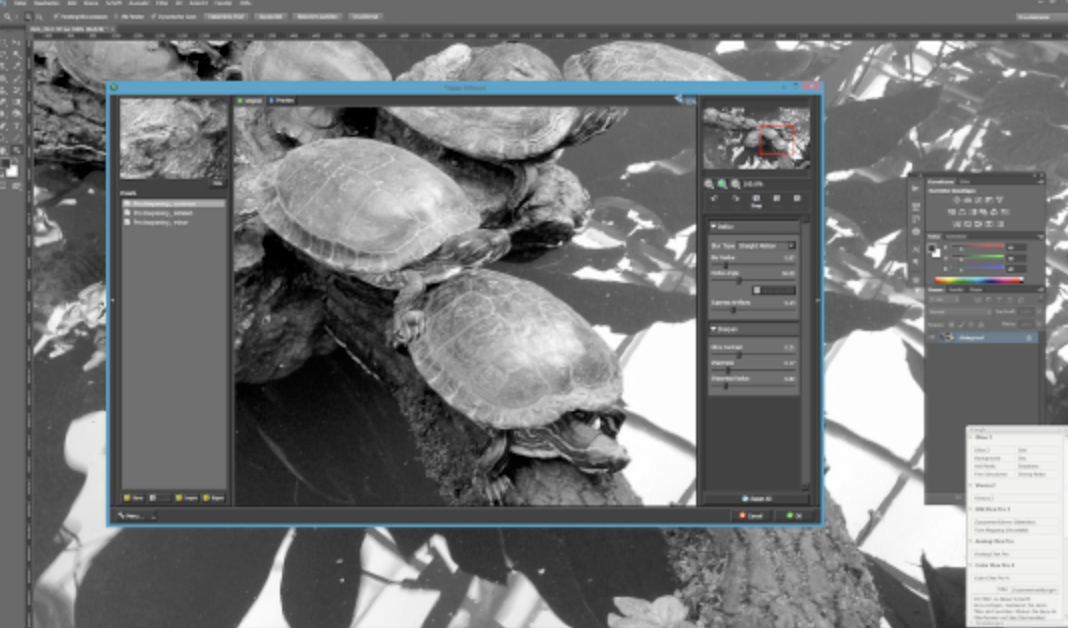
While the iPhone, with the iOS behind and all those nice photo and art apps available, is a wonderful mixture to do art and art related stuff right in your hands it is not so perfect to help you edit imagery which is “shaky”. Yes, there are software driven stabilizers available for several apps, but it still could happen that a picture you want to have “sharp” is slightly blurred due to unexpected camera movement because it’s windy for example. Let’s discover three different methods, or better plugins, you can use to save your images. Yes, you will need Photoshop for that, but there is no written rule that you…
iPhone Photography Tutorial – PopAGraph – Part 2 – By Jerry Jobe
We’re delighted to publish Jerry Jobe’s latest tutorial this time it’s on the app ‘PopAGraph’ and is in two parts, this is part 2. We published Part 1 last week, if you missed that, please go here. We think you will really enjoy this, over to you Jerry (foreword by Joanne Carter). PopAGraph is free and here’s the link to download it “In the last entry we started discussing the PopAGraph app. One thing I didn’t mention is that typing the name of the app over and over is like typing a secure password – all those random capitals! But that’s my problem, not yours. At this point, our image…
iOS Photography Technical Tutorial – PhotoMotion – By David Hayes
We’re delighted to publish David Hayes’ latest technical iOS Photography tutorial. This time it’s on the very new and popular app, PhotoMotion. We are sure you will really enjoy this, over to you David(foreword by Joanne Carter). “East Coast Pixels, the same group that produced such winners as PhotoToaster and TitleFx, have recently released PhotoMotion. This app allows you to add “motion” to your stills…and in the spirit of all filmmakers…gives you the chance to create narratives ala Ken Burns. If you are a follower of the mobile photographers, Cat Morris, Andrea Koerner, Roger Guetta, and myself you have already seen what this app can do! I’d like to…
iOS Photography Technical Tutorial – ‘PopAGraph’ Part 1 – By Jerry Jobe
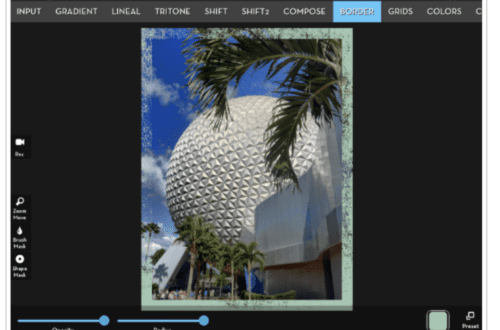
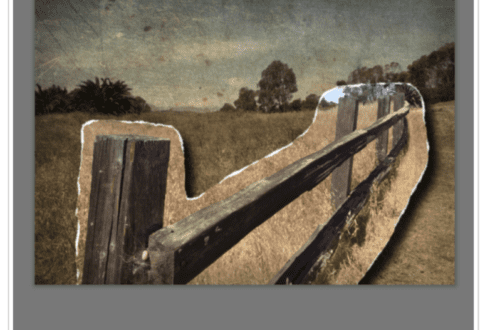
We’re delighted to publish Jerry Jobe’s latest tutorial this time it’s on the app ‘PopAGraph’ and is in two parts, this is part 1. We think you will really enjoy this, over to you Jerry (foreword by Joanne Carter). PopAGraph is free and here’s the link to download it “With some apps, it’s easier to show you what they do than to explain what they do. PopAGraph by Flambe Studios is one such app. As suggested by the name, the app allows you to “pop” part of your image out over a frame, as if the frame can’t hold it. Let’s show you an example so you can know…
Photo Tool Apps – Taking A Look At Workflow For Mobile Photographers with Martin Duerr
We are delighted to publish this very interesting article by our Photo Tool App Editor, Martin Duerr. Our Photo Tool App section is brand new and one that we feel is incredibly important. This section is designed to essentially help you operate and utilize your DSLR’s, mirrorless and medium/large format cameras with specialised apps, as well as utilise your mobile photography workflow regardless of whichever platform you use. You can read more about our new Photo Tool Apps section here. In this article Martin offers some great advice for utilising your mobile photography workflow with your Nokia Windows phone as well as Apple iOS system. He recommends some great apps…
Pinhole Assist – iOS Tool App Giveaway
We mentioned Pinhole Assist yesterday, see here, it’s an excellent companion to argentic pinhole and wet-plate collodion photography. The range of aperture and sensitivity (starting at 0.25 ISO) allows for wet-plate and slow processes as well as pinhole. Pinhole Assist is packed with predefined light measurement but there’s also manual override. There’s also a good deal of reciprocity charts included and new with this update, is the HOLD/Resume button for light meter. The app has also been redesigned for iOS 7 with enhanced usability and swifter access to the most common settings. Pinhole Assist has just had another update overnight to iron out a bunch of bug fixes. Pinhole Assist…
You May Also Like
Mobile Photography – App of the Day – GIVEAWAY – LumaFX worth $0.99 – Repeated!!!
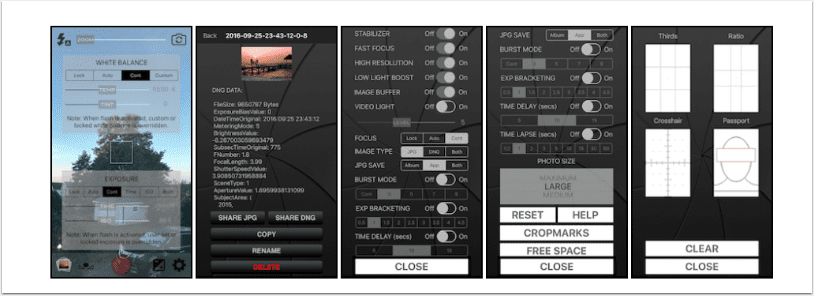
Mobile Photography – App of the Day – Raw! Photo Pro – Advanced DNG Camera Giveaway Today – Each Worth $19.99
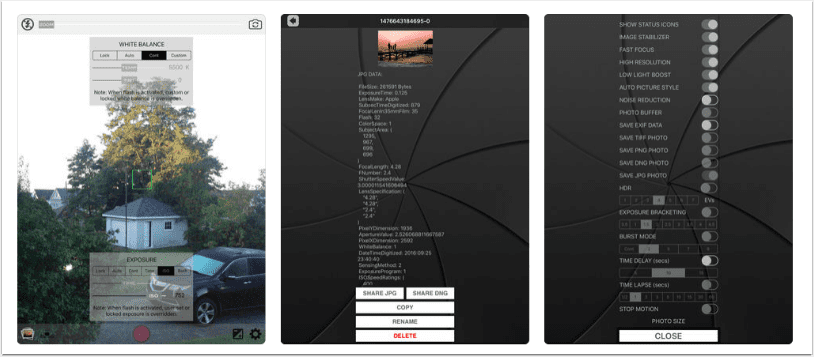
Mobile Photography – App of the Day – Raw! Photo Pro – Advanced DNG Camera Giveaway Today Again!
iOS Photography Tool Apps – Pinhole Assist – Updated
As many of our loyal readers will be aware, we have a brand new section to theappwhisperer.com entitled Photo Tool Apps and we have a fabulous editor Martin Duerr heading this up. You can find out more about this new section here. Pinhole Assist is an excellent companion to argentic pinhole and wet-plate collodion photography. The range of aperture and sensitivity (starting at 0.25 ISO) allows for wet-plate and slow processes as well as pinhole. Pinhole Assist is packed with predefined light measurement but there’s also manual override. There’s also a good deal of reciprocity charts included and new with this update, is the HOLD/Resume button for light meter. The…
Creative Mobile Photography Tutorial – ‘The Creation of Smeagol’ by Nico Brons
We’re delighted to publish the latest in our series of creative mobile photography tutorials with this stunning one by Nico Brons. Nico takes us through the steps to create a fabulous image of Smeagol also known as Gollum from J. R. R. Tolkein’s legendarium. It’s a fabulous tutorial that we’re sure you will all enjoy. Links to all apps are highlighted and within the text. Over to you Nico (foreword by Joanne Carter). “In this tutorial I will show you how I created my imaginative design of Smeagol, the great figure in the story and movie of “The Lord of the Rings”. The original image I took with the…