TUTORIALS
Nude Tutorial – iPhone Photography/Art – Not Safe For Work – (NSFW)
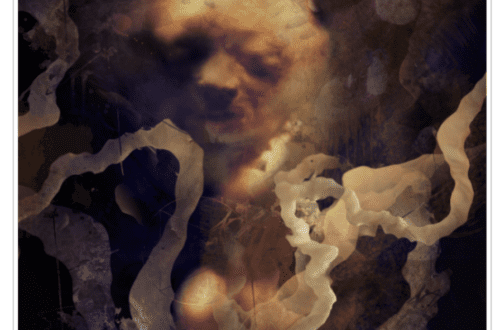
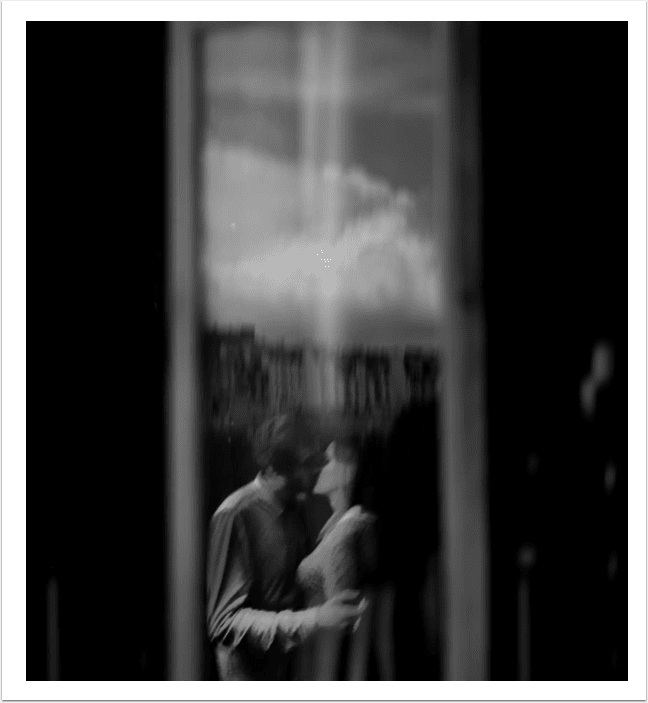
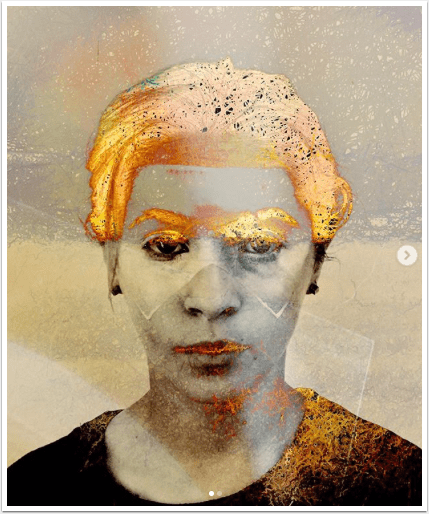
Warning: First off, I want to apologize to anyone who may be offended by the content of this educational tutorial. I have published nudity previously and have been shot down. I have added to the title ‘not safe for work’ – NSFW and would recommend you don’t open this in a workplace or family setting if it is likely to cause offense. My purpose in publishing this article is to inspire iPhone photographers/artists to learn from this incredibly talented mobile photographer/artist, Elaina Wilcox and to enable them to learn how to create similar images. If you’re offended please send your comment/s to the end of this post and…
iPhone Photography Tutorial – Vintage & Aging Photo Effects (for beginners)
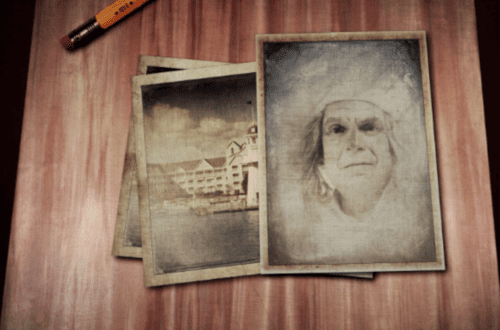
We’re really pleased to publish Natali Prosvetova’s latest tutorial with us. In this one she explains how to create vintage looking images in just a few easy steps. This tutorial is aimed at beginner level. This is an inspiring tutorial and one we think you will really enjoy. Over to you Nat…(foreword by Joanne Carter). If you really love the vintage look for you images, you can create it in a few easy steps, using different ways, fortunately there are many! While the word vintage means old, old and vintage are relative terms. For one person, a vintage portrait could mean one specific era, at the same time for other…
BlurFX – Tutorial – Using Blur To Improve Your Mobile Images
Recently we published two similar articles by our Columnist ItalianBrother aka Dilshad Corleone, in the first one he used the app Big Lens, in the second he used After Focus. This time Dilshad takes us through the paces of using a similar technique with BlurFX. Over to you Dilshad (foreword by Joanne Carter). A few days ago I was having a lovely conversation with my very good IG friend Ian Garrington (@iangarrington on Instagram), about the various blurring apps that one can find around. At one point he said something that made me come up with an idea, one of those moments when a light-bulb lights up over your…
HDR Tutorial – Using More Than One HDR App On A Single Image
We have interviewed Geri Centonze and published a previous tutorial of hers recently, if you’ve missed those, please go here. In this latest tutorial Geri takes us through the paces of creating an HDR image with a variety of apps, something perhaps you may not do currently. Take it away Geri (foreword by Joanne Carter). There are many ways to create the look of HDR (High Dynamic Range imaging) including apps that do a pretty good job, but I prefer to use a variety of apps to get the HDR look I want. Here’s the before photo, just a casino bus that was driving down the road (below). …
Photo Toaster – Updated
Photo Toaster is another incredibly popular iPhone photography app, we have covered it several times here at theappwhisperer.com. Our Columnists Teri Lou Dantzler and Keith Tharp both gave great overviews. You can check them out by clicking on their embolded names if you missed those. Both versions of PhotoToaster have been updated today, the free and the not so free. Both now have full iPhone 5 support, new Facebook and Tumblr integration, performance improvements and they’re now iPhone 5 and iPad 4 optimized. Both are free updates. If you haven’t already purchased the full version of PhotoToaster, it retails for $1.99/£1.49 and you can download it here.
After Focus – Tutorial – Using Blur To Improve Your Mobile Images
Recently we published a similar article by our Columnist ItalianBrother aka Dilshad Corleone but that time he used the Big Lens app – if you missed that article, go here. This time Dilshad takes us through the paces of using a similar technique with After Focus. Over to you Dilshad (foreword by Joanne Carter). A few days ago I was having a lovely conversation with my very good IG friend Ian Garrington (@iangarrington on Instagram), about the various blurring apps that one can find around. At one point he said something that made me come up with an idea, one of those moments when a light-bulb lights up over…
AnyShape – Photo Editor – Tutorial – Putting The Crop Tool To Work!
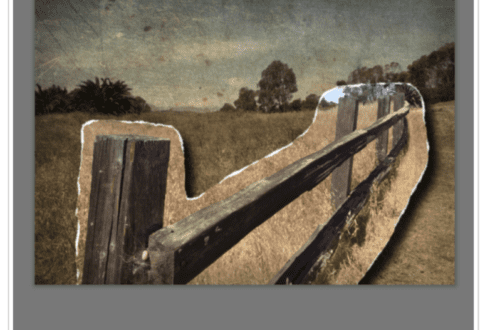
In my first Any Shape tutorial, see here, I spent time taking an overall look at Any Shape’s selection tool and its FX library. In this article, I’d like to take a look at using its cropping tools to create digital “stamps” that you can use in your digital college projects. We hope you feel inspired to try AnyShape – Photo Editor for yourself after reading this tutorial. You can download it here, it retails for $1.99/£1.49. Step 1 I went into my photo library and pulled up this image, Faded Beauty that I posted on my website back in July. To bring this into Any Shape, click on…
Tutorial – Creative – Lens Flare
Lens Flare is an app by BrainFeverMedia, the creators of LensLight and Alien Sky. If you’ve seen J.J. Abrams’ Star Trek and you liked it, you will just love this app. The app allows you to add a wide variety of natural looking lens flares and also some textures to your images. It has an impressive tool set that should satisfy the need of every sci fi addict but it is also quite useful for landscapes or even street shots if you want to enhance your images in a very realistic way. The app first came on the market in February 2010 and has been recently updated to give the users some…
Tutorial – Technical – Layover – A First Look
For a long time there were only a couple of apps that everyone seemed to use when they wanted to blend layers. Apps like Iris, Image Blender, and Juxtaposer. Each of these have their strengths and are quite dependable blenders. However, you can only blend two layers at a time when using these which can slow you down if, you’re working with more than two layers while building your image. Recently the same folks, Peak Systems, that brought us Diptic introduced a new blending app, Layover. It’s been out long enough to work out some of its newness and was updated back in mid-October. What’s special about Layover is that…
MyPadLive – iPad Processing With AntiCrop And TouchRetouch
Teri Lou has just completed her first video tutorial to her brand new Column on theappwhisperer.com, MyPadLive. In this iPad video demonstration Teri Lou explains how to use AntiCrop and TouchRetouch to improve your image. She processes an image from the Palouse using the application AntiCrop to expand the canvas and TouchRetouch to improve the repeating pattern. We hope you find this video as inspiring and creative as we do. If it inspires you, you can download the apps included in this video below: AntiCrop – $0.99/£0.69/download TouchRetouch – $0.99/£0.69/download Video